
Graduate school demands extraordinary intellectual organization. Between synthesizing hundreds of research papers, drafting multi-chapter theses, preparing for comprehensive exams, and managing complex research projects, the right note-taking and mind mapping apps can transform academic chaos into structured knowledge. The best tools in 2026 offer AI-powered summarization, interconnected knowledge graphs, real-time collaboration, and spaced repetition that actively support the graduate research process.
This guide reviews 12 of the best note-taking and mind mapping apps for graduate students in 2026, covering everything from handwriting-focused tablet apps and interconnected knowledge bases to professional mind mapping tools and collaborative visual workspaces. Whether you are annotating journal articles, planning your dissertation structure, brainstorming with your research group, or building a personal knowledge system, these apps deliver the intellectual infrastructure graduate school requires. For more academic app recommendations, explore our guides on apps for grad students, iPad note-taking apps, Mac note-taking apps, grad student wellness apps, and digital planner apps.
Table of Contents
- SimpleMind Pro (Rating 4.8)
- GoodNotes (Rating 4.8)
- Notion (Rating 4.6)
- Microsoft OneNote (Rating 4.6)
- Notability (Rating 4.5)
- Miro (Rating 4.3)
- XMind (Rating 4.2)
- Obsidian (Rating 4.0)
- Joplin (Rating 3.9)
- Evernote (Rating 3.6)
- RemNote (Rating 4.0)
- MindMeister (Rating 3.4)
- Which App Should You Choose?
- Academic Note-Taking and Mind Mapping Tips
- Frequently Asked Questions
1. SimpleMind Pro (Rating 4.8)
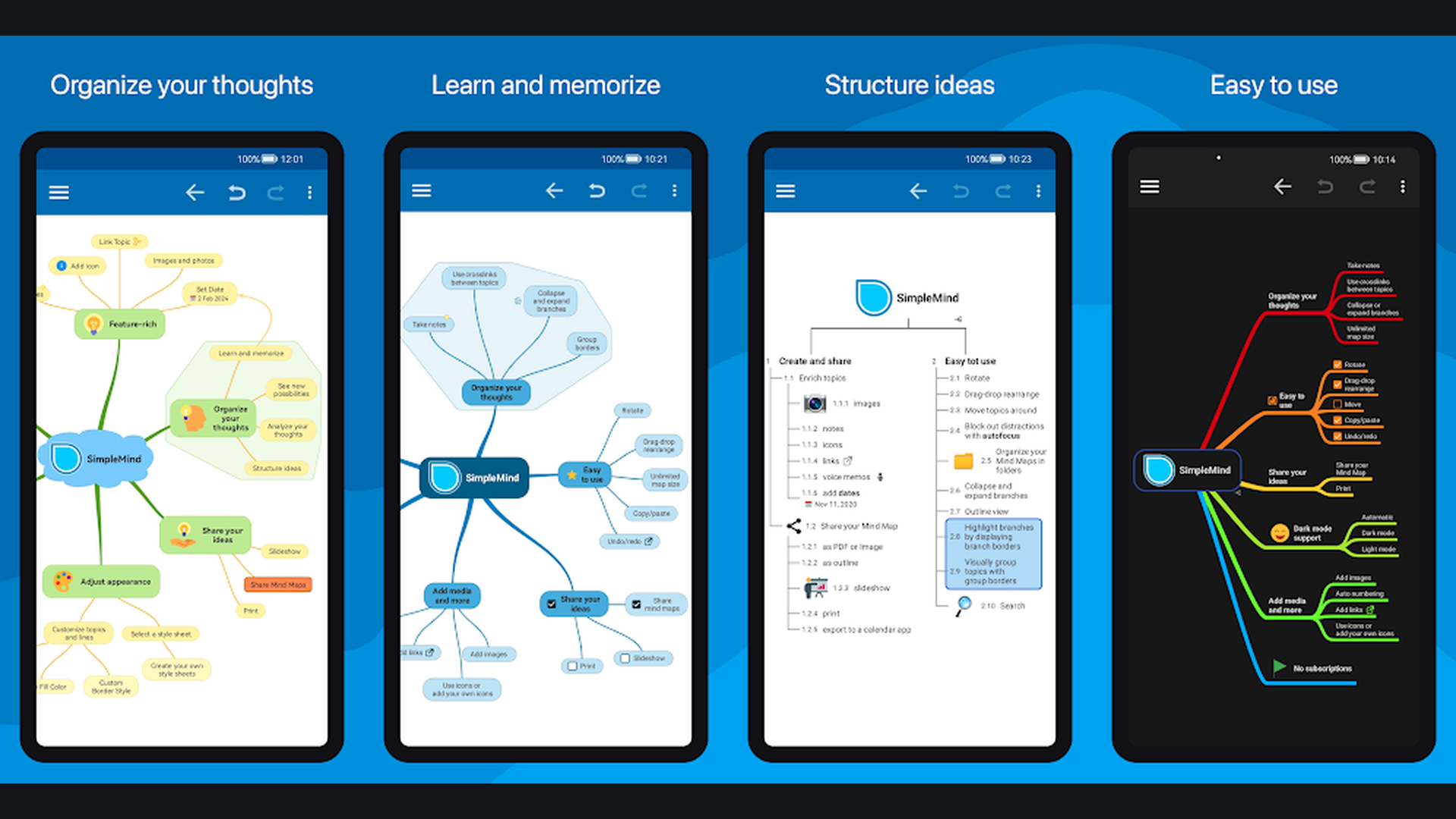
SimpleMind Pro is the highest-rated dedicated mind mapping app on mobile, offering unlimited canvas size, customizable node styles, cross-linking between branches, image attachments, and seamless synchronization that makes it ideal for thesis planning, literature review visualization, and complex research project organization. SimpleMind Pro excels at transforming complex graduate-level thinking into clear visual structures. The free-form layout lets you position nodes anywhere on an infinite canvas, unlike rigid auto-layout tools. The cross-linking feature connects ideas between different branches, perfect for showing relationships between research themes, theories, and evidence. The customizable node styles let you color-code by category (methodology, findings, literature, questions). The image and document attachment feature embeds PDFs, photos, and links directly into mind map nodes. The outline view converts your visual map into a linear document outline, instantly creating a thesis chapter structure. The voice memo recording captures ideas during research sessions. The export options include PDF, PNG, OPML, and Freemind format for sharing with advisors. The cloud sync keeps your maps synchronized across phone, tablet, and desktop. SimpleMind Pro costs around $7.99 (one-time purchase). For grad students who want the most flexible and powerful dedicated mind mapping tool, SimpleMind Pro is the best investment. Organize research with digital planner apps.


2. GoodNotes (Rating 4.8)
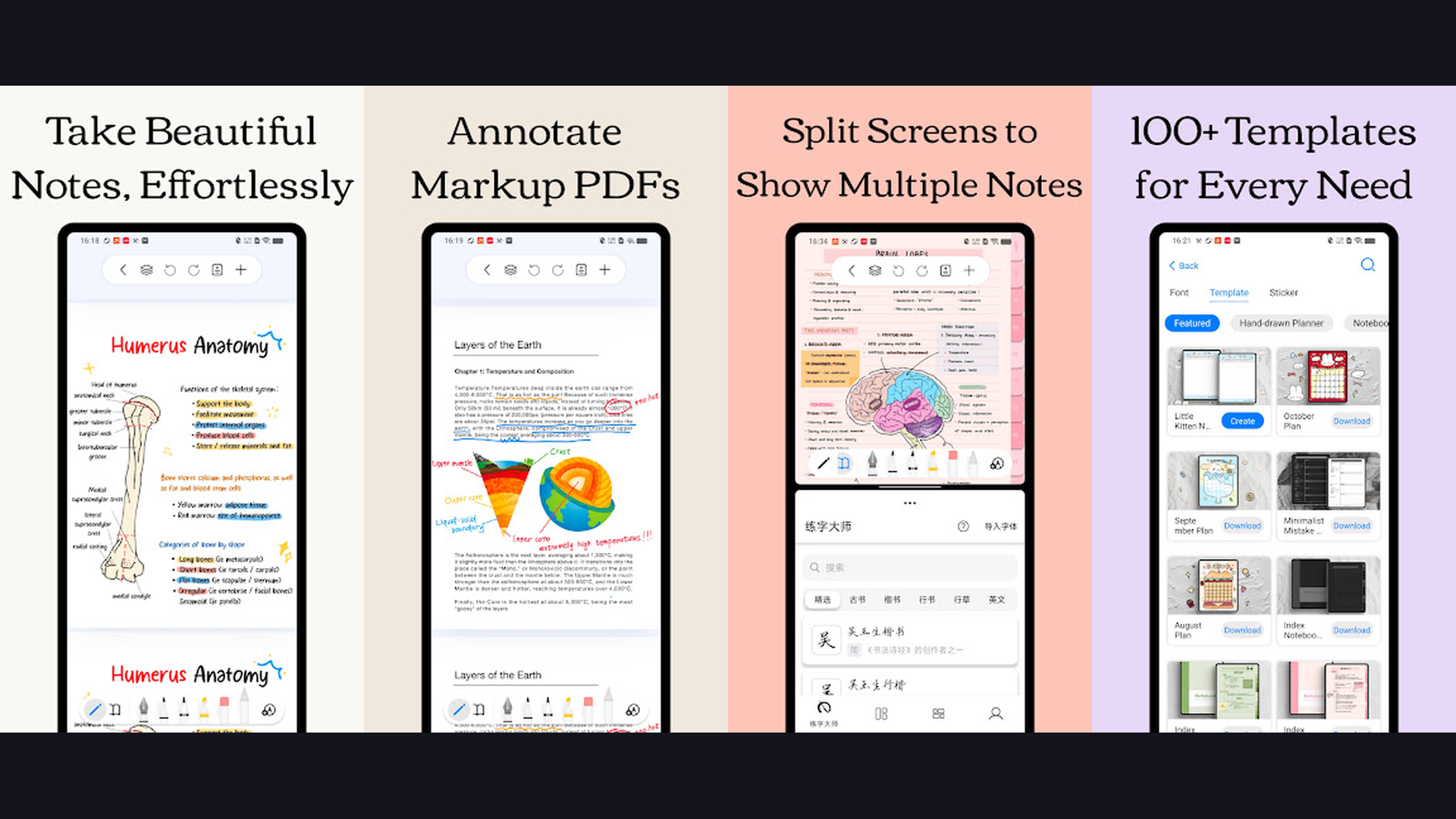
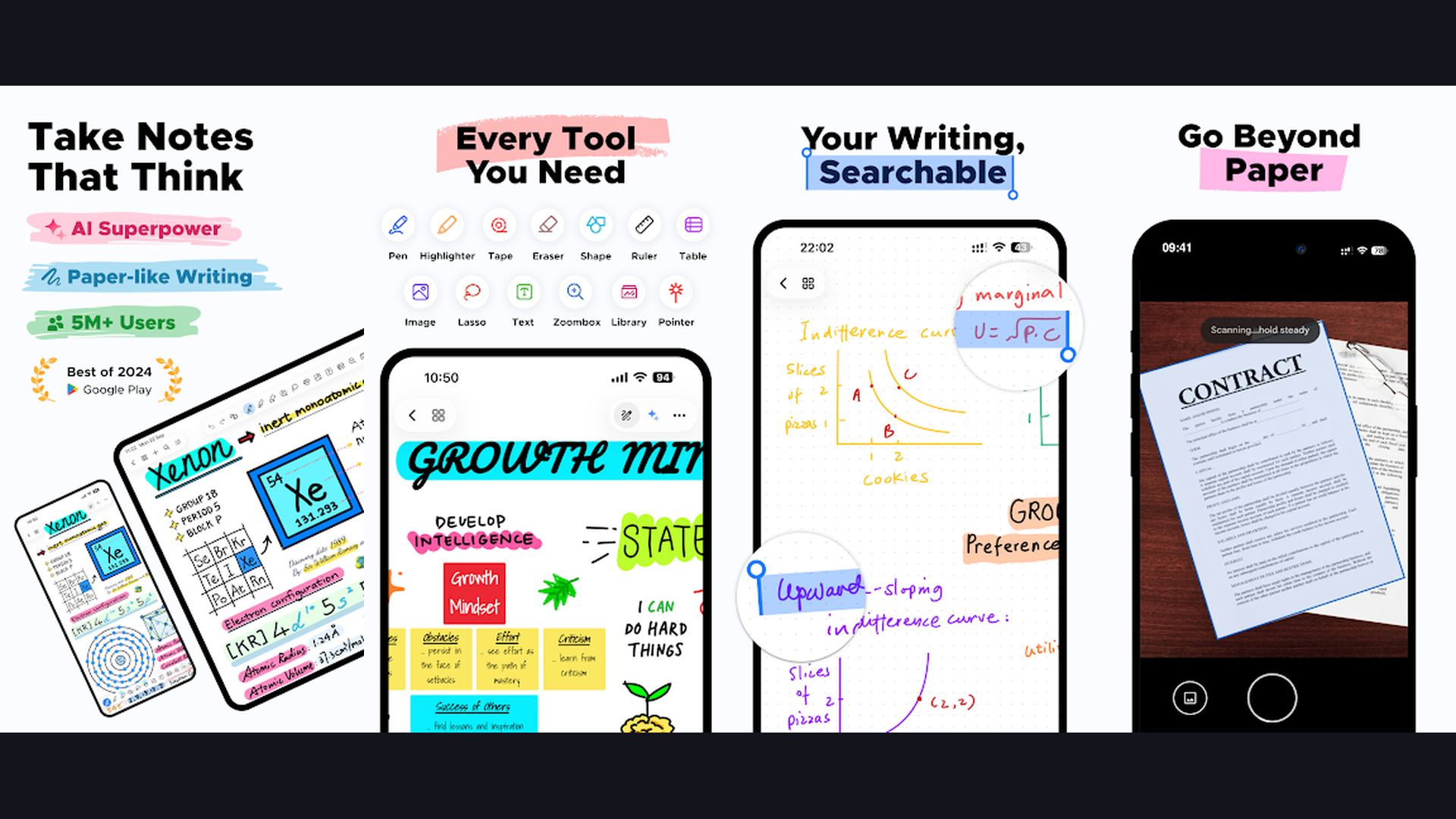
GoodNotes is the premier handwriting note-taking app for tablet users, offering Apple Pencil and stylus support, advanced PDF annotation, AI-powered handwriting recognition, nested folder organization, and a paper-like writing experience that transforms your iPad or Android tablet into the ultimate academic notebook. GoodNotes is the gold standard for grad students who prefer handwriting their notes. The writing engine provides near-zero latency with pressure sensitivity and palm rejection. The AI handwriting recognition converts your handwritten notes into searchable text, making it easy to find specific topics across hundreds of pages of lecture notes. The PDF annotation toolset includes highlighting, underlining, text insertion, sticky notes, and freehand markup, perfect for annotating research papers and journal articles. The nested folder system organizes notes by semester, course, and topic. The template library includes lined paper, graph paper, dot grid, Cornell note format, and custom templates. The lasso tool selects, moves, and resizes handwritten content. The collaboration features let you share notebooks with study groups. GoodNotes is free with limited notebooks (full version from $9.99/year). For tablet-owning grad students who think better with a pen, GoodNotes is essential. More iPad tools at iPad note-taking apps.
3. Notion (Rating 4.6)
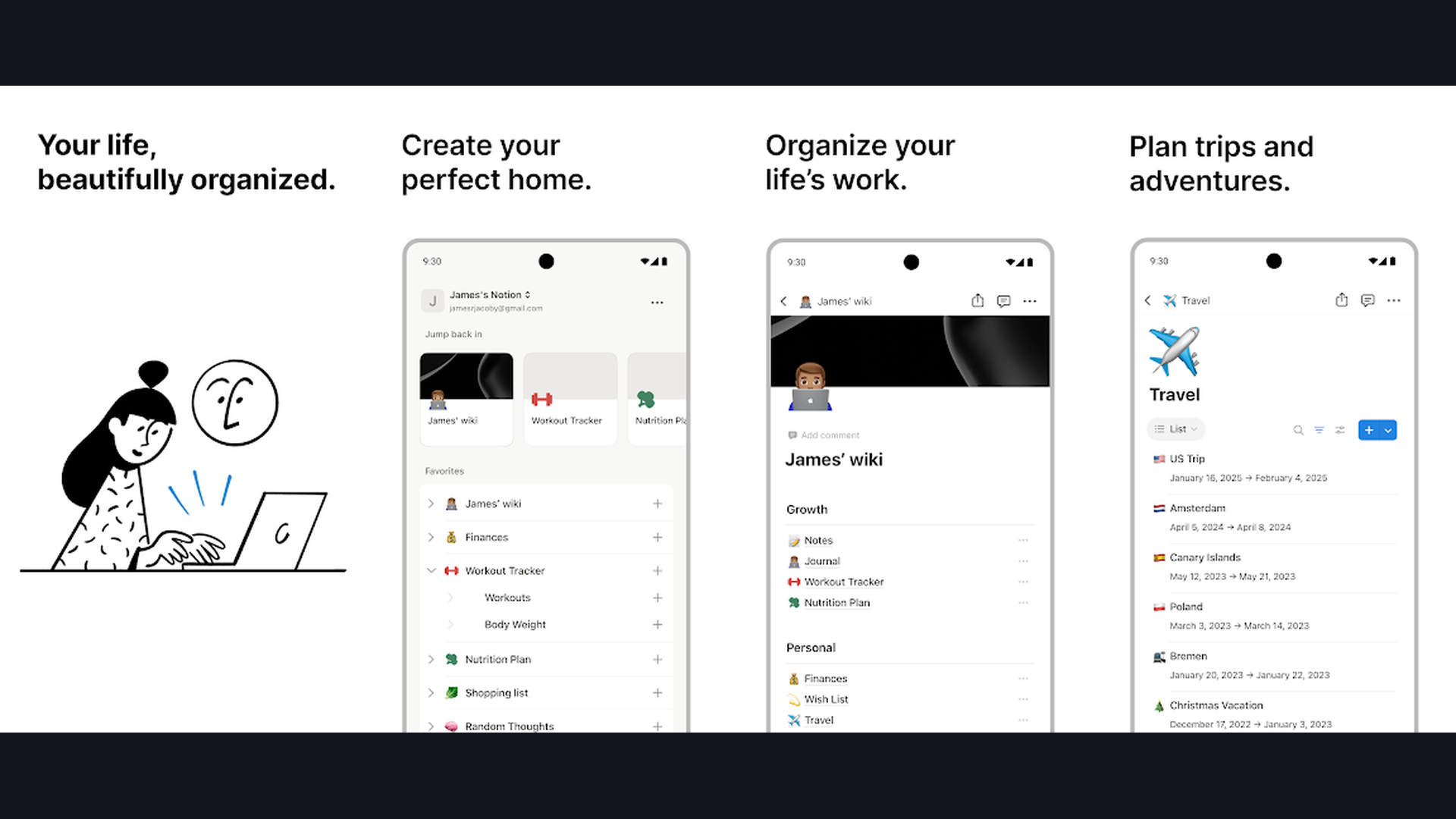
Notion is the most versatile all-in-one workspace for graduate students, combining note-taking, project management, databases, wikis, task tracking, AI assistance, and collaborative workspaces into a single platform used by millions of researchers and academics worldwide. Notion is the Swiss army knife of academic productivity. The block-based editor supports rich text, tables, code blocks, embeds, toggles, callouts, and equations. The database system lets you build custom research databases: track papers you have read with custom properties (author, year, methodology, key findings, relevance score), manage your thesis timeline, log experiment results, and maintain a reading list with status tracking. The kanban board view transforms databases into visual project boards. The template gallery includes thesis planners, research logs, meeting notes, and literature review trackers. The AI assistant summarizes notes, generates outlines, answers questions about your content, and translates text. The wiki feature creates interconnected knowledge bases. The real-time collaboration allows co-editing with lab partners and advisors. Notion is free for personal use (Plus from $10/month). For grad students wanting one app for everything academic, Notion is the most complete solution. Plan your semester with grad student apps.
4. Microsoft OneNote (Rating 4.6)
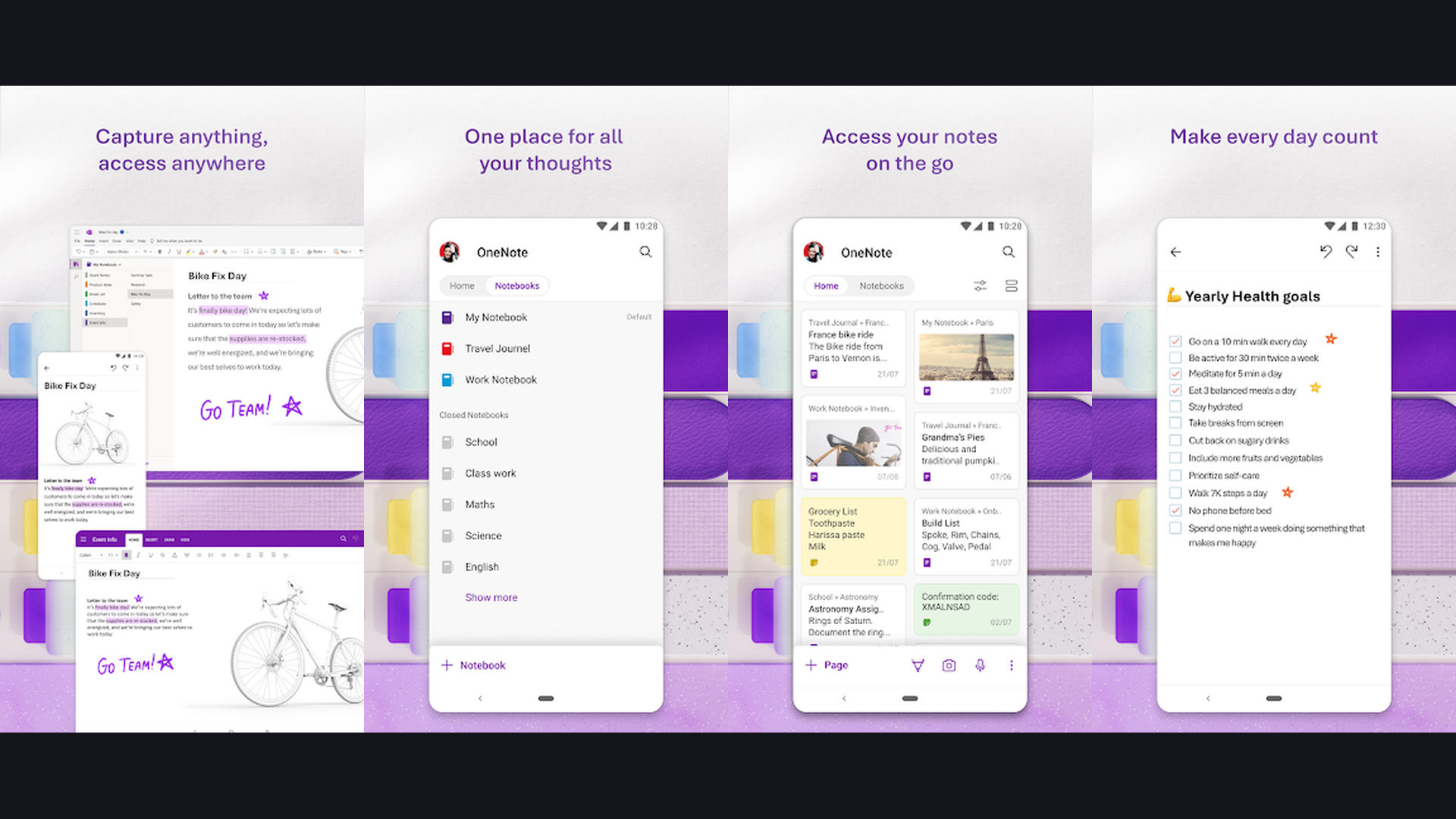
Microsoft OneNote is the most generous completely free note-taking app, offering unlimited notebooks with infinite canvas pages, handwriting support, audio recording synced to notes, web clipping, Office 365 integration, and cross-platform syncing that makes it ideal for lecture capture, research organization, and thesis drafting. OneNote stands alone as a genuinely free, full-featured note-taking platform with no artificial limitations. The notebook/section/page hierarchy maps perfectly to academic organization: one notebook per course, sections for topics, and pages for individual lectures and readings. The infinite canvas allows notes to be placed anywhere on the page, enabling spatial organization that mirrors how researchers think. The ink-to-text feature converts handwriting to typed text. The audio recording timestamps notes to specific moments in the recording, so tapping a note plays back exactly what the professor said at that point. The web clipper captures articles, PDFs, and web pages directly into notebooks. The integration with Microsoft 365 means seamless compatibility with Word, Excel, PowerPoint, and Outlook. The math assistant solves equations and plots graphs. OneNote is completely free. For grad students on a budget wanting a powerful, no-cost note-taking solution, OneNote is unbeatable. Integrate with Mac workflows.
5. Notability (Rating 4.5)
Notability is the best note-taking app for lecture recording, combining synchronized audio-to-handwriting capture, Apple Pencil support, PDF annotation, and multi-media notes that let you re-listen to specific moments in a lecture by tapping the notes you wrote during that moment. Notability unique audio sync feature is transformative for graduate seminars and lectures. Start recording at the beginning of class, take handwritten notes as the professor speaks, and later tap any word or drawing to hear exactly what was being said at that exact moment. This creates a complete, reviewable record of every lecture. The handwriting experience is smooth and responsive with excellent palm rejection. The PDF annotation tools handle research papers with highlighting, text notes, and freehand markup. The divider and subject system organizes notes clearly. The math conversion recognizes handwritten equations and converts them to formatted notation. The presentation mode turns notes into slides for research presentations. The iCloud sync keeps notes available across all Apple devices. The sticker library adds visual organization to notes. Notability requires a subscription (from $14.99/year). For grad students who attend intensive lectures and seminars, Notability audio sync is irreplaceable. More note tools at iPad apps.
6. Miro (Rating 4.3)
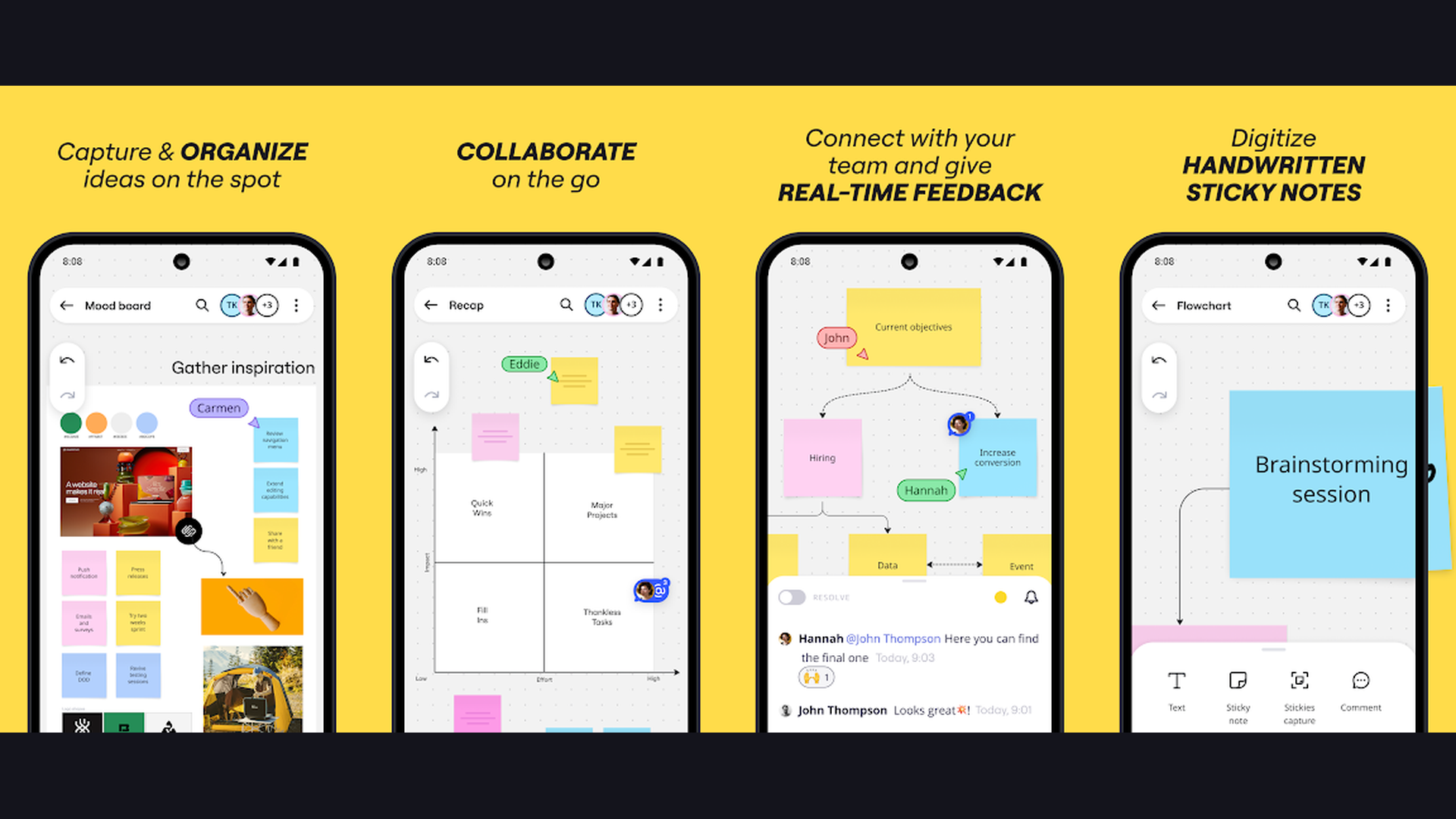
Miro is the most powerful collaborative visual workspace, providing an infinite canvas whiteboard with mind mapping, flowcharts, sticky notes, diagramming, real-time collaboration, and AI-powered clustering that makes it perfect for research group brainstorming, thesis defense preparation, and collaborative project planning. Miro excels in collaborative academic contexts. The infinite canvas provides unlimited space for brainstorming sessions, research planning, and visual thinking. The mind mapping tools create structured idea hierarchies with customizable nodes, colors, and connections. The sticky note feature replicates physical brainstorming with digital convenience. The flowchart and diagram tools visualize research methodologies, experimental workflows, and decision trees. The real-time collaboration allows entire research groups to work simultaneously on the same board, making it invaluable for lab meetings and group projects. The AI features cluster related ideas, summarize discussions, and generate action items from brainstorming sessions. The template library includes research frameworks, project timelines, SWOT analyses, and affinity diagrams. The presentation mode converts boards into slide decks. The voting feature helps groups prioritize ideas democratically. Miro is free for up to 3 boards (Team from $10/month). For collaborative research groups and lab teams, Miro is the best visual workspace. Collaborate with academic toolkits.
7. XMind (Rating 4.2)
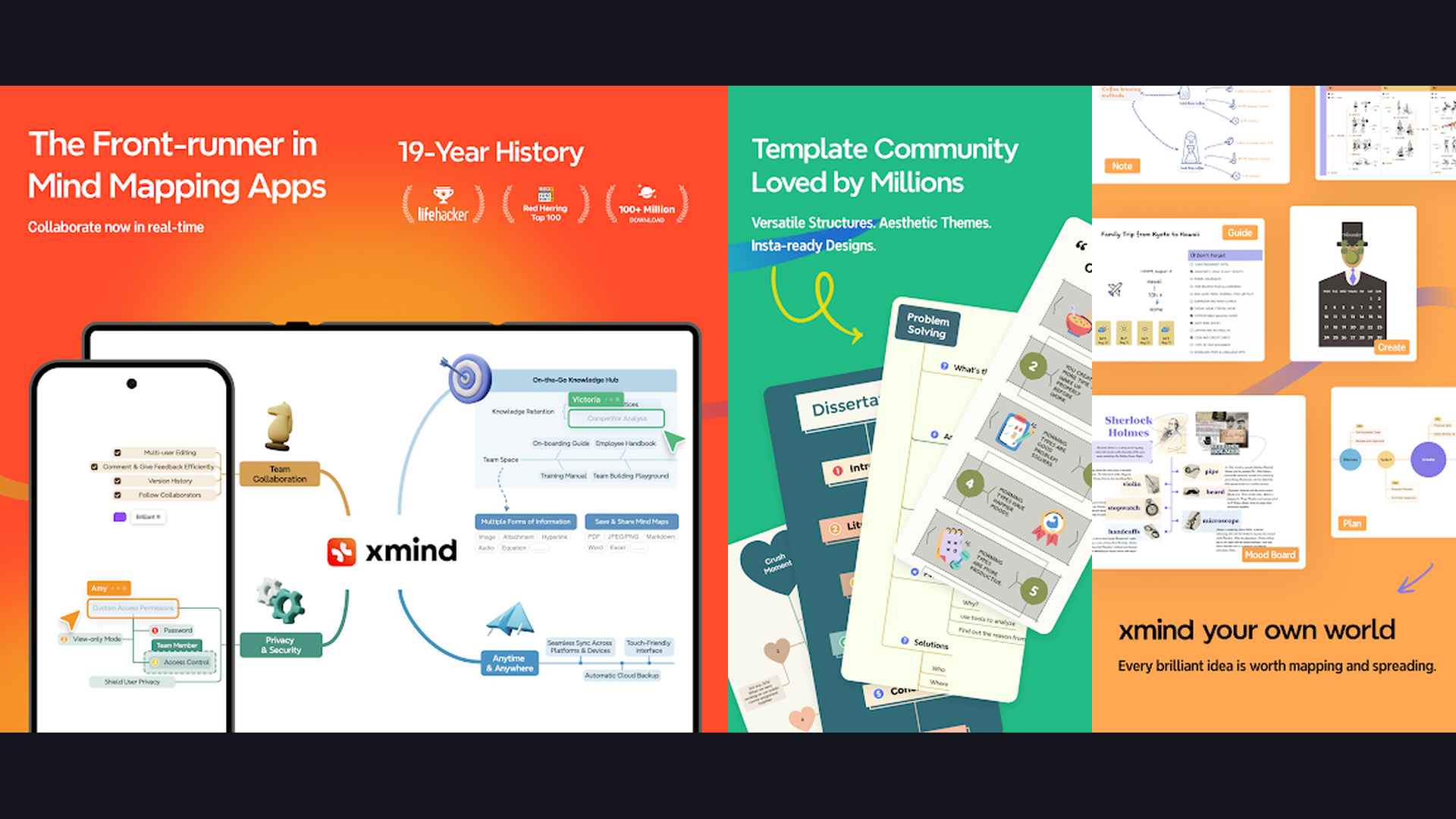
XMind is the most polished professional mind mapping application, creating publication-quality diagrams with multiple map structures (fishbone, matrix, timeline, org chart, tree), presentation mode, and export options that produce mind maps suitable for thesis defense presentations and academic publications. XMind produces the most visually refined mind maps of any mobile app. The structure variety goes far beyond basic radial maps: fishbone diagrams for cause-and-effect analysis, matrix charts for comparing research variables, timeline views for project planning, organizational charts for hierarchical concepts, and tree diagrams for classification systems. The theme system applies consistent, professional styling to maps with modern color palettes and typography. The relationship lines connect ideas across different branches with labeled connectors. The boundary feature groups related concepts with colored regions. The summary feature adds explanatory text to branch collections. The presentation mode converts mind maps into slideshow presentations with animated builds. The Pitch Mode creates a zooming presentation that navigates through the map cinematically. The export formats include PNG, PDF, SVG, Markdown, and OPML. XMind is free with Pro from $59.99/year. For grad students needing presentation-quality mind maps, XMind is the professional choice. Present research with organization tools.
8. Obsidian (Rating 4.0)
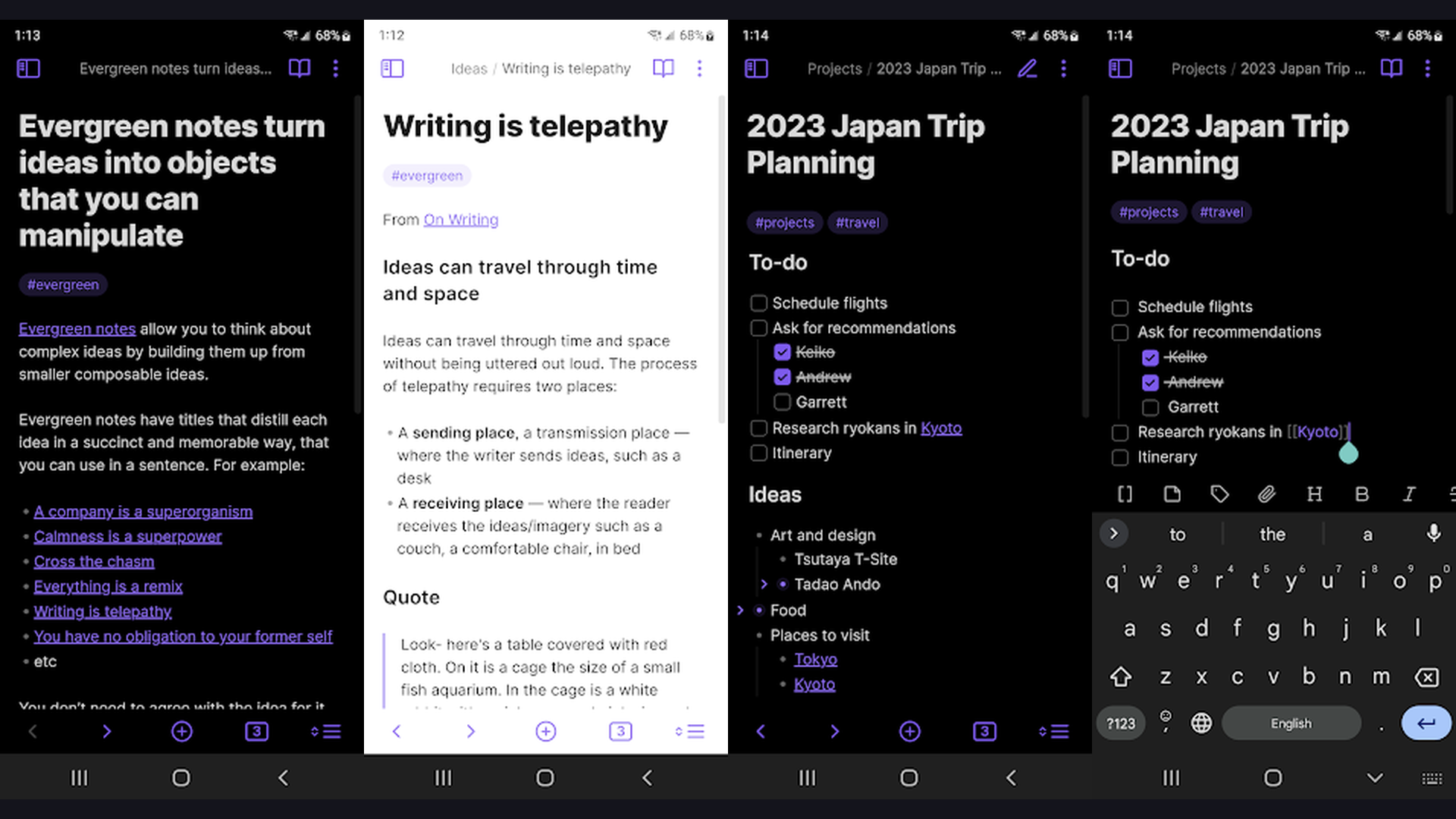
Obsidian is the most powerful knowledge management tool for researchers, using local Markdown files with bidirectional linking, graph visualization, and a vast plugin ecosystem to create an interconnected personal knowledge base (sometimes called a "second brain") ideal for literature reviews, thesis research, and long-term knowledge accumulation. Obsidian is built for how researchers actually think: in connections, not folders. The bidirectional linking system lets you link any note to any other note, creating a web of interconnected ideas. The graph view visualizes these connections, revealing clusters of related concepts and unexpected connections between research topics. The local-first storage means your notes are plain Markdown files on your device, ensuring data ownership and permanent access. The Zettelkasten method support enables atomic note-taking for systematic knowledge building. The community plugins extend functionality: Zotero integration for citation management, Dataview for querying your notes like a database, Canvas for visual note arrangement, and Excalidraw for hand-drawn diagrams. The template system standardizes literature note formats. The daily notes feature creates a research journal. The search finds content across thousands of notes instantly. Obsidian is free for personal use (Sync from $4/month). For researchers building long-term interconnected knowledge bases, Obsidian is transformative. Build knowledge with self-hosted tools.
9. Joplin (Rating 3.9)
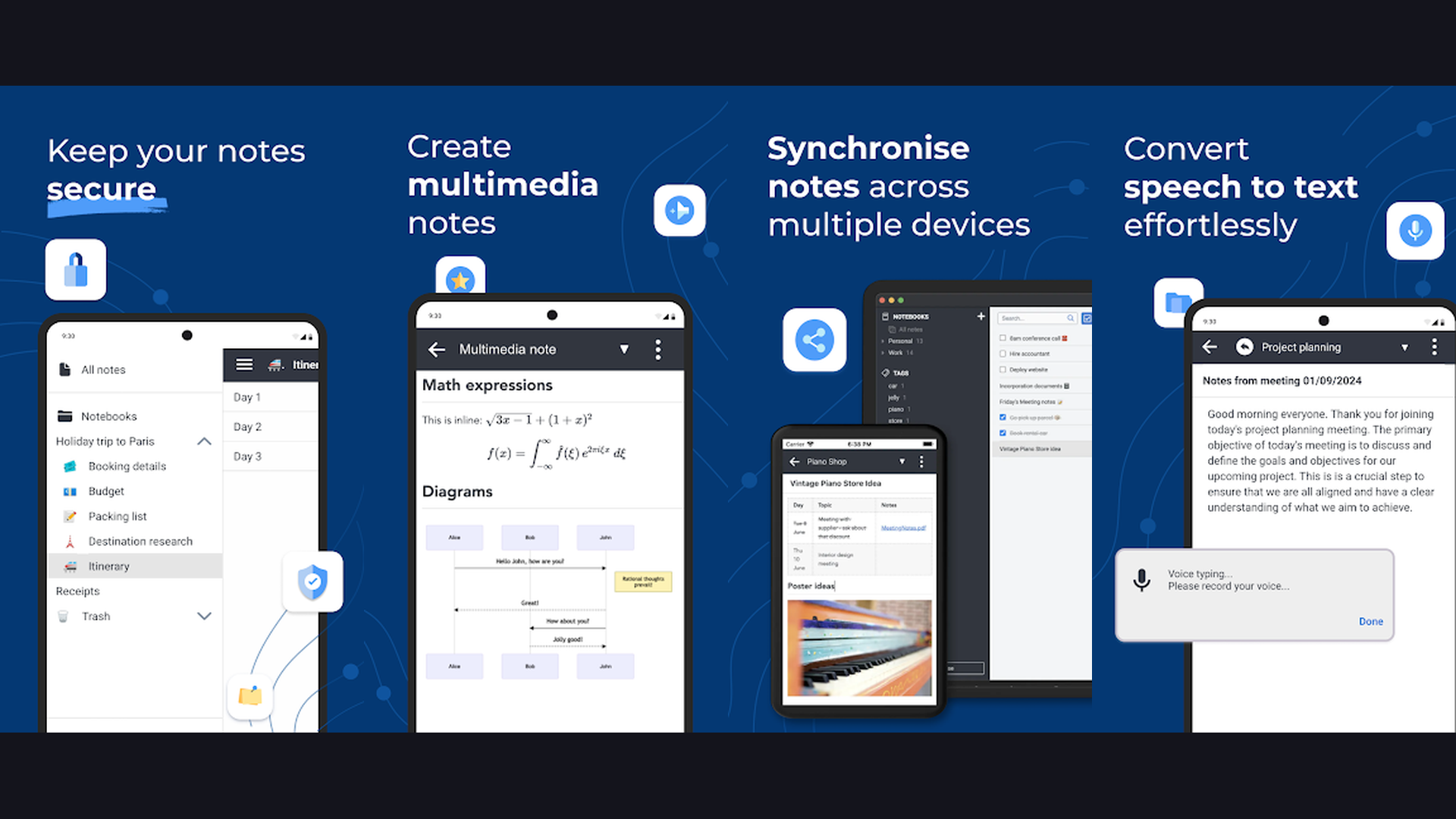
Joplin is the best open-source, privacy-focused note-taking app for grad students, offering end-to-end encryption, Markdown support, web clipping, notebook organization, and synchronization through your own cloud storage (Dropbox, OneDrive, Nextcloud) ensuring complete data ownership and privacy for sensitive research. Joplin is the ideal choice for grad students working with sensitive research data, IRB-protected information, or proprietary findings. The end-to-end encryption ensures notes cannot be read by cloud storage providers. The open-source codebase means the code is publicly auditable for security. The Markdown editor supports rich formatting, code blocks, math equations (KaTeX), and embedded images. The notebook and tag system provides flexible organization. The web clipper captures research articles from browsers with full formatting. The to-do system tracks research tasks with due dates. The synchronization supports personal cloud services (Dropbox, OneDrive, Nextcloud, WebDAV), giving you complete control over where your data is stored. The import function migrates from Evernote. The note history preserves previous versions. The external editor support lets you edit notes in VS Code or any text editor. Joplin is completely free and open-source. For privacy-conscious grad students wanting full data ownership, Joplin is the best choice. Secure your data with self-hosted solutions.
10. Evernote (Rating 3.6)
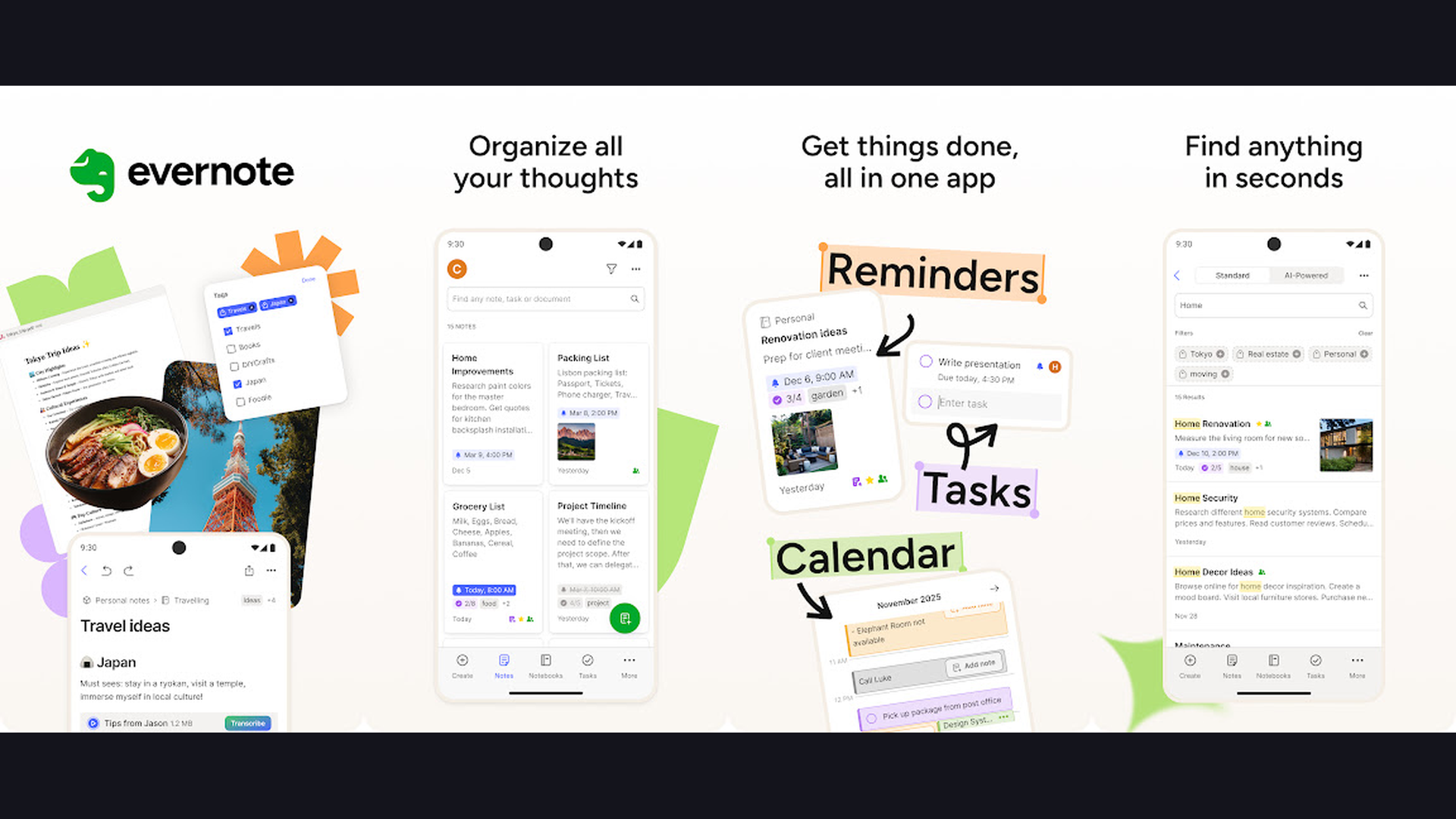
Evernote is the original digital notebook with the most mature web clipping, OCR-powered search that finds text inside images and PDFs, document scanning, notebook stacks, and tag-based organization that remains one of the most capable research collection tools for academic workflows. Evernote has been a staple of academic workflows for over a decade and its core strengths remain unmatched in specific areas. The web clipper is the most sophisticated of any note app: it captures full pages, simplified articles, bookmarks, or selected content with original formatting preserved. The OCR search finds text within scanned documents, photographs of whiteboards, handwritten notes, and PDF attachments, making every piece of captured content searchable. The document scanner converts physical papers, receipts, and handwritten notes into searchable digital documents. The notebook stacks create a hierarchical organization system. The tag system provides cross-cutting categorization. The templates include meeting notes, project plans, and research logs. The internal note linking connects related ideas. The task management integrates to-do lists with notes. The integration ecosystem connects with Google Drive, Slack, Microsoft Teams, and IFTTT. Evernote offers a free tier (Personal from $14.99/month). For grad students who collect research from many sources, Evernote web clipping remains best-in-class. Clip articles for learning resources.
11. RemNote (Rating 4.0)
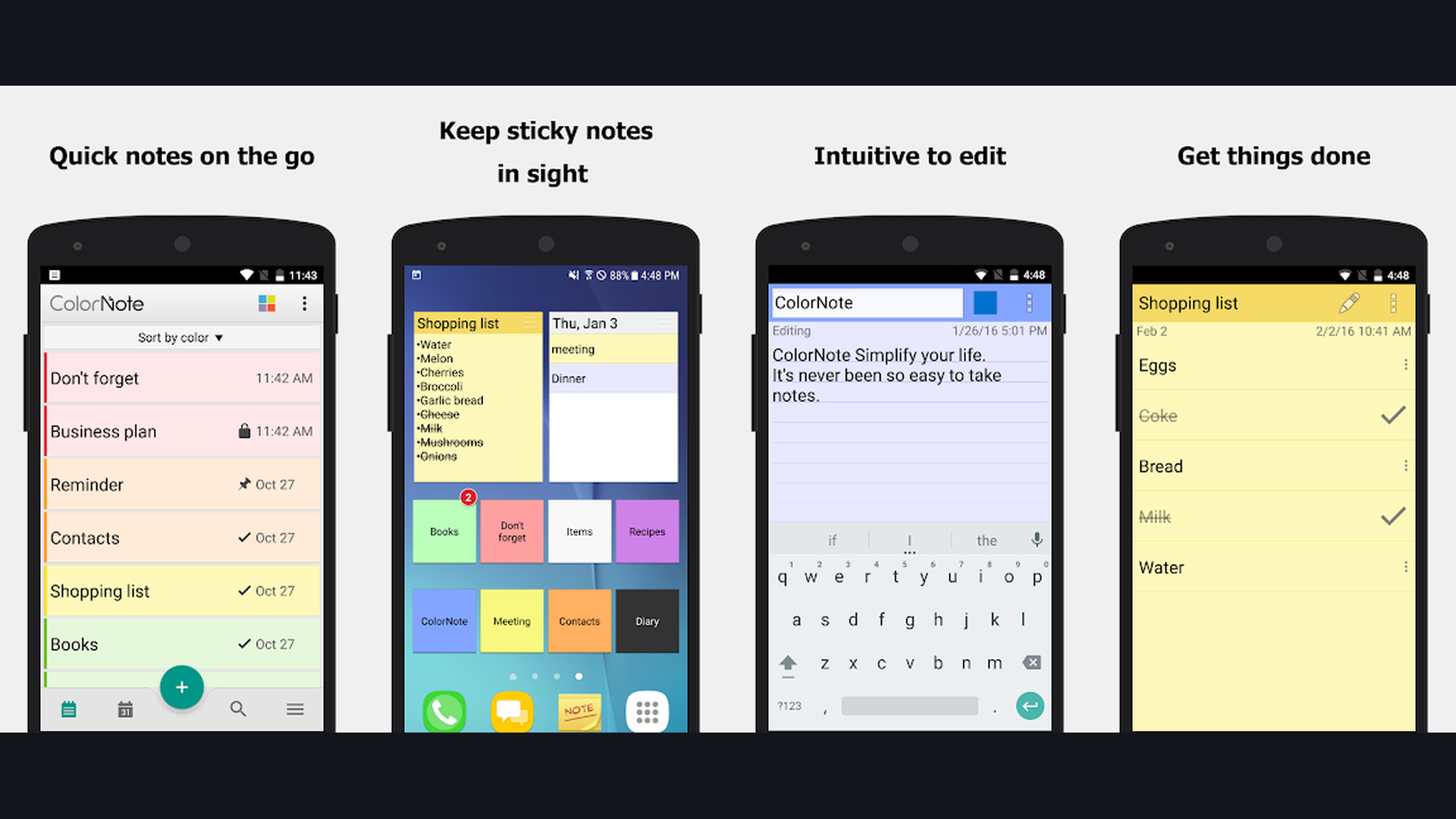
RemNote is the only note-taking app that natively integrates spaced repetition flashcards directly into your notes, letting grad students simultaneously take lecture notes and create study flashcards, with AI-powered summarization and question generation that transforms passive notes into active recall study materials. RemNote solves a fundamental problem for grad students: the gap between note-taking and studying. As you take notes, you can highlight key concepts and RemNote automatically creates flashcards from them. The spaced repetition algorithm schedules reviews at scientifically optimal intervals, ensuring long-term retention of course material. The bidirectional linking system connects concepts across courses and topics, similar to Obsidian. The AI features summarize long passages, generate quiz questions from notes, and create flashcards automatically. The PDF annotation tool embeds highlighted passages directly into your knowledge base. The outline-based editor creates hierarchical notes naturally. The knowledge graph visualizes how concepts connect across your entire academic career. The daily review session surfaces flashcards due for review. The LaTeX support handles mathematical notation for STEM courses. RemNote is free with Pro from $8/month. For grad students who need to memorize and retain large volumes of material, RemNote is uniquely valuable. Study effectively with student productivity tools.
12. MindMeister (Rating 3.4)
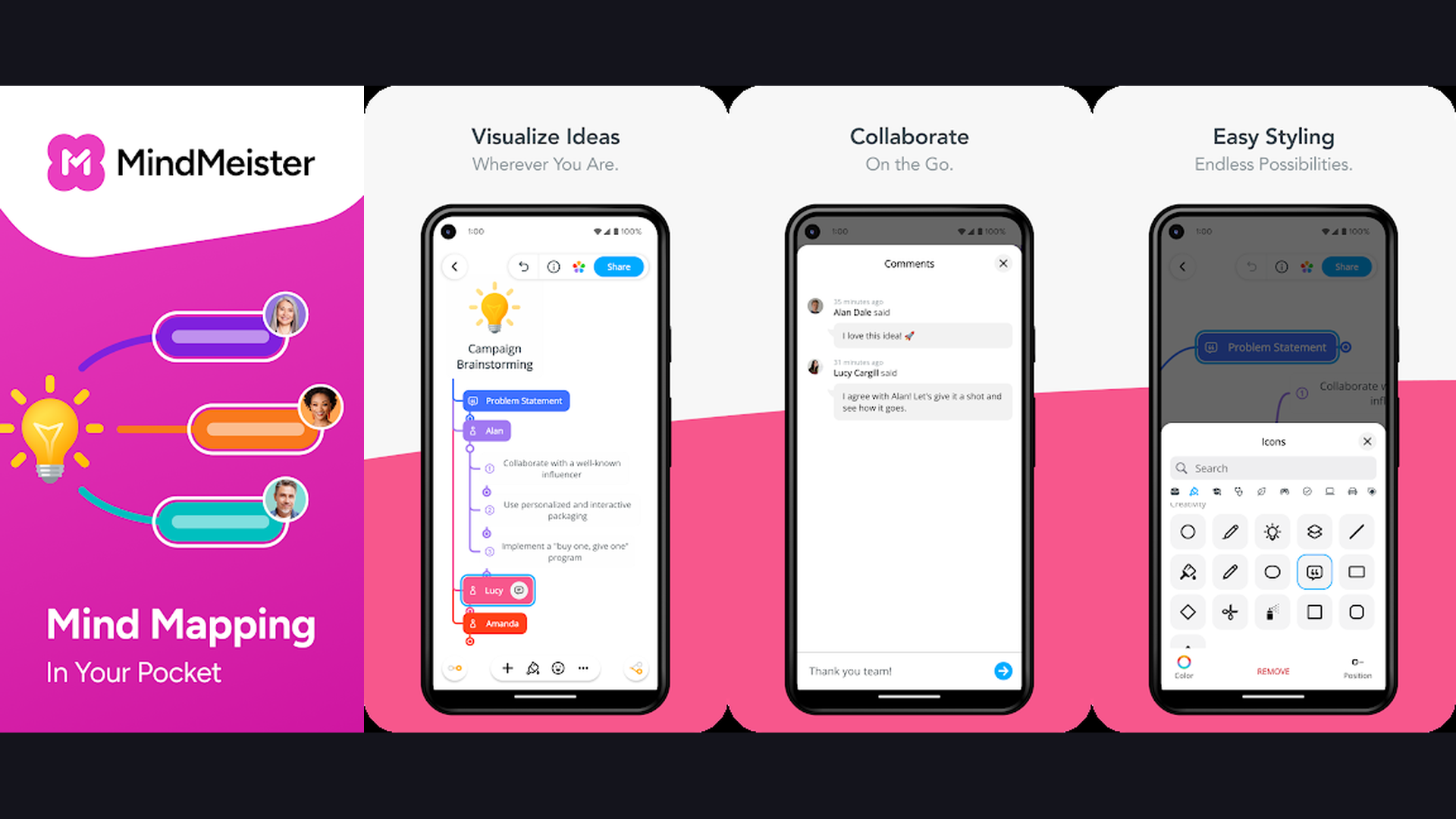
MindMeister is the most collaborative online mind mapping platform, designed for real-time group brainstorming with live cursors, commenting, voting, presentation mode, and integration with MeisterTask project management that transforms group mind maps into actionable research plans. MindMeister excels when multiple people need to mind map simultaneously. The real-time collaboration shows live cursors of all participants, making remote brainstorming feel immediate and interactive. The commenting system allows threaded discussions on individual nodes, perfect for advisor feedback on thesis outlines. The voting feature lets research groups prioritize ideas democratically. The history playback replays the evolution of a mind map, showing how ideas developed during brainstorming sessions. The presentation mode converts mind maps into navigable slide decks. The MeisterTask integration transforms mind map nodes into project tasks with deadlines and assignments, seamlessly connecting brainstorming to project execution. The theme library applies professional styling. The mixed map layout combines different structures (radial, org chart, list) within a single map. The export options include PDF, PNG, and Freemind format. MindMeister is free for up to 3 maps (Pro from $11.99/month). For research groups needing real-time collaborative mind mapping, MindMeister is the best platform. Manage group projects with wellness apps.
Which App Should You Choose?
Best for Handwriting and PDF Annotation
- GoodNotes - Best overall handwriting experience with AI recognition
- Notability - Best audio-synced lecture recording
- OneNote - Best free handwriting + infinite canvas
Best for Research Knowledge Management
- Obsidian - Bidirectional linking, graph view, plugin ecosystem
- Notion - All-in-one workspace with databases and AI
- Joplin - Open-source with end-to-end encryption
Best for Mind Mapping
- SimpleMind Pro - Most flexible dedicated mind mapping (highest rated)
- XMind - Most polished presentation-quality maps
- MindMeister - Best real-time collaborative mind mapping
Best for Collaboration
- Miro - Best visual workspace for research groups
- Notion - Best for shared project management
- MindMeister - Best for group brainstorming
Best for Active Studying and Retention
- RemNote - Integrated spaced repetition flashcards
- Obsidian - Zettelkasten method for knowledge building
Best Free Options
- OneNote - Completely free with no limitations
- Notion - Free for personal use
- Joplin - Free and open-source
- Obsidian - Free for personal use
Academic Note-Taking and Mind Mapping Tips
- Use the Cornell Method for Lecture Notes - The Cornell note-taking system divides each page into three sections: a narrow left column for cues/questions, a wide right column for notes, and a bottom summary section. During lectures, capture key points in the right column. After class, write questions and keywords in the left column. At the end, write a summary in the bottom section. This method transforms passive note-taking into active learning. GoodNotes and Notability offer Cornell templates. OneNote infinite canvas can be manually divided. This single technique dramatically improves retention and review efficiency for graduate coursework.
- Build a Zettelkasten for Literature Reviews - The Zettelkasten (slip-box) method, popularized by academic Niklas Luhmann, creates atomic notes (one idea per note) with extensive cross-linking. For literature reviews, create one note per key concept from each paper, then link related concepts across papers. Over time, unexpected connections emerge that can form the basis of original research contributions. Obsidian and RemNote are purpose-built for this workflow. Notion can replicate it with databases. This systematic approach transforms reading into knowledge accumulation rather than passive consumption. Manage citations with research productivity apps.
- Mind Map Your Thesis Structure Before Writing - Before writing a single word of your thesis, create a comprehensive mind map of the entire document structure. Start with your central research question, branch into chapters, then sub-branch into sections, arguments, evidence, and citations. This visual overview reveals structural gaps, logical dependencies, and the flow of argumentation before you commit to linear writing. SimpleMind Pro and XMind both excel at thesis structure mapping. Export the outline to your writing tool and use it as a skeleton. This technique prevents the common graduate student problem of writing yourself into structural dead ends.
- Record and Sync Audio with Your Notes - For seminar-heavy programs, audio-synced note-taking is transformative. Notability pioneering feature links each word you write to the corresponding moment in the audio recording. Tapping any note plays back exactly what was being discussed. This eliminates the anxiety of missing important points during fast-paced discussions and provides a complete record for review. OneNote also offers audio recording with basic timestamping. For language-heavy fields (law, humanities, social sciences), audio sync can capture nuances that written notes miss.
- Use Tags and Links Instead of Folders Alone - Hierarchical folders force notes into single categories, but academic ideas are inherently cross-disciplinary. Using tags (Evernote, Joplin, OneNote) or bidirectional links (Obsidian, RemNote, Notion) allows ideas to exist in multiple contexts simultaneously. A note about "cognitive load theory" might be relevant to education, psychology, and UX design courses. Tags and links make it findable from all three contexts. This cross-referencing capability is what separates academic note systems from simple notebooks. Organize your research with planning tools.
- Create Templates for Recurring Academic Tasks - Graduate school involves repetitive documentation: paper summaries, meeting notes with advisors, experiment logs, seminar reflections, and reading responses. Create templates for each recurring task to standardize your capture process and ensure consistency. Notion excels at template creation with custom properties. Obsidian templates use Markdown with dynamic fields. GoodNotes offers custom paper templates. Standardized templates reduce decision fatigue and ensure you consistently capture the information your future self will need.
- Review and Connect Notes Weekly - The most common note-taking mistake is the "write and forget" pattern. Schedule a weekly review session (30-60 minutes) to review recent notes, create connections between ideas, update mind maps, and identify gaps in understanding. This spaced review reinforces learning and builds the interconnected knowledge base that distinguishes mastery from surface-level familiarity. RemNote spaced repetition automates part of this process. Obsidian daily notes create natural review prompts. This weekly habit compounds dramatically over a multi-year graduate program. Balance study with wellbeing strategies.
- Export and Share in Universal Formats - Academic collaboration requires sharing notes with advisors, committee members, and collaborators who may use different tools. Always ensure your notes can be exported to universal formats: PDF for formatted documents, Markdown for text-based sharing, PNG for visual mind maps, and OPML for outline exchange. Obsidian notes are already Markdown files. XMind exports to multiple formats. Notion exports to PDF and Markdown. Avoid proprietary formats that lock your intellectual work into a single platform. Data portability is essential for academic longevity. Share across platforms with cross-platform tools.
Frequently Asked Questions
What is the best free note-taking app for grad students?
Microsoft OneNote is the best completely free note-taking app with no artificial limitations: unlimited notebooks, infinite canvas, handwriting support, audio recording, web clipping, and full cross-platform sync. Notion is free for personal use and offers an all-in-one workspace with databases, AI, and collaboration. Obsidian is free for personal use with powerful bidirectional linking. Joplin is free and open-source with end-to-end encryption for privacy-sensitive research.
Should grad students use a note-taking app or a mind mapping app?
Both serve different but complementary purposes. Note-taking apps (Notion, Obsidian, GoodNotes, OneNote) capture and organize linear information: lecture notes, reading summaries, and research documentation. Mind mapping apps (SimpleMind, XMind, MindMeister, Miro) visualize relationships, brainstorm ideas, and plan structures. Most successful grad students use one of each: a note-taking app as their primary knowledge repository and a mind mapping app for planning, brainstorming, and visualizing connections.
Is Obsidian better than Notion for research?
It depends on your priorities. Obsidian is better for: individual researchers building long-term knowledge bases, those who want local data storage and privacy, Markdown enthusiasts, and users who value community plugins and customization. Notion is better for: collaborative research teams, those who want an all-in-one workspace (notes + tasks + databases), visual thinkers who prefer a polished interface, and students who want AI features built-in. Many researchers use both: Obsidian for deep personal knowledge management and Notion for project coordination.
Which app is best for annotating research papers (PDFs)?
For tablet users with a stylus: GoodNotes and Notability provide the best handwritten PDF annotation experience. For typed annotations: Notion and Obsidian (with PDF plugins) embed PDFs with text-based annotations. For capturing web-based research: Evernote web clipper is the most comprehensive. For privacy-focused annotation: Joplin handles PDFs with end-to-end encryption. The best choice depends on whether you prefer handwriting (GoodNotes/Notability) or typing (Notion/Obsidian) your annotations.
Can I use mind mapping apps for thesis planning?
Absolutely, and it is one of the most effective uses. Start with your central research question, branch into main chapters, then sub-branch into sections, key arguments, supporting evidence, and citations. SimpleMind Pro offers the most flexible free-form layout for thesis mapping. XMind provides the most polished presentation-quality maps for committee presentations. MindMeister allows collaborative mapping with your advisor in real-time. Export the final map as an outline to guide your writing process.
How do I choose between GoodNotes and Notability?
Choose GoodNotes if: you prioritize handwriting quality and AI recognition, want nested folder organization, need extensive template customization, and prefer a one-time purchase option. Choose Notability if: audio-synced note-taking is critical (recording lectures while writing), you prefer a simpler organizational structure, and you value the ability to replay specific moments from your notes. Both are excellent for PDF annotation. GoodNotes is available on more platforms (iOS, Android, Windows, Mac, Web), while Notability is primarily iOS/Mac focused.
Final Thoughts
The right combination of note-taking and mind mapping tools can fundamentally transform your graduate school experience. SimpleMind Pro and XMind provide powerful visual thinking tools for thesis planning and concept visualization. GoodNotes and Notability deliver premium handwriting experiences for lecture capture. Notion and OneNote offer comprehensive all-in-one workspaces. Obsidian builds interconnected knowledge bases that grow with your research career. Miro and MindMeister enable collaborative visual brainstorming. RemNote integrates active recall studying directly into note-taking. Joplin and Evernote provide privacy-focused and web-clipping capabilities respectively. Invest time in mastering these tools early in your program and they will pay dividends throughout your academic career and beyond. For more academic recommendations, explore our guides on grad student apps, AI assistant apps, photo editing apps, and entertainment apps.