
The iPad with Apple Pencil has become the ultimate digital notebook, replacing stacks of paper, textbooks, and planners with a single device that is more powerful than all of them combined. In 2026, note-taking apps for iPad leverage AI summarization, real-time handwriting recognition, audio synchronization, and cloud collaboration to transform how students learn, how professionals capture meetings, and how creatives organize ideas.
This guide reviews 12 of the best note-taking apps for iPad in 2026, covering handwriting-focused editors, markdown writers, document creators, digital planners, and cross-platform solutions. Whether you are a student annotating textbooks, a professional capturing meeting notes, a writer drafting articles, or someone transitioning from paper to digital, there is an iPad note app built for your exact workflow. For more productivity tools, explore our guides on Mac note-taking apps, grad student apps, digital planner apps, and AI assistant apps.
Table of Contents
- GoodNotes (Rating 4.8)
- Notability (Rating 4.7)
- Microsoft OneNote (Rating 4.6)
- Nebo (Rating 4.5)
- CollaNote (Rating 4.5)
- Bear (Rating 4.4)
- Noteshelf (Rating 4.3)
- Craft (Rating 4.3)
- Zoho Notebook (Rating 4.2)
- Pencil Planner (Rating 4.1)
- Apple Notes (Rating 4.0)
- Evernote (Rating 3.6)
- Which iPad Note App Is Right for You?
- iPad Note-Taking Tips and Best Practices
- Frequently Asked Questions
1. GoodNotes (Rating 4.8)
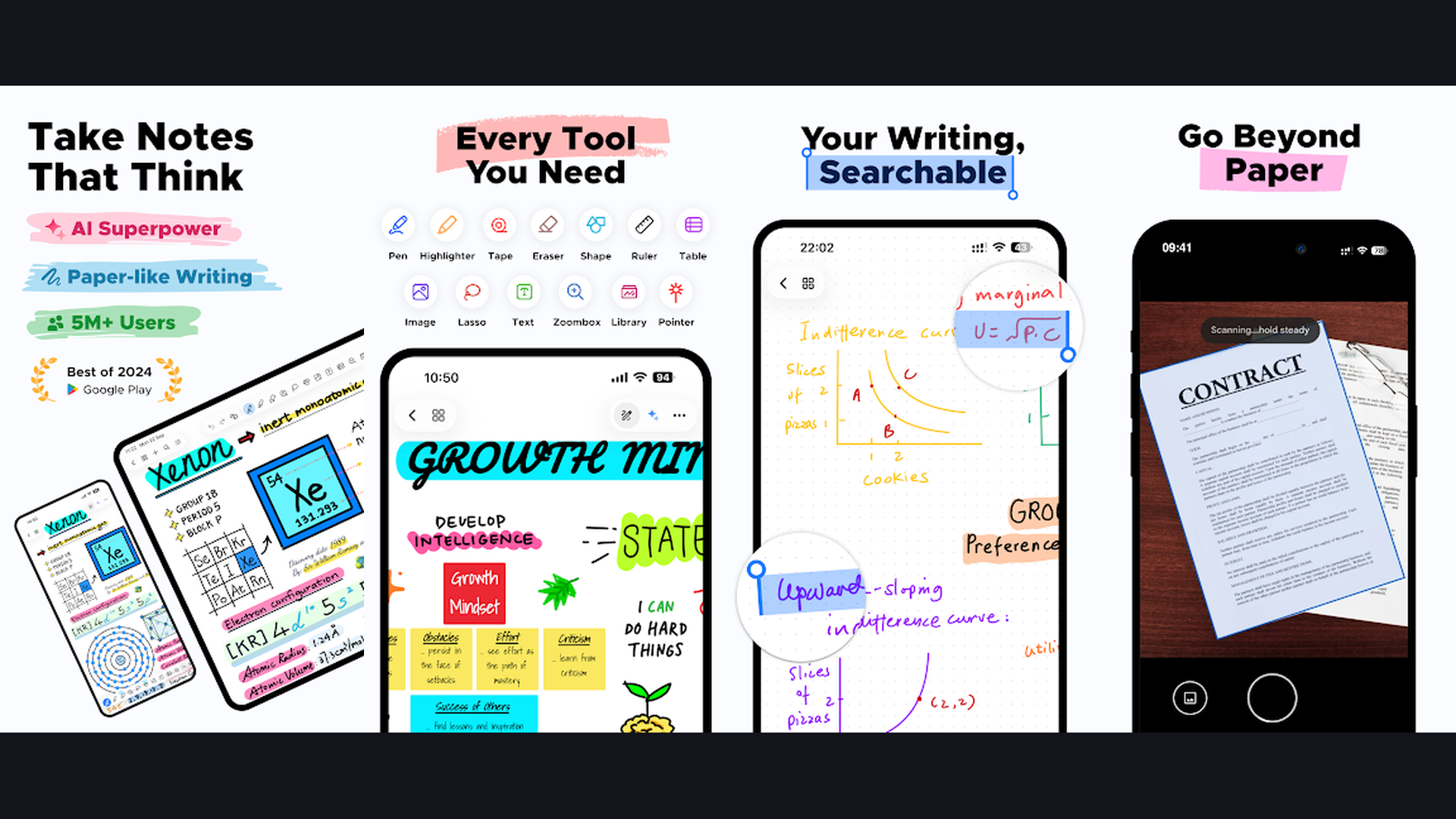
GoodNotes is the gold standard note-taking app for iPad, featuring the most natural Apple Pencil handwriting experience, AI-powered note summarization, searchable handwriting, PDF annotation, and beautifully organized digital notebooks. GoodNotes has dominated iPad note-taking for years and GoodNotes 6 brings AI features that elevate it further. The handwriting engine produces the smoothest, most natural-feeling strokes on iPad. The palm rejection is flawless: rest your hand naturally on the screen while writing without interference. The AI features are transformative: ask GoodNotes AI to summarize your lecture notes, generate study questions, answer questions from your notes, or explain complex concepts. Handwriting recognition converts your writing into searchable text, so you can search across all your notebooks for any word you have ever written. The PDF annotation tools let you import textbooks, mark up documents, and add handwritten notes alongside printed text. The notebook system provides beautiful covers, customizable paper templates (ruled, grid, dotted, Cornell), and folder organization. Shape recognition snaps rough drawings into perfect geometric shapes. GoodNotes is free (3 notebooks) or $9.99/year for unlimited. For students and professionals who want the best overall iPad note-taking experience with AI, GoodNotes is the definitive choice. Organize your studies with student apps.

2. Notability (Rating 4.7)
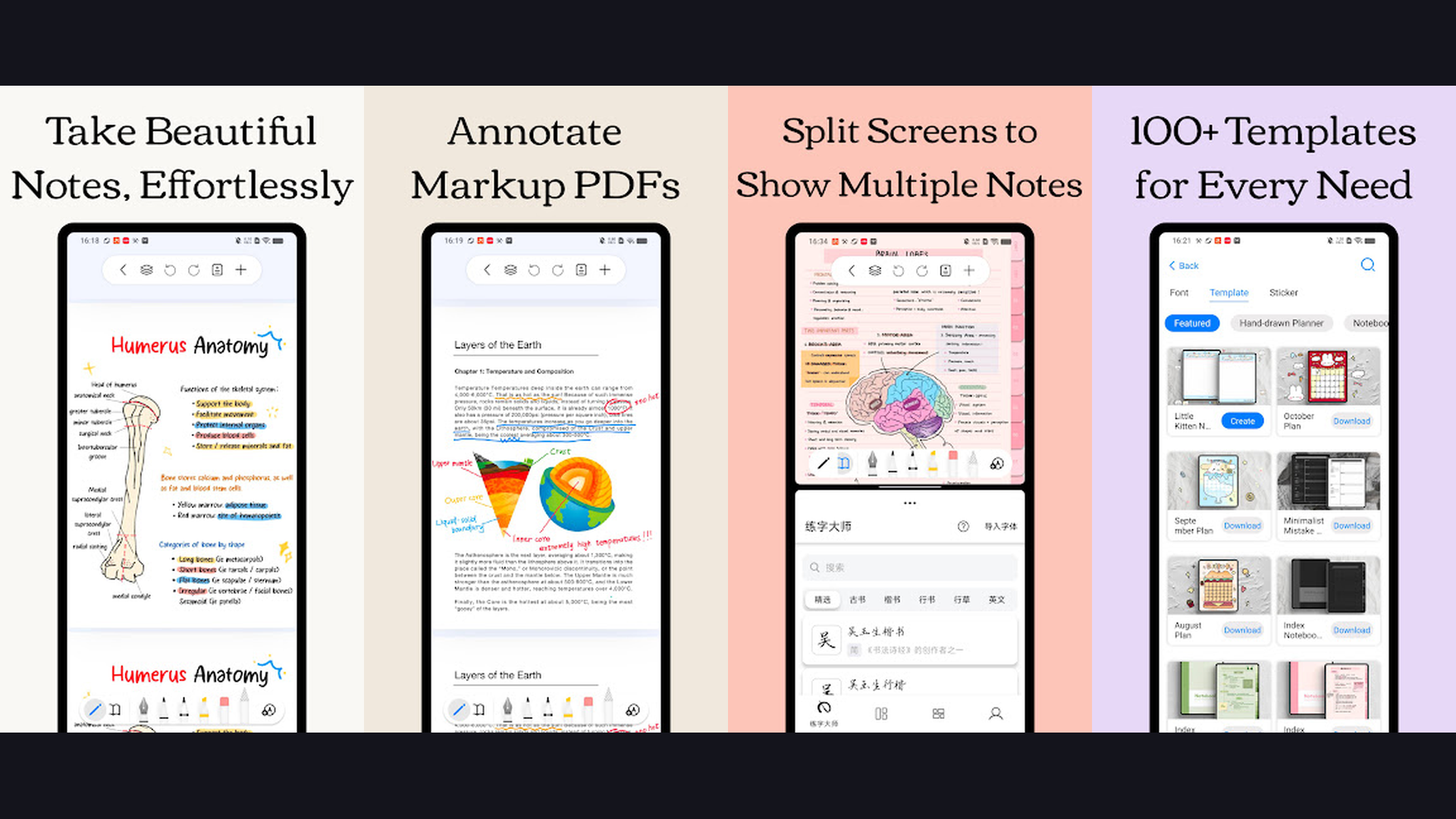
Notability is the best note-taking app for lectures and meetings, featuring live audio recording synchronized to handwritten notes, so tapping any word plays back exactly what was being said when you wrote it. Notability audio sync feature is genuinely unique and incredibly powerful. Record a lecture while taking notes, and every stroke you make is time-stamped to the audio. Later, tap any word in your notes and the recording jumps to that exact moment. This means you never need to write everything down during a lecture because you can always tap your notes to hear what the professor said. The handwriting tools provide smooth, responsive Apple Pencil strokes with customizable pen thickness, color, and style. The highlighter tool marks up text with beautiful semi-transparent color. The eraser options include stroke erasing and precision erasing. The lasso tool selects and moves handwritten content. The text tool adds typed notes alongside handwriting. Math conversion detects handwritten equations and converts them to formatted text. PDF annotation handles textbook markup. The organization system uses subjects and dividers. Notability is free (limited) or $14.99/year for full features. For students attending lectures who need audio-synced handwritten notes, Notability is irreplaceable. Track assignments with planner apps.
3. Microsoft OneNote (Rating 4.6)
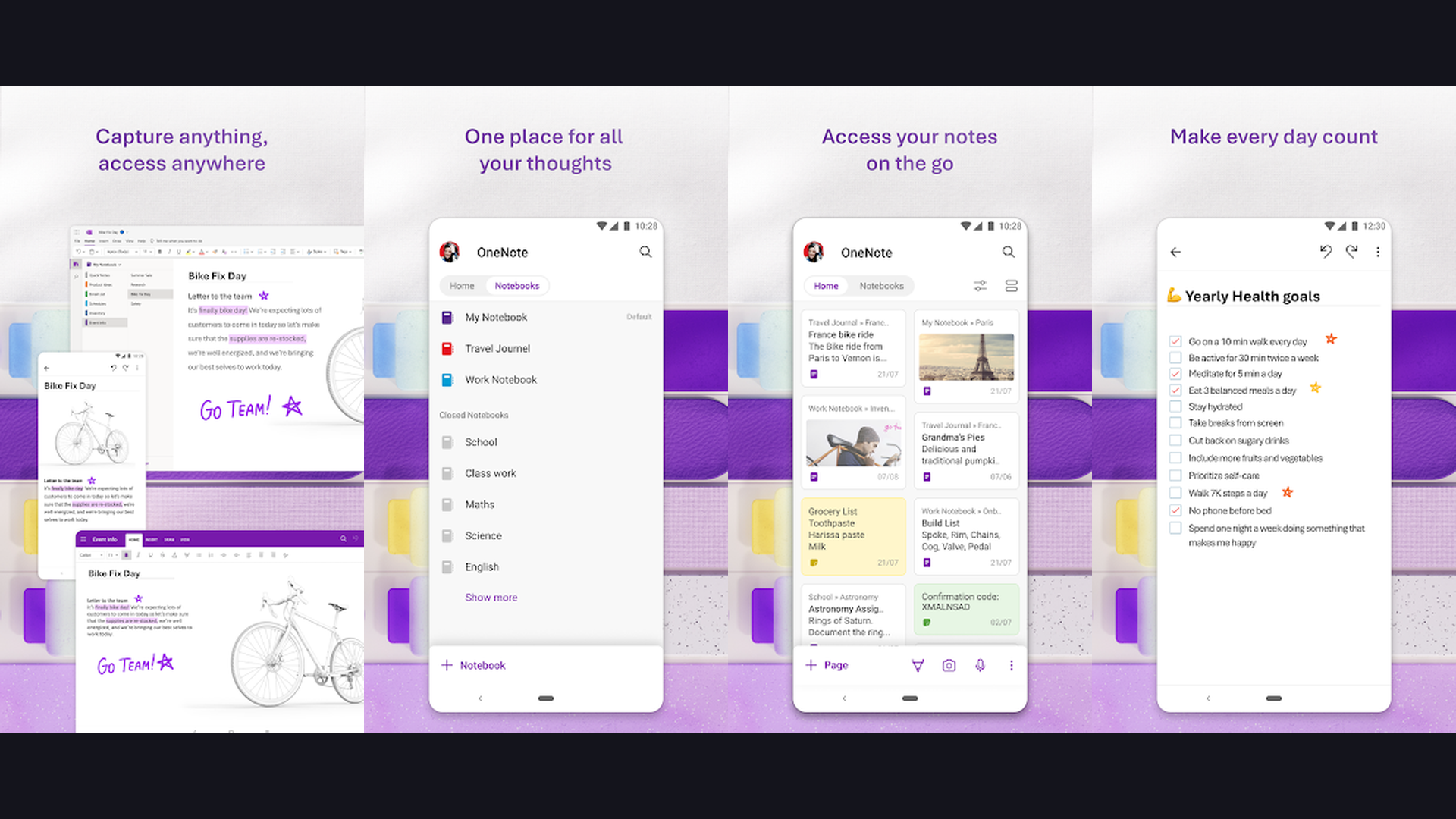
Microsoft OneNote is the best free cross-platform note-taking app with a flexible infinite canvas, robust Apple Pencil support, hierarchical organization, and seamless sync across iPad, Windows, Mac, Android, and web. OneNote greatest strength is its flexibility and cross-platform availability. The infinite canvas lets you write, type, and place content anywhere on the page without constraints. The hierarchical organization uses notebooks, sections, and pages, mirroring a physical binder system that is intuitive and scalable. Apple Pencil support has improved significantly: handwriting feels responsive, ink-to-text conversion is accurate, and drawing tools include rulers and shape recognition. The free-form canvas approach means you can mix handwritten notes, typed text, images, audio recordings, web clippings, and file attachments on a single page. The integration with Microsoft 365 allows embedding Excel spreadsheets, Word documents, and Outlook tasks. The collaboration features let multiple users edit the same notebook in real-time. Math assistant solves handwritten equations step-by-step. OneNote is completely free. For users who need cross-platform note-taking that syncs between iPad and Windows/Mac, OneNote is the most versatile free solution. Great with Mac note apps.

4. Nebo (Rating 4.5)
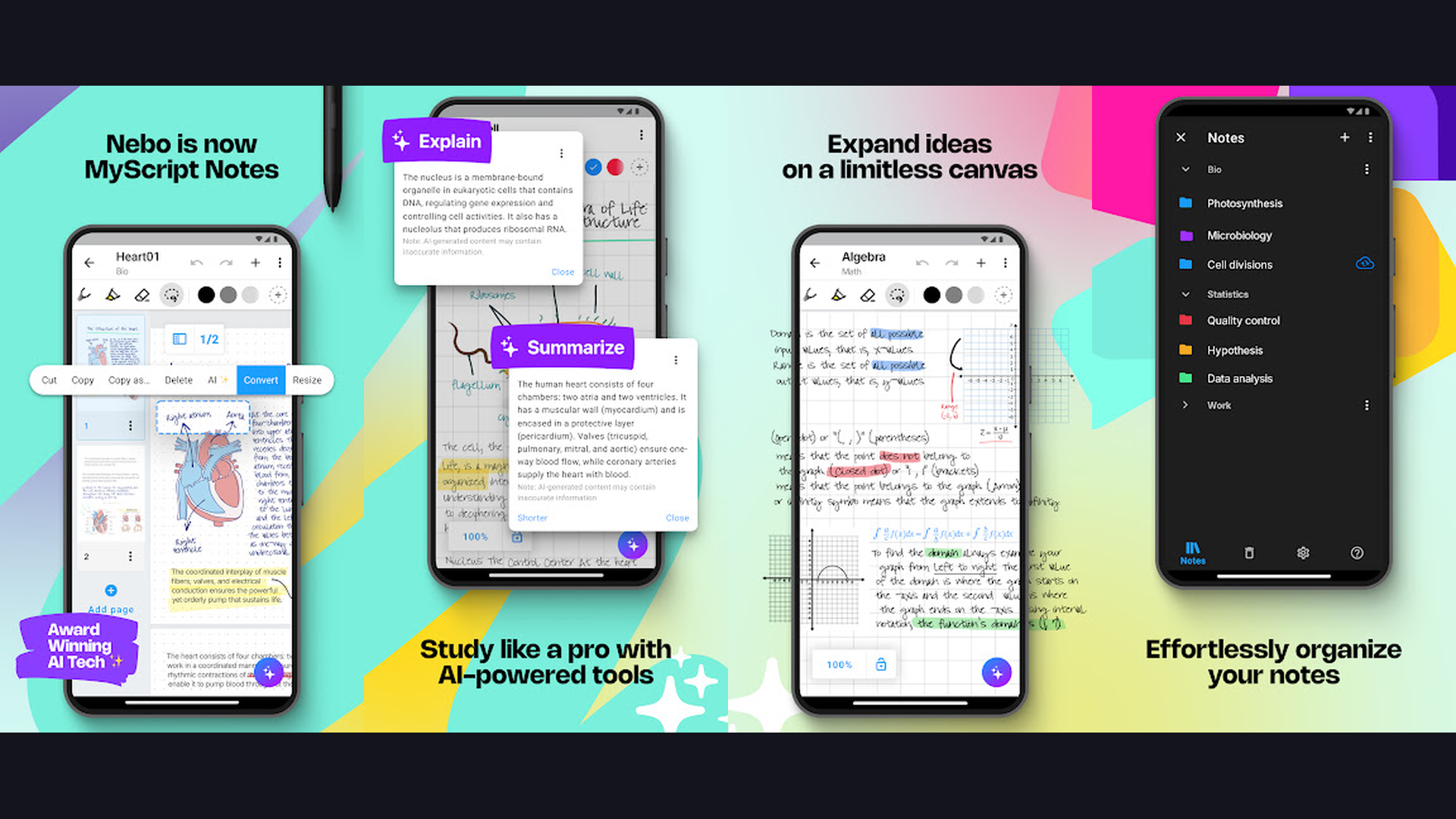
Nebo (MyScript) is the most advanced handwriting-to-text conversion app for iPad, instantly converting handwritten notes including mathematical equations, diagrams, and mixed content into perfectly formatted editable digital text. Nebo handwriting recognition is in a class of its own. Write naturally with Apple Pencil and your handwriting converts into clean, editable text in real-time. The technology handles cursive, print, and mixed handwriting styles across 66 languages. Mathematical equations are recognized and converted into proper formatted notation. Diagrams and flowcharts are detected and converted into editable digital shapes. The interactive ink technology lets you switch between handwriting and typed text seamlessly within the same paragraph. Double-tap a word to change it. Scratch out text to delete it. Draw a line between words to add a space. These gestures make editing handwritten content as natural as editing typed text. The export options include Word, PDF, HTML, and plain text. Content blocks organize notes into structured sections. Nebo is free with premium features from $8.99. For anyone who primarily wants to write by hand and convert to perfectly formatted digital text, Nebo technology is unmatched. Enhance workflow with AI assistant apps.
5. CollaNote (Rating 4.5)
CollaNote is a powerful free note-taking app with real-time collaboration, excellent PDF annotation, smooth Apple Pencil handwriting, and creative tools rivaling paid alternatives. CollaNote stands out as the most feature-complete free note-taking app on iPad. The real-time collaboration lets multiple users work on the same note simultaneously, making it excellent for group study sessions and team brainstorming. The handwriting engine provides smooth, responsive Apple Pencil strokes with pressure sensitivity. The pen, highlighter, and marker tools offer extensive color customization. The shape recognition snaps rough drawings into perfect geometric forms. The PDF annotation tools handle textbook markup with highlighting, underlining, and margin notes. The laser pointer tool is useful for presentations. The recording feature captures audio alongside notes. The organization system uses notebooks with customizable covers and paper templates. The sticker library adds decorative and functional elements. CollaNote is completely free with no hidden costs. For students on a budget who need full-featured note-taking with collaboration at zero cost, CollaNote is the best free alternative to GoodNotes. Perfect for graduate studies.
6. Bear (Rating 4.4)
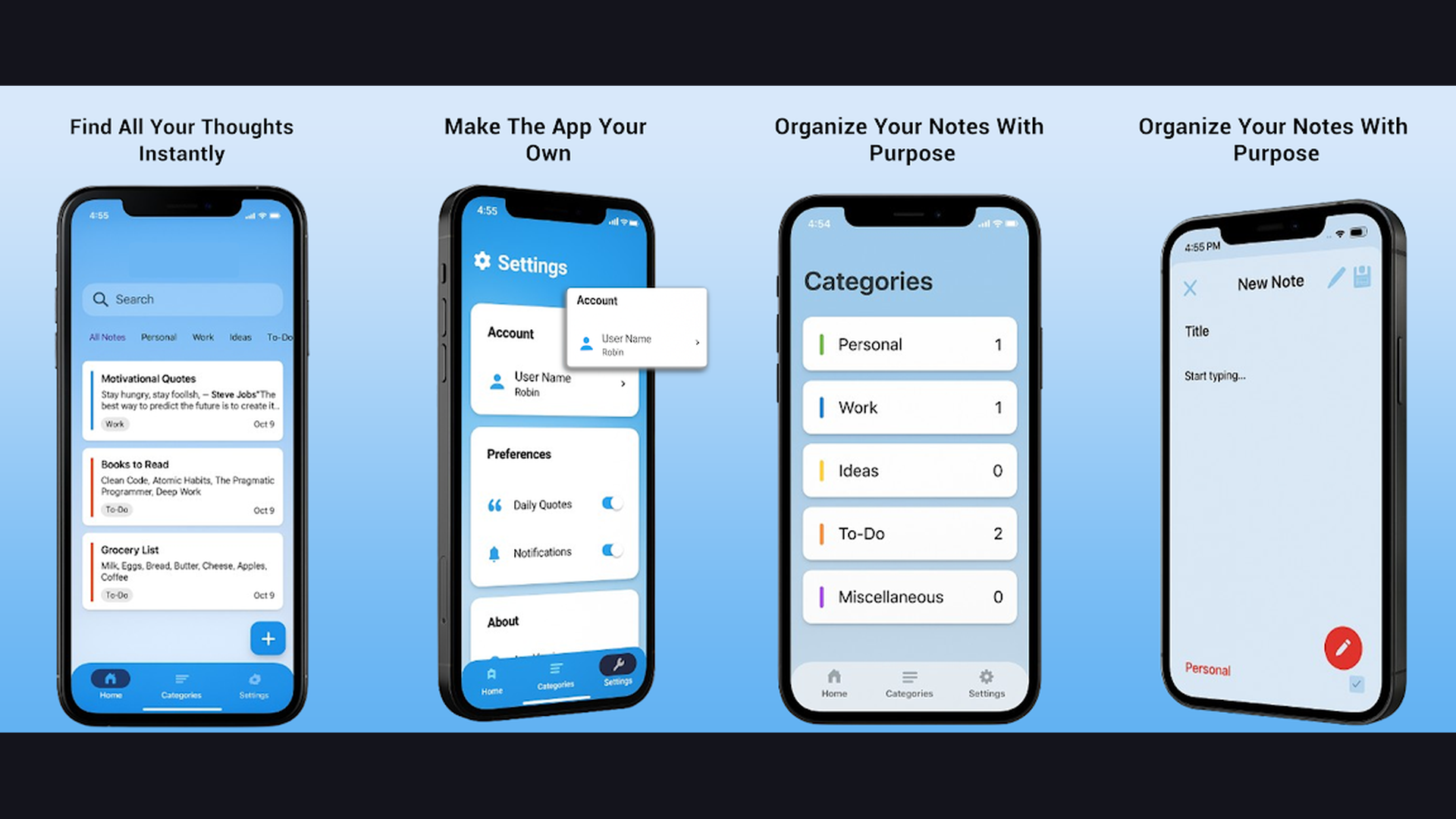
Bear is an elegantly designed markdown-based note-taking app with Apple Pencil whiteboard support, tag-based organization, beautiful typography, and a distraction-free writing environment that writers and developers love. Bear approaches note-taking from a minimalist writing perspective. The markdown support means formatting is applied through simple text symbols (hashtags for headings, asterisks for bold, dashes for lists), keeping your hands on the keyboard and your focus on content. The tag-based organization replaces traditional folders: add hashtags like #project/meeting or #study/physics to categorize notes, and nested tags create automatic hierarchies. The Apple Pencil whiteboard feature lets you embed handwritten drawings and sketches directly within typed notes. The typography is beautiful: multiple themes and fonts create a reading experience that is genuinely pleasant. The focus mode dims everything except the current paragraph. The export options include PDF, HTML, DOCX, and markdown. iCloud sync keeps notes updated across all Apple devices. The search is fast and comprehensive. Bear is free (basic) or $2.99/month for Pro. For writers, developers, and note-takers who prefer clean markdown writing with elegant design, Bear is the most beautiful choice. Write on the go with content creation apps.
7. Noteshelf (Rating 4.3)
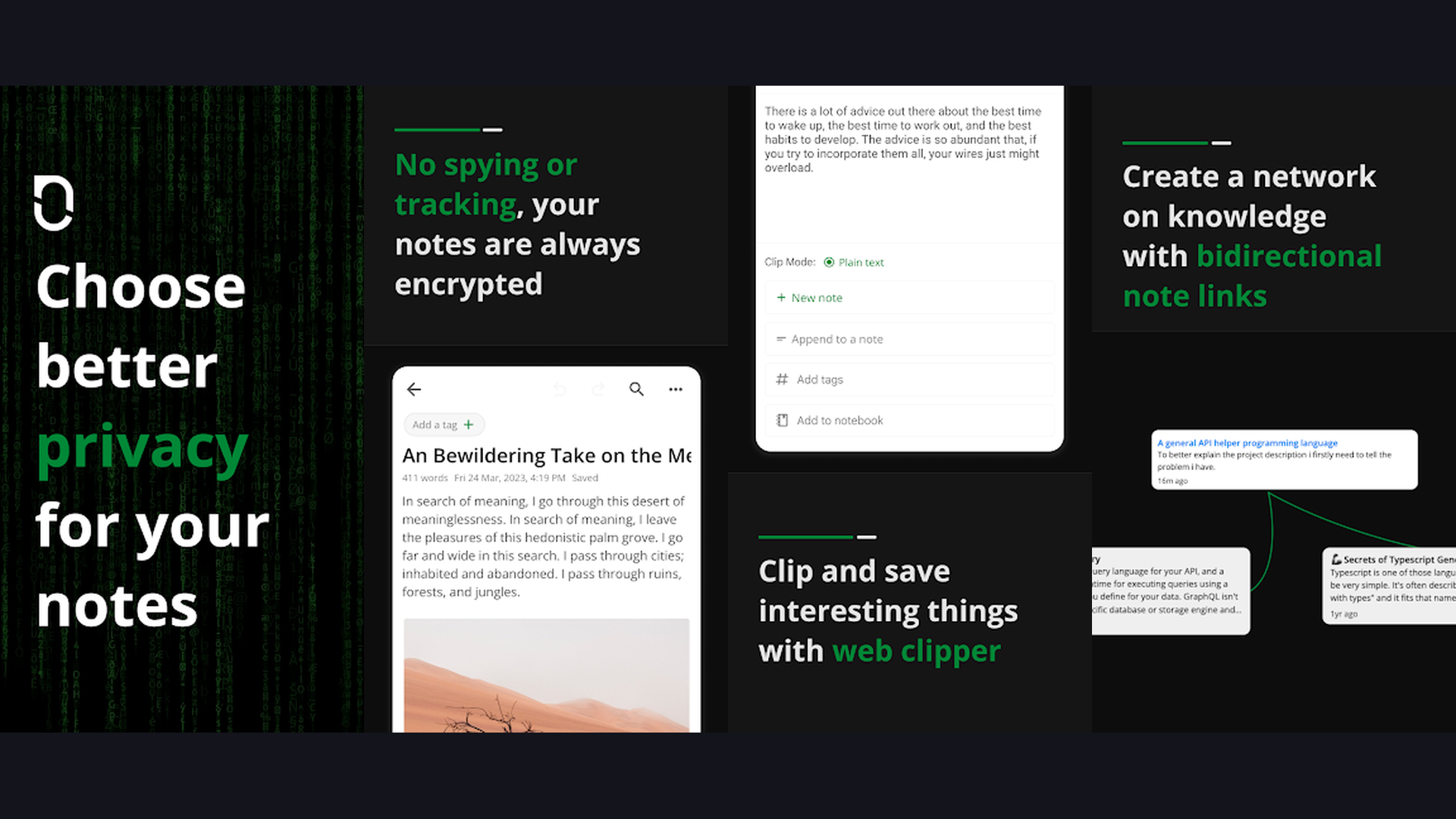
Noteshelf provides the most premium handwriting feel on iPad with highly customizable pen styles, beautiful notebook designs, audio recording, and advanced handwriting indexing for searchable notes. Many users who have tried every note-taking app consider Noteshelf to have the best pen feel on iPad. The handwriting engine provides a subtle pen texture that mimics real paper, especially when paired with a matte screen protector. The pen customization is extensive: adjust thickness, opacity, pressure sensitivity curves, and create custom pen presets for different writing styles. The notebook designs are the most beautiful of any note app, with realistic leather, fabric, and paper cover options. Audio recording plays back synchronized with notes. The advanced handwriting indexing creates a searchable index of all handwritten content across notebooks. The shape recognition and straight-line tools assist with diagrams. The clipart library provides stickers and decorative elements. The text tool adds typed annotations. PDF annotation handles document markup. Noteshelf is a one-time purchase (around $9.99). For note-takers who care about the premium handwriting feel and beautiful notebook aesthetics, Noteshelf offers the most satisfying writing experience. Pair with Mac note apps.
8. Craft (Rating 4.3)
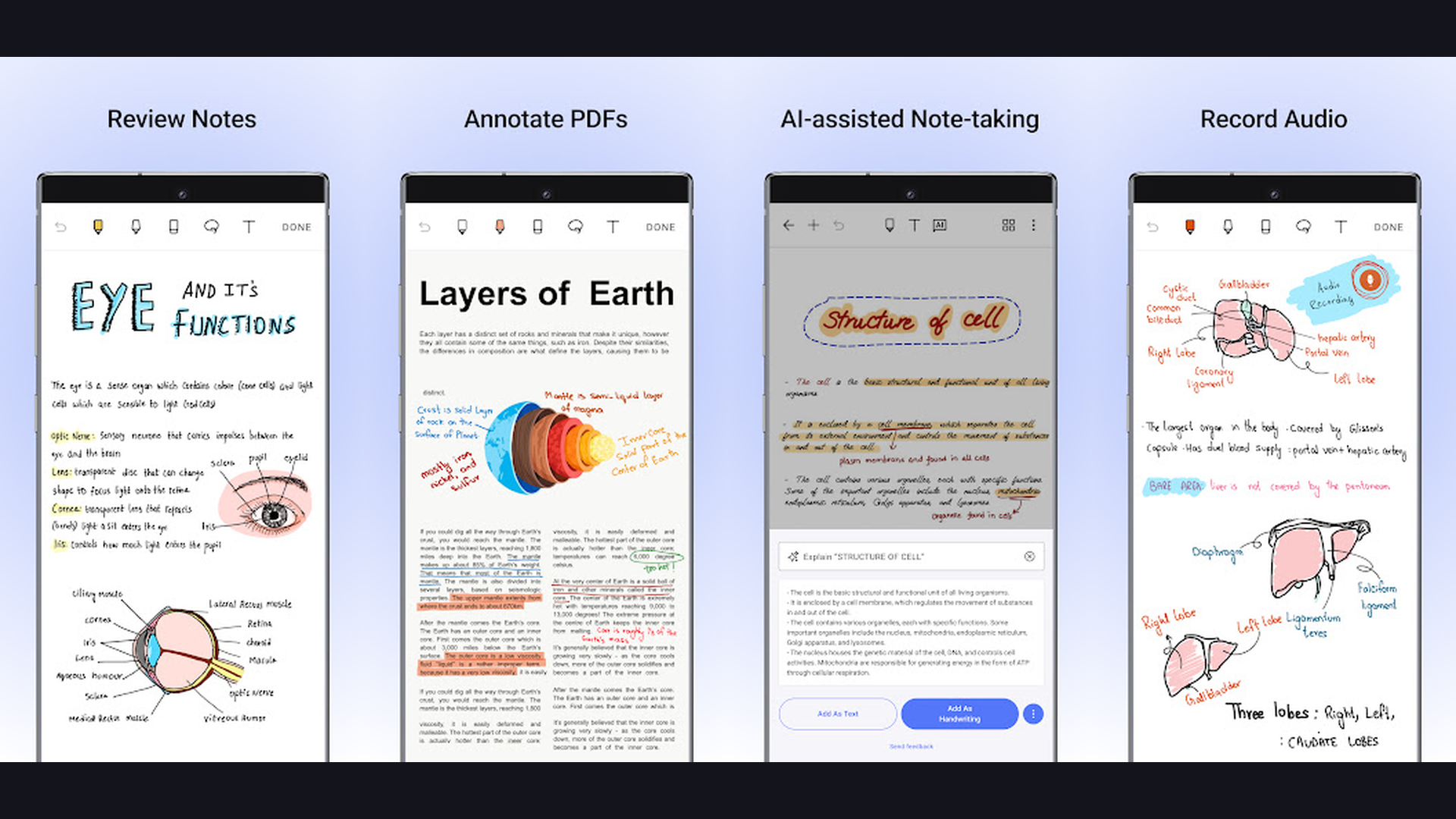
Craft is a modern document creation app that combines typed and handwritten notes with beautiful block-based formatting, offline AI capabilities, team collaboration, and polished document sharing for professional use. Craft takes a different approach from traditional note apps by focusing on beautiful, shareable documents. The block-based editor creates visually stunning content with cards, toggles, images, code blocks, and callouts. The Apple Pencil integration lets you embed handwritten sketches and drawings within typed documents. The AI features work offline: summarize content, translate text, and rewrite paragraphs without sending data to external servers. The Daily Notes feature creates a new page each day for journaling and task tracking. The backlink system connects related documents with bidirectional references, building a knowledge graph. The sharing feature generates beautiful web pages from your notes with a single tap. The collaboration features enable real-time team editing. The file attachment support embeds PDFs, images, and media. iCloud sync keeps everything updated across Apple devices. Craft is free (limited) or $4.99/month for Pro. For professionals who need to create polished, shareable documents with AI assistance, Craft is the most elegant option. Share with AI tools.
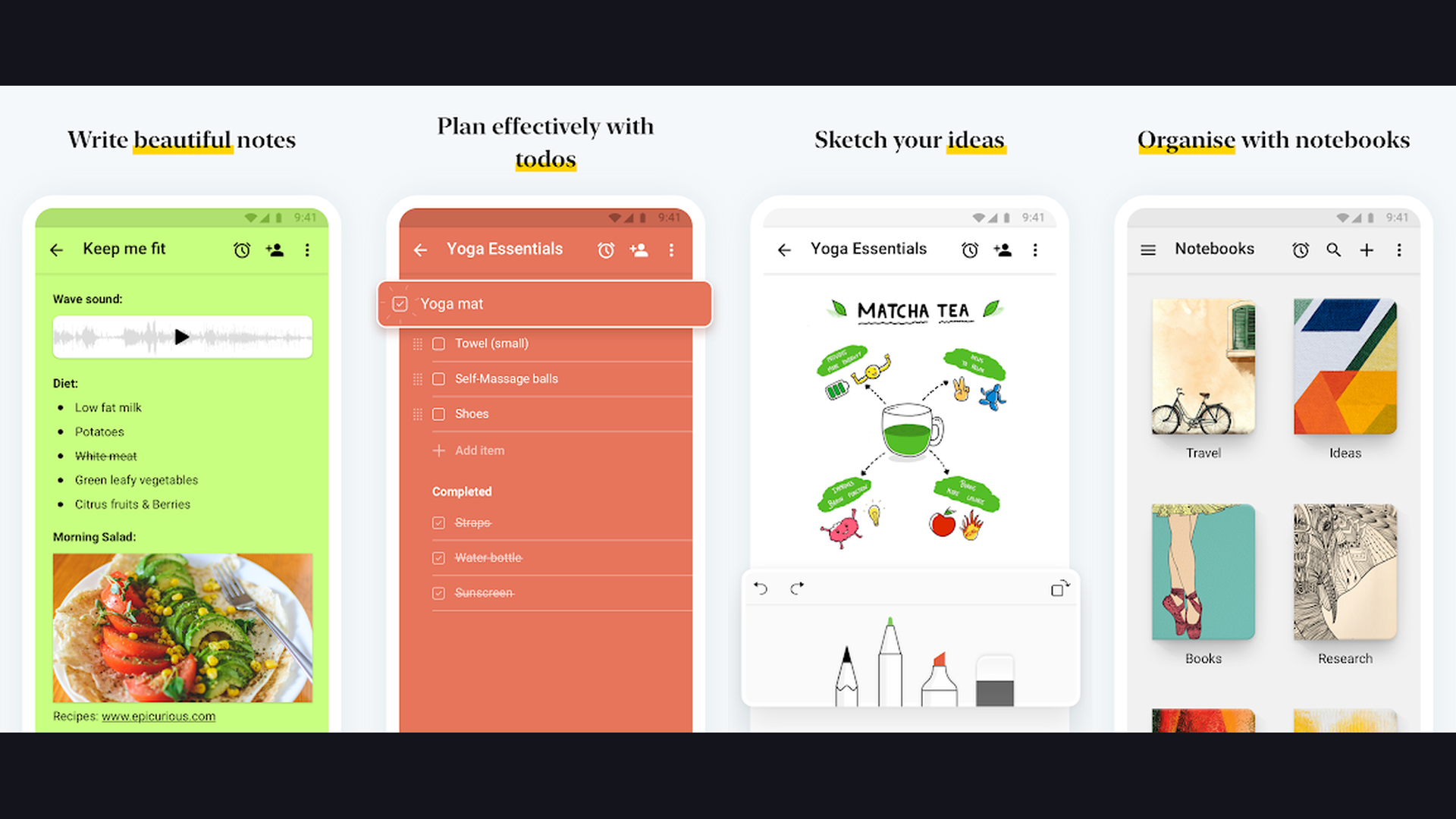
9. Zoho Notebook (Rating 4.2)
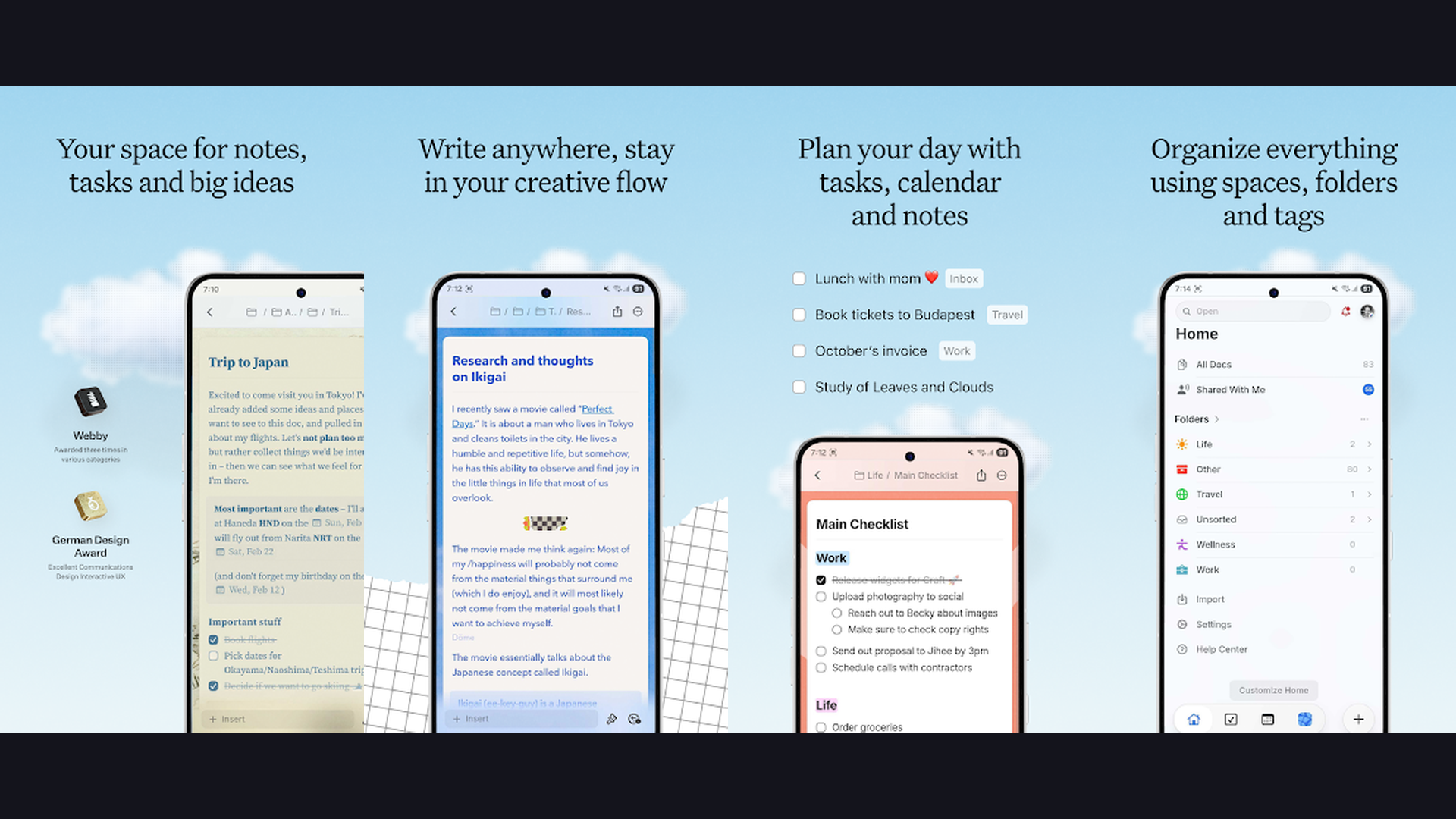
Zoho Notebook is a beautifully designed free note-taking app with zero ads, no premium tier limitations, Apple Pencil support, cross-platform sync, multimedia note cards, and privacy-first design. Zoho Notebook is a hidden gem in the note-taking world. Unlike virtually every other app on this list, Zoho Notebook is completely free with no feature restrictions, no ads, and no data collection. The card-based design organizes notes as visual cards within notebooks, making content visually browsable. The Apple Pencil support enables handwriting and sketching directly in notes. The audio note cards record voice memos. The checklist cards track to-do items. The file cards store documents and attachments. The photo cards organize images. Cross-platform sync works across iPad, iPhone, Mac, Android, Windows, and web. The smart search finds content across all notes. The note lock feature password-protects sensitive notes. The gesture-based interface feels natural and fluid. Zoho Notebook is completely free with no limitations. For privacy-conscious users who want a beautiful, full-featured note app with zero cost and zero ads, Zoho Notebook is remarkably generous. Manage tasks with planner apps.
10. Pencil Planner (Rating 4.1)
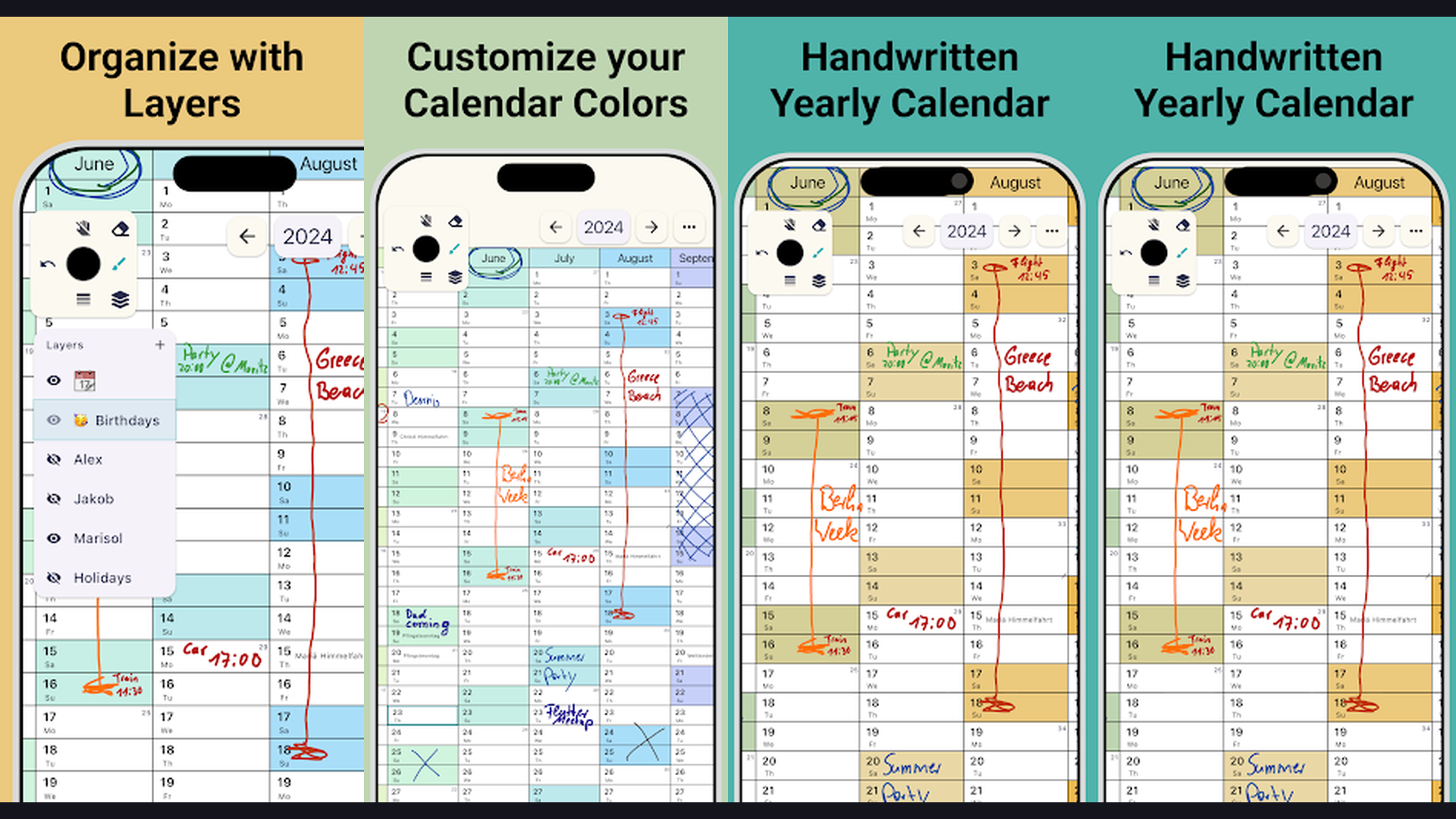
Pencil Planner is a digital planning app designed specifically for Apple Pencil, combining calendar integration, handwritten task management, customizable templates, and note-taking in a unified planning experience. Pencil Planner bridges the gap between note-taking and planning. The calendar view syncs with your Apple Calendar, displaying events alongside handwritten annotations and tasks. The daily, weekly, and monthly views provide different perspectives for planning. Write tasks, appointments, and reminders directly with Apple Pencil in a natural handwriting style. The customizable templates include various planner layouts, meeting notes, goal trackers, habit trackers, and journal pages. The sticker library adds functional and decorative elements. The hyperlinked pages let you tap to jump between sections. The infinite scroll ensures you never run out of space. The notebook section provides traditional note-taking alongside planning. The dark mode support reduces eye strain for nighttime planning. Pencil Planner is a one-time purchase (around $9.99) or subscription ($4.99/month). For users who want to replace a physical planner with a handwritten digital experience, Pencil Planner delivers the most natural planning feel. Explore more planner apps.
11. Apple Notes (Rating 4.0)
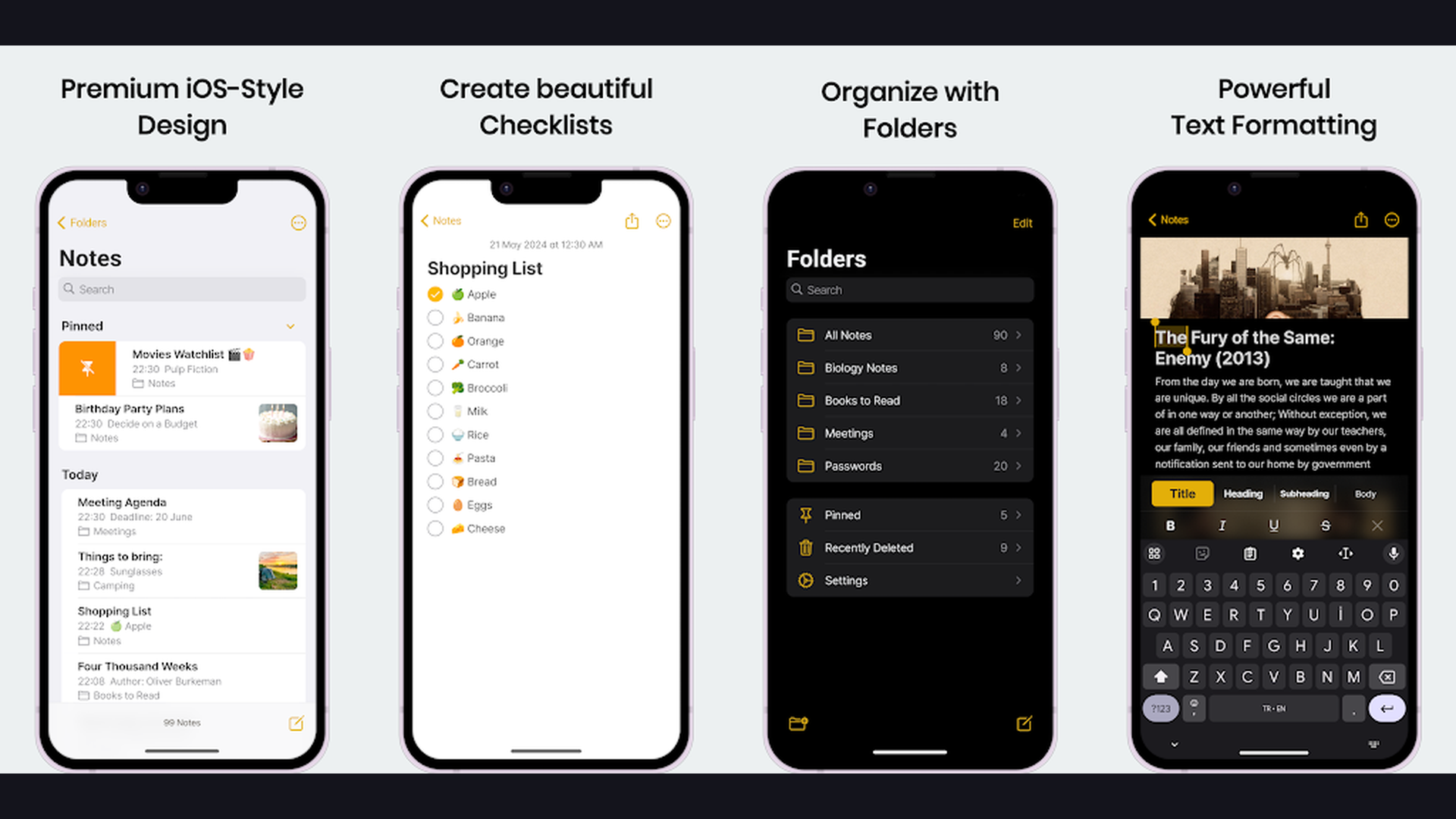
Apple Notes is the best pre-installed free note-taking app for iPad, now enhanced with handwriting smoothing, inline scanning, Apple Pencil markup, Quick Notes, and seamless iCloud sync across all Apple devices. Apple Notes biggest advantage is that it is already on your iPad with zero setup. Recent updates have made it surprisingly powerful. The handwriting experience with Apple Pencil has improved dramatically with handwriting smoothing that makes notes look cleaner without losing your personal style. The Smart Folders automatically organize notes based on tags, attachments, checklists, and other criteria. Quick Notes lets you swipe up from the corner of any app to create a note with a link back to the source content. The document scanner captures multi-page documents with automatic edge detection and perspective correction. The inline tables organize data within notes. The collaboration features let you share notes and folders with other Apple users for real-time editing. The lock feature protects notes with Face ID or password. The sketch tools provide ruler, shape detection, and multiple pen styles. Apple Notes is completely free and pre-installed. For iPad users who want reliable note-taking without installing anything, Apple Notes is the obvious starting point. Works with Mac Notes.
12. Evernote (Rating 3.6)
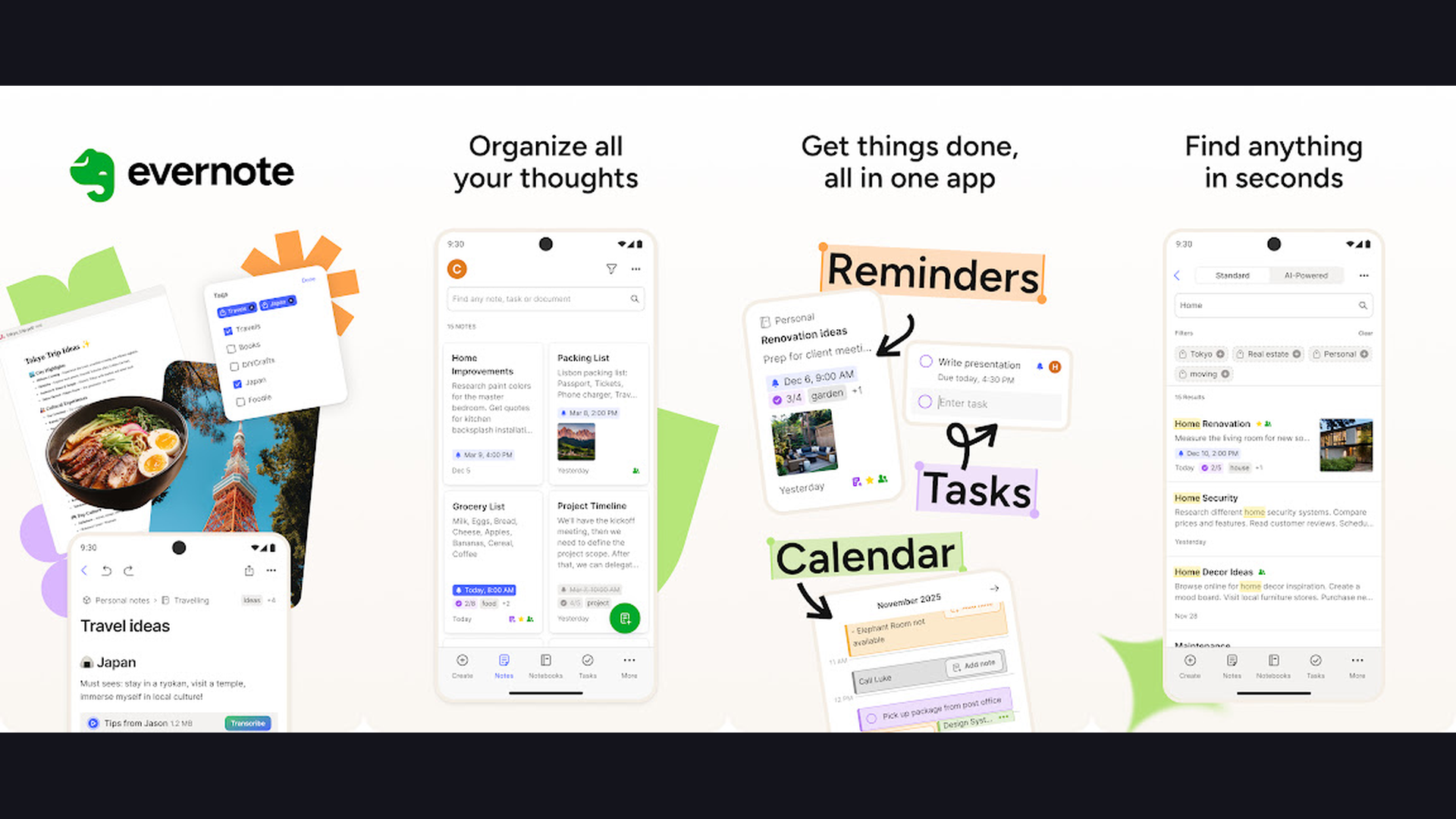
Evernote is a veteran note-taking and information management platform excelling at web clipping, document scanning, cross-platform sync, and serving as a comprehensive digital filing cabinet for all types of content. Evernote pioneered digital note-taking and remains powerful for information collection. The Web Clipper saves full web pages, simplified articles, screenshots, or specific selections directly into your notebooks. The document scanner captures receipts, business cards, whiteboards, and documents with OCR text recognition. The Apple Pencil support adds handwriting and sketching within notes. The search technology is extraordinary: it finds text within images, handwritten notes, PDFs, and office documents through advanced OCR. The tag system and notebook stacks provide flexible organization. The templates library offers structured formats for meeting notes, project plans, and personal journals. The task management feature tracks to-do items with due dates and reminders. The integration ecosystem connects with hundreds of apps through Zapier and native integrations. Evernote is free (limited) or Personal from $14.99/month. For knowledge workers who need a comprehensive digital filing cabinet for capturing and organizing all types of information, Evernote remains a powerful tool. Browse student productivity apps.
Which iPad Note App Is Right for You?
Best for Students
- GoodNotes - Best overall with AI study features and searchable handwriting
- Notability - Best for lectures with audio-synced notes
- CollaNote - Best free option with collaboration for study groups
Best for Handwriting
- Noteshelf - Most premium pen feel and beautiful notebooks
- GoodNotes - Smoothest handwriting with AI recognition
- Nebo - Best handwriting-to-text conversion
Best Free Options
- Apple Notes - Pre-installed with no setup required
- Microsoft OneNote - Full-featured with cross-platform sync
- CollaNote - GoodNotes alternative at zero cost
- Zoho Notebook - Beautiful card-based design with no ads
Best for Cross-Platform Users
- Microsoft OneNote - iPad, Windows, Mac, Android, and web
- Evernote - All platforms with advanced web clipping
- Zoho Notebook - All platforms completely free
Best for Writers and Professionals
- Bear - Elegant markdown writing with whiteboard sketches
- Craft - Polished documents with offline AI and sharing
Best for Planning
- Pencil Planner - Handwritten digital planner with calendar sync
iPad Note-Taking Tips and Best Practices
- Use a Matte Screen Protector for Paper-Like Writing - The glossy iPad screen makes Apple Pencil feel slippery, which can make handwriting feel unnatural. A matte screen protector (like Paperlike or similar brands) adds texture that mimics writing on paper. The difference is dramatic: letters become more controlled, strokes feel more intentional, and extended writing sessions become more comfortable. This is the single best accessory investment for anyone who writes extensively on iPad. Most matte protectors cost $10-20 and last months.
- Create a Consistent Note Organization System - Before filling notebooks with random notes, establish an organization structure. In GoodNotes and Noteshelf, create folders by subject, project, or semester. In OneNote, set up notebooks with section groups and pages. In Bear, define a tag hierarchy. A system like PARA (Projects, Areas, Resources, Archive) works well across most apps. Spending 15 minutes setting up organization saves hours of searching later. Maintain your structure consistently.
- Use the Cornell Note Method on iPad - The Cornell method divides each page into three sections: a narrow cue column on the left, a wide notes section on the right, and a summary section at the bottom. GoodNotes, Notability, and Noteshelf all offer Cornell templates. Write detailed notes in the right column during lectures or meetings. After the session, write key questions and cues in the left column. Write a brief summary at the bottom. This method dramatically improves retention and review efficiency. Use with study apps.
- Record Audio During Lectures (Notability) - If your app supports audio-synced recording (Notability excels at this), always record during lectures and meetings. Even if you take excellent notes, having the full audio as a backup captures details you might miss while writing. The sync feature means you never need to listen to the entire recording: just tap any note to jump to that exact moment. This is especially valuable for complex or fast-paced lectures where you cannot write fast enough.
- Import PDFs Instead of Buying Physical Textbooks - Many textbooks are available as PDF ebooks, and importing them into GoodNotes, Notability, or CollaNote transforms studying. Highlight important passages, write margin notes, add sticky notes, and create summaries directly on the textbook page. All your annotations sync across devices. You can search text within PDFs to find specific topics instantly. Some students scan physical textbook pages with the iPad camera. This approach eliminates carrying heavy books while making your notes and textbooks unified. Organize textbooks with Mac note apps.
- Master the Scribble Feature for Quick Text Entry - iPadOS Scribble lets you handwrite in any text field and converts it to typed text automatically. This works throughout the entire OS and within apps like OneNote, Bear, and Craft. Write a search query with Apple Pencil instead of switching to the keyboard. Fill in forms by handwriting. Compose short messages. Scribble keeps you in handwriting mode without constantly switching between Pencil and keyboard, maintaining your creative flow.
- Use Split View for Reference and Notes Side by Side - iPad multitasking lets you display two apps side by side in Split View. Open your textbook PDF or web browser on one side and your note-taking app on the other. This dual-screen approach mimics the natural study workflow of reading a book while writing notes on a separate paper. GoodNotes, Notability, OneNote, and most apps support Split View perfectly. For research-heavy work, this feature alone justifies using iPad over paper. Enhance focus with planner apps.
- Back Up Your Notes to Cloud Storage - Digital notes are only as safe as your backup strategy. Most apps sync through iCloud, but having an additional backup layer is essential. GoodNotes and Notability can auto-backup to Google Drive, Dropbox, or OneDrive in PDF format. OneNote stores notes in OneDrive by default. Export important notebooks periodically as PDFs to a separate cloud service. If an app subscription lapses, changes get lost, or a sync error occurs, your backup ensures years of notes are never permanently lost.
Frequently Asked Questions
What is the best note-taking app for iPad overall?
GoodNotes is the best overall note-taking app for iPad in 2026. It offers the smoothest Apple Pencil handwriting experience, AI-powered note summarization and study tools, searchable handwriting across all notebooks, excellent PDF annotation, and beautiful organization with customizable templates. The free tier allows three notebooks, and the paid subscription ($9.99/year) unlocks unlimited notebooks. For students who attend lectures, Notability is an equally strong choice due to its unique audio-synced recording feature.
Is GoodNotes or Notability better for students?
Both are excellent, but they excel at different things. GoodNotes is better for: overall note organization, AI study features (summarization, question generation), and searchable handwriting. Notability is better for: lecture recording with audio-synced notes, and a simpler, more focused note-taking experience. If you attend many lectures and want to record them, choose Notability. If you want the best organization and AI study tools, choose GoodNotes. Many students use both: Notability for in-lecture recording and GoodNotes for study review and organization.
What is the best free note-taking app for iPad?
For a completely free app with no limitations, the best options are: Apple Notes (pre-installed, reliable, syncs with all Apple devices), Microsoft OneNote (full-featured, cross-platform, infinite canvas), CollaNote (GoodNotes-like experience with collaboration at zero cost), and Zoho Notebook (beautiful card-based design with no ads or restrictions). Among these, OneNote offers the most features and flexibility, while Apple Notes requires zero setup. CollaNote is the best free alternative for students who want a GoodNotes-like experience.
Do I need Apple Pencil for iPad note-taking?
While iPad note-taking apps work with touch and keyboard input, Apple Pencil dramatically improves the experience for handwritten notes, PDF annotation, sketching, and diagram creation. The pressure and tilt sensitivity of Apple Pencil creates natural-looking handwriting that touch input cannot match. For typing-focused apps like Bear, Craft, or Evernote, Apple Pencil is optional. For handwriting-focused apps like GoodNotes, Notability, or Noteshelf, Apple Pencil is essentially required for the full experience. Third-party styluses with pressure sensitivity (like Logitech Crayon) also work well with most apps.
Can iPad note-taking apps replace paper notebooks?
Yes, for most users iPad note-taking has significant advantages over paper: unlimited pages, instant search across all notes, cloud backup, PDF annotation of textbooks, copy-paste of handwritten content, undo/redo, and the ability to carry years of notes in a single device. The main considerations are: some users find the glass screen less satisfying than paper (a matte screen protector helps significantly), battery dependency, and the initial cost of iPad plus Apple Pencil. Most students and professionals who transition to iPad note-taking do not go back to paper.
Which app has the best handwriting-to-text conversion?
Nebo (MyScript) has the most advanced and accurate handwriting-to-text conversion, supporting 66 languages, mathematical equations, and mixed content. It converts handwriting in real-time and uses interactive gestures (scratch to delete, draw a line to add space) for natural editing. GoodNotes provides excellent handwriting search (finding words you have written) but does not convert handwriting to editable text as comprehensively. OneNote handwriting-to-text has improved significantly and works well for printed handwriting. Apple Notes built-in text recognition works for basic conversion within the iPadOS system.
Final Thoughts
iPad note-taking in 2026 offers transformative tools for every type of note-taker. GoodNotes leads as the best overall experience with AI features. Notability is irreplaceable for audio-synced lecture notes. OneNote provides the best free cross-platform solution. Nebo delivers unmatched handwriting-to-text conversion. CollaNote offers the best free GoodNotes alternative with collaboration. Bear creates the most elegant markdown writing experience. Noteshelf provides the most premium pen feel. Craft produces the most polished shareable documents. Zoho Notebook gives a beautiful free experience with no ads. Pencil Planner bridges note-taking and planning. Apple Notes is already on your iPad and ready to go. Evernote excels as a digital information filing cabinet. Try a few and find the one that makes you want to write more. For more productivity apps, explore our guides on Mac note apps, student apps, language apps, and health apps.