I have spent the better part of the last eight months testing, comparing, and genuinely living inside some of the most popular photo editing and sharing apps on Android. Some impressed me from day one. Others took a few weeks to click. And a couple I quietly uninstalled after realising they were not for me. What you are reading now is an honest, experience-driven breakdown of the 10 apps that earned a permanent spot on my phone. Whether you are a casual shooter looking to make your travel snapshots pop or a content creator chasing that flawless social media feed, this list has something for you. I have also pulled in some handy reads from across the site where relevant, so you can go deeper on any topic that catches your eye -- including our guide on best free photo editing apps and the deep dive into AI photo editing apps.
📋 Table of Contents
1. Snapseed (★ 4.8)
Developer: Google LLC | Price: Free | Rating: ★ 4.8
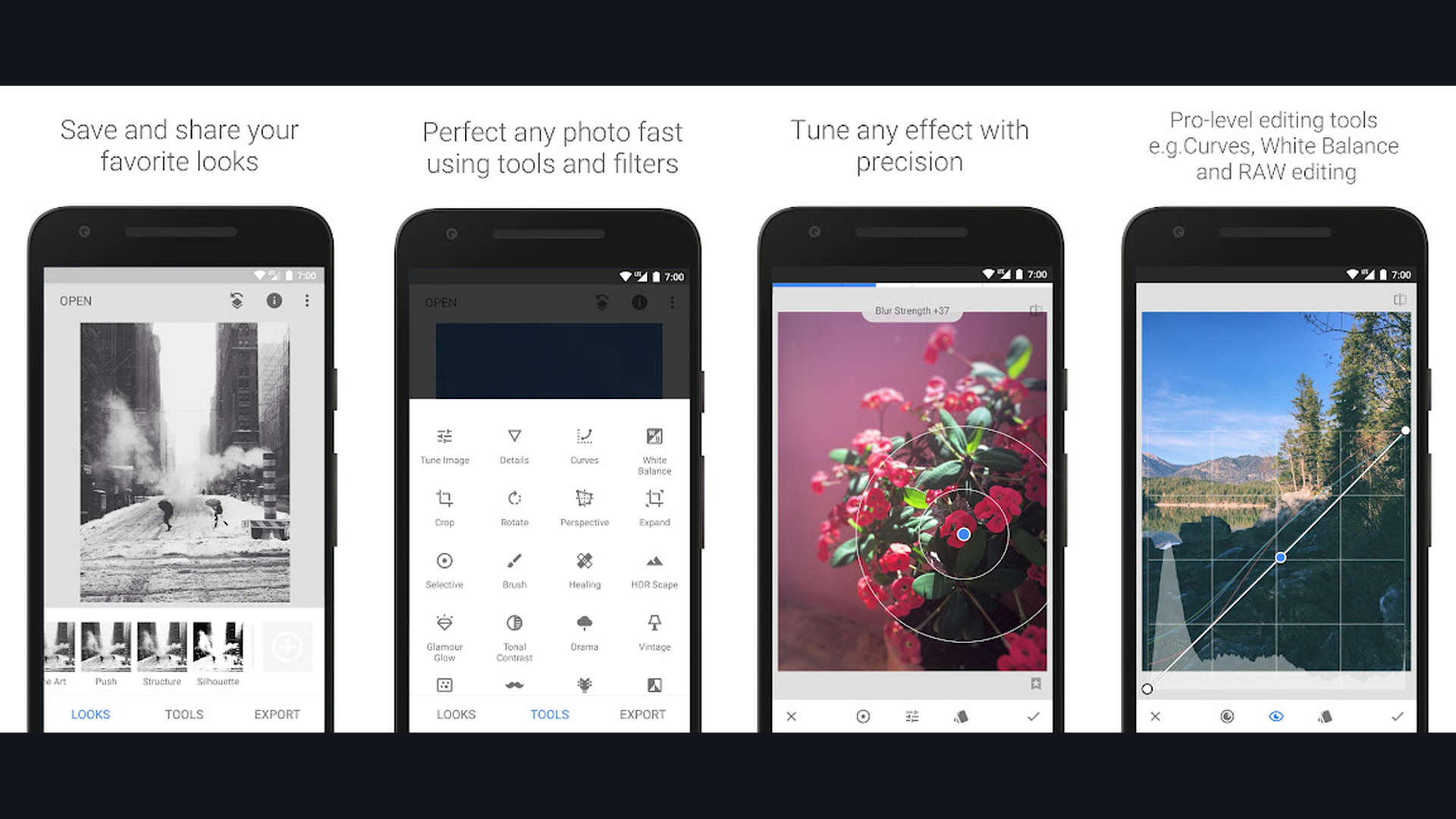
Snapseed is the app I always recommend first, and after months of daily use it has not let me down once. Developed by Google, it packs a genuinely professional toolset -- RAW file support, selective adjustments, Curves, Healing brush, and over 29 distinct tools -- all completely free with zero ads and zero subscriptions. The non-destructive editing stack is what sets it apart: every adjustment you make is saved as a step you can revisit and tweak later without touching the original photo. I used it heavily on a two-week road trip and edited over 300 shots without hitting a single paywall. If you want to understand what your phone camera is truly capable of, start here. You might also want to check how the front selfie camera works to get the most from portrait shots.


2. Adobe Lightroom (★ 4.7)
Developer: Adobe Inc. | Price: Free (Premium subscription available) | Rating: ★ 4.7
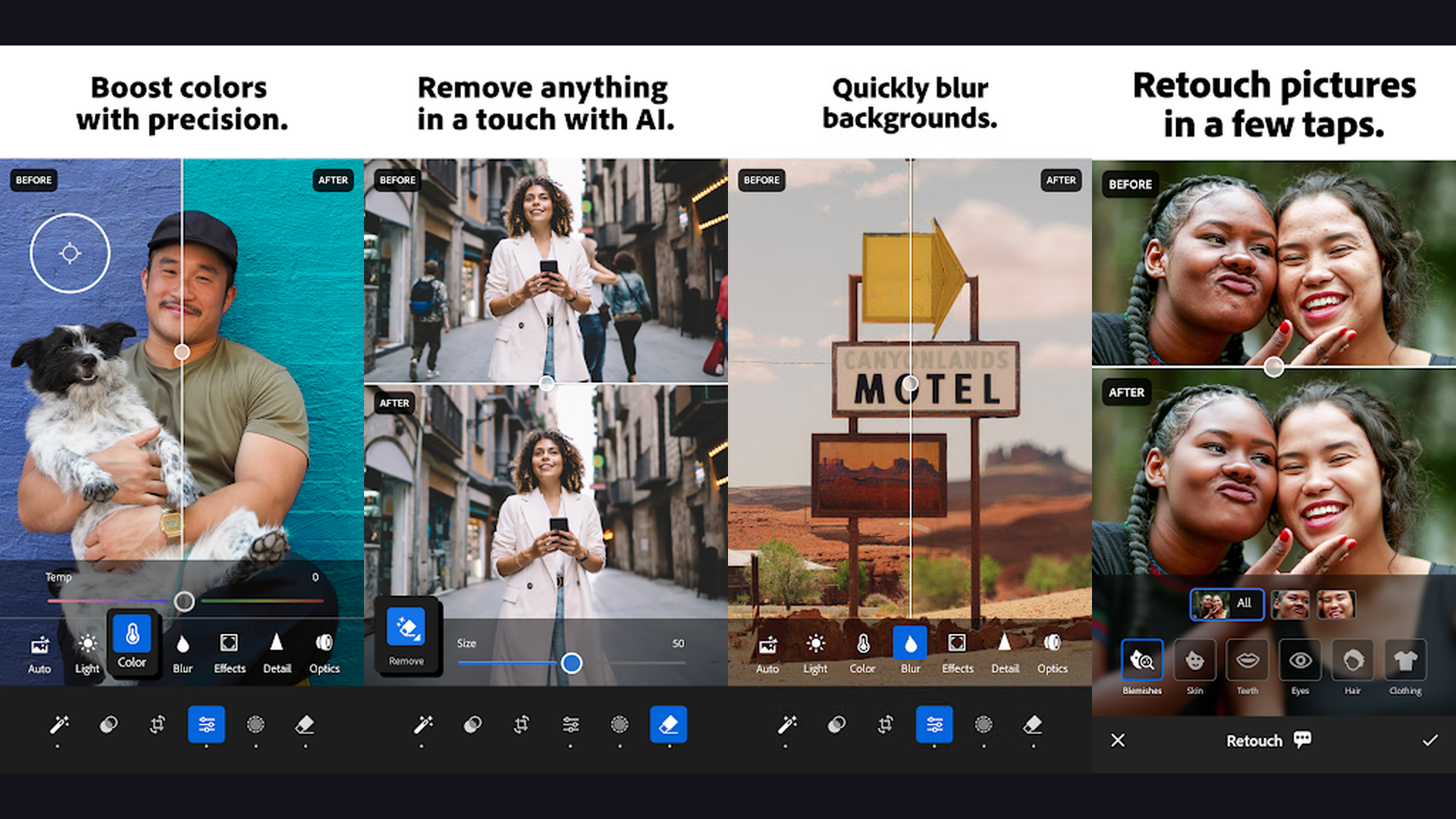
Adobe Lightroom is the gold standard for serious mobile photographers. The free tier gives you a surprising amount of power -- exposure sliders, colour grading, healing tools, and AI-powered Generative Remove that erased a photobomber from one of my best shots in seconds. The real magic, though, is the seamless sync between your Android, tablet, and desktop. I edited a RAW file on my phone during a layover and it appeared perfectly on my laptop the moment I landed. If you shoot in RAW or manage large photo libraries, the Creative Cloud subscription unlocks cloud storage and masking tools that genuinely justify the cost. Also worth reading: our breakdown of the best AI photo editing apps for more context on where Lightroom sits in the AI editing landscape.
3. Canva (★ 4.7)
Developer: Canva Pty Ltd | Price: Free (Pro subscription available) | Rating: ★ 4.7
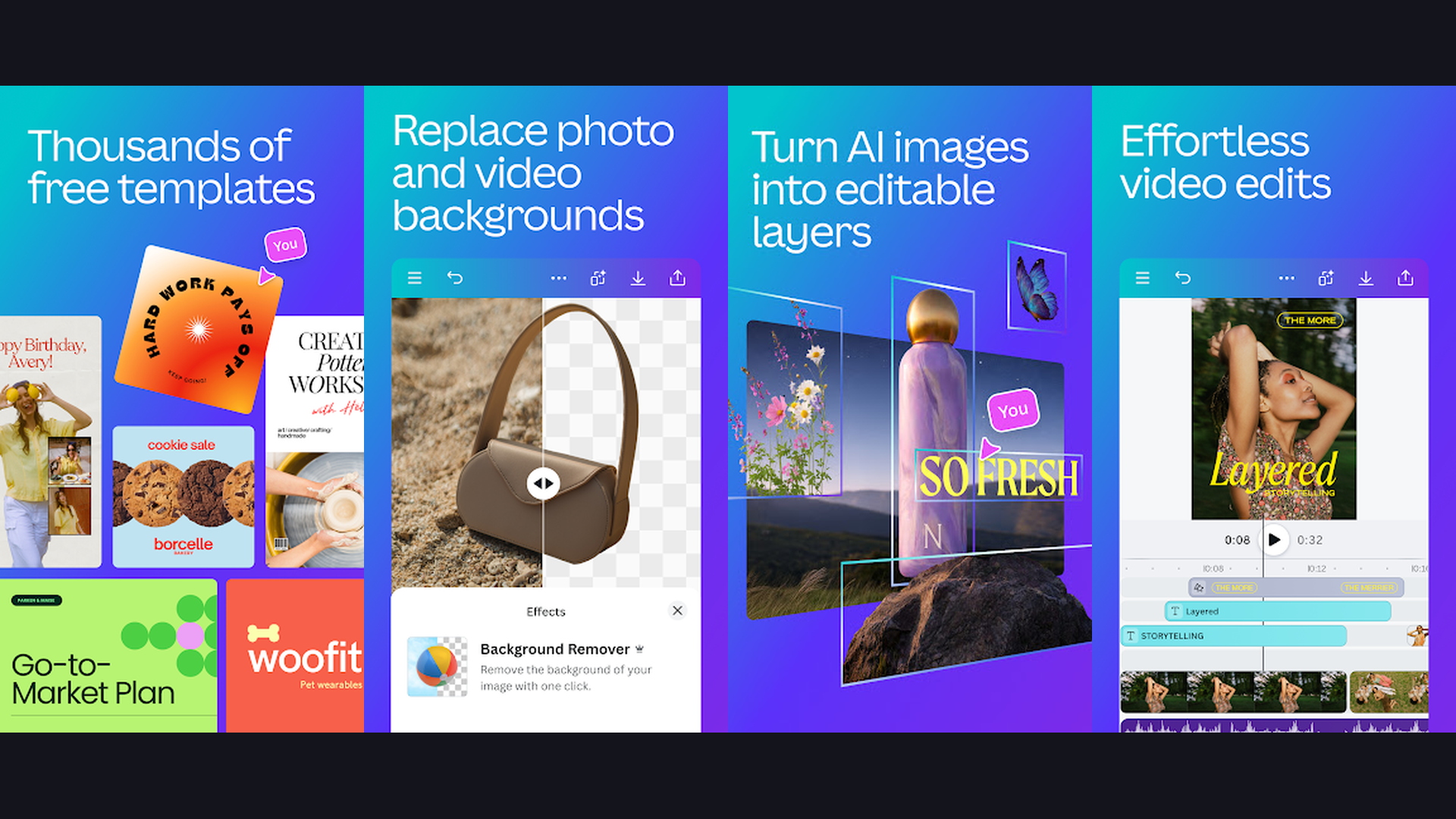
Canva sits at the crossroads of photo editing and graphic design, and for social media creators it is arguably the most versatile tool on this list. I use it primarily to craft Instagram posts, story templates, and blog banners -- tasks that would take me much longer in a pure editor. The drag-and-drop canvas, the enormous library of free templates, and the ability to export at custom dimensions make it indispensable for content work. The AI background remover works reliably even on complex subjects, and the Magic Resize feature let me convert a landscape post into a vertical story in two taps. If you create content regularly, pair Canva with our guide on the best apps for making reels to build a powerful creative stack.
4. Instagram (★ 4.6)
Developer: Meta Platforms, Inc. | Price: Free | Rating: ★ 4.6
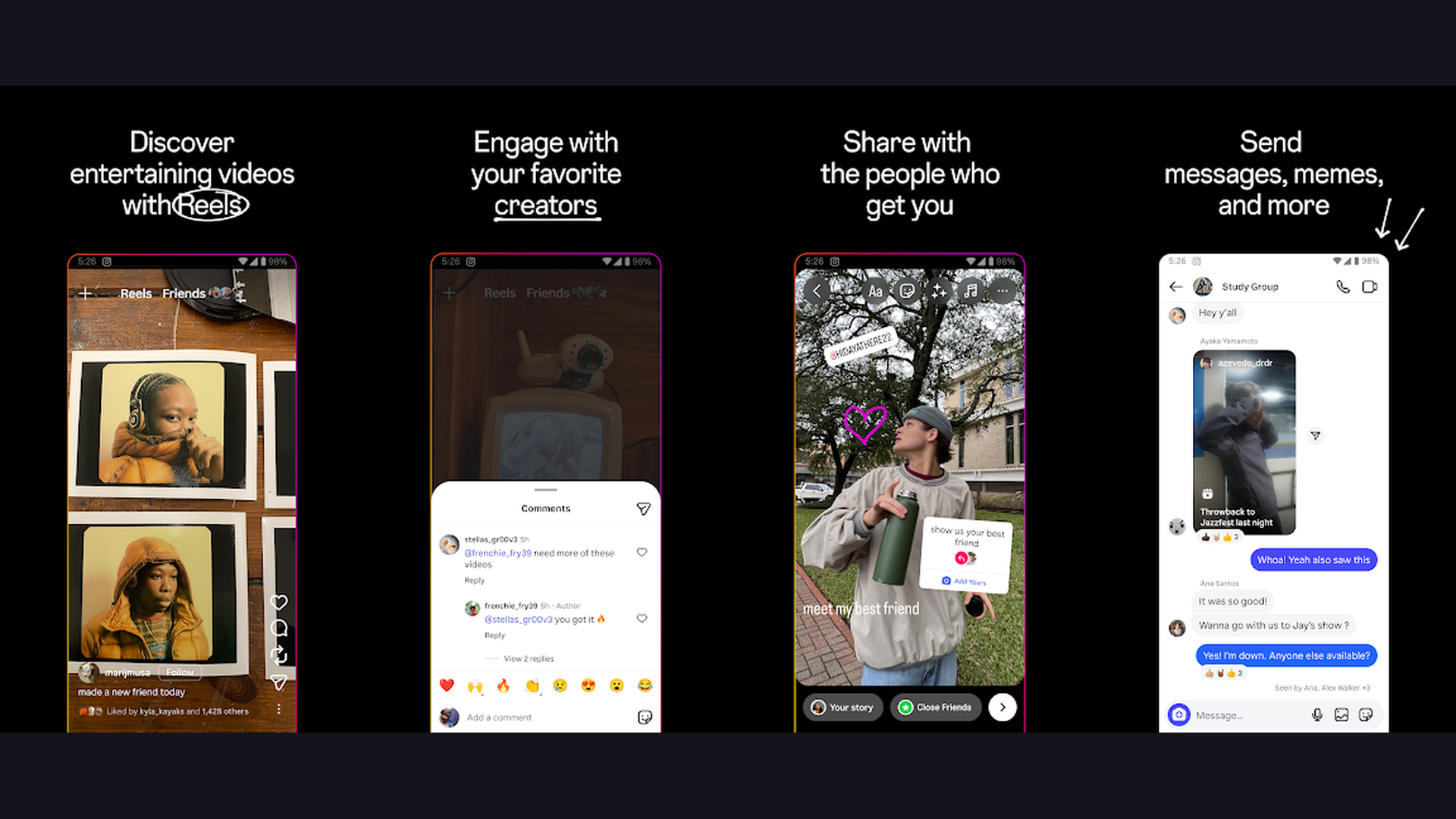
Instagram is obviously a sharing platform first, but its built-in editing suite has grown remarkably capable over the years. I now run nearly all my casual, everyday shots through the Instagram editor before posting -- the filters are well-tuned, the adjustment sliders cover brightness, contrast, saturation, warmth, and sharpening, and the Remix and Collab features make social engagement a genuine creative exercise. The integrated sharing workflow -- edit, caption, tag, post -- is unmatched for speed. Stories, Reels, and carousel posts all have their own dedicated editing experiences, making this a one-stop shop for most casual creators. Check out our tutorial on how to post images from your phone to Instagram and learn to pin Instagram posts for maximum profile impact.
5. PicsArt (★ 4.6)
Developer: PicsArt, Inc. | Price: Free (Gold subscription available) | Rating: ★ 4.6
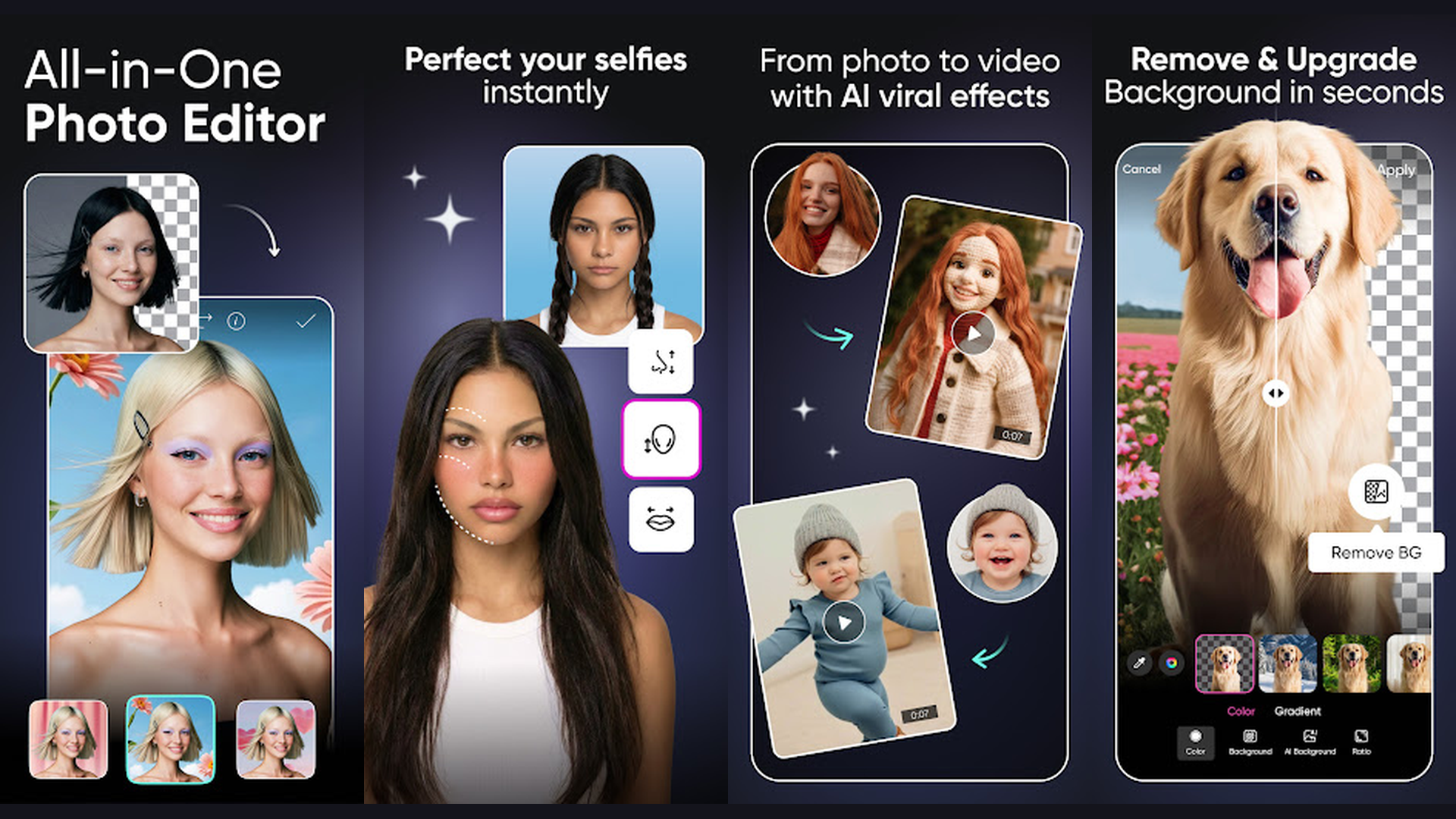
PicsArt is what happens when a photo editor, a design studio, and a social network are fused into one app. I picked it up initially just to remove backgrounds from product photos, but I ended up spending hours exploring the AI Enhance, Motion Sticker, and Collage tools. The built-in creative community -- where users share edits, templates, and remix each other's work -- gives it a dynamic energy that purely functional editors lack. The free tier is generous, though some premium AI features require a Gold subscription. For anyone who wants to get creative with portrait edits, our tutorial on how to make a blurry face in PicsArt is a great place to start experimenting.
6. Adobe Photoshop Express (★ 4.5)
Developer: Adobe Inc. | Price: Free (Adobe subscription unlocks more) | Rating: ★ 4.5
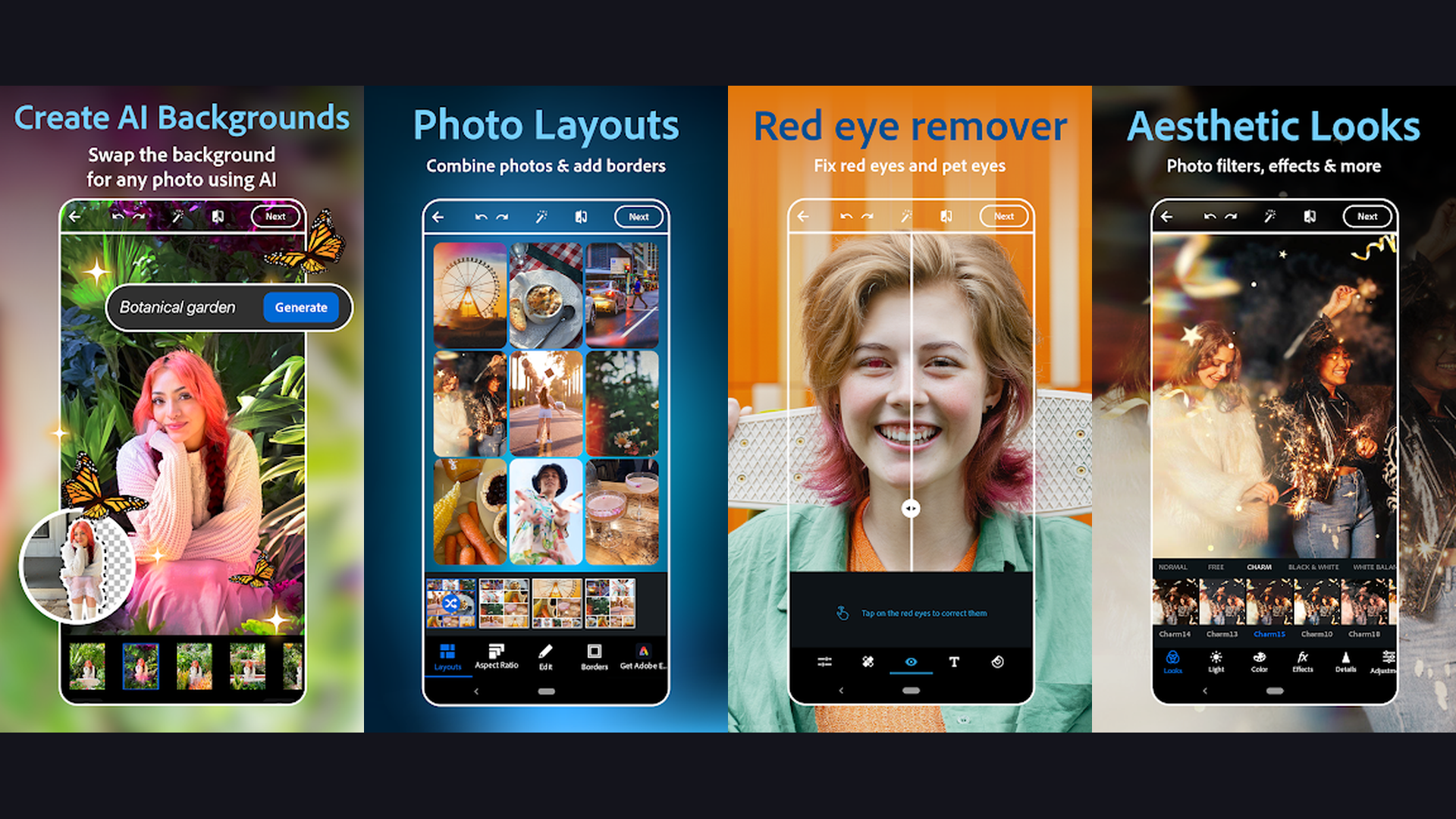
Adobe Photoshop Express is the lighter, more approachable sibling of the full desktop Photoshop, and it does exactly what it promises: fast, precise edits on the go. I rely on it mainly for quick noise reduction, perspective correction on architecture shots, and the one-tap defog filter that rescues hazy landscape photos. The spot healing and blemish removal tools are quick and accurate for portrait touch-ups. Where it really shines is in batch processing -- you can apply the same preset to dozens of photos simultaneously, a feature that saved me enormous time after a busy weekend event shoot. It pairs beautifully with Lightroom in an Adobe workflow and connects directly to your Creative Cloud library. Running on a quality Android display makes a real difference here -- see our guide on AMOLED display technology for more on why screen quality matters for photo editing.
7. VSCO (★ 4.5)
Developer: VSCO | Price: Free (Membership unlocks full preset library) | Rating: ★ 4.5
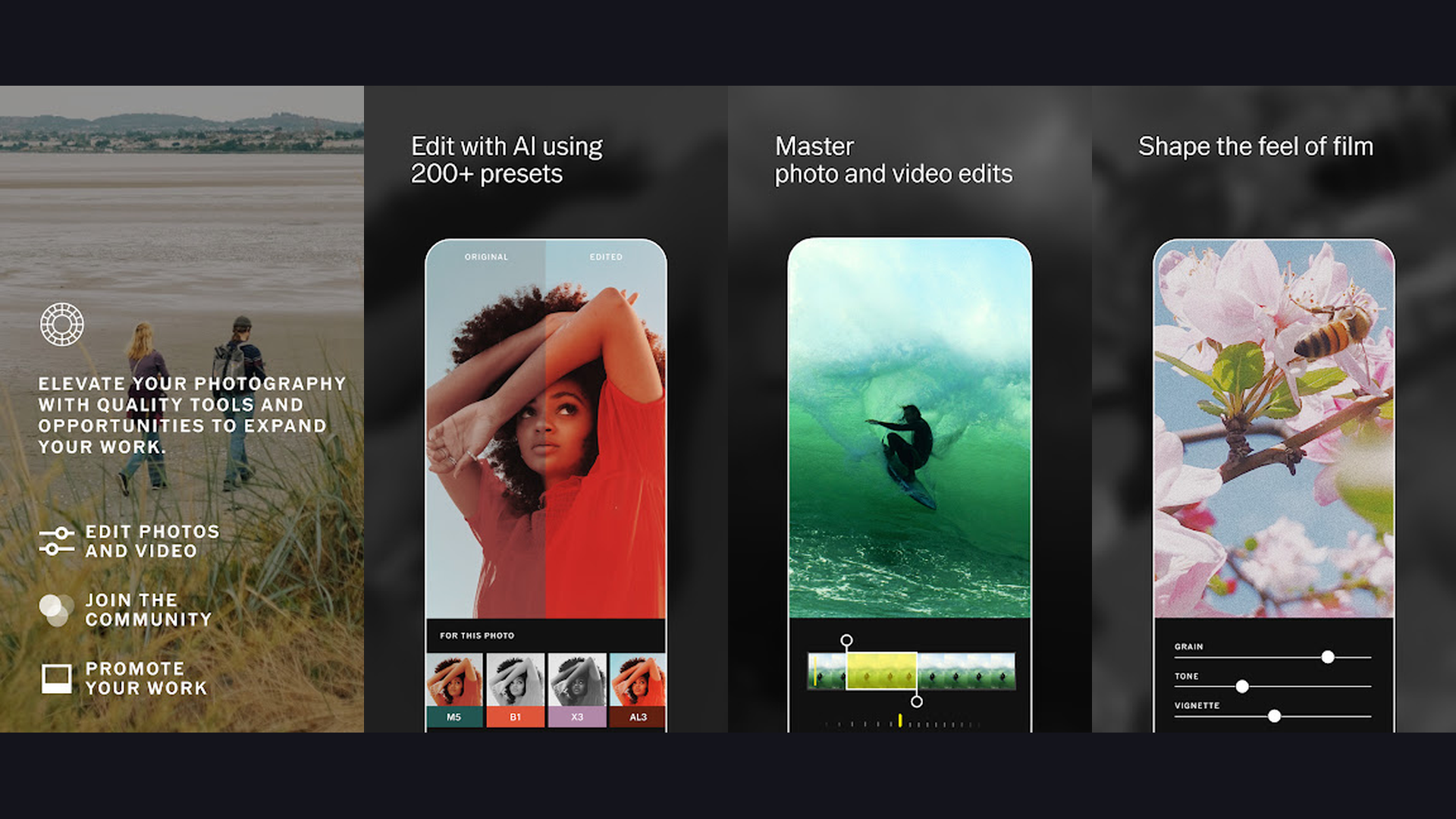
VSCO remains one of the most aesthetically refined apps on Android, and its film-emulation presets are genuinely gorgeous. The A-series presets mimic Agfa slide film, the C-series evoke Kodak Gold, and the ever-popular A4 gives portraits that warm, slightly faded look that dominated Instagram for years and never really goes out of style. Beyond filters, VSCO offers a full manual adjustment panel and a Recipe feature that lets you save and reapply your favourite combination of edits with one tap. The membership is a sore point for some users -- several previously free presets now sit behind the paywall -- but the core toolset remains free and the film aesthetic it produces is hard to replicate elsewhere. I use VSCO primarily for travel and lifestyle content where a consistent, atmospheric look matters more than technical precision.
8. YouCam Perfect (★ 4.5)
Developer: Perfect Corp. | Price: Free (Premium subscription available) | Rating: ★ 4.5
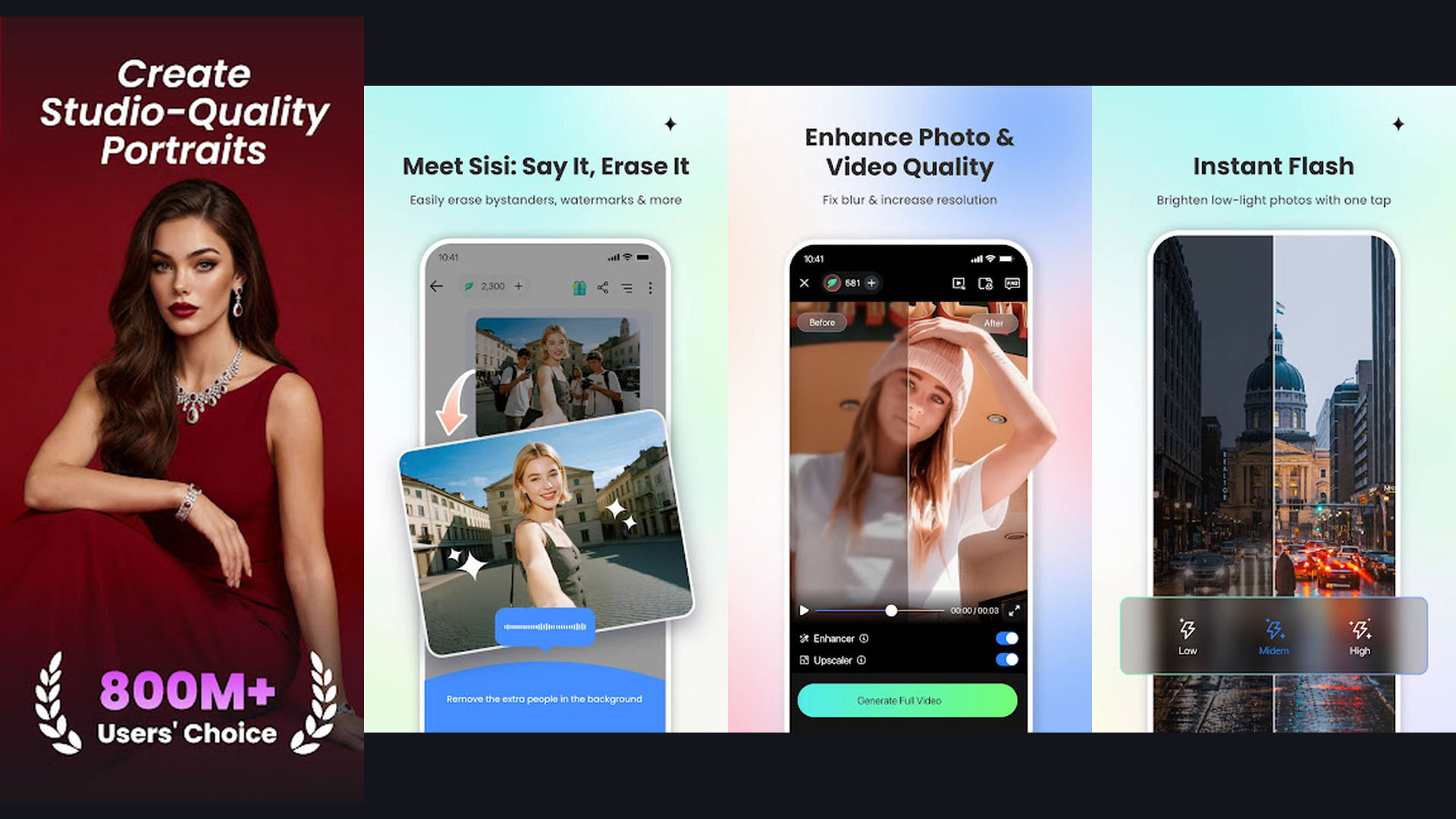
YouCam Perfect is the most specialised app on this list -- it is built almost entirely around portrait and selfie editing, and it does that job exceptionally well. The AI-driven skin smoothing, teeth whitening, eye enlargement, and reshaping tools are among the most natural-looking I have tested; the results do not look plastic or over-processed the way some competing beauty apps do. What surprised me was the quality of the background replacement tool, which handled hair edges better than several premium apps I paid for. I use it selectively -- it is not a replacement for a full editor -- but for headshots, profile photos, and any image where a polished portrait look is the goal, nothing on Android comes close. Pair it with our guide to front selfie cameras to maximise your portrait shots before you even open an editing app.
9. Fotor Photo Editor (★ 4.4)
Developer: Everimaging Ltd | Price: Free (Pro subscription available) | Rating: ★ 4.4
Fotor is a well-rounded editor that deserves more attention than it typically gets. I was drawn in initially by its HDR toning feature -- genuinely useful for landscape and architectural photos that need a bit of drama -- and stayed for the one-tap AI Enhance that reliably lifts flat, underexposed shots taken in tricky lighting. The collage maker is one of the cleanest on Android, supporting custom grid layouts and adjustable spacing that give your multi-image posts a professional finish. Fotor also includes a portrait beauty suite, basic graphic design templates, and a photo-to-sketch effect that my kids absolutely love. It is a solid choice if you want one app that does a bit of everything without being overwhelming. Content creators will also find useful overlap with tools discussed in our content creation apps roundup.
10. Pixlr (★ 4.3)
Developer: Inmagine Lab Pte Ltd | Price: Free (Subscription unlocks AI tools) | Rating: ★ 4.3
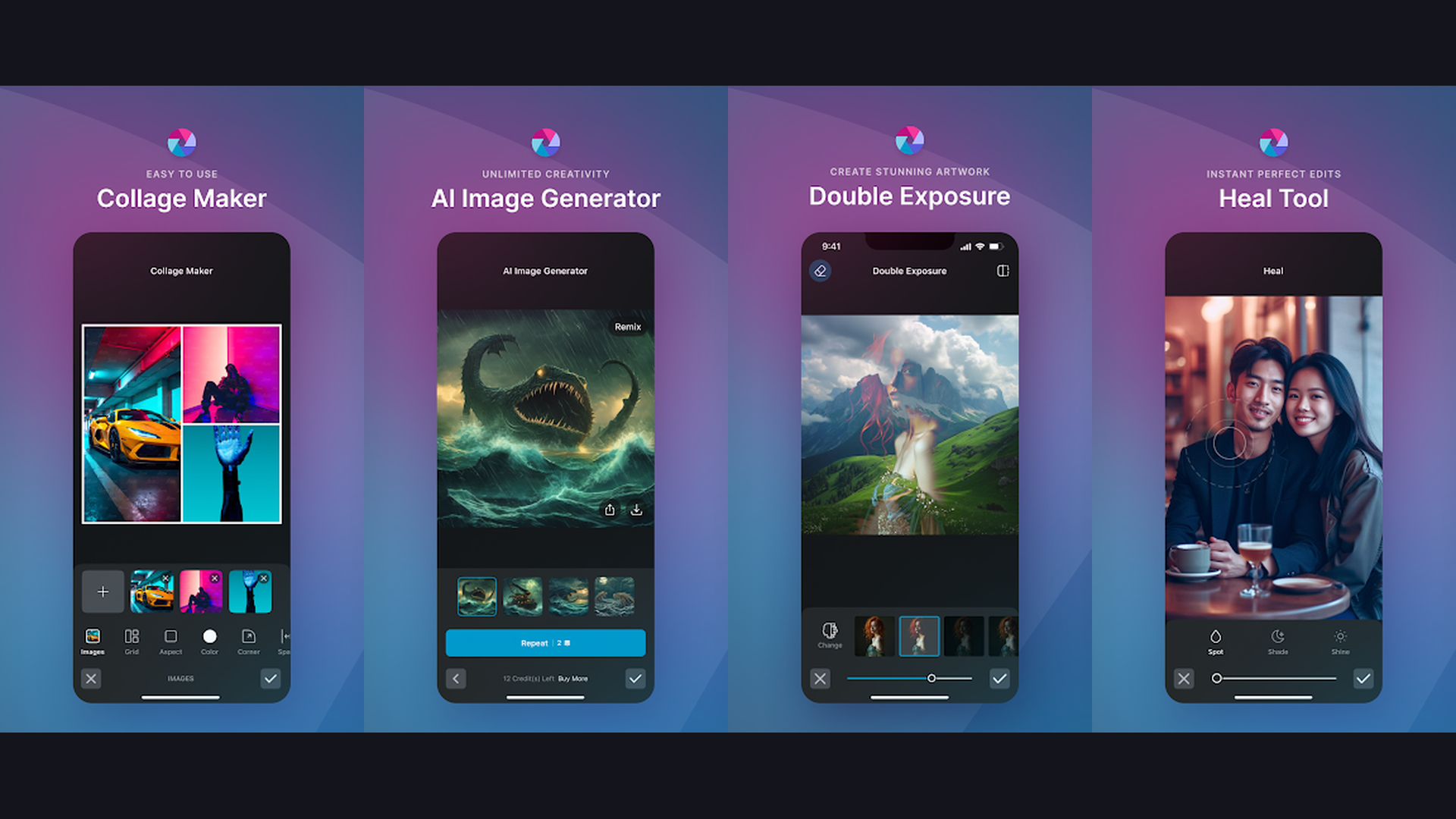
Pixlr has reinvented itself in 2025 and 2026 with a heavy focus on AI-powered tools, and the results are genuinely impressive. The AI Cutout handles complex subjects -- including loose hair and semi-transparent fabrics -- with a level of accuracy that surprised me. The Generative Fill feature, which lets you extend a photo's background or replace selected areas with AI-generated content, is still a bit hit-and-miss but is improving with every update. The Remix tool, which blends two images together with adjustable opacity, is creatively addictive for social media experimenters. The free tier is accessible, though the most advanced AI features sit behind a subscription. Pixlr earns its spot here specifically for adventurous users who enjoy playing with AI-driven creative tools rather than traditional editing workflows. If you are also into drawing and digital art, our best drawing apps for Android and iPhone guide covers the creative tools that complement Pixlr well.
Final Thoughts: Which Photo Editing App Should You Pick?
After months of real-world use, here is the short version: if you want one free app that does everything, install Snapseed. If you shoot RAW and want a professional workflow, go with Adobe Lightroom. For social media content creation, Canva and Instagram cover most bases. Portrait photographers will love YouCam Perfect, film enthusiasts will gravitate to VSCO, and anyone keen to experiment with AI tools should give Pixlr a spin. The best part? All of these apps are free to download, so there is nothing stopping you from trying two or three and deciding for yourself. Android has never offered a better set of creative tools right in your pocket -- and in 2026, the gap between mobile editing and desktop editing has never been smaller. Also explore our full list of free photo editing apps and our picks for best drawing apps for digital artists to round out your creative toolkit.