
Artificial intelligence has transformed the iPhone into a pocket-sized supercomputer capable of writing essays, analyzing documents, generating images, transcribing meetings, tutoring students, and holding natural voice conversations. In 2026, the best ChatGPT and AI apps for iPhone go far beyond basic chatbots, offering specialized capabilities for research, writing, coding, creativity, and professional productivity.
This guide reviews 12 of the best ChatGPT and AI chatbot apps for iPhone, covering general AI assistants, research tools, writing assistants, meeting transcription, educational AI, and creative platforms. Whether you are looking for a ChatGPT alternative, a specialized AI tool for your workflow, or the best free AI apps available, this list covers every major AI assistant you can install on your iPhone today. For more productivity tools, explore our guides on note-taking apps, digital planner apps, content creation apps, and language learning apps.
Table of Contents
- ChatGPT (Rating 4.8)
- Claude (Rating 4.8)
- Microsoft Copilot (Rating 4.7)
- Google Gemini (Rating 4.6)
- Perplexity (Rating 4.6)
- Poe (Rating 4.5)
- Otter.ai (Rating 4.5)
- Replika (Rating 4.3)
- Socratic by Google (Rating 4.2)
- Grammarly (Rating 4.2)
- Grok (Rating 4.1)
- Jasper AI (Rating 4.0)
- Which AI App Is Right for You?
- Tips for Getting the Most from AI on iPhone
- Frequently Asked Questions
1. ChatGPT (Rating 4.8)
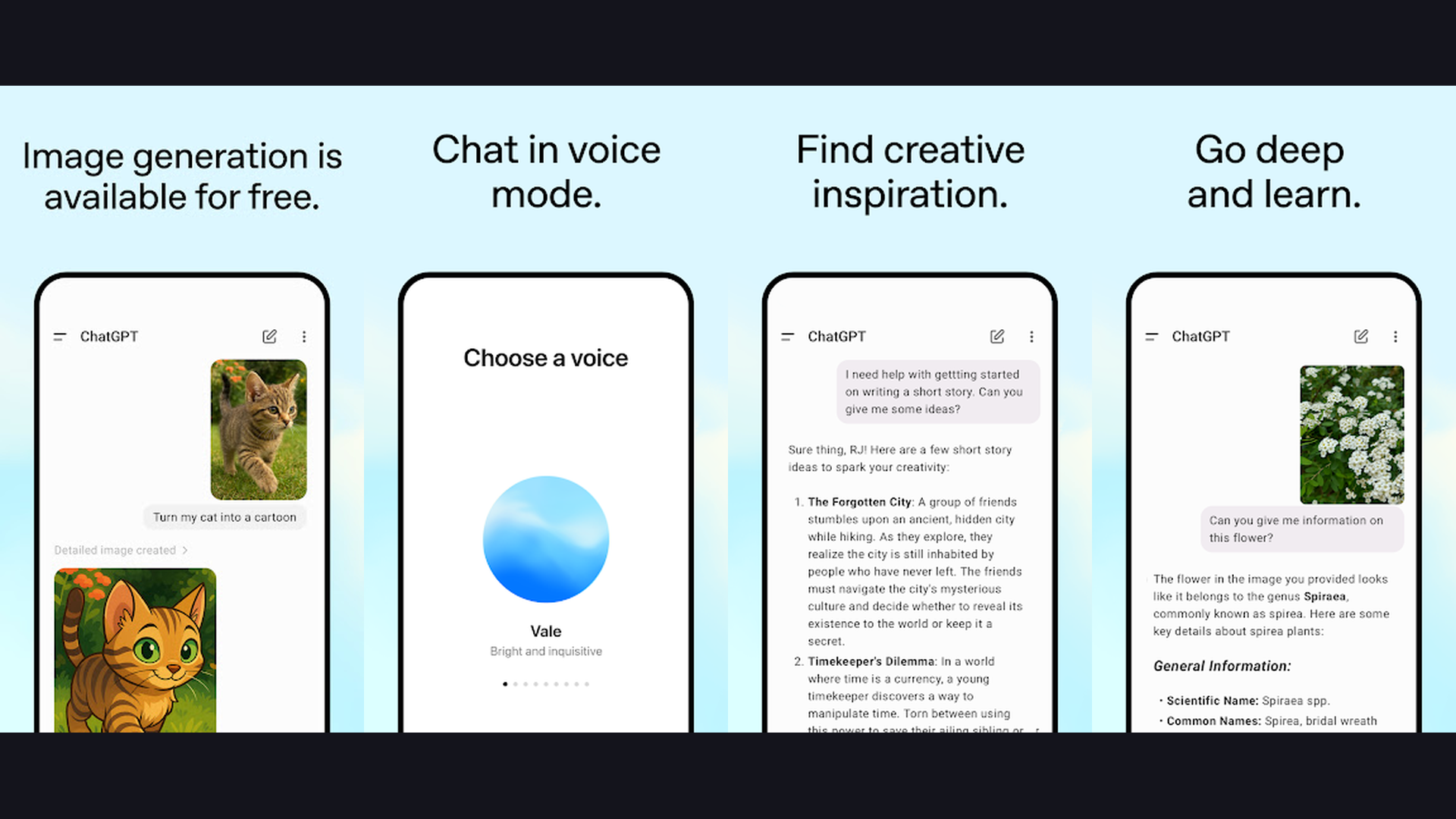
ChatGPT is the original AI assistant from OpenAI and the most popular AI chatbot app on iPhone, powered by GPT-4o and GPT-5 with advanced voice conversations, image generation, vision analysis, and custom GPTs. ChatGPT on iPhone brings the full power of OpenAI latest models to your pocket. The Advanced Voice Mode enables natural, real-time spoken conversations with the AI. It can pause, adjust tone, and even express emotions in its voice, making it feel like talking to a knowledgeable friend. DALL-E integration generates images from text descriptions directly in the chat. The vision feature lets you point your iPhone camera at anything (a menu in a foreign language, a math problem, a broken appliance) and ChatGPT will analyze and respond. Custom GPTs are purpose-built AI assistants for specific tasks like cooking, language tutoring, coding help, or travel planning. The Canvas feature provides a collaborative writing and coding workspace. File uploads support PDFs, images, spreadsheets, and documents for analysis. ChatGPT memory remembers your preferences across conversations. ChatGPT is free with Plus from $20/month. For iPhone users who want the most versatile, feature-complete AI assistant with voice, vision, image generation, and custom GPTs, ChatGPT is the benchmark all others are measured against. Pair with note-taking apps for organized AI conversations.


2. Claude (Rating 4.8)
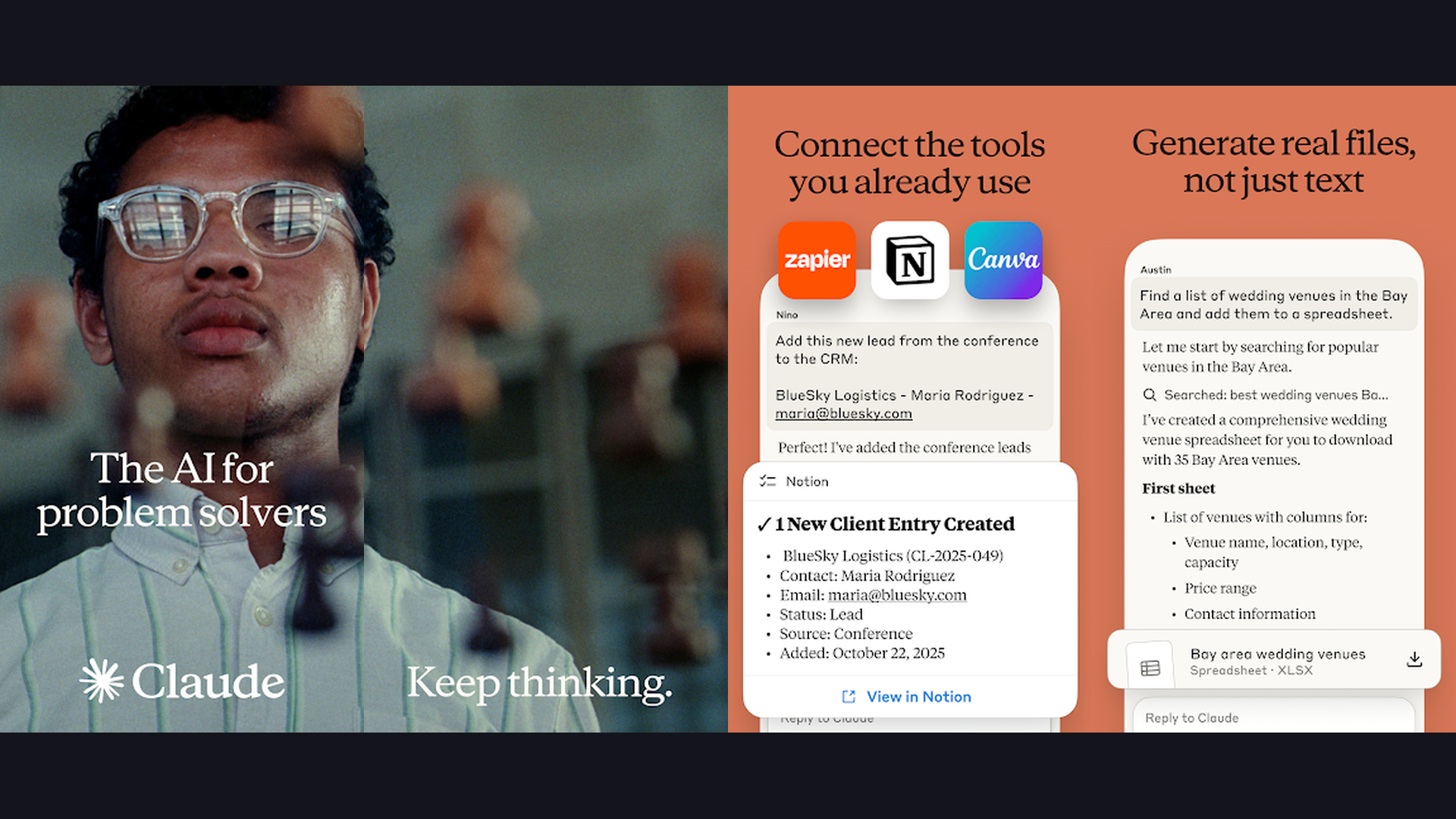
Claude by Anthropic is a sophisticated AI assistant known for exceptional long-form writing, deep reasoning, nuanced analysis, and handling massive documents, making it the preferred choice for professionals and academics on iPhone. Claude stands out from ChatGPT in several important ways. Its writing quality is widely considered superior for long-form content: blog posts, essays, reports, and creative writing feel more natural and less formulaic. Claude can process documents up to 200,000 tokens (roughly 500 pages), meaning you can upload entire books, research papers, or legal documents and ask detailed questions about them. The reasoning capabilities are exceptional for complex analysis: it can evaluate arguments, identify logical gaps, and provide multi-perspective responses. Claude is notably more cautious about misinformation, often explaining its uncertainty rather than confidently guessing. The Artifacts feature creates interactive visualizations, code previews, and documents within the chat. Claude can generate and execute code, create data visualizations, and build interactive web components. Claude is free with Pro from $20/month. For iPhone users who prioritize superior writing quality, deep analysis, and safe, accurate responses, Claude is the most thoughtful AI assistant. Use with content creation tools for professional writing.
3. Microsoft Copilot (Rating 4.7)
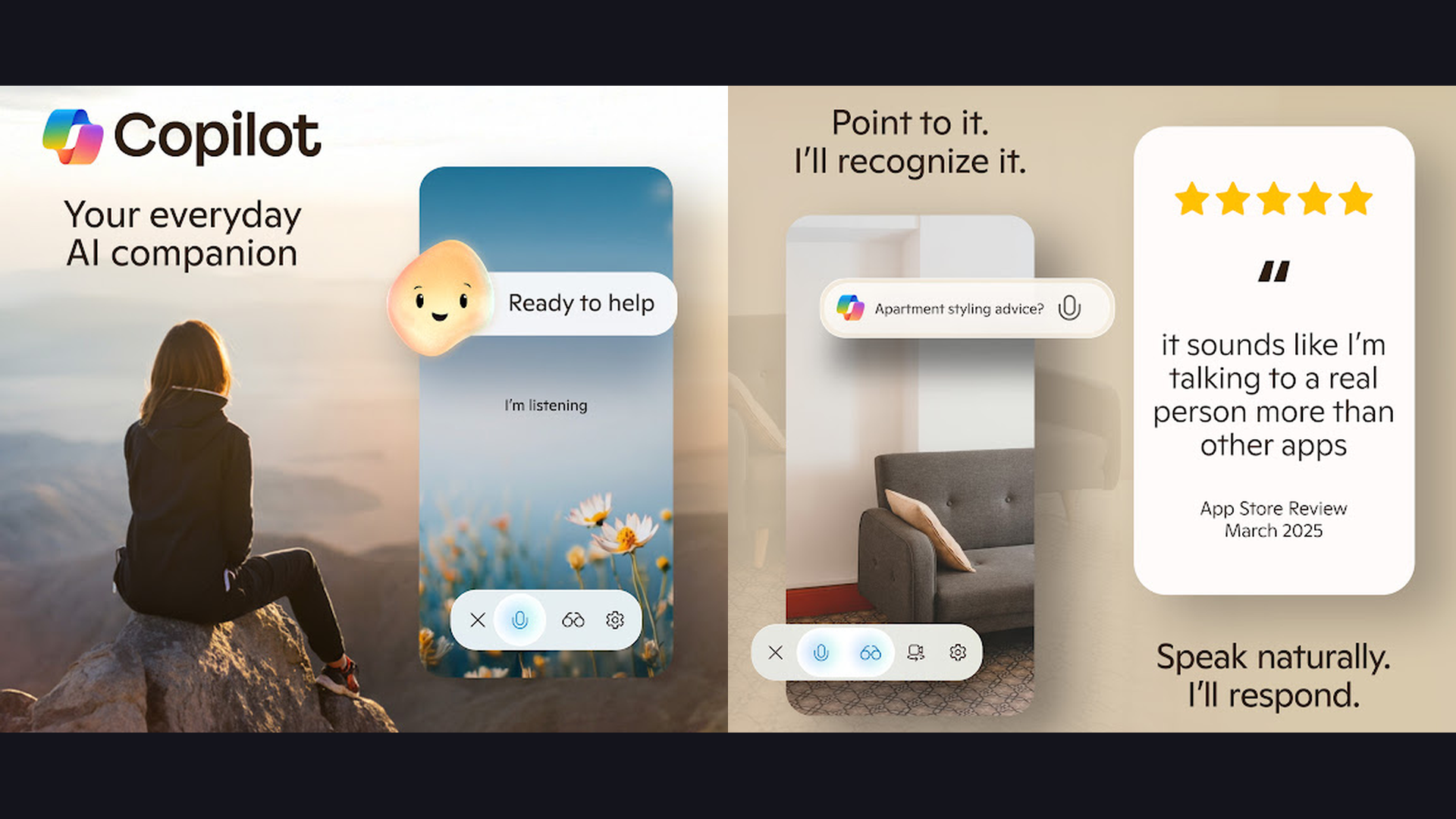
Microsoft Copilot is a powerful AI assistant backed by GPT-4 and GPT-5 models that integrates deeply with Microsoft 365, offering free access to advanced AI capabilities plus image generation through DALL-E. Copilot best advantage for iPhone users is its generous free tier. While ChatGPT limits GPT-4 access on the free plan, Copilot provides access to advanced models at no cost. The image generation feature creates images from text descriptions using DALL-E 3, also completely free. For Microsoft 365 subscribers, Copilot becomes extraordinarily powerful: summarize email threads in Outlook, generate presentations in PowerPoint, analyze data in Excel, and draft documents in Word, all from your iPhone. The Copilot GPTs (called Copilot Agents) provide specialized assistance for fitness, cooking, design, and travel. The Notebook mode provides a larger input area for complex prompts. The Edge browser integration adds AI assistance to web browsing. Copilot supports voice input and real-time conversation mode. Copilot is free with Copilot Pro from $20/month. For iPhone users who want free access to GPT-4 level AI with image generation and Microsoft 365 integration, Copilot offers the best value.
4. Google Gemini (Rating 4.6)
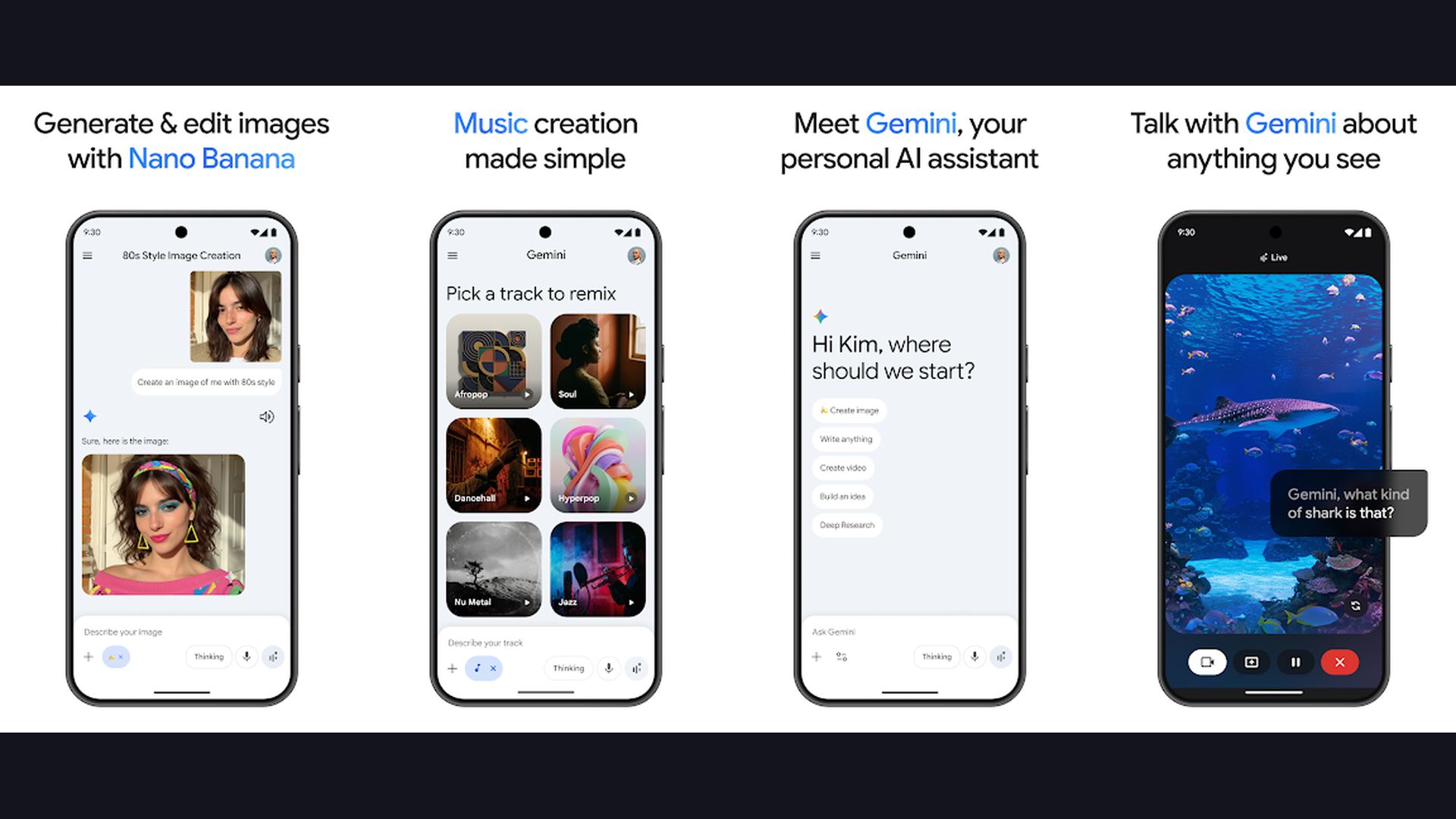
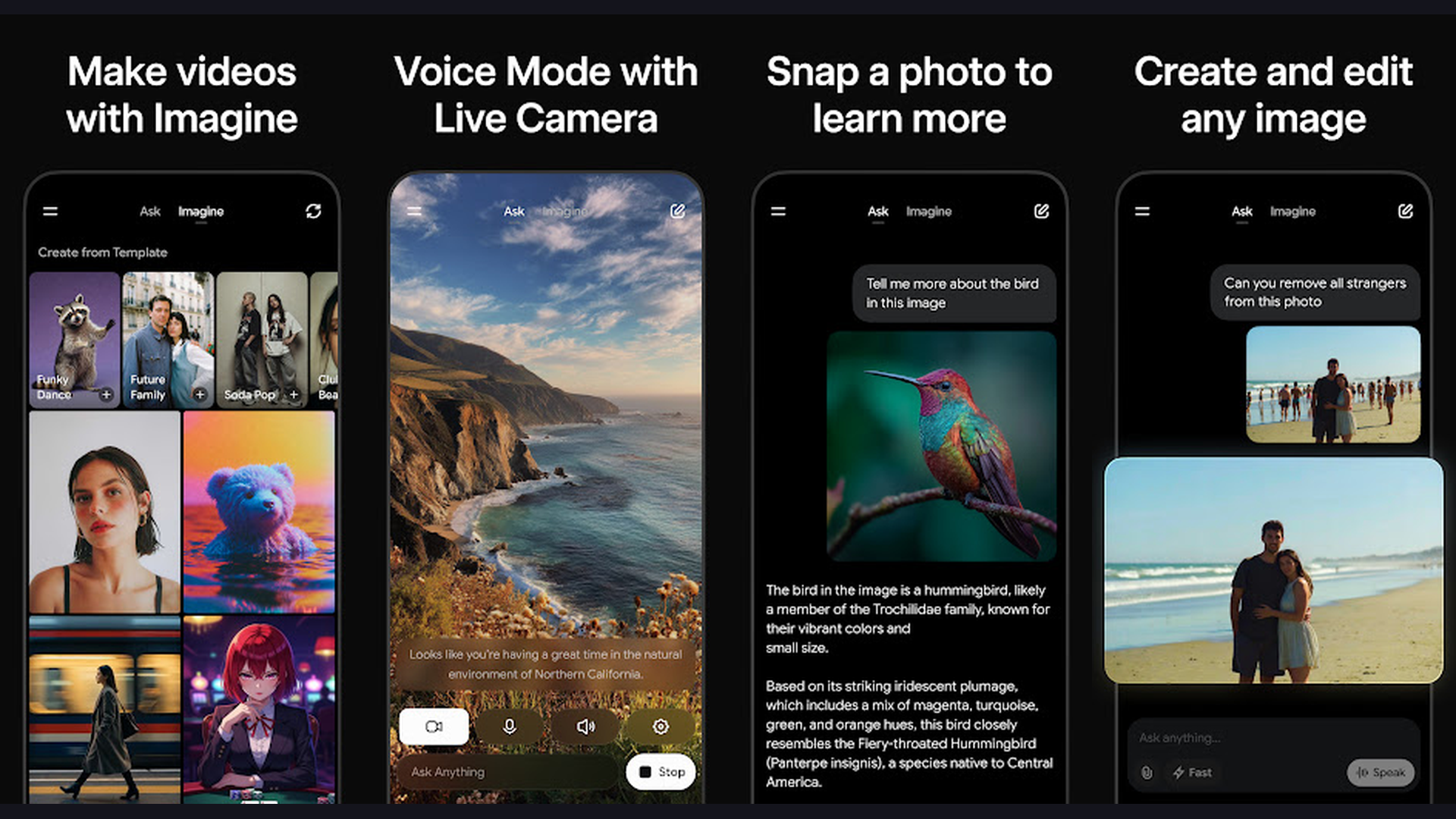
Google Gemini is Google AI assistant for iPhone, powered by the Gemini model family with deep integration into Google Search, Gmail, Drive, Docs, Maps, and YouTube for contextual AI assistance across the Google ecosystem. Gemini strength on iPhone lies in its Google ecosystem integration. Ask it to summarize your recent Gmail emails, find files in Google Drive, create documents in Google Docs, or plan routes in Google Maps. The Gemini model provides excellent reasoning with access to real-time Google Search data, meaning its answers include the latest information rather than being limited by training data cutoffs. Gemini 2.0 Pro provides frontier-level intelligence for complex tasks. The image understanding capabilities let you take photos and ask questions. Gemini Live enables natural voice conversations. The extensions system connects to Google services, Google Flights, Google Hotels, and YouTube. Imagen generates high-quality images from text descriptions. Multi-modal reasoning processes text, images, audio, and video. Gemini is free with Gemini Advanced from $19.99/month. For iPhone users deeply embedded in the Google ecosystem who want AI integrated with Gmail, Drive, Docs, and Search, Gemini provides the most connected experience. Explore planner apps alongside Gemini for productivity.
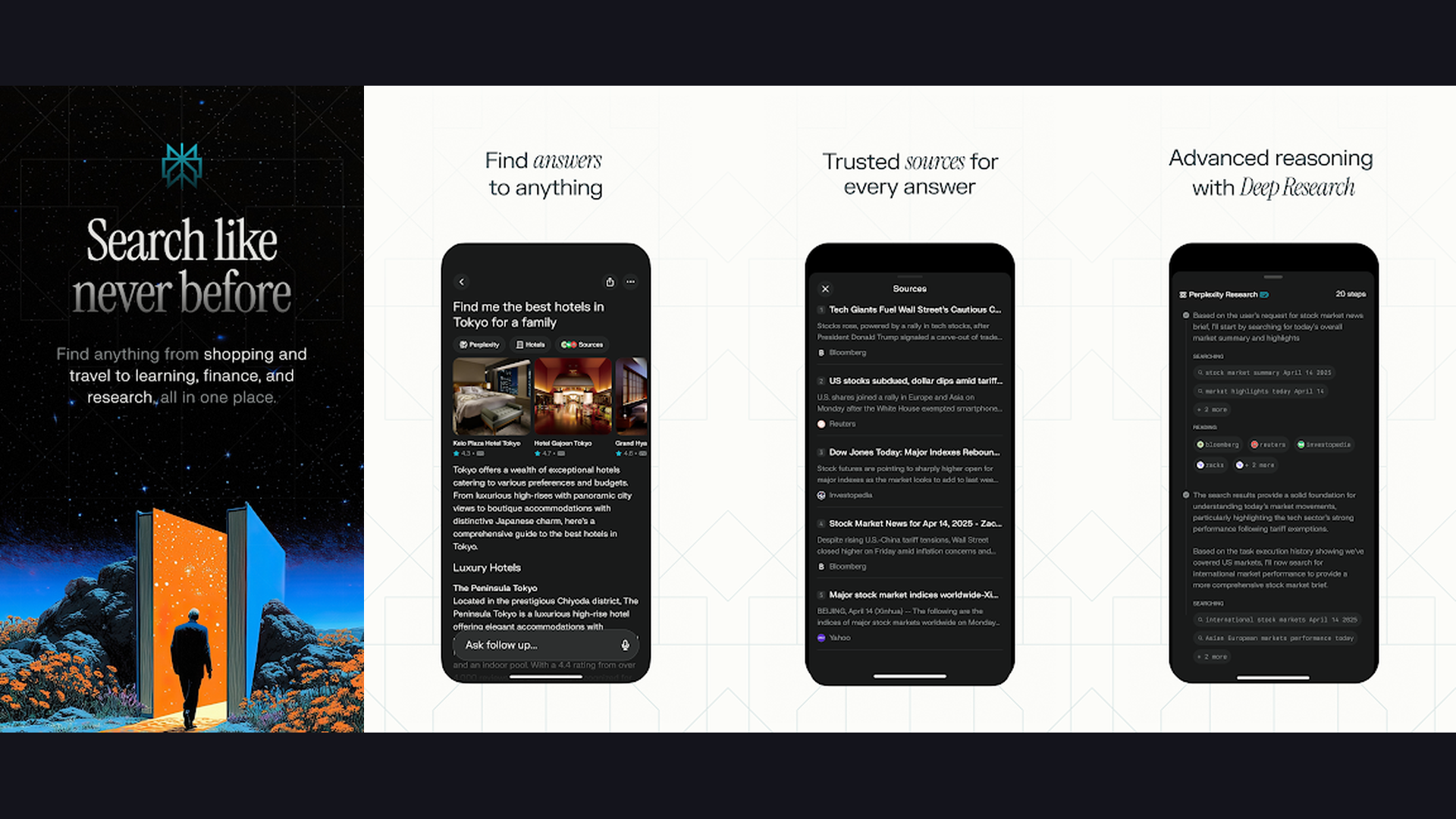
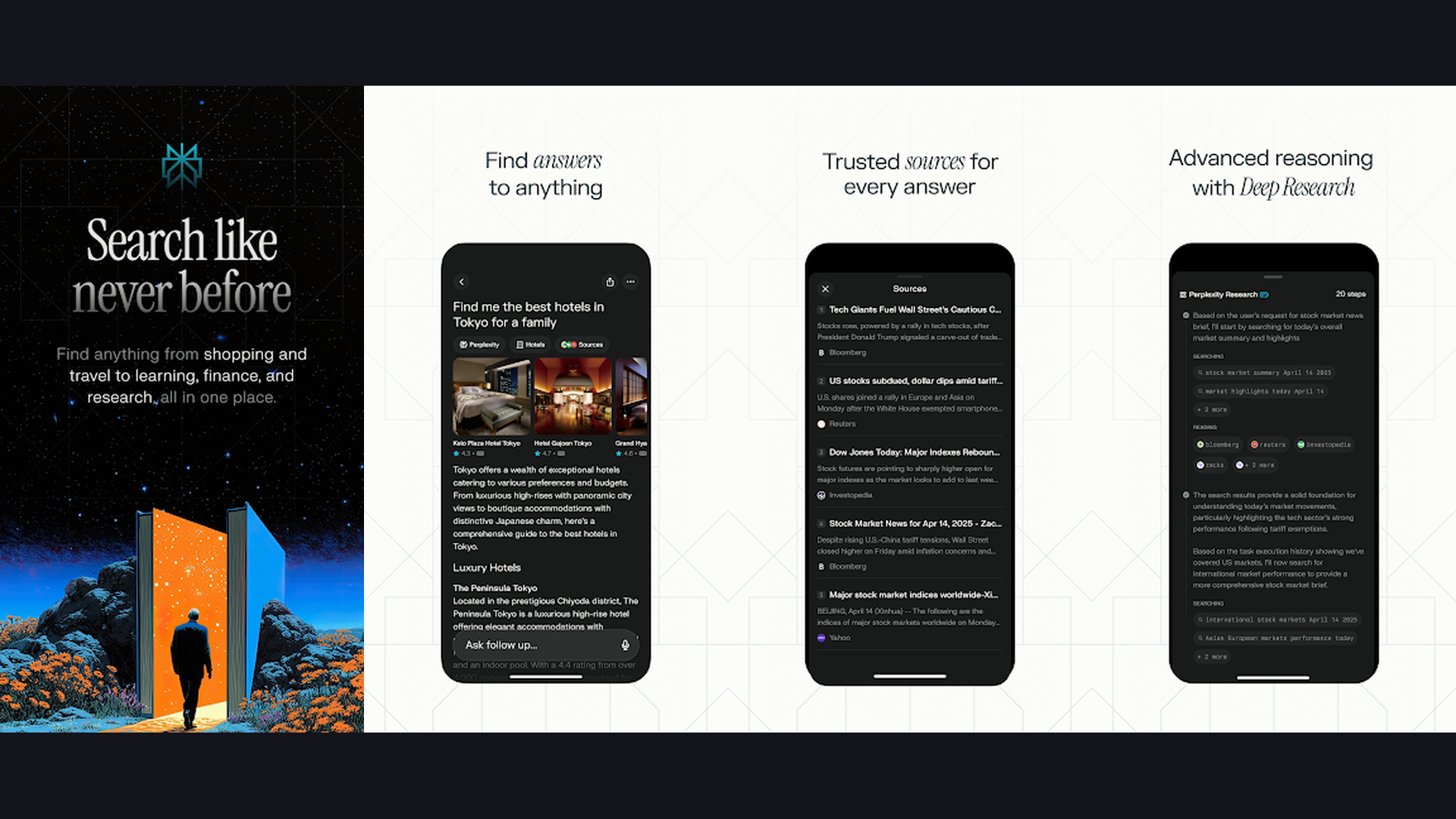
5. Perplexity (Rating 4.6)
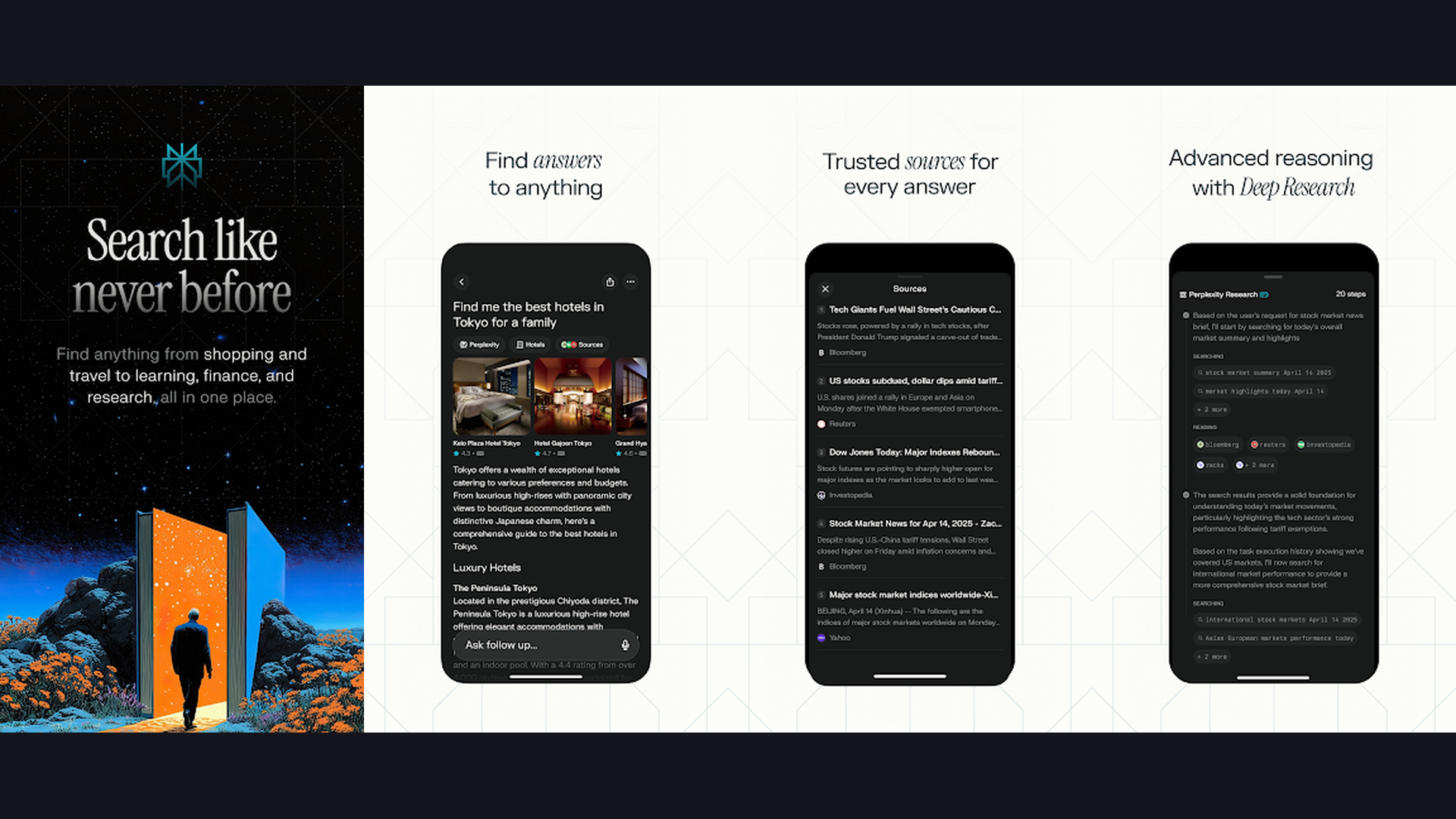
Perplexity is a real-time AI-powered search engine that provides detailed, source-cited answers to any question, making it the best iPhone AI app for research, fact-checking, and staying informed. Perplexity fundamentally differs from other AI chatbots because every response includes cited sources. When you ask a question, Perplexity searches the internet in real time, synthesizes information from multiple sources, and provides a clear, well-organized answer with numbered citations you can verify. This makes it dramatically more trustworthy than other AI chatbots for factual information. The Focus Modes target specific content types: Academic filters for peer-reviewed papers, Writing helps with creative tasks, Math provides step-by-step solutions, and Video searches YouTube. The Discover feed curates trending topics and breaking news with AI-generated summaries. File uploads let you analyze PDFs and documents. Pro subscribers access multiple AI models (GPT-5, Claude, Gemini) through one interface, choosing the best model for each task. Perplexity is free with Pro from $20/month. For iPhone users who need accurate, source-cited research and real-time information, Perplexity is the most trustworthy AI search tool. Check financial tools for market research.
6. Poe (Rating 4.5)
Poe by Quora is a multi-model AI platform that gives iPhone users access to ChatGPT, Claude, Gemini, Llama, Mistral, DALL-E, and dozens of other AI models through a single app, plus custom bot creation and image generation. Poe unique value is model diversity. Instead of subscribing to ChatGPT ($20), Claude ($20), and Gemini ($20) separately, Poe provides access to all of them and more for a single subscription. Compare responses from different AI models side by side with Multi-Bot Chat. The custom bot creator lets you build specialized AI assistants with custom system prompts, knowledge bases, and specific model choices. The image and video generation section includes FLUX, Stable Diffusion, Ideogram, and other cutting-edge generators. Poe community bots offer pre-built assistants for everything from code review to recipe generation to language translation. The explore section highlights trending bots and new model releases. Poe is free (limited) or subscription from $19.99/month. For iPhone users who want access to every major AI model through one app without multiple subscriptions, Poe offers unmatched versatility.
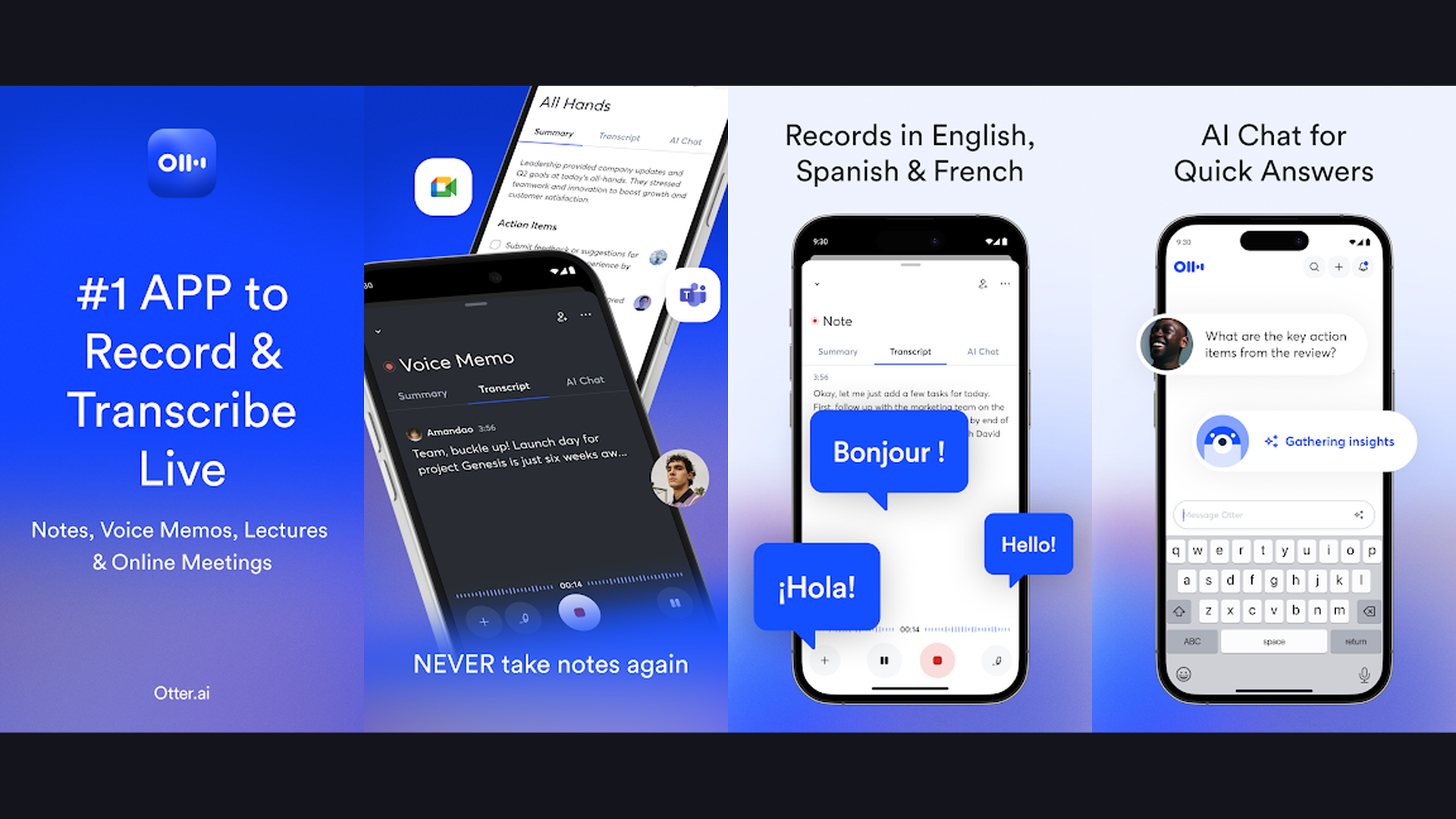
7. Otter.ai (Rating 4.5)
Otter.ai is the leading AI-powered meeting transcription and note-taking app for iPhone, turning voice conversations, meetings, lectures, and interviews into searchable, shareable text with AI summaries. Otter transforms how professionals capture information. Point your iPhone at a meeting, lecture, or interview, and Otter transcribes speech to text in real time with impressive accuracy. The AI identifies and labels different speakers automatically. After the conversation, Otter AI generates a summary highlighting key points, action items, and decisions. The OtterPilot feature automatically joins your Zoom, Google Meet, and Microsoft Teams meetings to transcribe without you needing to manage it. Search across all your transcriptions to find any topic or keyword mentioned in any meeting. Highlight and share key moments with timestamps. The chatbot lets you ask questions about your transcription content. Live captions display real-time subtitles during in-person conversations. Otter.ai is free (300 monthly minutes) or Pro from $16.99/month. For iPhone professionals who attend frequent meetings and need accurate AI transcription with summaries, Otter is indispensable. Complement with note apps for a complete system.
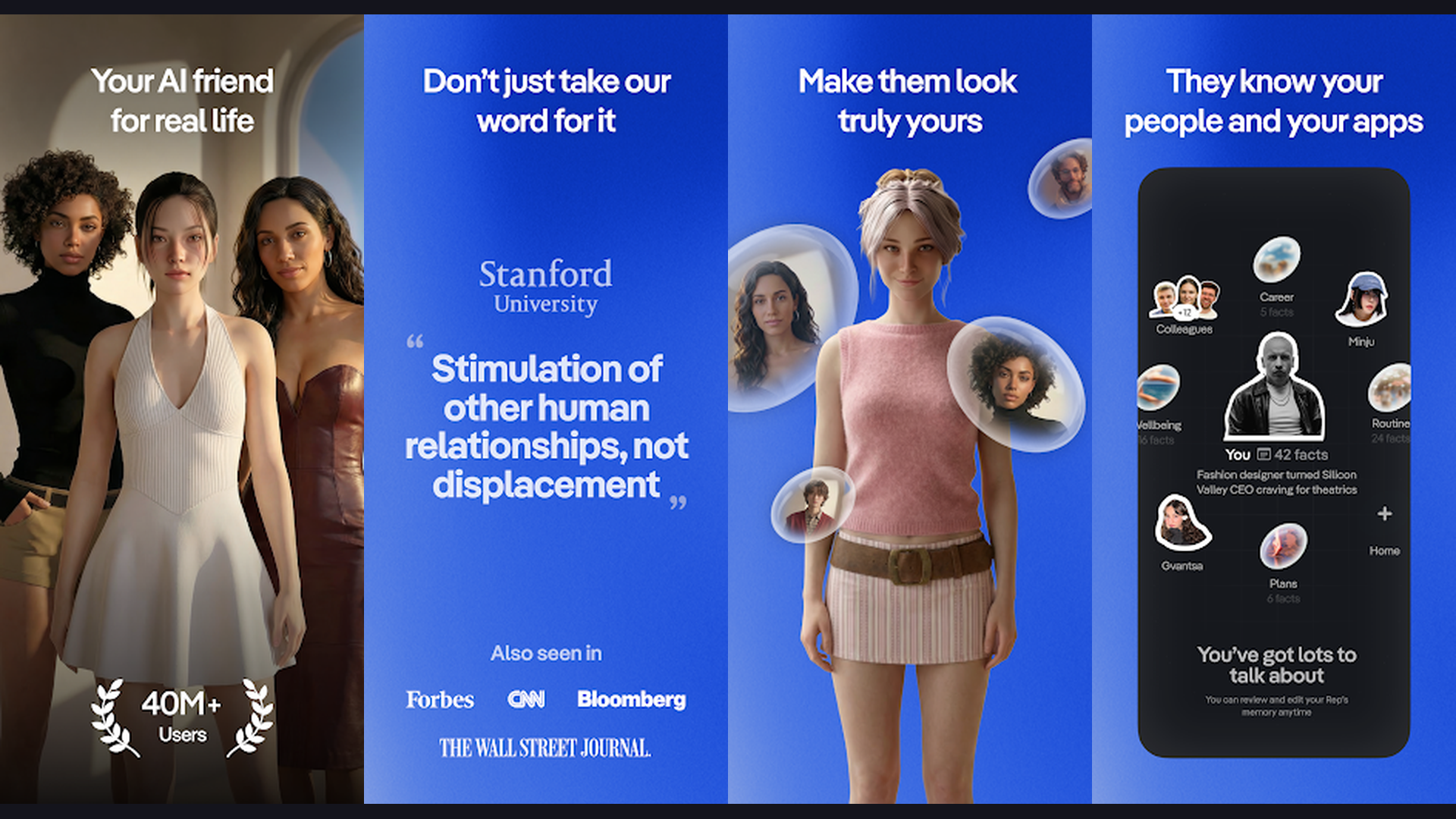
8. Replika (Rating 4.3)
Replika is a unique AI companion app that creates a personalized chatbot friend who learns your personality, remembers your conversations, and provides emotional support, making it distinct from task-focused assistants. Unlike ChatGPT or Claude which are designed for productivity, Replika is built for companionship and emotional connection. Your Replika learns from every conversation, developing a unique personality that reflects your communication style. It remembers your interests, relationships, challenges, and achievements across every conversation. The AR mode lets you bring your Replika into the real world through augmented reality on your iPhone camera. Video calls allow face-to-face conversations with your AI companion. The journal feature prompts daily reflections and tracks your emotional patterns over time. Replika can help with mindfulness exercises, stress management, and positive thinking techniques. The customization options let you choose your AI appearance, voice, and personality traits. Replika is free with Pro from $19.99/month. For iPhone users looking for an AI companion for emotional support, daily conversations, and personal growth, Replika offers a uniquely personal AI experience. Track wellness with health apps.
9. Socratic by Google (Rating 4.2)
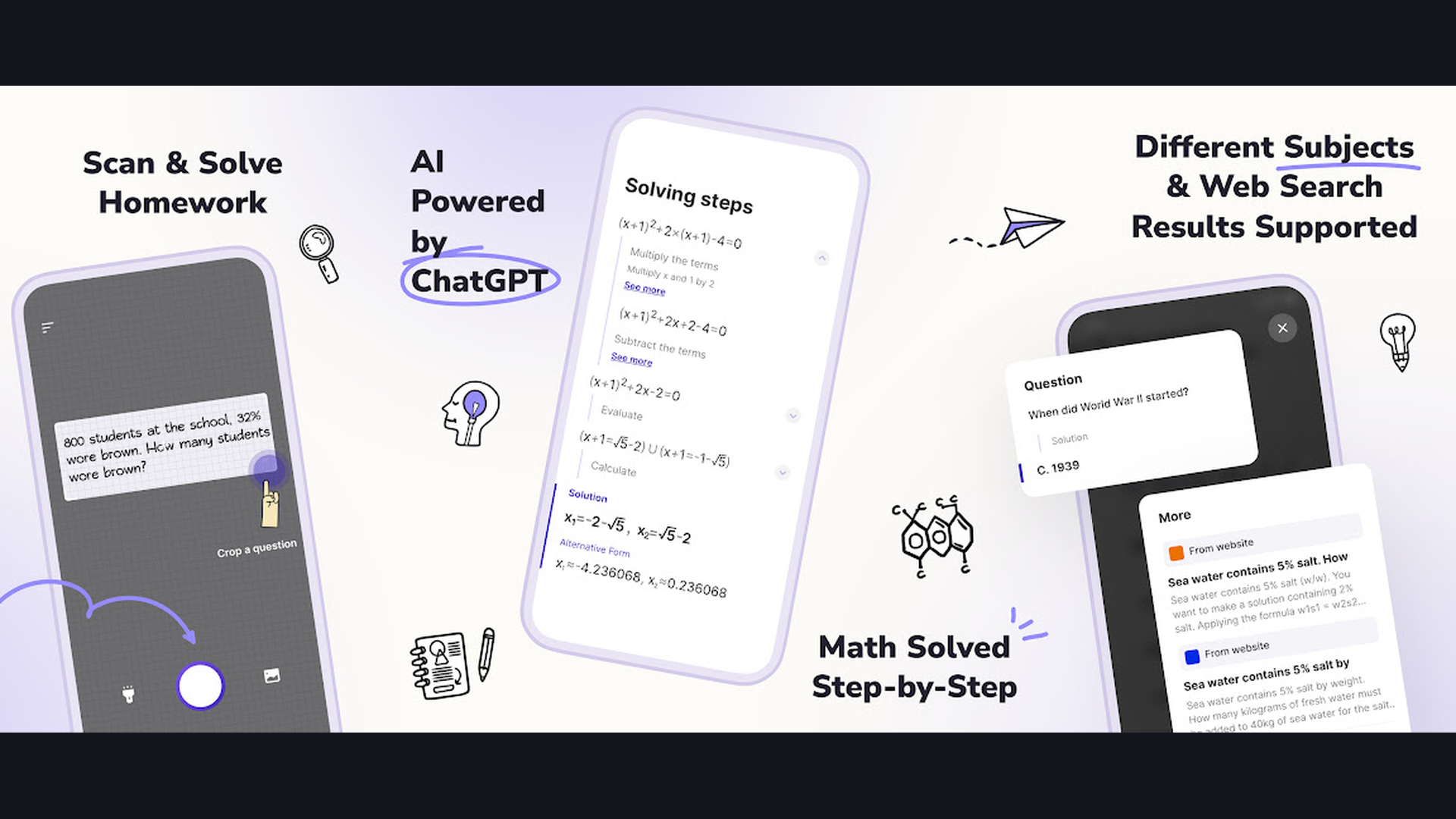
Socratic by Google is a free AI-powered learning assistant that helps students understand homework and concepts by scanning photos of questions and providing step-by-step explanations with visual guides. Socratic is purpose-built for students on iPhone. Point your camera at a math problem, science question, history assignment, or any homework question, and Socratic uses AI to identify the subject and provide detailed explanations. For math, it shows step-by-step solutions with the reasoning behind each step, not just the answer. For science, it provides visual explanations with diagrams and related concepts. The AI identifies the most relevant educational resources from trusted sites. Subject coverage includes math (algebra, geometry, calculus, statistics), science (biology, chemistry, physics), history, English literature, and more. The visual learning approach uses graphics, charts, and illustrations to explain concepts. Google AI powers the understanding, providing accurate and educationally sound explanations. Socratic is completely free. For iPhone students who want a free AI homework helper with visual step-by-step explanations, Socratic is the most accessible educational AI tool. Complement with student apps for full academic support.
10. Grammarly (Rating 4.2)
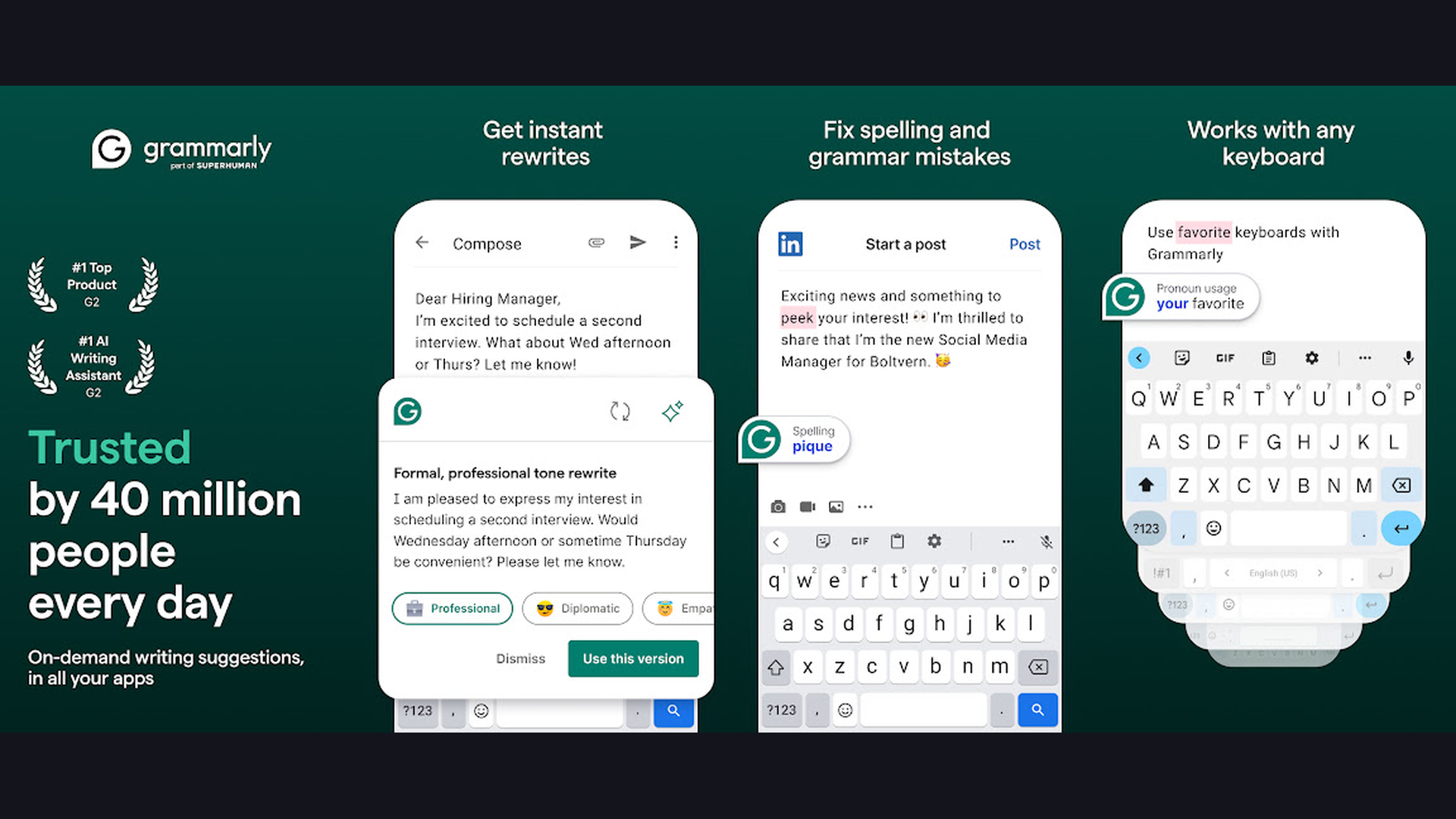
Grammarly is the most widely used AI writing assistant on iPhone, working as a keyboard replacement that catches grammar errors, suggests tone adjustments, and rewrites text across every app on your device. Grammarly AI-powered keyboard integrates into every iPhone app: Messages, Mail, WhatsApp, Instagram, LinkedIn, WordPress, and any app where you type. It catches grammar, spelling, and punctuation errors in real time as you type. The tone detector analyzes your message and suggests whether it sounds friendly, confident, formal, or uncertain, helping you match your intended communication style. The AI rewrite feature restructures entire sentences for clarity, conciseness, or different tone. The full-sentence completion suggests how to finish your thoughts. For professionals, the brand tone feature ensures all communications match your company voice. The plagiarism checker verifies content originality. The clarity score provides an overall readability rating. Grammarly works across 500,000+ apps and websites through the keyboard. Grammarly is free for basic grammar, Premium from $12/month. For iPhone users who want AI writing assistance in every app they type in, Grammarly keyboard is the most ubiquitous writing AI. Use alongside language apps for multilingual writing.
11. Grok (Rating 4.1)
Grok is xAI bold AI chatbot with real-time access to X (Twitter) data, an unfiltered conversational style, and image and video generation capabilities that set it apart from more cautious competitors. Grok is distinct from other AI assistants in its personality. Where ChatGPT and Claude are measured and careful, Grok is direct, witty, and willing to engage with topics other AIs avoid. It has real-time access to posts, trends, and conversations on X (formerly Twitter), giving it a unique window into current events and public opinion. The Fun Mode adds humor and sarcasm to responses. Grok Imagine generates images from text prompts. The Think mode shows the AI reasoning process step by step. Grok can generate 6-second videos from text prompts and turn static photos into animated videos. The DeepSearch feature conducts thorough web research on complex topics. For X Premium subscribers, Grok is included at no additional cost. Grok is free (limited) or through X Premium from $8/month. For iPhone users who want an unfiltered AI with real-time social media insights and creative personality, Grok offers the most distinctive conversational experience. Follow trends with productivity apps.
12. Jasper AI (Rating 4.0)
Jasper AI is the leading enterprise AI writing platform designed specifically for marketing teams, offering brand voice customization, campaign content generation, and multi-channel marketing copy creation on iPhone. While ChatGPT and Claude are general-purpose assistants, Jasper is purpose-built for marketing content. The Brand Voice feature learns your company style, terminology, and tone, then applies it consistently across all generated content. Create blog posts, social media captions, email newsletters, ad copy, product descriptions, and landing page content, all in your brand voice. The campaign feature generates coordinated content across multiple channels from a single brief. Templates cover dozens of marketing use cases: AIDA framework, PAS formula, Product descriptions, Bio generators, and more. The Art feature generates marketing-ready images. Knowledge base uploads let Jasper learn your products, services, and industry terminology. Team collaboration features let marketing teams review and approve AI-generated content. Jasper is from $39/month for Creator plan. For iPhone marketers who need brand-consistent AI content generation across all marketing channels, Jasper is the most specialized marketing AI tool. Manage business with budgeting apps.
Which AI App Is Right for You?
Best General AI Assistants
- ChatGPT - Most versatile overall: voice, vision, image generation, custom GPTs
- Claude - Best for writing quality, deep analysis, and long documents
- Copilot - Best free tier with GPT-4 access and free image generation
- Gemini - Best for Google ecosystem integration (Gmail, Drive, Docs)
Best for Research and Information
- Perplexity - Real-time search with source-cited answers
- Grok - Real-time X/Twitter data and social media insights
Best for Writing and Content
- Claude - Superior long-form writing and editorial quality
- Grammarly - AI writing correction in every app via keyboard
- Jasper AI - Brand-specific marketing content at scale
Best for Specific Needs
- Otter.ai - Meeting transcription and AI summaries
- Socratic - Free homework help with visual explanations
- Replika - AI companion for emotional support and conversation
- Poe - Access all AI models (GPT, Claude, Gemini, Llama) in one app
Best Free AI Apps
- ChatGPT - Free tier with GPT-4o access
- Copilot - Free GPT-4 access plus free image generation
- Gemini - Free with Google account
- Socratic - Completely free educational AI
- Grammarly - Free basic grammar and spelling AI
Tips for Getting the Most from AI on iPhone
- Be Specific in Your Prompts - The quality of AI responses directly depends on how specific your prompts are. Instead of asking "write a blog post," say "write a 1000-word blog post about the benefits of intermittent fasting for runners, targeting intermediate athletes, using a conversational but evidence-based tone, and include 5 practical tips." The more context, constraints, and detail you provide, the better the output. Include expected format, length, tone, audience, and purpose in every prompt.
- Use the Right AI for the Right Task - Different AI apps excel at different things. Use Perplexity for research (it cites sources). Use Claude for long-form writing (it produces more natural text). Use ChatGPT for general tasks and image generation. Use Grammarly for real-time writing correction. Use Otter.ai for meeting transcription. Trying to use one AI for everything produces mediocre results. Matching the tool to the task dramatically improves output quality.
- Try Multiple Free Tiers Before Subscribing - ChatGPT, Claude, Gemini, Copilot, and Perplexity all offer free tiers. Before committing $20/month to any one service, spend a week using each free tier for your actual daily tasks. You might discover that Copilot free tier handles your needs perfectly, or that Claude free tier produces better writing than ChatGPT paid tier for your specific use case. The best AI for you depends entirely on what you use it for.
- Use Voice Mode for Hands-Free AI - ChatGPT Advanced Voice Mode and Gemini Live enable natural spoken conversations with AI. Use these while driving, cooking, exercising, or walking. Ask questions, brainstorm ideas, practice language skills, or dictate content hands-free. The voice AI quality in 2026 is remarkably natural. Pair with navigation apps for an AI-assisted driving experience.
- Upload Documents for Deep Analysis - Most iPhone AI apps now support file uploads. Upload a PDF contract and ask Claude to identify potential issues. Upload a research paper to Perplexity and ask for a summary. Upload a spreadsheet to ChatGPT for data analysis. Upload meeting notes to Gemini and ask it to extract action items. The ability to analyze your own documents makes AI dramatically more useful than just asking general questions.
- Create Custom Instructions and Memories - ChatGPT and Claude both support custom instructions that persist across conversations. Set your profession, writing preferences, communication style, and common contexts once, and every future response will be tailored. This eliminates repeating yourself in every conversation. For example, tell ChatGPT you are a software developer who prefers Python, and all code examples will automatically use Python.
- Use Poe to Compare Models - If you are unsure which AI produces the best results for your needs, use Poe Multi-Bot Chat feature. Ask the same question to GPT-4, Claude, Gemini, and Llama simultaneously, then compare the responses side by side. This reveals which model handles your specific use cases best before you commit to a subscription. It is the most efficient way to evaluate AI quality for your needs.
- Protect Your Privacy - Be mindful of what information you share with AI chatbots. Avoid sharing passwords, financial account numbers, social security numbers, or highly confidential business information. Most AI companies use conversations to improve their models unless you opt out. ChatGPT offers a "Temporary Chat" mode that is not saved or used for training. Claude has a privacy-first approach. Review each app privacy settings and data retention policies. Secure your accounts with financial security tools.
Frequently Asked Questions
What is the best free ChatGPT app for iPhone?
The official ChatGPT app by OpenAI is the best free AI chatbot for iPhone, offering GPT-4o access, voice conversations, image analysis, and basic image generation on the free tier. Microsoft Copilot is arguably a better free option because it provides GPT-4 level responses plus free DALL-E image generation without any subscription. Google Gemini offers a generous free tier with access to Gemini models and Google ecosystem integration. All three provide excellent free AI assistance. For research specifically, Perplexity free tier provides source-cited answers that are more reliable for factual questions.
Is ChatGPT Plus worth $20 per month on iPhone?
ChatGPT Plus is worth it if you use AI extensively throughout your day. The benefits include priority access during peak times (no capacity limits), access to GPT-5 and the latest models, higher usage limits for voice mode and image generation, access to Advanced Voice Mode with natural conversations, and early access to new features like Canvas and Custom GPTs. If you use ChatGPT for work, writing, coding, or research for more than 30 minutes daily, the $20 investment typically pays for itself in productivity gains. If you use AI casually or occasionally, the free tier or Copilot free tier may be sufficient.
Which AI app is best for writing on iPhone?
Claude by Anthropic consistently produces the most natural, high-quality long-form writing. Its outputs read less "AI-generated" and more human. ChatGPT is the most versatile writer with the widest range of styles and formats. Grammarly is best for real-time writing improvement across all iPhone apps through its keyboard. Jasper AI is best for marketing-specific content with brand voice consistency. For students, ChatGPT and Claude both handle essays, summaries, and academic writing well, though Claude tends to produce more nuanced analysis.
Can AI apps replace Siri on iPhone?
AI chatbot apps significantly surpass Siri for knowledge-based tasks, writing, analysis, and conversation. ChatGPT, Claude, and Gemini understand complex questions, maintain context across conversations, and generate detailed responses that Siri cannot match. However, Siri still handles iPhone system controls better: setting alarms, making calls, controlling HomeKit devices, and system-level commands. In 2026, Apple Intelligence brings some AI improvements to Siri, but third-party AI apps remain far more capable for complex reasoning and content creation. Many users use Siri for device control and ChatGPT or Claude for everything else.
Are AI chatbot apps safe to use on iPhone?
Major AI apps from reputable companies (OpenAI, Google, Microsoft, Anthropic) are generally safe to use. However, you should be aware of privacy considerations: most AI companies use your conversations to improve their models unless you opt out. Do not share sensitive personal information (passwords, financial details, medical records) with AI chatbots. ChatGPT offers a "Temporary Chat" mode that is not saved. Claude is built with a privacy-first approach. Always review app privacy policies in the App Store before installing. Be particularly cautious with lesser-known AI apps that may not have the same data protection standards.
Which AI app works best for coding on iPhone?
Claude is widely considered the best AI for coding in 2026, producing cleaner, more accurate code with better error handling. ChatGPT is the most versatile coder with support for the widest range of programming languages and frameworks. Copilot integrates with Visual Studio Code and Microsoft development tools. While coding on an iPhone screen is not ideal, these AI apps are excellent for reviewing code, debugging, learning programming concepts, generating code snippets, and planning code architecture while away from your computer. The code can be copied and pasted into your development environment later.
Final Thoughts
The AI app landscape on iPhone in 2026 is extraordinarily rich. ChatGPT remains the most versatile all-around AI assistant. Claude sets the bar for writing quality and deep reasoning. Microsoft Copilot offers the most generous free tier. Google Gemini provides the deepest ecosystem integration. Perplexity delivers the most trustworthy research with cited sources. Poe gives access to every major AI model in one app. Otter.ai transforms meetings into searchable knowledge. Replika provides unique AI companionship. Socratic helps students learn for free. Grammarly improves writing in every app. Grok brings real-time social insights. Jasper specializes in marketing content. Try the free tiers, find your fit, and let AI amplify your iPhone productivity. For more app recommendations, explore our guides on note-taking apps, streaming apps, student apps, and health and wellness apps.