
Graduate school demands a level of organization, research depth, and academic writing quality that undergraduate apps simply cannot handle. Between literature reviews, thesis writing, seminar preparation, citation management, and exam studying, the right apps can save grad students hundreds of hours and significantly improve the quality of their academic work. In 2026, AI-powered tools have made research discovery, note-taking, and writing assistance more powerful than ever.
We reviewed and ranked the 14 best learning apps for graduate students on Android and iOS, covering every critical area of grad school: spaced-repetition study, reference management, note-taking and knowledge organization, task management, focus tools, AI writing assistance, lecture transcription, and research discovery. Each review explains how the app specifically helps grad students and whether the free tier is sufficient. For organizing your academic schedule, also check our guides on digital planner apps and reminder apps to never miss a deadline.
Table of Contents
- AnkiDroid Flashcards (Rating 4.8)
- Quizlet (Rating 4.7)
- Notion (Rating 4.6)
- Zotero (Rating 4.6)
- Microsoft OneNote (Rating 4.6)
- Todoist (Rating 4.6)
- Forest (Rating 4.4)
- Otter.ai (Rating 4.4)
- Google Scholar (Rating 4.3)
- Grammarly (Rating 4.2)
- Trello (Rating 3.9)
- Paperpile (Rating 3.8)
- Evernote (Rating 3.6)
- Mendeley (Rating 3.5)
- Building Your Grad School App Toolkit
- Study Tips for Graduate Students
- Frequently Asked Questions
1. AnkiDroid Flashcards (Rating 4.8)
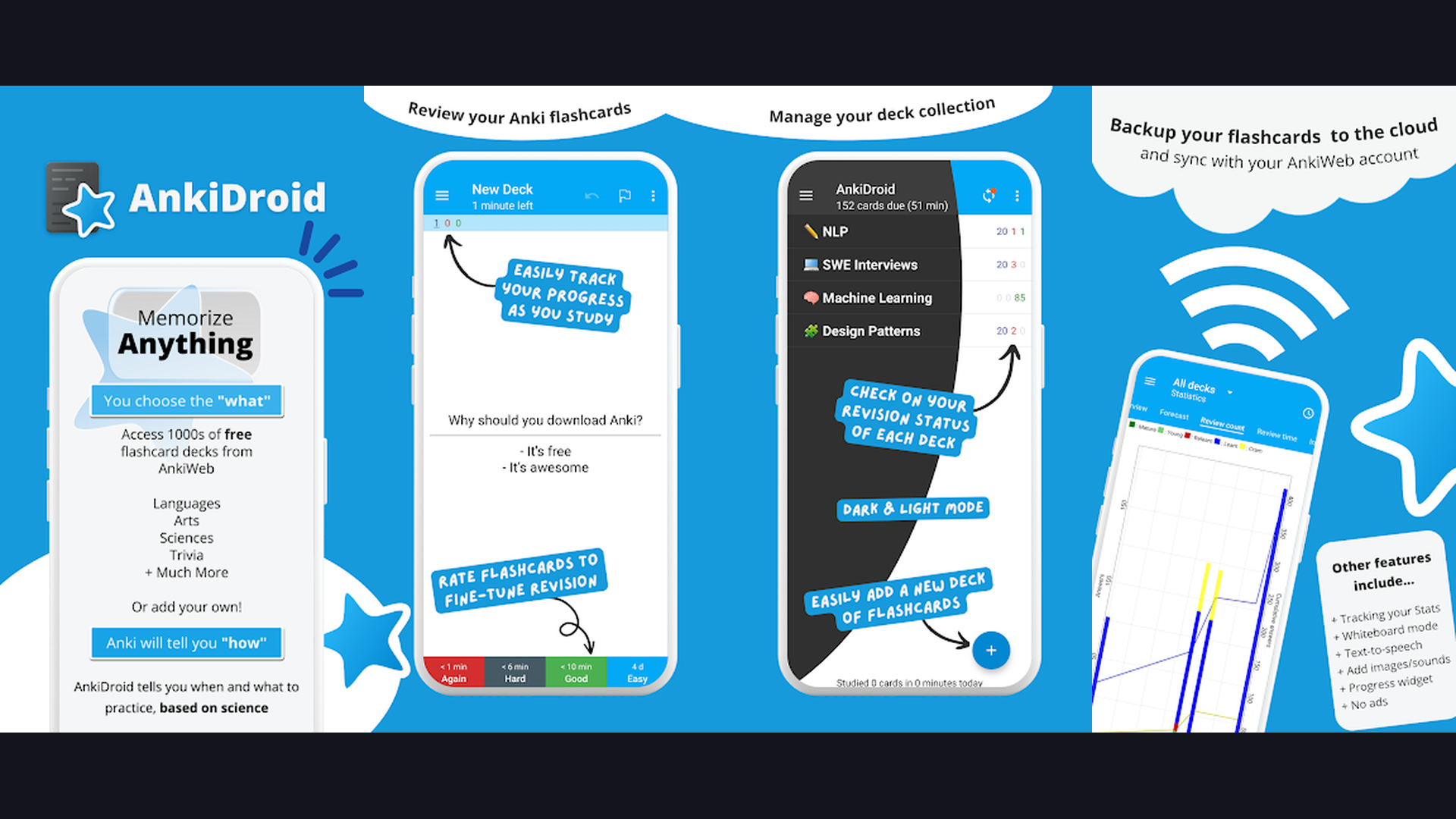
AnkiDroid is the most powerful spaced-repetition flashcard app for graduate-level memorization. Based on cognitive science research proving that spaced repetition dramatically improves long-term retention, Anki schedules your review sessions at optimal intervals so you spend minimal time studying while retaining maximum information. Graduate students use Anki to master medical terminology, legal concepts, foreign language vocabulary, historical dates, scientific formulas, and exam preparation material. Create custom flashcards with text, images, audio, and LaTeX mathematical notation. The deck sharing system lets you download pre-made decks created by other students in your field. AnkiDroid syncs with the Anki desktop application and AnkiWeb cloud service across all devices. The statistics dashboard tracks your study habits, retention rate, and upcoming review schedule. AnkiDroid is completely free on Android (the iOS version, AnkiMobile, is a paid app). For any grad student who needs to memorize large volumes of information, Anki is the scientifically proven solution.

2. Quizlet (Rating 4.7)
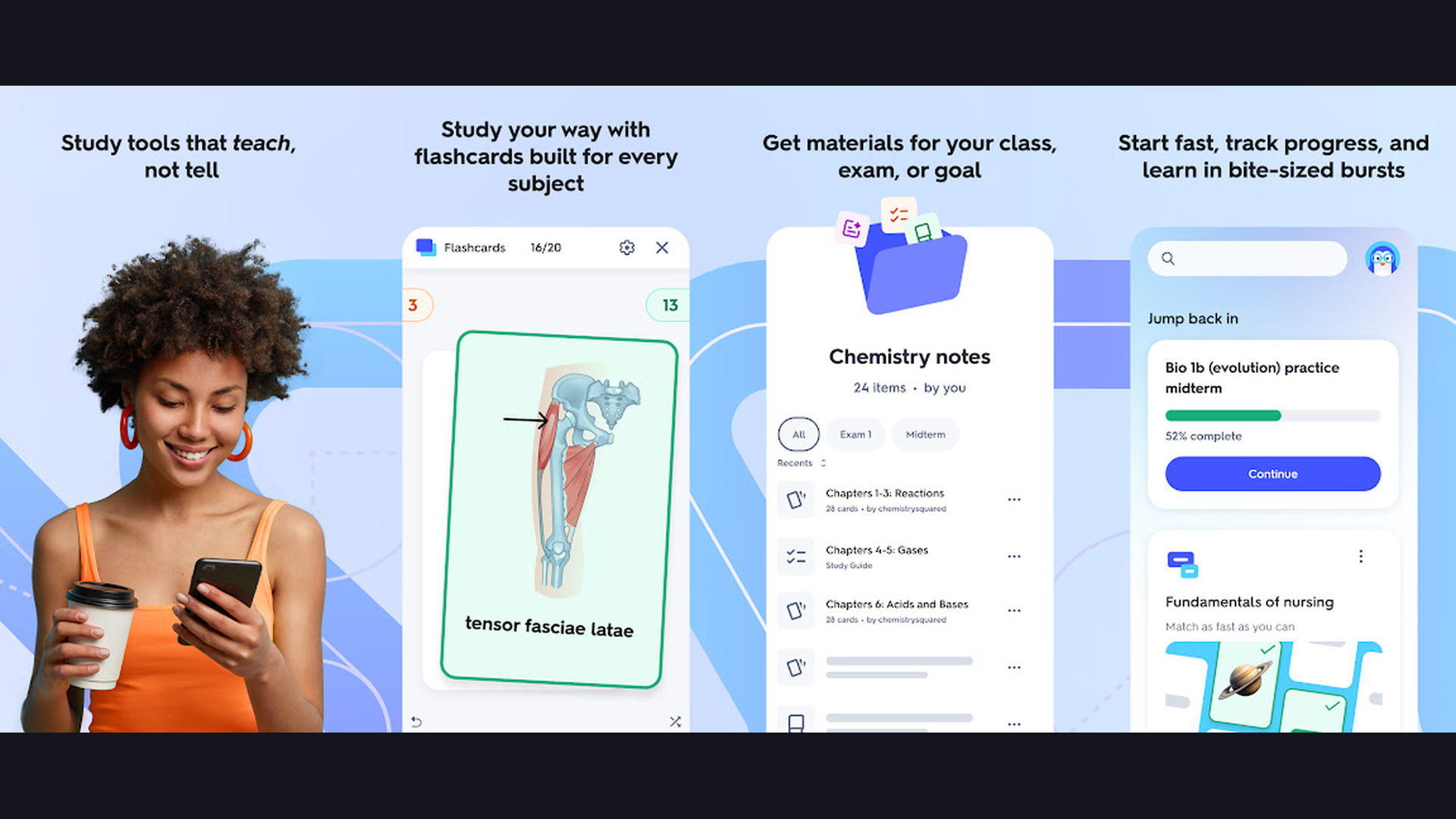
Quizlet is the most popular study app for creating and sharing flashcard sets, used by millions of students worldwide. For graduate students, Quizlet goes beyond basic flashcards with multiple study modes: Learn mode adapts to your performance and focuses on weak areas, Match game tests speed recall, and Test mode generates practice quizzes from your cards. The AI-powered Q-Chat feature acts as a personal tutor, asking follow-up questions and explaining concepts in depth. Quizlet supports rich flashcards with images, diagrams, and audio pronunciation. The massive public library contains study sets for virtually every graduate program, from MBA finance terms to medical school pathology. Quizlet integrates with Google Classroom and supports collaborative study sets for group projects. The free tier covers core features; Quizlet Plus ($7.99/month) adds AI explanations, custom images, and ad-free experience. For grad students who prefer a polished, social study experience over Anki power, Quizlet is the more accessible choice.

3. Notion (Rating 4.6)
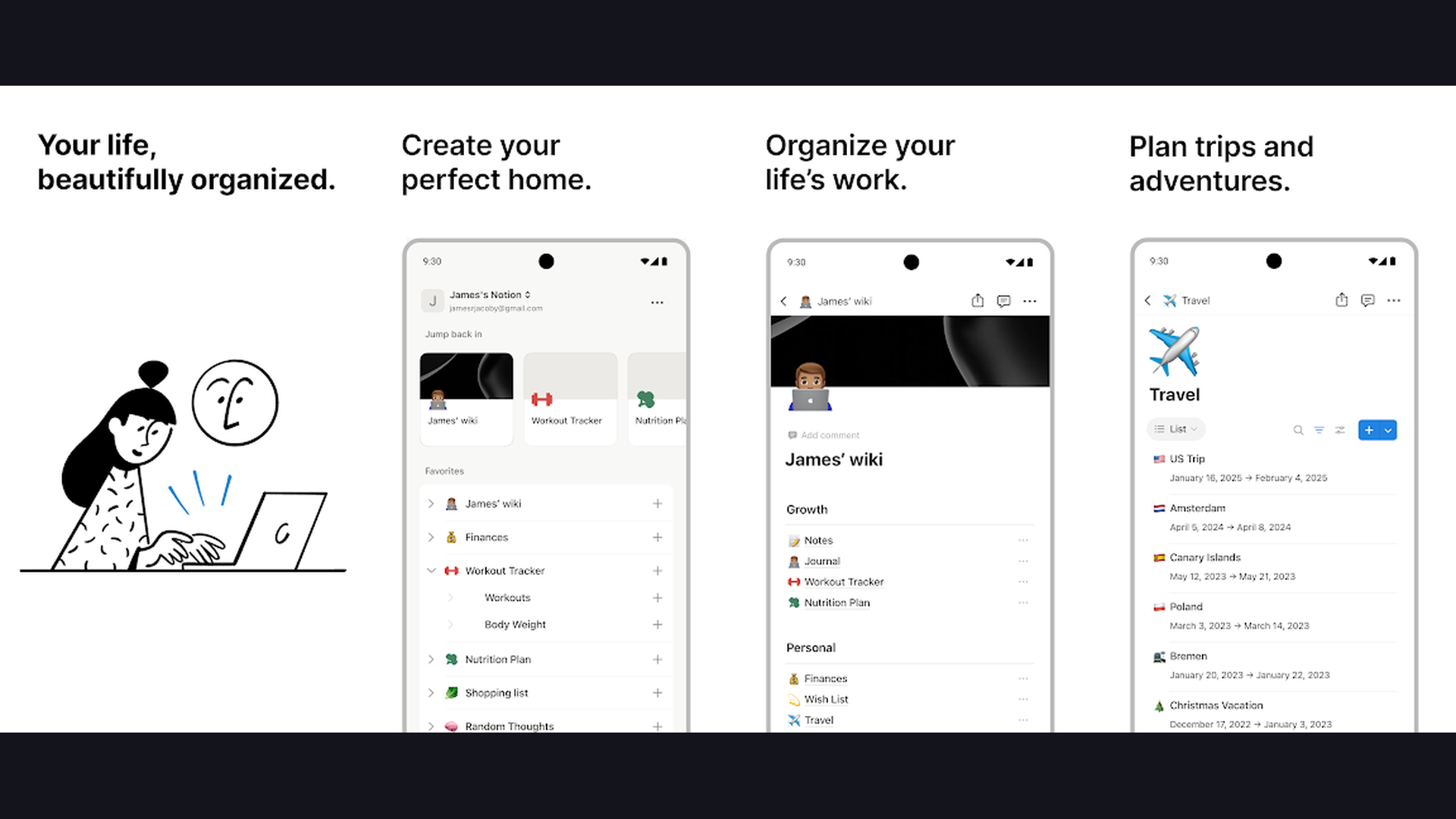
Notion is the ultimate all-in-one workspace for graduate students managing research, notes, tasks, and projects in a single platform. Create interconnected databases for literature reviews, organize research papers by topic and date, build thesis outlines with nested pages, track assignment deadlines with Kanban boards, and maintain a personal wiki of concepts and definitions, all in one app. Notion AI assists with summarizing research papers, generating outlines, translating text, and brainstorming ideas. The template gallery includes purpose-built setups for thesis tracking, course notes, reading lists, and lab notebooks. Notion supports rich content including embedded PDFs, code blocks with syntax highlighting, LaTeX equations, and web bookmarks. Real-time collaboration lets you share pages with advisors and study groups. The free Personal plan is generous for individual students; the Plus plan ($8/month) adds unlimited file uploads. For grad students who want a complete digital planner and knowledge management system, Notion replaces multiple apps with one.
4. Zotero (Rating 4.6)
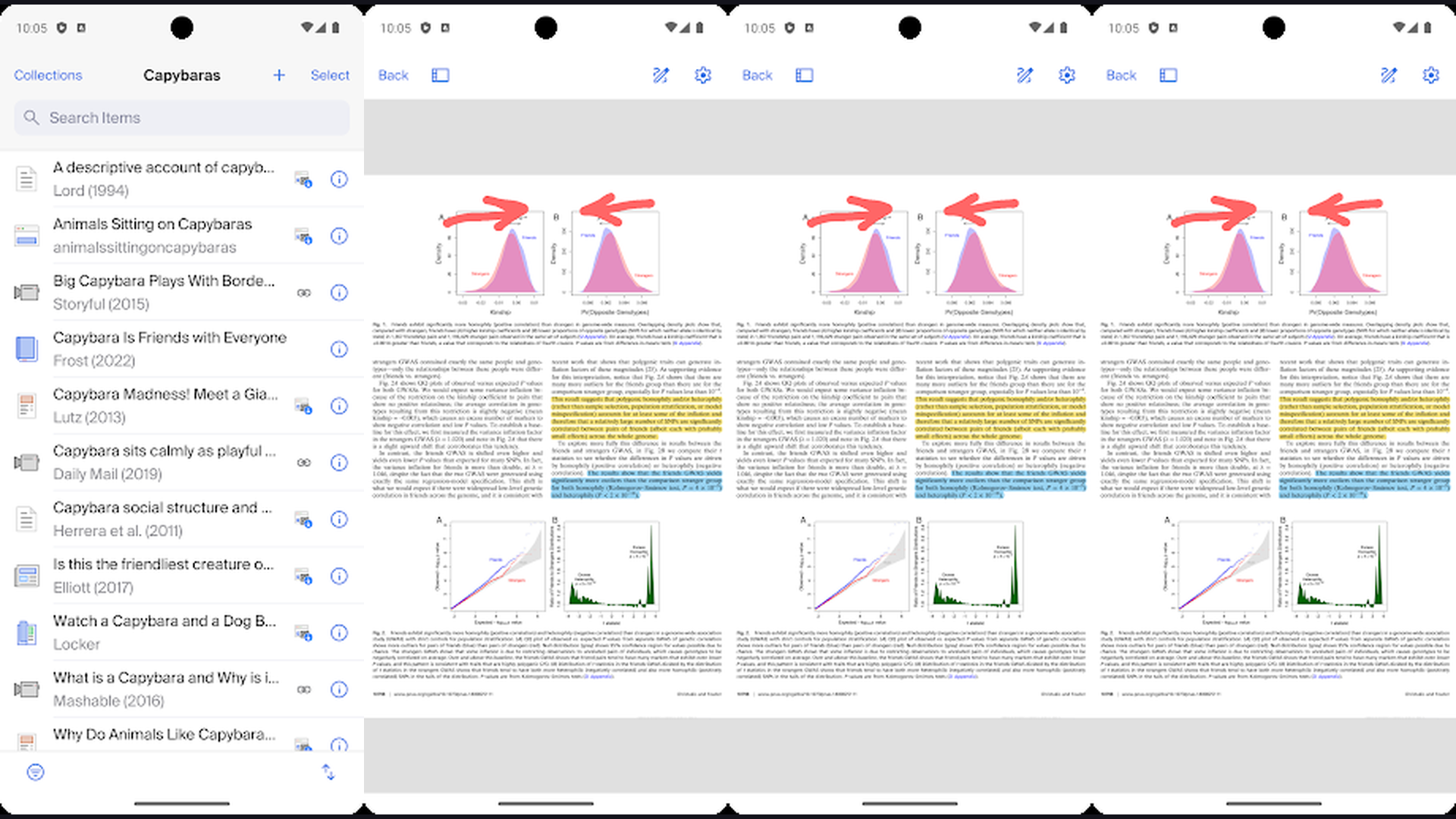
Zotero is the gold standard open-source reference manager for academic citation management. Every graduate student writing a thesis, dissertation, or research paper needs Zotero. The browser connector automatically captures full citation metadata from journal databases, library catalogs, Google Scholar, PubMed, and news sites with one click. Zotero generates perfectly formatted bibliographies in over 10,000 citation styles including APA, MLA, Chicago, IEEE, and Harvard. The Word and Google Docs plugins insert in-text citations and automatically build your reference list as you write. The PDF reader lets you highlight, annotate, and tag research papers with organized notes. Zotero Groups enable collaborative reference libraries for research teams. The mobile app syncs your entire library with full PDF access. Zotero is completely free with 300 MB cloud storage (additional storage available). For any grad student working on research papers, Zotero is an indispensable and free tool that saves hundreds of hours on citation formatting.
5. Microsoft OneNote (Rating 4.6)
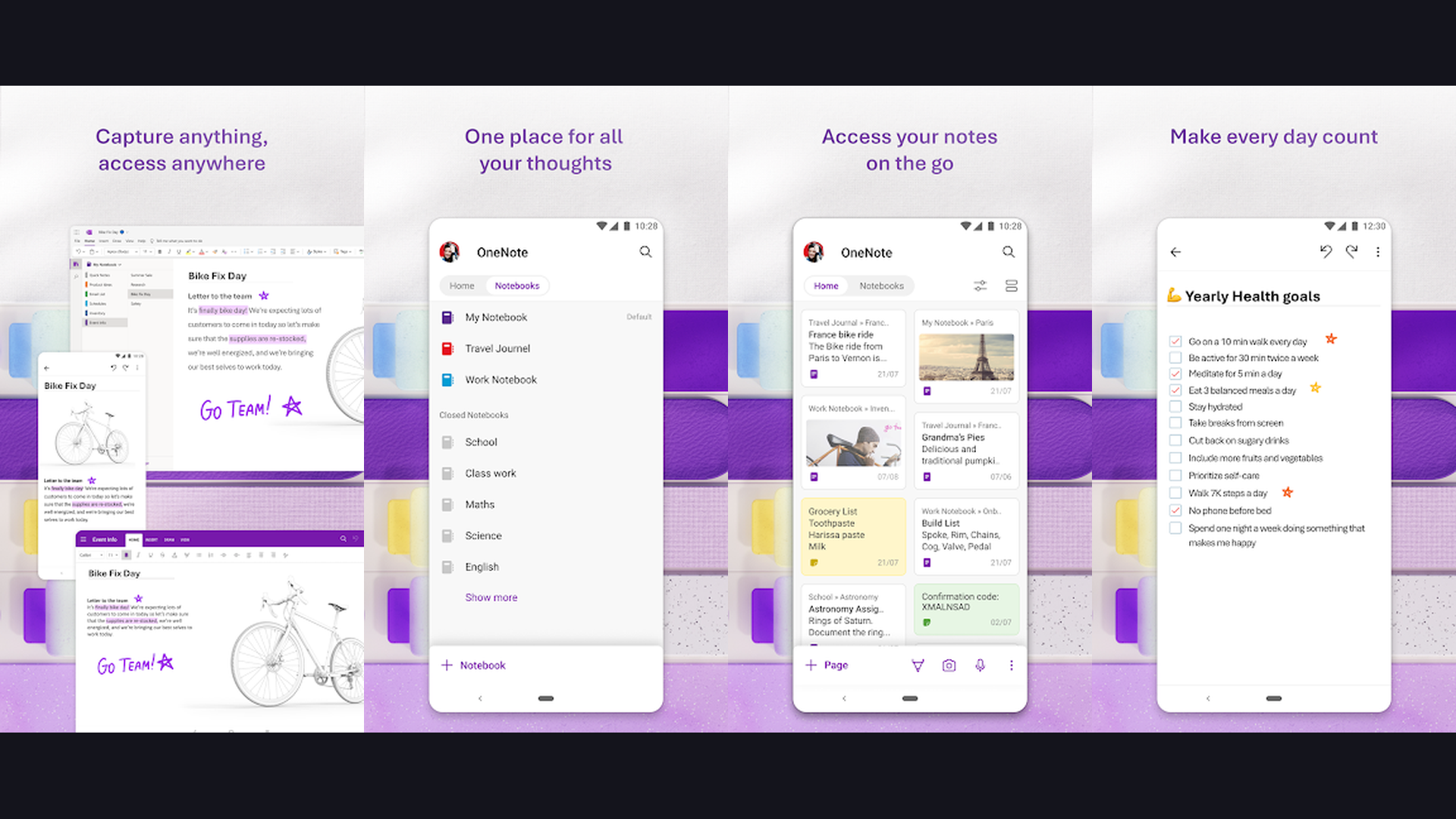
Microsoft OneNote is a free-form digital notebook ideal for lecture notes, research organization, and handwritten annotations. OneNote organizes content into Notebooks, Sections, and Pages, mimicking the familiar structure of physical binders. The free-form canvas lets you type, write with a stylus, draw diagrams, insert images, embed files, and record audio, all on the same page without rigid formatting constraints. The handwriting recognition converts handwritten notes into searchable text. Audio recording syncs with your typed notes so you can tap any note to hear what was being said at that moment, perfect for lecture capture. OneNote integrates seamlessly with Microsoft Teams, Outlook, and the entire Microsoft 365 ecosystem. The math assistant solves equations step by step. Immersive Reader improves focus with customizable text display. OneNote is completely free with practically unlimited storage through OneDrive. For grad students already using Word, Excel, and PowerPoint, OneNote provides a natural extension for all note-taking needs.
6. Todoist (Rating 4.6)
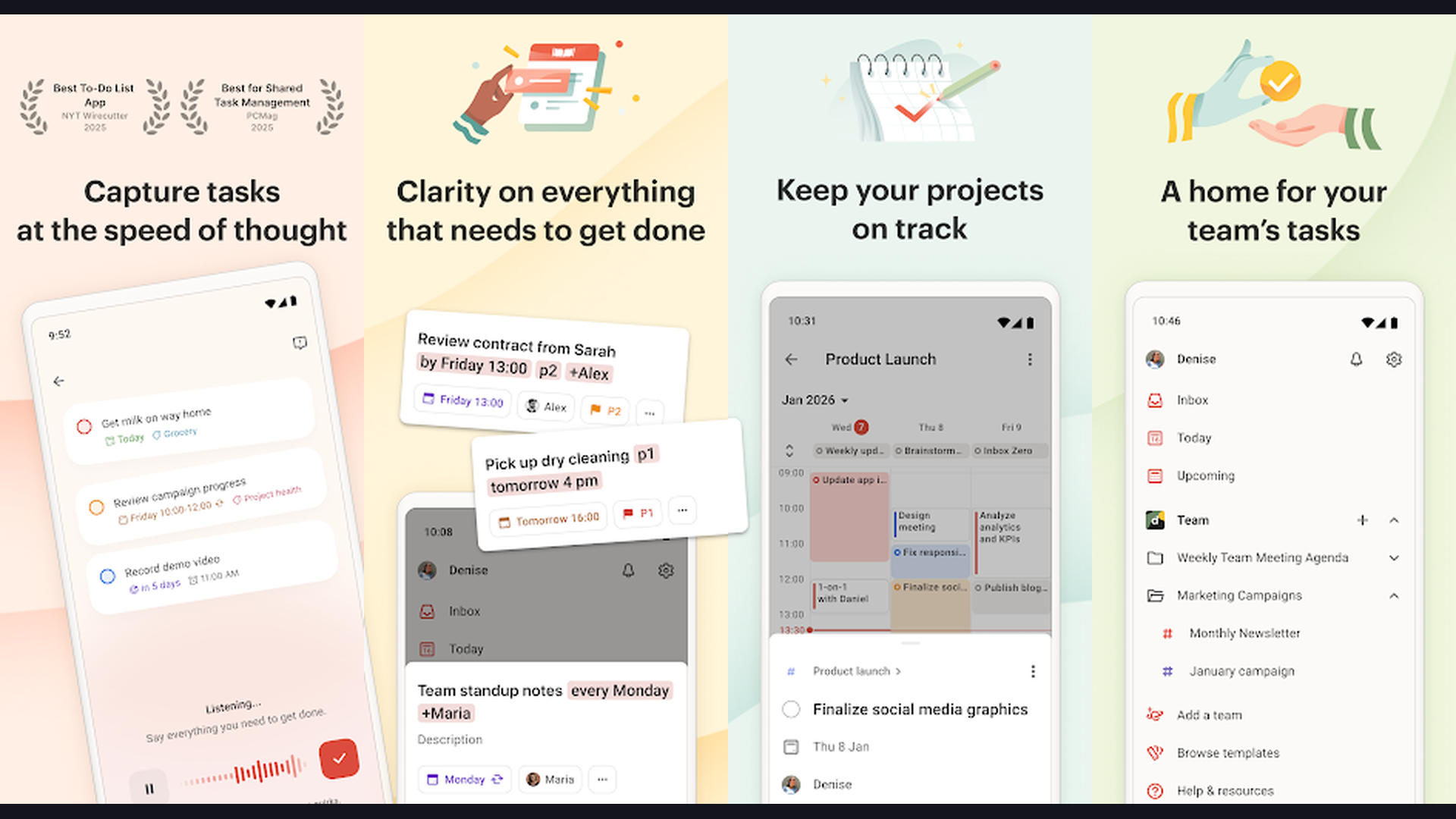
Todoist is the most polished task management app for tracking assignments, deadlines, and research milestones. Graduate school involves juggling coursework, research projects, teaching responsibilities, meetings, and personal tasks simultaneously. Todoist handles this with projects, sub-tasks, priority levels, labels, and filters. Natural language input lets you type "Submit thesis chapter 3 by Friday p1" and Todoist automatically sets the due date and priority. Recurring tasks handle weekly readings, lab reports, and regular meetings. The Todoist Calendar view shows all deadlines at a glance. Integration with Google Calendar syncs academic deadlines. Todoist Karma gamifies productivity with points and streaks. The free tier supports 5 active projects; Pro ($4/month) adds reminders, labels, and unlimited projects. For grad students who need a simple but powerful to-do system that actually gets used daily, Todoist strikes the perfect balance between simplicity and power.
7. Forest (Rating 4.4)
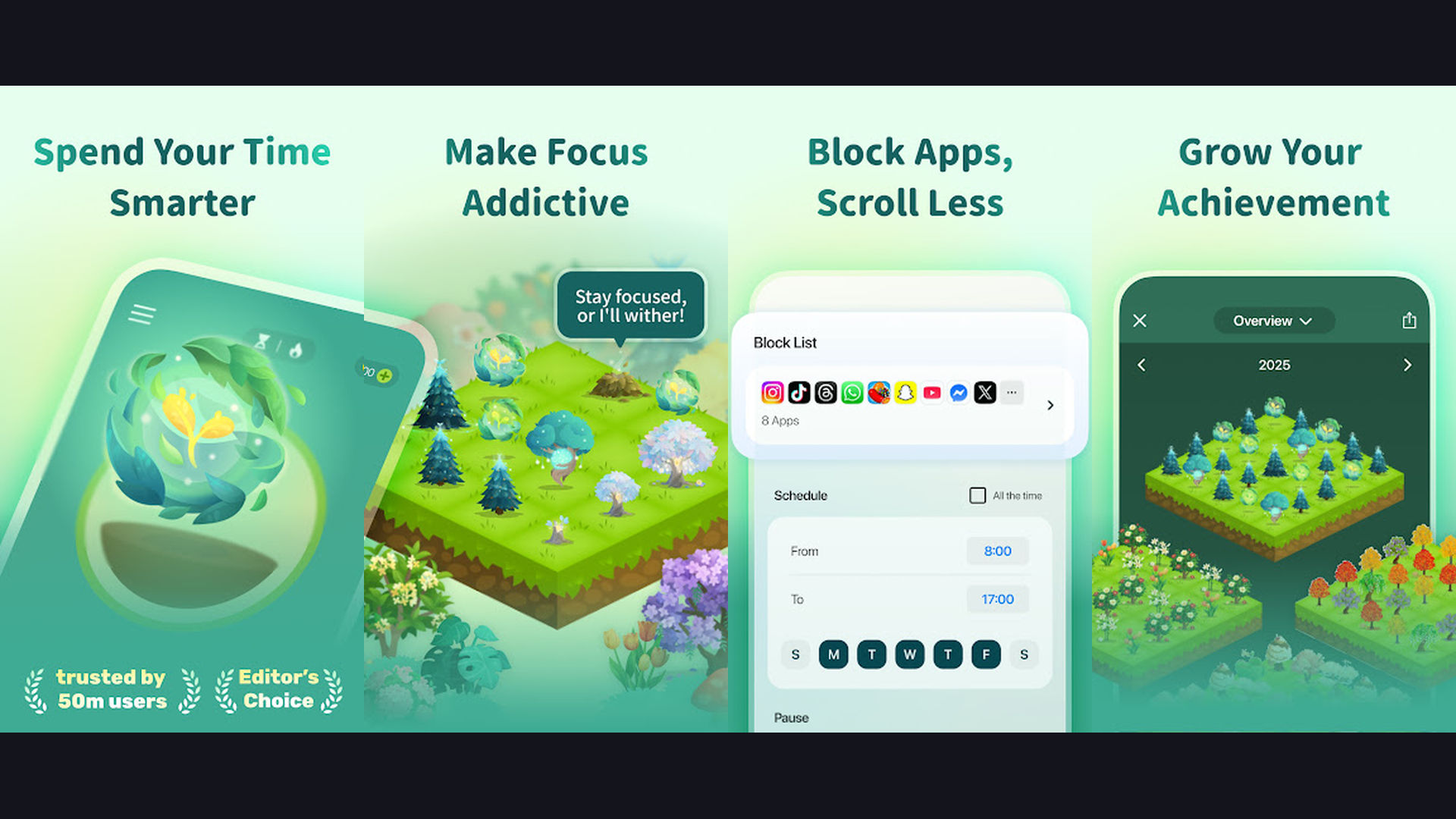
Forest is a gamified focus timer that helps graduate students resist phone distractions during study sessions. Set a focus timer (10-120 minutes), and a virtual tree grows on your screen while you study. If you leave the app to check social media or browse, the tree dies. Over time, you build a virtual forest that visualizes your focused study hours. Forest uses the Pomodoro technique principle of focused work intervals followed by breaks, which research shows improves concentration and reduces burnout. The app tracks daily, weekly, and monthly focus statistics so you can identify your most productive hours. Forest partners with real tree-planting organizations, so your virtual trees translate into real trees planted worldwide. Study with friends using the shared focus rooms feature. Forest is simple, effective, and addresses the number one productivity killer for students: smartphone distraction. For grad students struggling with deep focus during reading, writing, and research sessions, Forest provides gentle accountability.
8. Otter.ai (Rating 4.4)
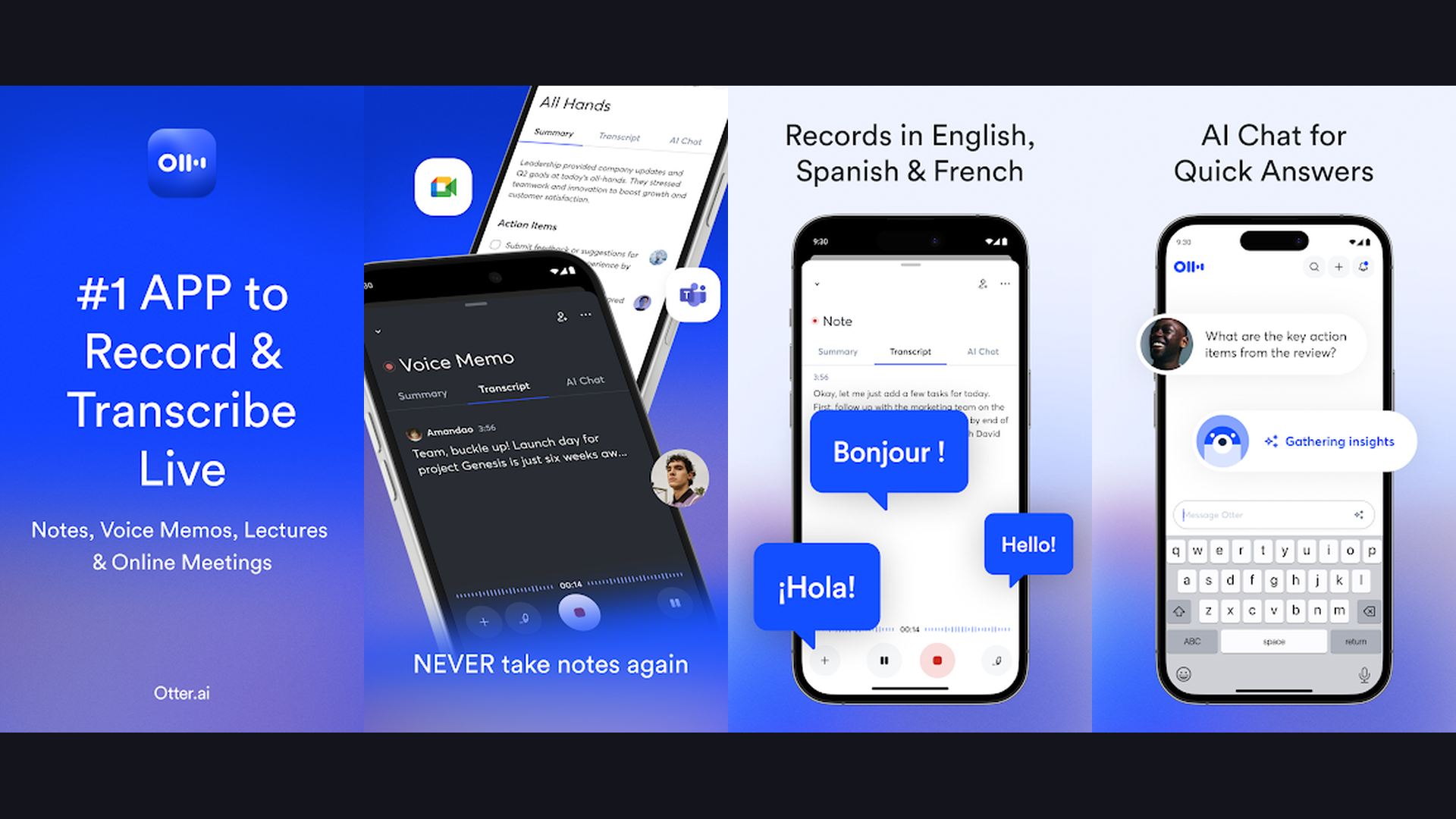
Otter.ai is an AI-powered transcription app that converts lectures, meetings, and interviews into searchable text. For graduate students, Otter is transformative: record a 2-hour lecture and get a full AI-generated transcript with speaker identification, highlighted key phrases, and automatic summary. The real-time transcription displays text as someone speaks, functioning as live captions during seminars and presentations. Otter integrates with Zoom, Google Meet, and Microsoft Teams to automatically transcribe and summarize virtual meetings. The search function lets you find specific topics across all your transcripts, turning months of recorded lectures into a searchable knowledge base. Highlight important passages and add inline comments for review. The free plan includes 300 minutes of transcription per month; Pro ($8.33/month) adds custom vocabulary and advanced features. For grad students attending lectures, conducting research interviews, or participating in group meetings, Otter eliminates manual note-taking and ensures nothing is missed.
9. Google Scholar (Rating 4.3)
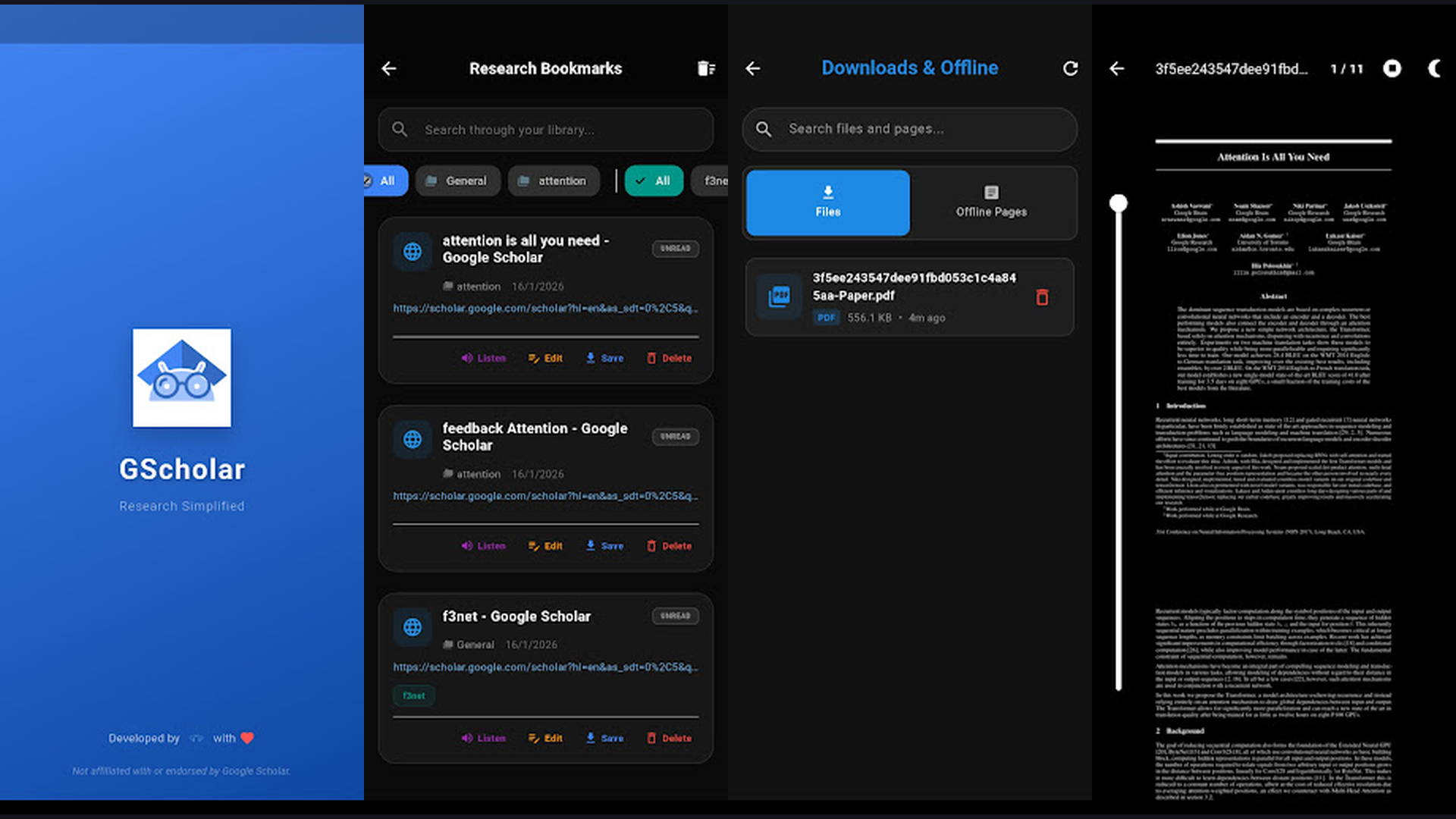
Google Scholar is the essential academic search engine for finding peer-reviewed research papers, theses, and citations. While not a traditional app (access it through your phone browser at scholar.google.com), Google Scholar is indispensable for every grad student. Search across virtually all published academic literature including journal articles, conference papers, preprints, books, and dissertations. The "Cited by" feature shows how many times a paper has been referenced, indicating its impact. "Related articles" helps discover connected research. Set up Scholar Alerts to receive email notifications when new papers in your research area are published or when a specific paper gets cited. The library feature saves papers for later reading. Google Scholar integrates with university library proxies to provide full-text access through institutional subscriptions. The Metrics section shows top journal rankings by field. For any grad student conducting a literature review or staying current with research, Google Scholar is the essential starting point.
10. Grammarly (Rating 4.2)
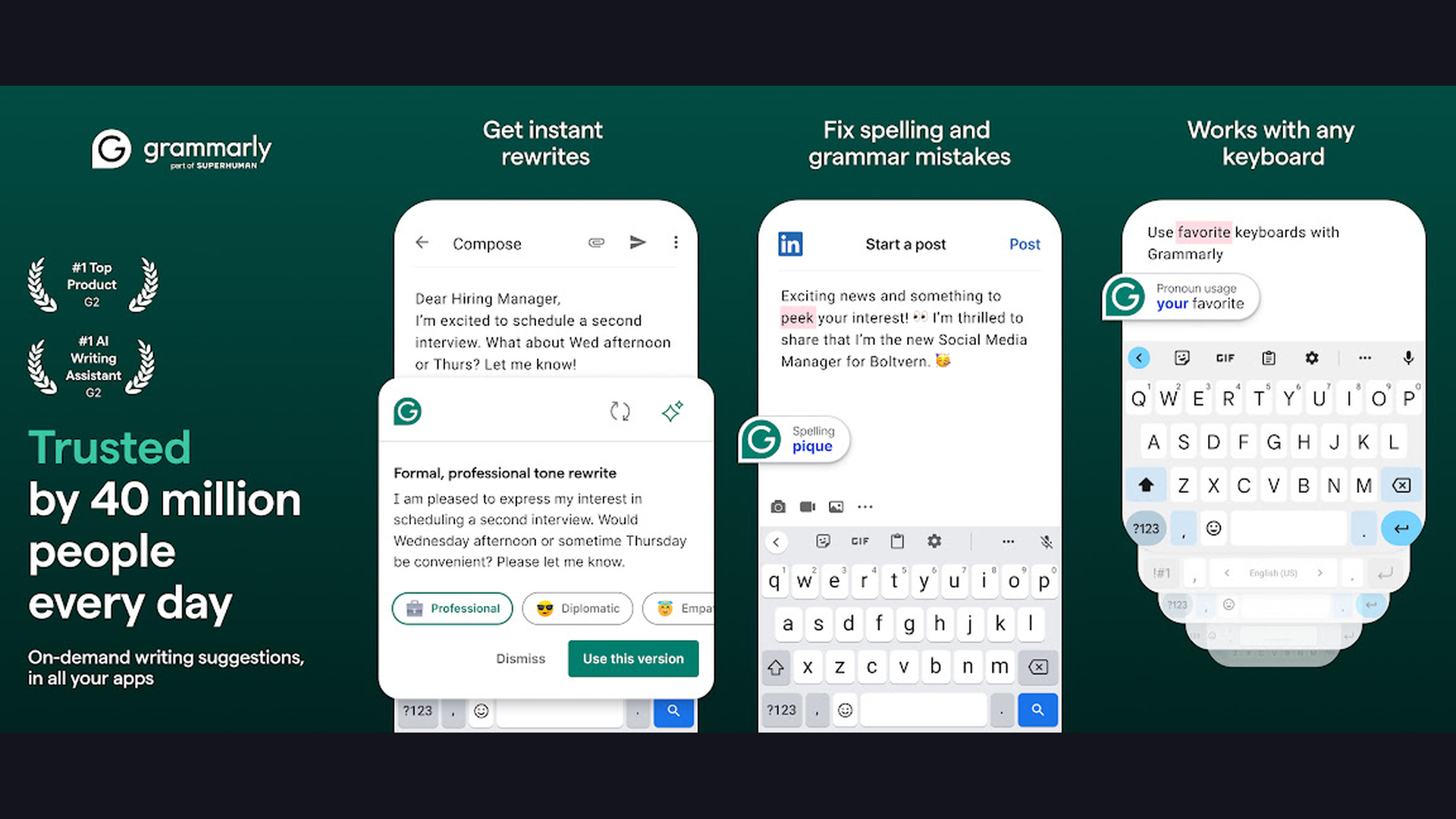
Grammarly is the most widely used AI writing assistant for academic writing quality and correctness. The keyboard app works across every application on your phone, checking grammar, spelling, punctuation, and style as you type emails to professors, draft thesis sections, or compose research abstracts. Grammarly Premium goes deeper with clarity improvements, wordiness detection, tone analysis, and academic vocabulary suggestions. The plagiarism checker compares your text against billions of web pages and academic databases to ensure originality. The citation assistant helps format references correctly. For graduate students writing academic papers, Grammarly catches errors that even careful proofreading misses and suggests improvements that strengthen academic tone. The app integrates with Google Docs, Microsoft Word, and web-based writing platforms. The free tier handles basic grammar and spelling; Premium ($12/month annual) unlocks full writing analysis. Every grad student writing papers, proposals, or a dissertation should have Grammarly as a safety net for polished academic writing.
11. Trello (Rating 3.9)
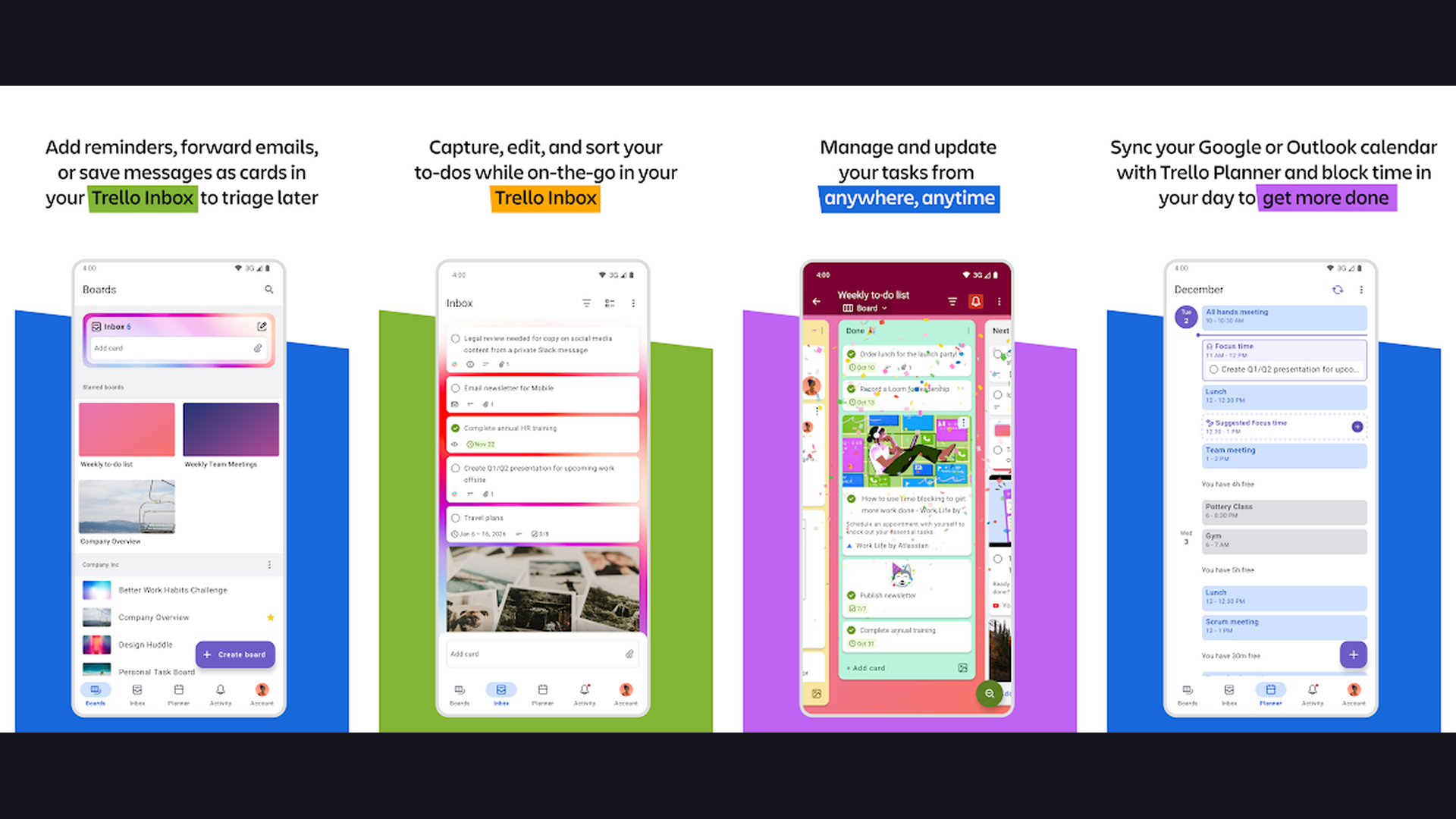
Trello is a visual project management tool perfect for organizing thesis progress, group projects, and research workflows. The Kanban board system uses cards and lists to create intuitive visual workflows. Create a thesis board with lists like "To Research," "In Progress," "Under Review," and "Complete," then drag chapters and tasks between stages as they progress. Each card supports checklists, due dates, attachments, comments, and labels for detailed task tracking. Trello excels at collaborative projects: invite study group members, assign tasks, and comment on shared boards. Power-Ups add integrations with Google Drive, Dropbox, Slack, and calendar apps. The Butler automation feature can move cards, send notifications, and create recurring tasks automatically. The free tier supports unlimited personal boards with up to 10 Power-Ups; Premium ($5/month) adds advanced views and unlimited Power-Ups. For grad students managing complex, multi-phase projects like dissertations or group research papers, Trello provides the visual clarity that traditional planner apps lack.
12. Paperpile (Rating 3.8)
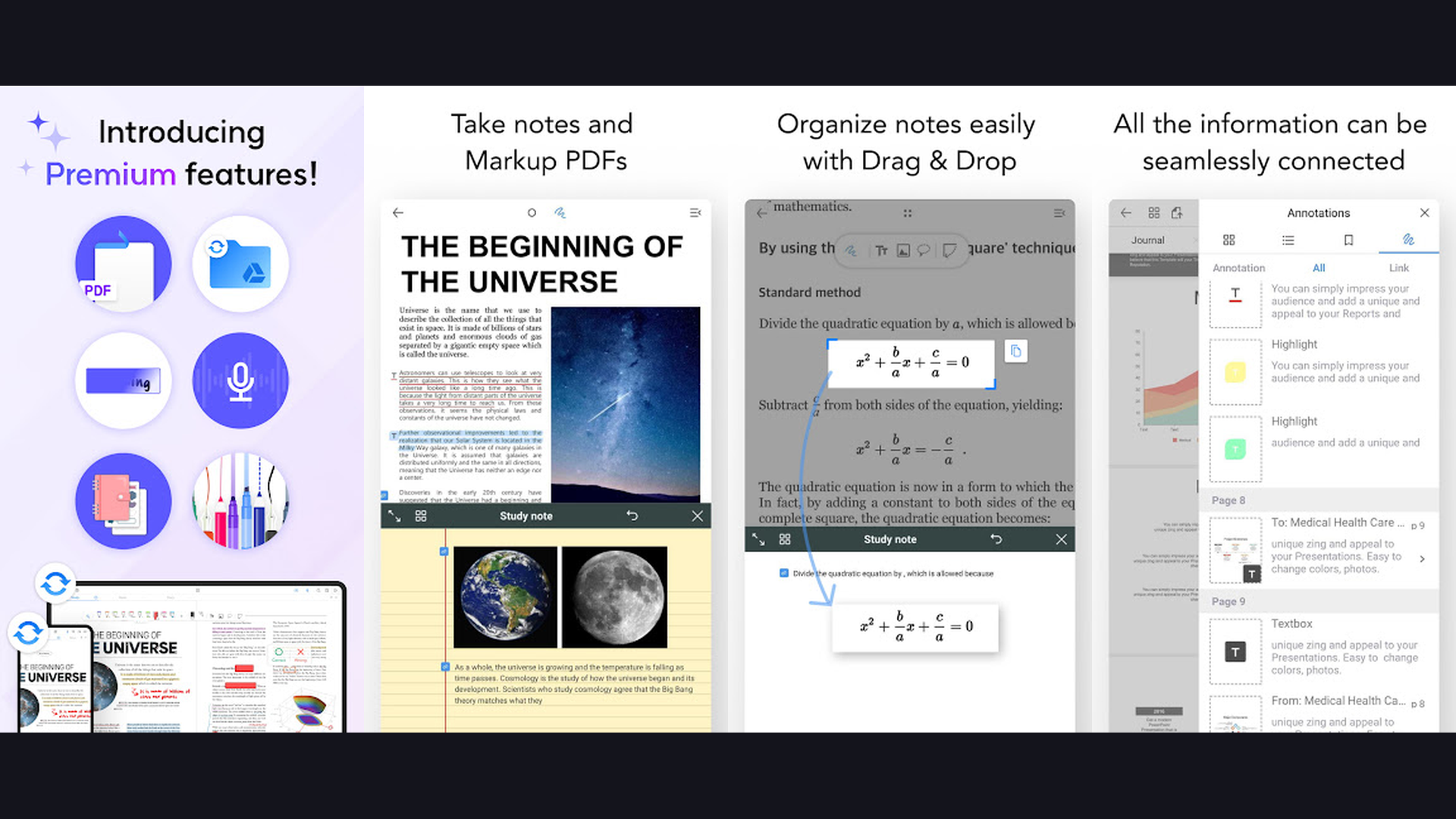
Paperpile is a modern cloud-based reference manager built for the Google ecosystem. If you use Google Docs for academic writing, Paperpile offers the most seamless citation experience. The Chrome extension captures references from Google Scholar, PubMed, and journal websites with one click. In Google Docs, the Paperpile add-on inserts citations and generates bibliographies in any style with keyboard shortcuts. All references are stored in Google Drive with automatic PDF syncing. The mobile app provides full access to your reference library with offline PDF reading, highlighting, and annotation. Smart search across your library finds papers by author, keyword, or full-text content. Paperpile supports BibTeX export for LaTeX users and integration with major academic databases. The clean, intuitive interface requires minimal learning compared to feature-heavy alternatives. Paperpile costs $2.99/month (academic pricing). For Google Docs users who want the simplest, fastest citation workflow without switching to Word, Paperpile is the best choice.
13. Evernote (Rating 3.6)
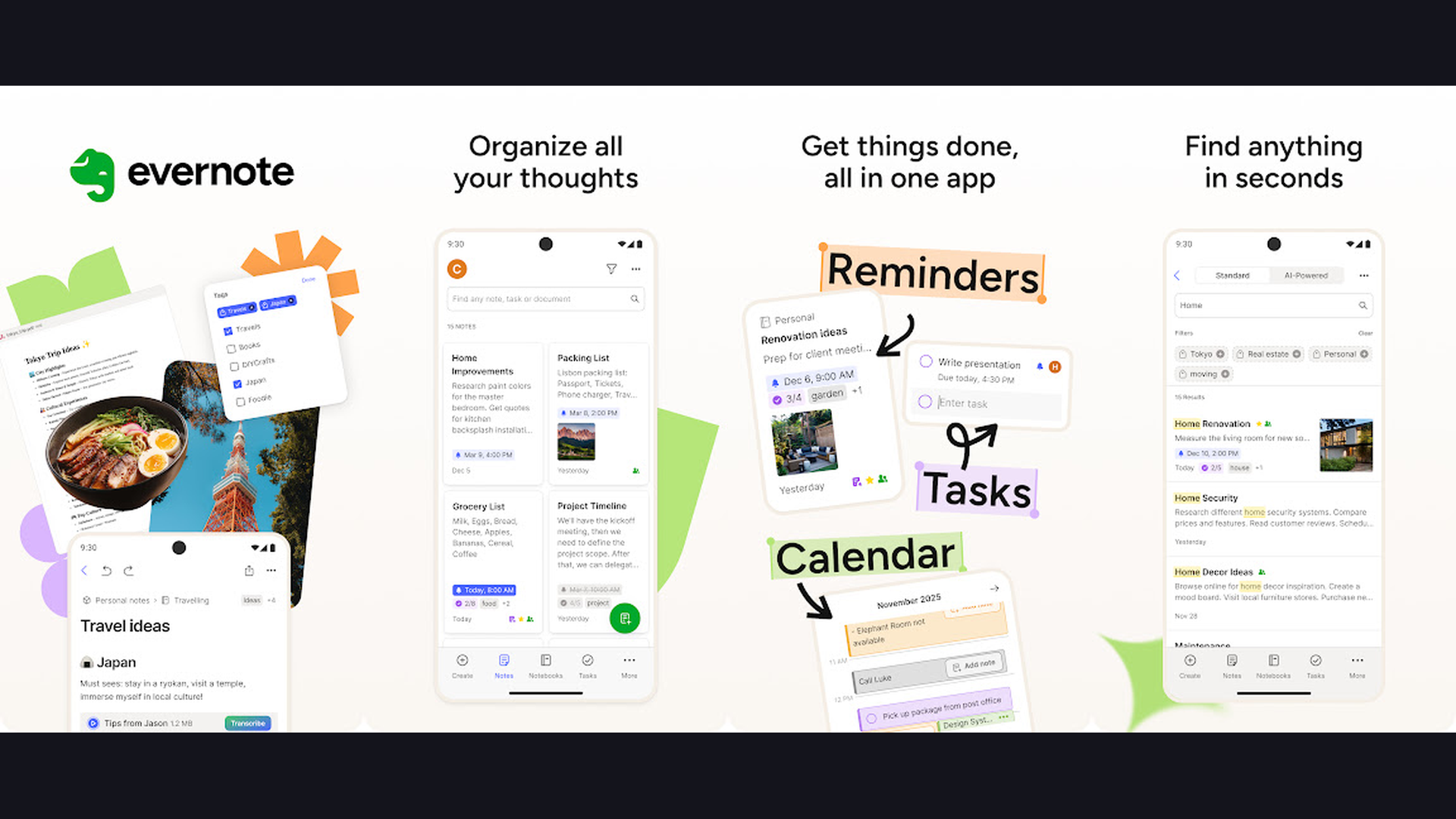
Evernote is a versatile note-taking and knowledge management app for capturing and organizing research material. Clip web pages, research articles, PDF highlights, photos of whiteboard sessions, handwritten notes, and audio recordings into a single searchable library. Evernote OCR technology makes text in images and handwritten notes searchable, meaning you can find content even from photos of textbook pages or lecture whiteboards. Organize notes with notebooks, tags, and shortcuts for instant access to frequently needed information. The Web Clipper browser extension saves full articles, simplified articles, or selections from research databases directly to Evernote. Document scanning digitizes physical documents and receipts. The Tasks feature adds to-do items directly within notes. Evernote integrates with Google Calendar, Slack, and Microsoft Teams. The free plan allows 50 notes with limited monthly uploads; Personal ($10.83/month) unlocks unlimited notes and larger uploads. For grad students who collect information from diverse sources and need everything searchable in one place, Evernote remains a reliable research companion.
14. Mendeley (Rating 3.5)
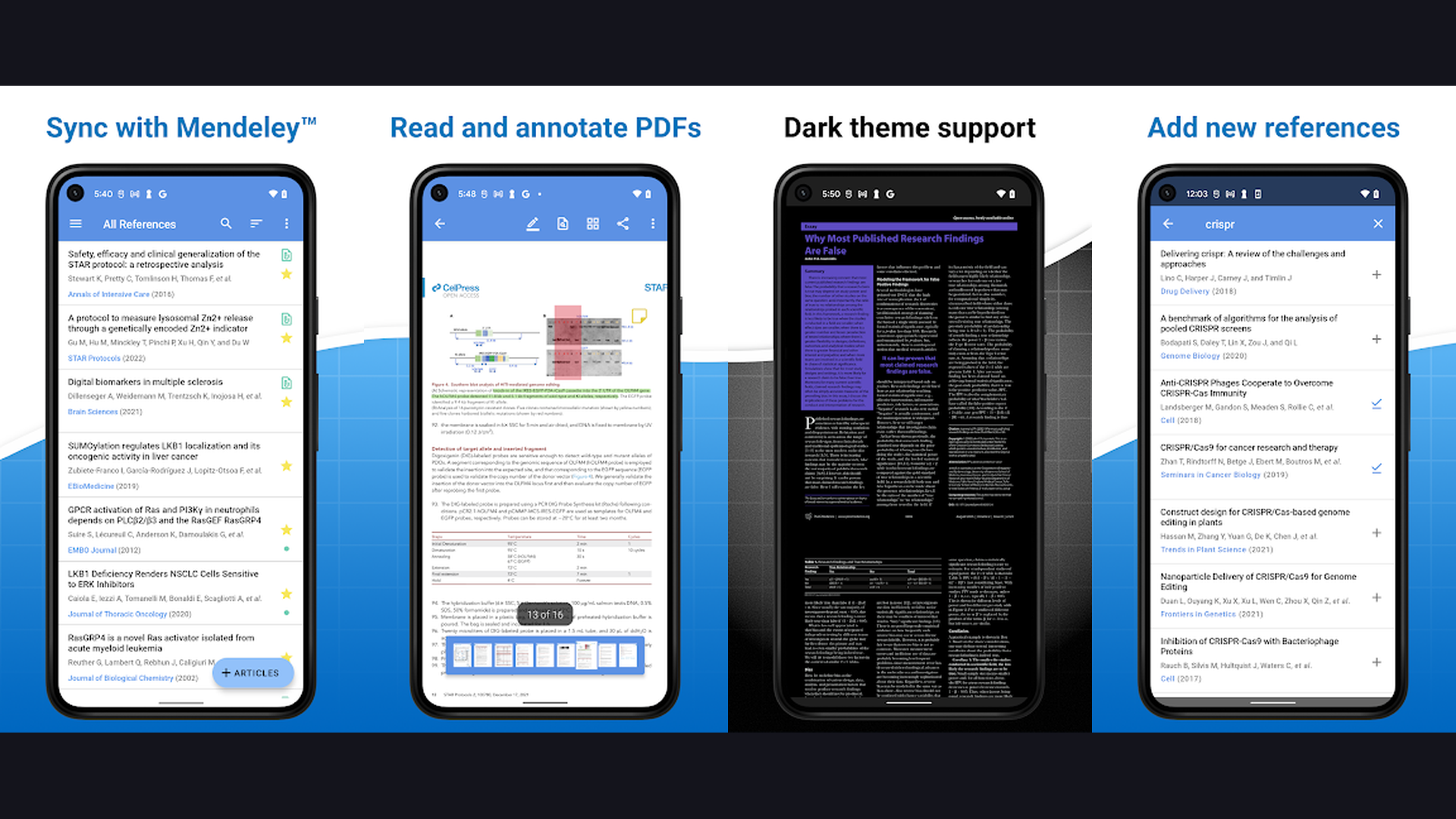
Mendeley is a free reference manager and academic social network from Elsevier. The platform combines citation management with a built-in academic discovery engine. The desktop app automatically extracts metadata from PDFs you import, organizing them into a searchable reference library. The Word plugin generates citations and bibliographies as you write, supporting thousands of citation styles. Mendeley is particularly strong for collaborative research: create shared group libraries with your lab or research team, annotate PDFs collaboratively, and track who added what. The Mendeley Data feature lets you share research datasets publicly. The social networking aspect connects you with researchers in your field, shows trending papers, and suggests relevant articles based on your library. Mendeley offers 2 GB of free cloud storage for syncing your library across devices. For grad students who value the combination of reference management and academic networking, especially those publishing in Elsevier journals, Mendeley provides a comprehensive free solution.
Building Your Grad School App Toolkit
Essential Stack (Every Grad Student Needs)
- Reference Manager: Zotero (free, open-source) or Paperpile (if using Google Docs). This is non-negotiable for any student writing research papers or a thesis. Manual citation formatting is a waste of time.
- Notes and Knowledge Base: Notion for structured research organization, or OneNote for free-form lecture capture. Pick one and commit to it for your entire program.
- Writing Assistant: Grammarly for catching errors and improving academic tone. The free tier handles grammar basics; invest in Premium if writing is a major part of your program.
- Task Manager: Todoist for tracking deadlines and assignments. Graduate workloads are too complex for memory alone.
By Discipline
- Medical, Law, Language students: Add Anki for spaced-repetition memorization of high-volume content (anatomy, legal codes, vocabulary)
- STEM researchers: Add Zotero + Google Scholar alerts for staying current with publications in your field
- Humanities and Social Sciences: Add Evernote for web clipping and diverse source collection, plus Otter.ai for interview transcription
- MBA and Business: Add Trello for group project management and Quizlet for case study and finance term review
Study Tips for Graduate Students
- Use Spaced Repetition for Exams - Create Anki or Quizlet decks throughout the semester, not the night before exams. Adding 5-10 cards per lecture builds a comprehensive review deck that requires only 15-20 minutes of daily practice for long-term retention. This is backed by decades of cognitive science research.
- Set Up Your Citation Manager on Day One - Install Zotero or Paperpile before your first week of classes. Every paper you read should go into your reference library from the start. Students who wait until thesis time to organize citations waste weeks retroactively finding and formatting sources.
- Use the Pomodoro Technique - Study in focused 25-50 minute intervals with 5-10 minute breaks. Forest gamifies this practice. Research shows focused intervals produce higher quality work than marathon study sessions. Schedule your most demanding tasks (writing, complex reading) during your natural peak focus hours.
- Record and Transcribe Lectures - Use Otter.ai to record seminars (with professor permission). The searchable transcript becomes a study resource more valuable than handwritten notes, and you can focus on understanding rather than frantically writing during class.
- Build a Personal Knowledge Base - Use Notion to create interconnected notes where concepts link to related research, definitions, and source papers. Over time, this becomes a personal academic wiki that makes synthesizing information for literature reviews and thesis chapters dramatically easier.
- Write Daily, Even Small Amounts - Use Todoist to schedule 30 minutes of daily writing. Grammarly catches errors as you go. Consistent small writing sessions produce better theses than irregular marathon sessions. Aim to write 300 words per day and you will have a solid thesis draft faster than you expect.
- Set Google Scholar Alerts - Create alerts for key researchers and topics in your field. Staying current with new publications demonstrates engagement and often reveals gaps your research can fill. Review new alerts weekly and save relevant papers to Zotero immediately.
- Protect Your Phone from Distraction - Use Forest during study blocks to prevent social media scrolling. The average grad student loses 2-3 hours daily to phone distraction. Reclaiming even half of that time translates to significant research progress. Keep your phone battery optimized so your study tools are always available.
Frequently Asked Questions
What is the best free reference manager for grad students?
Zotero is the best free reference manager. It is completely open-source, supports over 10,000 citation styles, works with Word and Google Docs, and includes a browser extension for one-click citation capture. The 300 MB free storage is sufficient for most students; additional storage costs $20/year for 2 GB. Mendeley is a free alternative from Elsevier with 2 GB storage but less community development.
Is Notion or OneNote better for grad school notes?
It depends on your note-taking style. Notion is better for structured knowledge management, research databases, and project planning. It excels when you need to build interconnected notes that link concepts, papers, and ideas. OneNote is better for free-form lecture capture, handwritten annotations, and audio-synced notes. Students who use a tablet with stylus often prefer OneNote; students who type and organize digitally prefer Notion.
Which flashcard app is better: Anki or Quizlet?
For serious long-term memorization (medical school, law, languages), Anki is superior due to its advanced spaced-repetition algorithm and complete customization. However, the interface is dated and has a steeper learning curve. Quizlet is better for general study with its polished interface, multiple study modes, and AI tutor. Many students use both: Anki for high-volume memorization and Quizlet for casual review and group study.
Do I need Grammarly Premium as a grad student?
The free version of Grammarly catches basic grammar, spelling, and punctuation errors, which is sufficient for emails and casual writing. For thesis chapters, journal submissions, and grant proposals, Grammarly Premium is worth the investment. The clarity improvements, wordiness detection, academic tone suggestions, and plagiarism checker provide value that justifies the cost for students producing high-stakes academic writing regularly.
How can I stay focused during long study sessions?
Use Forest to block phone distractions during focused study intervals. Apply the Pomodoro technique (25-50 minutes of focus, 5-10 minute break). Track your focus statistics to identify your most productive times of day. Remove social media apps from your phone home screen during exam periods. Combine Forest with Todoist to plan exactly what you will accomplish in each focus session, rather than sitting down without a clear objective.
What apps should I install before starting grad school?
Before your first semester, install: (1) Zotero for citations, (2) Notion or OneNote for notes, (3) Grammarly for writing, (4) Todoist for deadlines, and (5) Anki or Quizlet if your program requires heavy memorization. Set up all accounts, install browser extensions, and create your initial organizational structure during orientation week. Students who start organized stay organized.
Final Thoughts
Graduate school is intellectually demanding, but the right apps transform how you learn, research, and write. For memorization, Anki and Quizlet use proven spaced-repetition science. For research management, Zotero and Google Scholar are essential and free. For knowledge organization, Notion and OneNote keep everything structured. For writing quality, Grammarly catches what you miss. For productivity, Todoist and Forest keep you on track. And for lecture capture, Otter.ai eliminates manual transcription. Start with the essentials on day one and add specialized tools as your program demands. For more productivity tools, explore our guides on digital planners, reminder apps, and invoice apps for grad students who freelance.