
Your iPhone is a portable entertainment center with access to millions of hours of free content across video streaming, music, podcasts, live streaming, social media, and creative discovery. The best free entertainment apps in 2026 provide full-featured experiences with generous free tiers, ad-supported libraries, and community-driven content that rivals paid platforms.
This guide reviews 12 of the best free entertainment apps for iPhone in 2026, covering every type of entertainment: free movie streaming, music discovery, podcast listening, anime, live streaming, short-form video, visual inspiration, and community discussion. Every app listed is free to download and use, with optional premium upgrades. For more iPhone app recommendations, explore our guides on iPad apps, AI apps for iPhone, photo editing apps, and learning apps.
Table of Contents
- Shazam (Rating 4.8)
- Tubi (Rating 4.9)
- Apple Podcasts (Rating 4.8)
- Crunchyroll (Rating 4.7)
- SoundCloud (Rating 4.7)
- Reddit (Rating 4.6)
- Spotify (Rating 4.3)
- Pinterest (Rating 4.3)
- TikTok (Rating 4.0)
- Twitch (Rating 4.0)
- YouTube (Rating 3.9)
- Pluto TV (Rating 3.7)
- Which Free Entertainment Apps Should You Download?
- iPhone Entertainment Tips
- Frequently Asked Questions
1. Shazam (Rating 4.8)
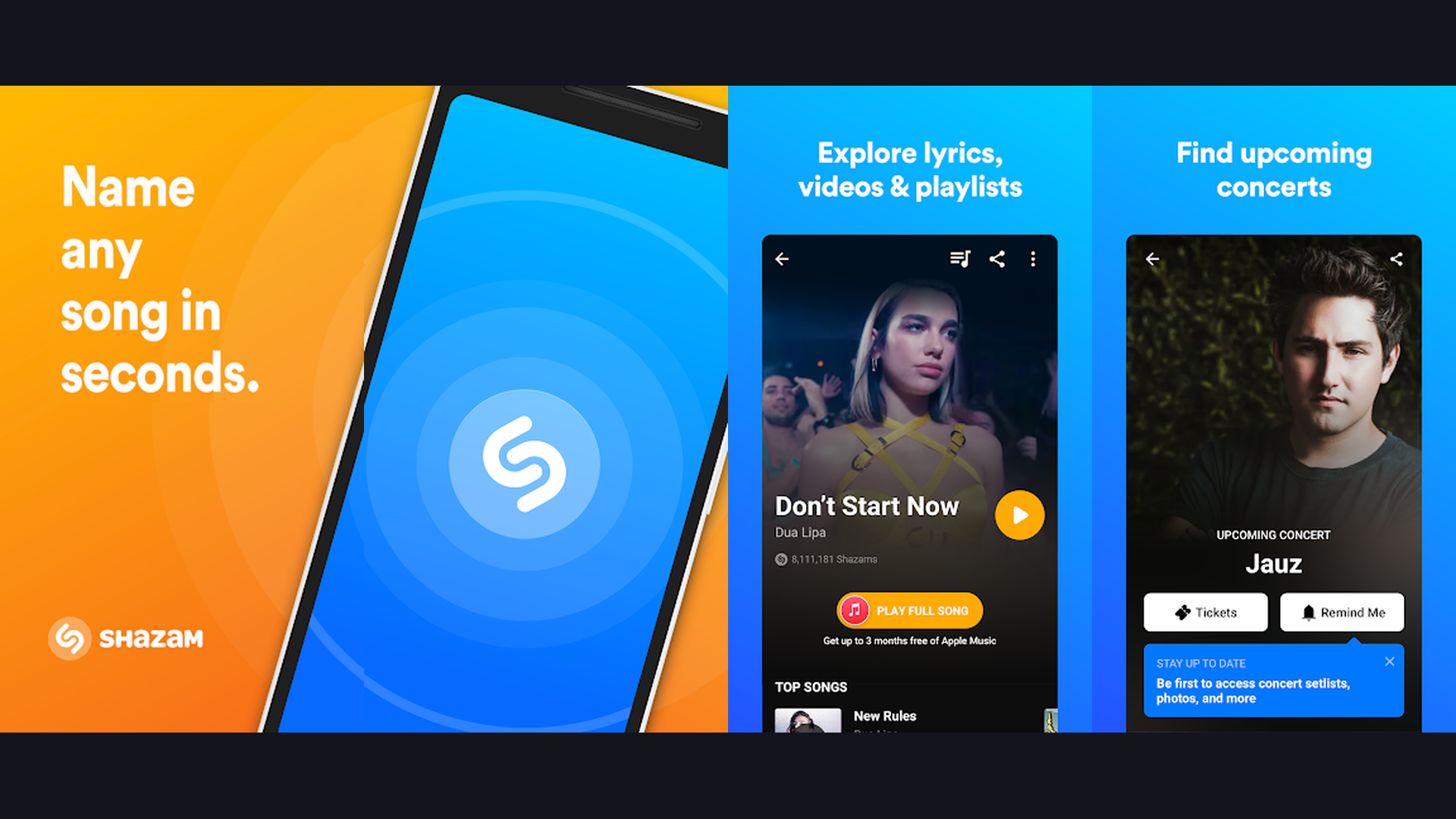
Shazam is the world leading music identification app, owned by Apple and deeply integrated with the iPhone ecosystem, capable of identifying any song playing around you in seconds and connecting you directly to Apple Music, Spotify, and YouTube. Hearing a great song at a cafe, in a store, or on TV and wanting to know what it is has never been easier. Just open Shazam (or ask Siri "What song is this?") and the app listens, identifies the track using its acoustic fingerprinting technology, and displays the song title, artist, album, and lyrics within seconds. The identification works even in noisy environments and can recognize songs from humming. The Auto Shazam feature continuously listens in the background and logs every song it hears. The discovery feed shows trending music and curated playlists. The concert discovery feature finds upcoming live shows for artists you have Shazamed. The integration with Apple Music means one tap takes you from identification to streaming. The visual recognition mode identifies songs from videos playing on other screens. Shazam is completely free with no ads. For any iPhone user who loves discovering music, Shazam is an essential, zero-cost utility. Discover more music with learning apps.


2. Tubi (Rating 4.9)
Tubi is the largest free ad-supported streaming service, offering over 200,000 movies and TV episodes from major studios including Paramount, Lionsgate, MGM, and Warner Bros without any subscription fee or account requirement. While Netflix and Disney+ charge monthly fees, Tubi delivers a massive library of movies and television shows for absolutely free. The content catalog spans every genre: action blockbusters, comedy classics, horror films, documentaries, reality TV, anime, Korean dramas, Bollywood, kids content, and true crime. The live TV feature provides 200+ channels of news, sports, entertainment, and movies streamed in real-time. The ad interruptions are minimal (about 4-6 minutes per hour, comparable to regular TV). The personalization engine learns your viewing preferences and surfaces relevant recommendations. The "Leaving Soon" section alerts you to content expiring from the library. The offline download feature lets you save content for flights and commutes. Tubi is completely free (ad-supported). For iPhone users who want unlimited movies and TV without paying a subscription, Tubi is the best free streaming app available. Stream more with streaming apps.
3. Apple Podcasts (Rating 4.8)
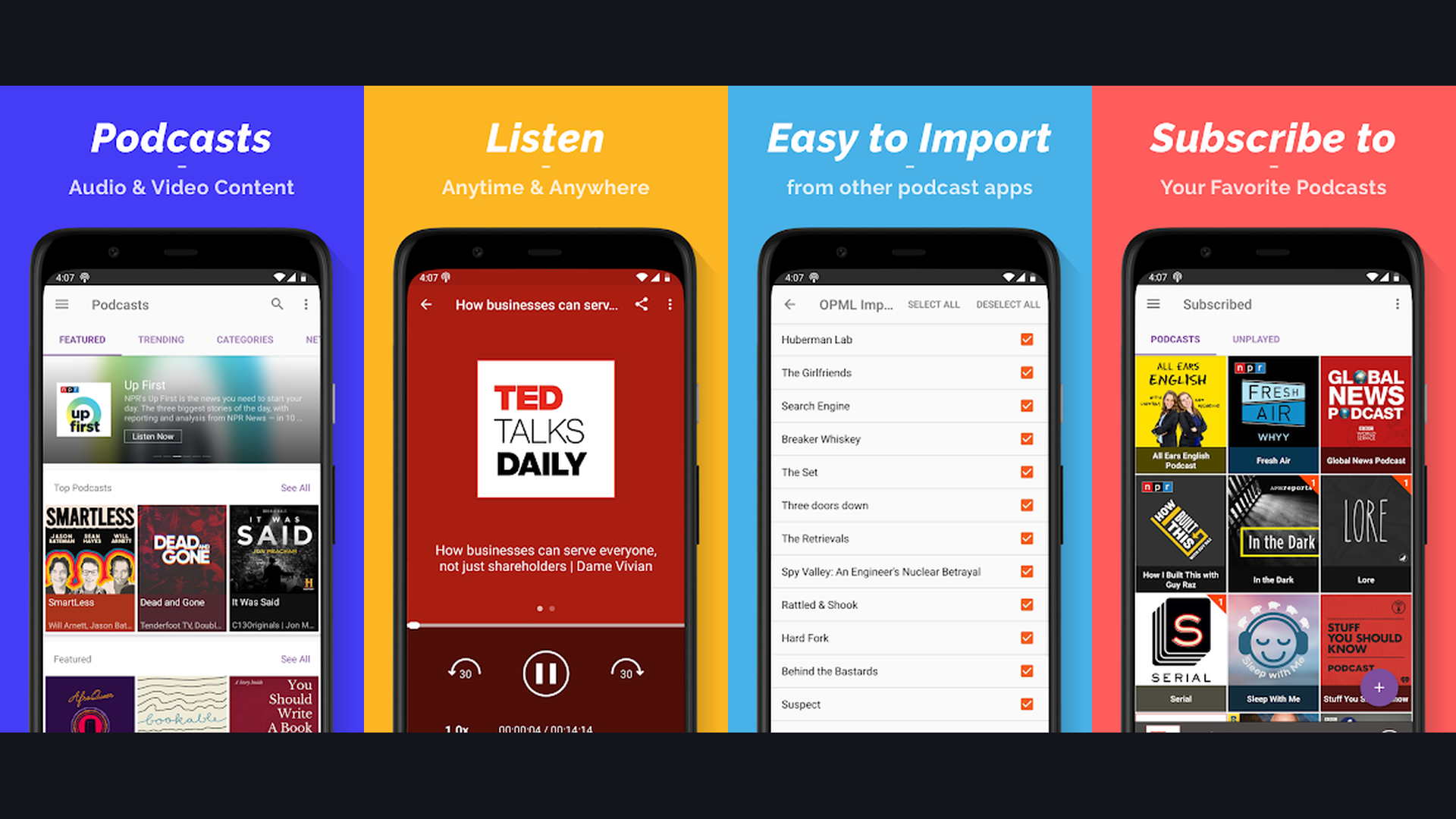
Apple Podcasts is the native iPhone podcast platform pre-installed on every iOS device, providing access to over 4 million podcasts with seamless Siri integration, automatic downloads, and the deepest integration with the Apple ecosystem including CarPlay, AirPods, and Apple Watch. Apple Podcasts is the natural choice for iPhone users because it is built into iOS. The library covers every conceivable topic: true crime, comedy, news, business, technology, health, sports, education, and entertainment. The personalized recommendations surface new shows based on your listening history. The automatic download feature ensures episodes are ready when you are, even without WiFi. The Siri integration lets you say "Hey Siri, play my podcast" hands-free. The CarPlay integration provides safe in-car listening. The Apple Watch app enables podcast listening during workouts without your phone. The chapter markers and show notes provide rich episode metadata. The subscriber channels offer premium ad-free content for supported shows. The sleep timer pauses playback automatically. Apple Podcasts is completely free. For iPhone users, Apple Podcasts is the most convenient and deeply integrated podcast experience. Explore more Apple tools with iPad apps.
4. Crunchyroll (Rating 4.7)
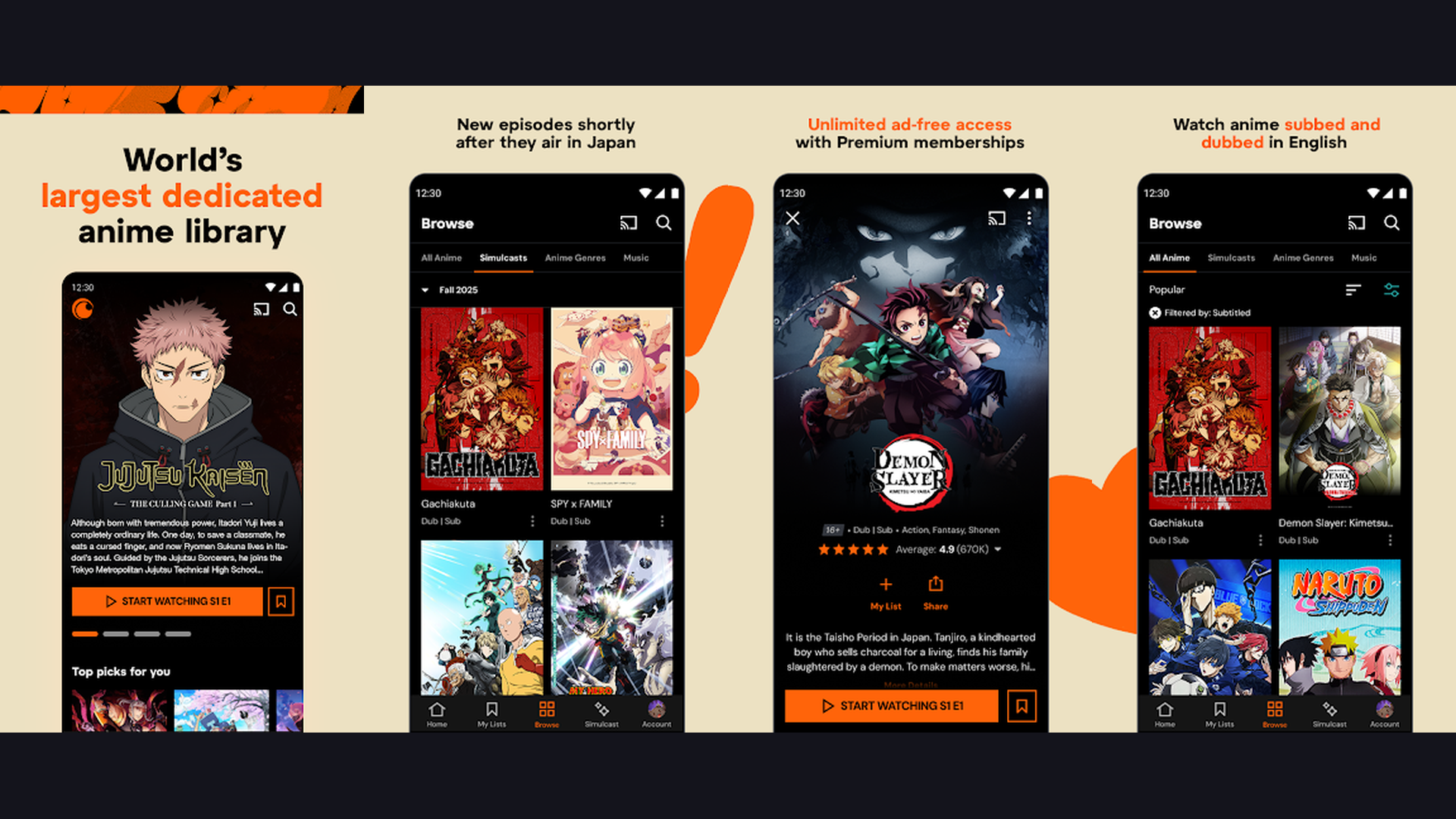
Crunchyroll is the world largest anime streaming platform, offering thousands of anime series, manga titles, and exclusive simulcast episodes from Japan with both subtitled and dubbed options in a free ad-supported tier. For anime fans, Crunchyroll is the definitive destination. The free tier provides access to a substantial library of anime series and movies with ad interruptions. Simulcast episodes from Japan are available within hours of their Japanese broadcast. The catalog includes legendary series (Naruto, One Piece, Dragon Ball, Attack on Titan, My Hero Academia, Jujutsu Kaisen, Demon Slayer) alongside seasonal new releases and exclusive Crunchyroll Originals. The manga reader provides thousands of chapters from popular manga series. The community features include user reviews, forums, and news about upcoming anime releases. The "My Lists" feature organizes your watchlist. The subtitle language options cover English, Spanish, Portuguese, French, German, Arabic, and more. The offline download feature (premium tier) saves episodes for commutes. Crunchyroll is free with ads (premium from $7.99/month). For anime fans on iPhone, Crunchyroll is the essential free starting point. Find more entertainment at comic apps.
5. SoundCloud (Rating 4.7)
SoundCloud is the world largest open audio platform, hosting over 300 million tracks from independent artists, DJs, podcasters, and emerging musicians that you cannot find on Spotify or Apple Music, making it the ultimate discovery platform for new and underground music. SoundCloud is where music careers begin. The platform hosts tracks from millions of independent artists across every genre: hip-hop, electronic, indie rock, ambient, lo-fi, R&B, experimental, and more. The free tier provides unlimited streaming of user-uploaded content. The algorithmic recommendations surface emerging artists based on your listening patterns. The community features let you follow artists, like tracks, repost to your profile, and leave timestamped comments on specific moments in songs. The playlist creation tools organize your discoveries. The stations feature generates infinite mixes based on a seed track. The SoundCloud Weekly playlist delivers personalized new music every Monday. The artist profiles show upcoming events and merchandise. The offline listening feature (Go+ subscription) saves tracks for commutes. SoundCloud is free with ads (Go+ from $9.99/month). For music lovers who want to discover artists before they blow up, SoundCloud is irreplaceable. More music at travel entertainment.
6. Reddit (Rating 4.6)
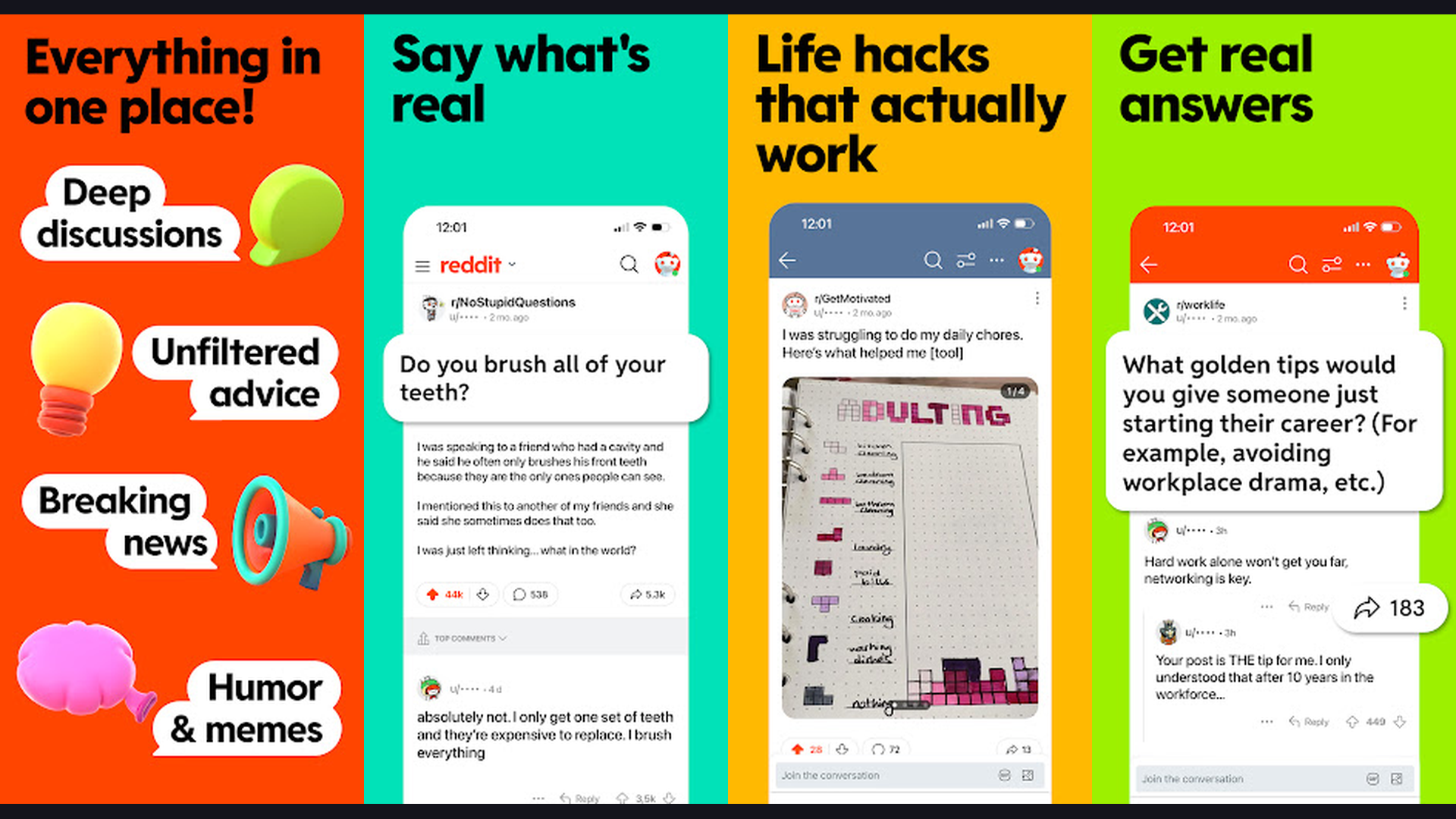
Reddit is the self-proclaimed front page of the internet, hosting millions of communities (subreddits) covering every topic imaginable, from entertainment, gaming, and movies to technology, science, cooking, fitness, and niche hobbies, providing endless free content and discussion. Reddit is the ultimate entertainment app because it adapts to your specific interests. The subreddit system organizes content into focused communities: r/movies for film discussion, r/gaming for game news, r/music for new releases, r/television for TV show analysis, r/funny for humor, r/todayilearned for fascinating facts, r/askreddit for engaging questions, and millions more. The upvote/downvote system surfaces the best content naturally. The comment threads provide insightful discussion, expert analysis, and community humor. The multireddit feature combines related subreddits into custom feeds. The award system highlights exceptional posts. The live discussion threads provide real-time commentary during events, sports, and premieres. The NSFW filter and content controls let you customize your experience. The dark mode and customizable layouts optimize reading. Reddit is completely free. For endless, personalized, community-driven entertainment on every topic, Reddit is unmatched. Join communities for discussion tools.
7. Spotify (Rating 4.3)
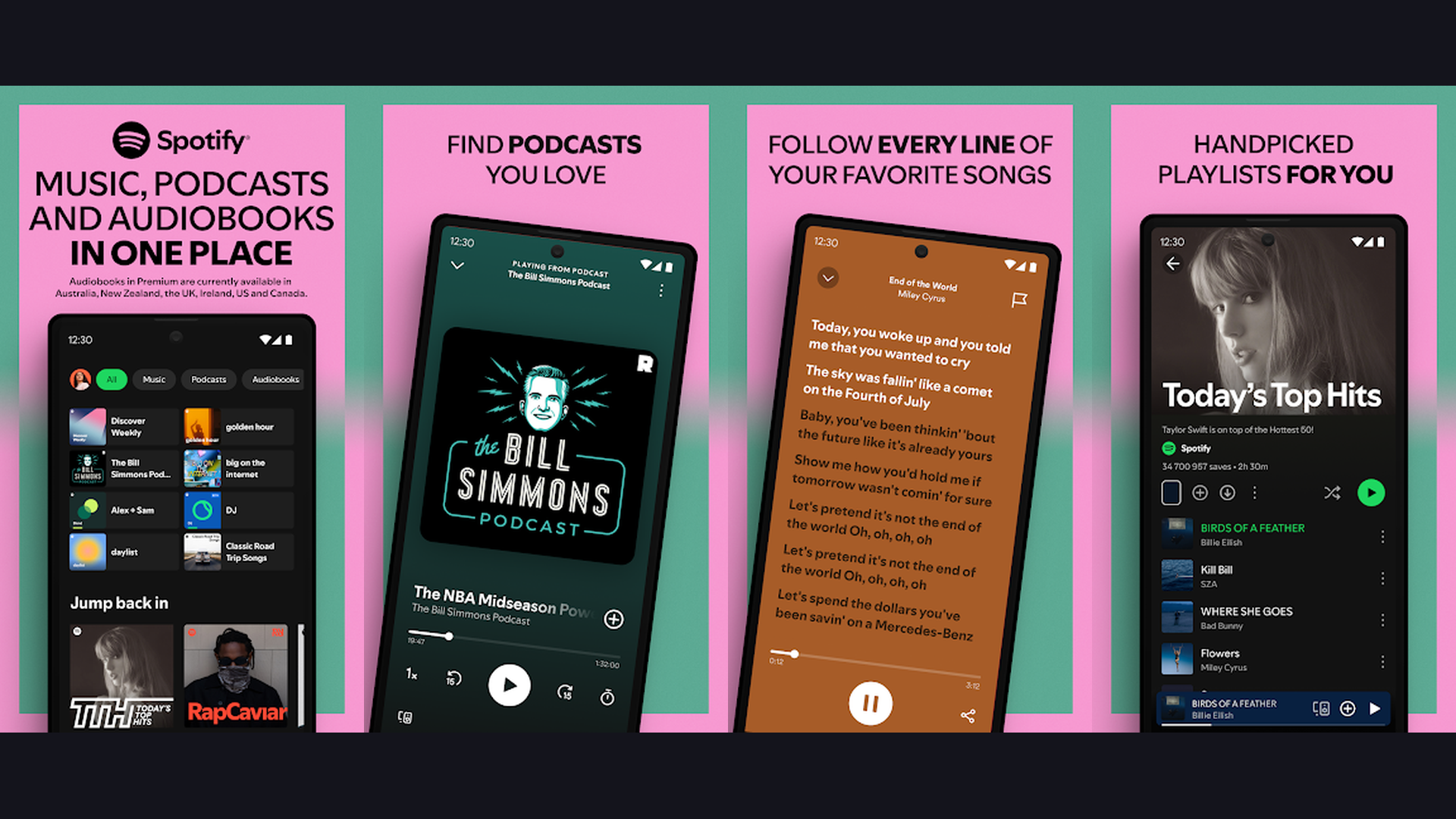
Spotify is the world most popular music and podcast streaming platform with over 100 million tracks, 6 million podcast titles, and AI-powered personalization that learns your taste and delivers customized playlists, radio stations, and daily mixes for free. Spotify free tier provides access to the entire music catalog with shuffle-play mode, occasional ad breaks, and unlimited skips on personalized playlists like Discover Weekly and Daily Mix. The Discover Weekly playlist delivers 30 personalized new songs every Monday based on your listening history. The Daily Mix playlists blend favorite tracks with new discoveries across your preferred genres. The Wrapped feature provides annual listening statistics. The podcast integration makes Spotify a one-stop audio entertainment platform. The social features let you see what friends are listening to, share songs, and collaborate on playlists. The lyrics integration displays synchronized lyrics for karaoke-style singing. The crossfade and gapless playback create smooth listening sessions. The Blend feature creates shared playlists with friends. Spotify is free with ads (Premium from $11.99/month). For music lovers who want the best personalized listening experience on iPhone, Spotify free is remarkably generous. Organize playlists with planning tools.
8. Pinterest (Rating 4.3)
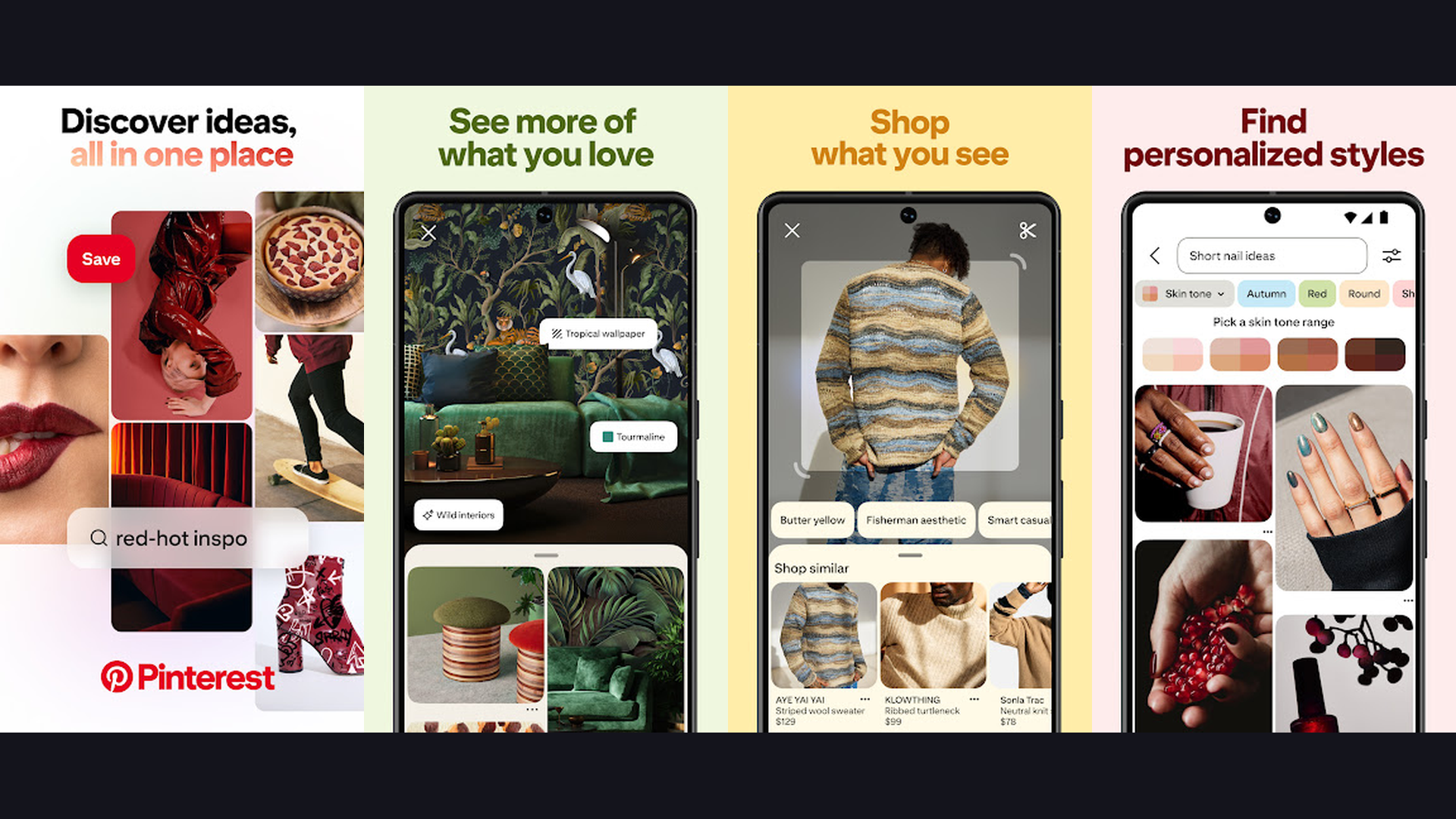
Pinterest is the visual discovery and inspiration platform where users explore, save, and organize ideas across every creative category including home decor, fashion, recipes, DIY projects, travel destinations, art, photography, and wedding planning through an infinite visual feed. Pinterest is entertainment through inspiration. The visual search engine delivers an endless stream of curated images, infographics, tutorials, and ideas organized around your interests. The pin-and-board system lets you save and organize content into themed collections. The "Lens" visual search feature lets you photograph any object and find similar items, recipes, or styles. The shopping integration shows purchasable products directly within pins. The "Try On" AR feature lets you virtually try makeup, furniture, and accessories. The recipe pins include ingredient lists and step-by-step instructions. The DIY pins provide complete project tutorials. The travel boards compile destination inspiration. The algorithm learns your aesthetic preferences and continuously refines your home feed. The collaborative boards let you plan with friends and family. Pinterest is completely free. For creative iPhone users seeking endless visual entertainment and practical inspiration, Pinterest is uniquely valuable. Get creative with photo editing apps.
9. TikTok (Rating 4.0)
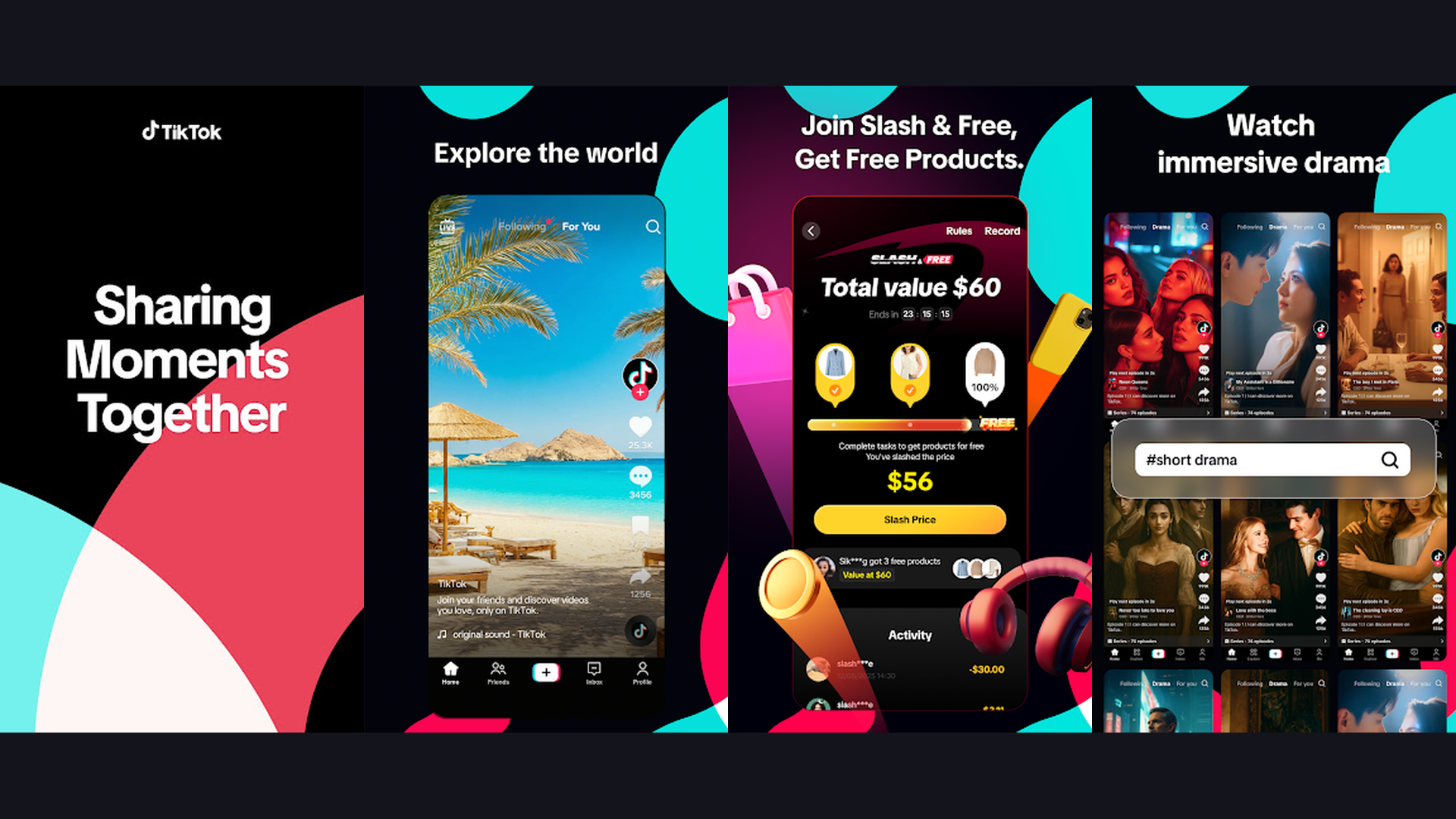
TikTok is the dominant short-form video entertainment platform with over 1.5 billion monthly active users, delivering an algorithmically curated feed of music, comedy, education, cooking, fitness, travel, fashion, and viral content that adapts to your interests in real-time. TikTok For You Page (FYP) algorithm is the most powerful content recommendation engine in entertainment. The app learns what you like within minutes and serves an endless, personalized feed of entertaining content without you needing to follow anyone. The content spans every category: comedy sketches, dance challenges, cooking tutorials, life hacks, science explanations, travel vlogs, pet videos, music discoveries, fashion hauls, fitness routines, and educational content. The creation tools include filters, effects, green screen, duets, stitches, and a vast music library. The LIVE feature provides real-time streaming from creators worldwide. The TikTok Shop integrates e-commerce directly into the entertainment experience. The algorithm ensures you never see the same type of content twice unless you engage with it. The search function surfaces trending topics and challenges. TikTok is completely free. For iPhone users who want the most addictively entertaining short-form content experience, TikTok is the undisputed king. Create content with video creation apps.
10. Twitch (Rating 4.0)
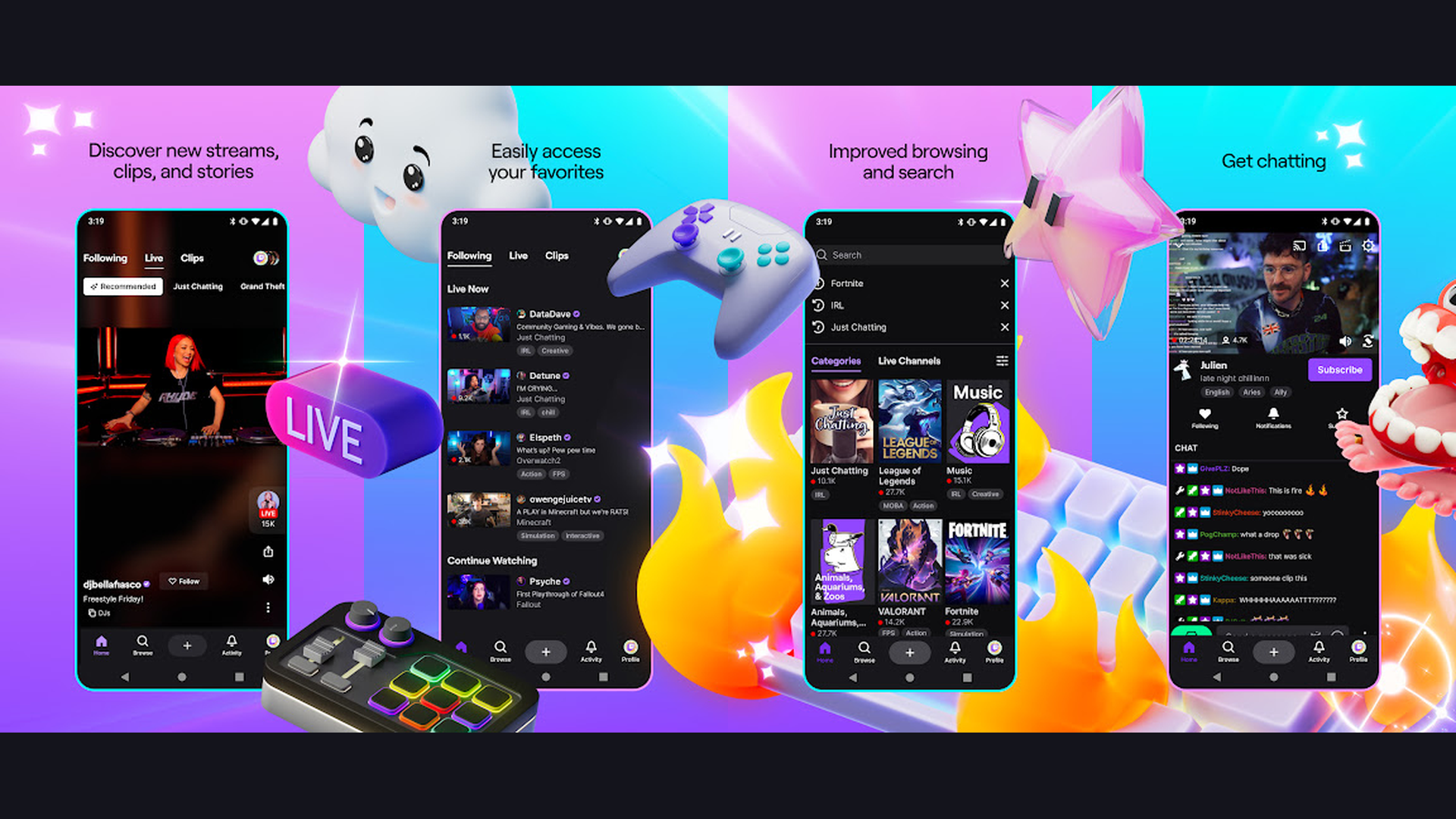
Twitch is the world largest live streaming platform, offering thousands of live channels featuring gaming, music performances, creative art, cooking shows, talk shows, sports commentary, and IRL (in real life) streams with real-time chat interaction. Twitch transforms entertainment from passive consumption to active participation through its real-time chat system. Every live stream has a chat sidebar where viewers interact with the streamer and each other. The gaming content remains Twitch core: watch professional esports tournaments, speed runs, casual gameplay, and new game releases being played live. Beyond gaming, the "Just Chatting" category features talk shows and discussions. The Music category hosts live performances and DJ sets. The Art category shows artists creating work in real-time. The IRL streams take you to festivals, cities, and events worldwide. The clip system lets you capture and share memorable moments. The VOD (Video on Demand) system archives past streams. The community features include channel subscriptions, emotes, and loyalty points. The predictions and polls let you actively participate in stream outcomes. Twitch is free to watch (optional subscriptions support creators). For live entertainment and real-time interactive community experiences, Twitch is unmatched. More live content at streaming platforms.
11. YouTube (Rating 3.9)
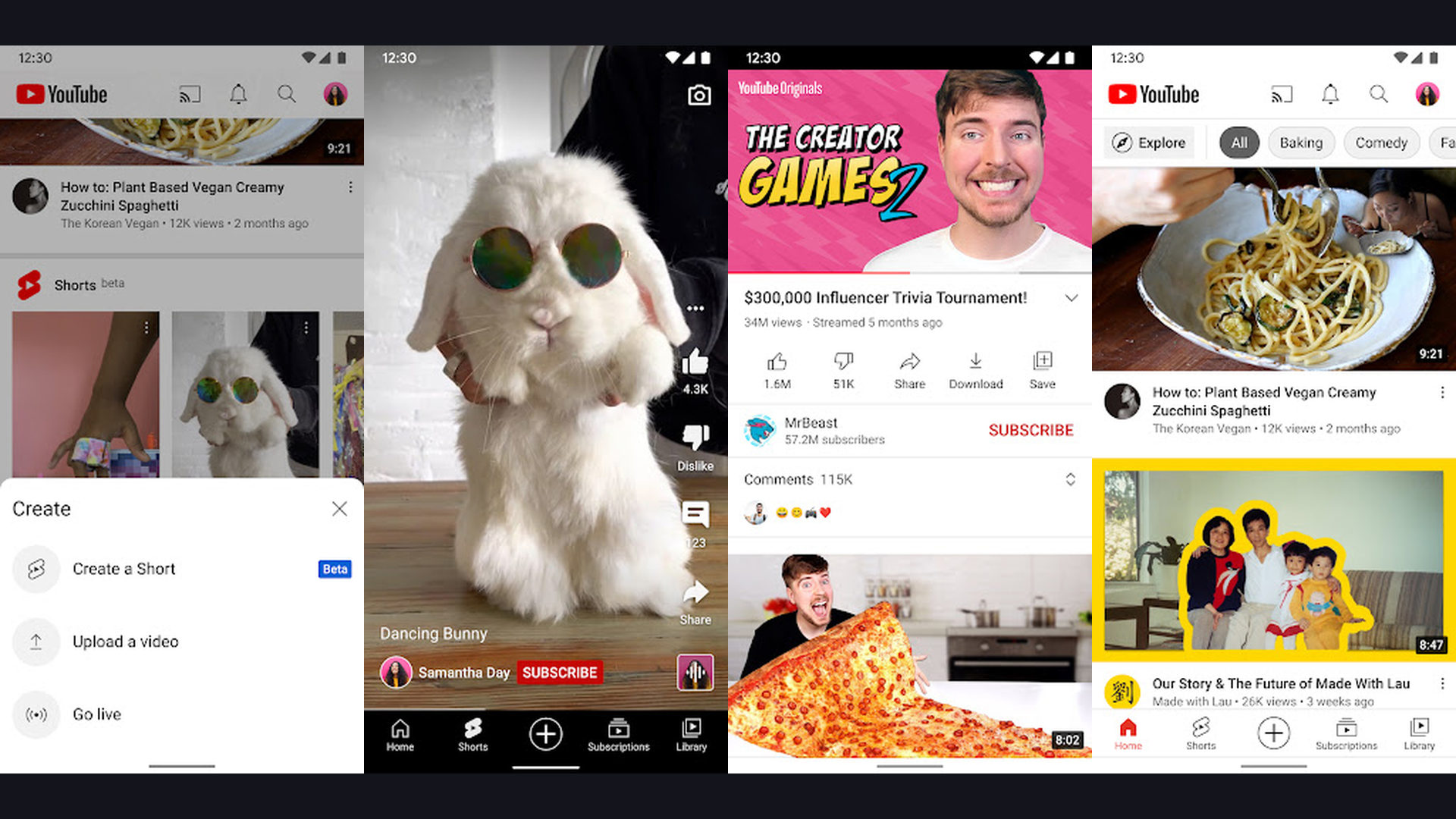
YouTube is the world largest video platform with over 800 million videos spanning music, education, entertainment, documentaries, tutorials, vlogs, live streams, podcasts, and user-generated content covering every topic in every language. YouTube is the default entertainment platform for billions. The free tier provides unlimited access to virtually all content with periodic ad breaks. The Shorts feature delivers TikTok-style vertical short-form videos. The music library includes official music videos, live performances, concerts, and fan-made content. The educational content covers university-level lectures, coding tutorials, language lessons, cooking masterclasses, and scientific explanations. The podcast integration hosts video and audio podcasts. The live streaming features cover gaming, events, and creator broadcasts. The Premiere feature lets you watch new videos with the creator in real-time. The community tab provides posts, polls, and updates from channels you follow. The picture-in-picture mode lets you watch while using other apps. The cast feature streams to smart TVs, Chromecast, and AirPlay. YouTube is free with ads (Premium from $13.99/month removes ads). For the most comprehensive free video entertainment on iPhone, YouTube remains essential. Learn with educational apps.
12. Pluto TV (Rating 3.7)
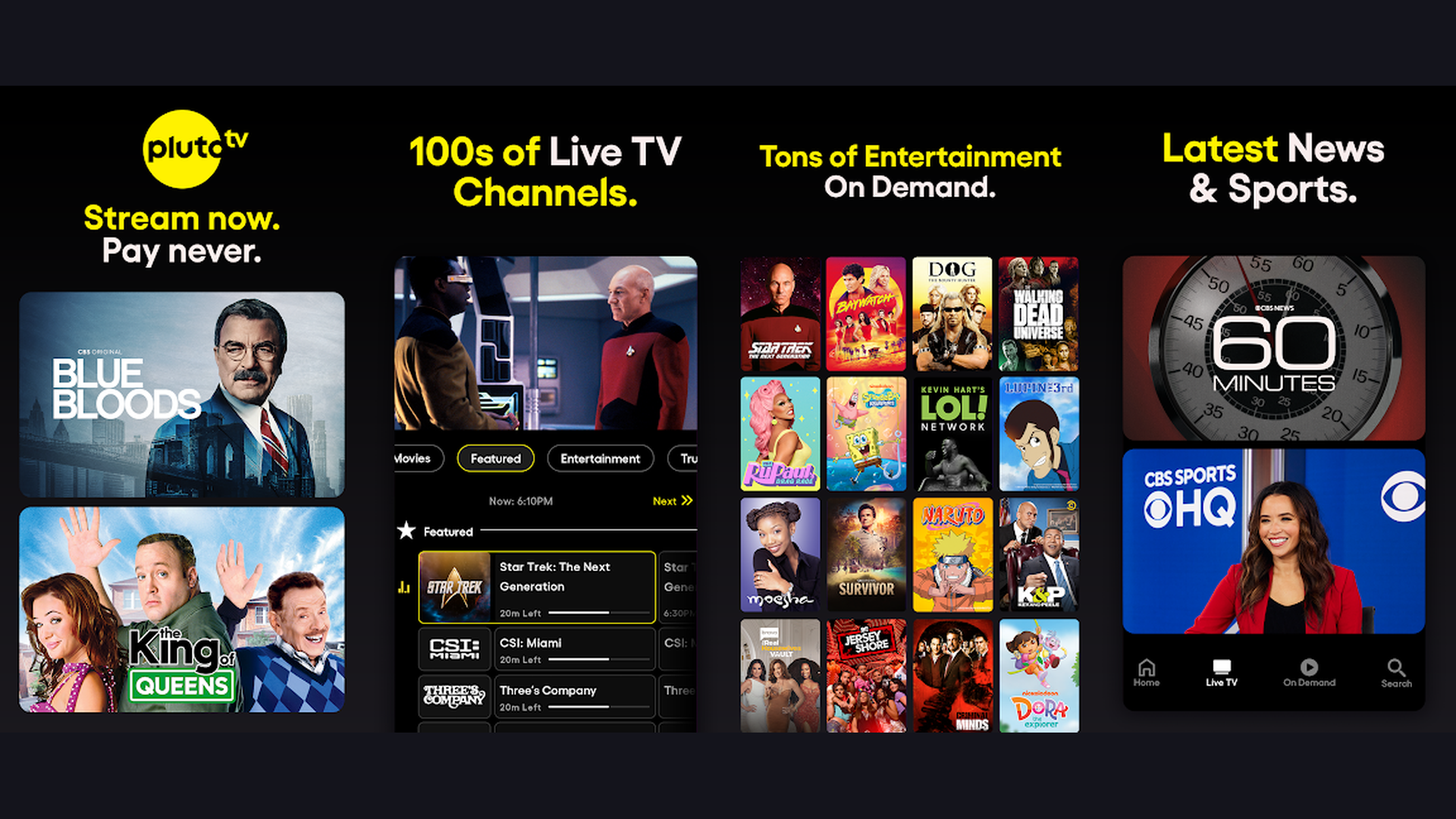
Pluto TV is the leading free ad-supported streaming television (FAST) service, providing over 250 live TV channels and thousands of on-demand movies and shows organized into a traditional channel-surfing experience that replicates cable TV without the cable bill. Pluto TV offers something unique among free streaming apps: the experience of flipping through live TV channels. The channel lineup covers movies, news (CBS News, Bloomberg, CNN, NBC News), sports (NFL Channel, Fox Sports, beIN Sports), entertainment (Comedy Central, MTV, VH1), kids (Nick Jr, Ryan and Friends), reality TV, true crime, gaming, and music. The on-demand library provides thousands of movies and TV series from Paramount, Lionsgate, Warner Bros, and independent studios. The genre-specific channels (80s Rewind, Classic TV, Westerns, Horror 24/7, Holiday Movies) provide curated marathon viewing. The electronic program guide (EPG) shows what is playing now and upcoming. No account is required to start watching immediately. The interface replicates the familiar TV experience of discovering content by surfing. Pluto TV is completely free (ad-supported). For iPhone users who miss the traditional TV channel-surfing experience without the cable bill, Pluto TV is the perfect solution. More TV at entertainment apps.
Which Free Entertainment Apps Should You Download?
Best for Free Movies and TV Shows
- Tubi - Largest free movie library (200,000+ titles)
- Pluto TV - Live TV channels that feel like cable
- Crunchyroll - Best free anime streaming
Best for Free Music
- Spotify - Best personalized playlists and discovery
- SoundCloud - Best for independent and emerging artists
- Shazam - Best for music identification
Best for Short-Form Video
- TikTok - Most addictive algorithm-driven content
- YouTube Shorts - Integrated within the YouTube app
Best for Live Content
- Twitch - Gaming, music, and creative live streams
- YouTube Live - Events, news, and creator streams
Best for Community and Discovery
- Reddit - Discussions on every topic imaginable
- Pinterest - Visual inspiration and creative ideas
Best for Audio Content
- Apple Podcasts - Best iOS-native podcast experience
- Spotify - Music and podcasts in one app
iPhone Entertainment Tips
- Use Picture-in-Picture for Multitasking - iOS supports picture-in-picture (PiP) for video playback, letting you watch YouTube, Tubi, or Pluto TV in a floating window while using other apps. Swipe up from a video to activate PiP in supported apps. This lets you watch a movie while browsing Reddit, responding to messages, or checking Pinterest. Some apps require the premium tier for PiP (YouTube Premium), while others like Tubi and Pluto TV support it on the free tier. This feature transforms your iPhone into a true multitasking entertainment device.
- Download Content for Offline Viewing - Most entertainment apps offer offline download features for commutes, flights, and areas without WiFi. Tubi, Crunchyroll (premium), Spotify (premium), Apple Podcasts, and YouTube (premium) all support offline content. For free offline content, Apple Podcasts automatically downloads episodes and Tubi offers free movie downloads. Download content overnight on WiFi to save cellular data. Managing offline content is essential for long trips. Explore travel apps for offline entertainment while abroad.
- Optimize Battery Life for Streaming - Streaming video and music drains battery quickly. Lower screen brightness while watching videos. Use WiFi instead of cellular data when possible (WiFi uses less battery). Enable Low Power Mode during extended streaming sessions. Close background apps you are not using. For audio-only content (Spotify, Apple Podcasts, SoundCloud), lock your screen to save significant battery since the display is your biggest power consumer. Consider a battery case for heavy streaming days. Learn more with battery tips.
- Use Focus Modes for Entertainment Time - iOS Focus modes can create dedicated entertainment sessions. Create a custom "Entertainment" Focus that silences notifications from work apps while allowing entertainment app alerts. This creates distraction-free viewing and listening sessions. You can also set scheduled Focus modes for evening entertainment hours. The Focus filter can even show specific home screen pages with only your entertainment apps, creating a dedicated entertainment layout on your iPhone.
- Connect to Bigger Screens via AirPlay - Most free entertainment apps support AirPlay, letting you cast content from your iPhone to Apple TV, AirPlay-compatible smart TVs, and Mac displays. Tubi, Pluto TV, YouTube, TikTok, and Crunchyroll all support AirPlay casting. This transforms your free iPhone entertainment into a big-screen experience. For non-Apple TVs, an Apple TV device (from $129) enables AirPlay. Screen mirroring also works for apps that do not natively support casting. Casting from free apps to a big screen effectively replaces cable TV. More streaming at entertainment setups.
- Curate Your Feeds for Quality Content - All algorithm-driven apps (TikTok, YouTube, Reddit, Pinterest, Spotify) improve dramatically when you train them. On TikTok, long-press videos you do not enjoy and tap "Not Interested." On YouTube, click the three-dot menu on bad recommendations and select "Not Interested" or "Do not recommend channel." On Reddit, join specific subreddits and unsubscribe from defaults you do not care about. On Pinterest, hide pins you dislike and follow boards that match your aesthetic. The more you curate, the better your entertainment feeds become.
- Use Siri and Shortcuts for Quick Access - Siri integrates with many entertainment apps on iPhone. Say "Hey Siri, play my Discover Weekly on Spotify" or "Hey Siri, what song is this?" (activates Shazam) or "Hey Siri, play my podcast" (Apple Podcasts). Create iOS Shortcuts that launch specific entertainment routines: one tap to open Tubi, lower brightness, enable Do Not Disturb, and start your watchlist. Another shortcut could launch your morning podcast playlist. Siri Suggestions also learns your routine and proactively suggests entertainment apps at relevant times.
- Manage Storage for Downloaded Content - Entertainment apps can consume significant storage with cached content, downloaded episodes, and offline saves. Regularly check Settings > General > iPhone Storage to see which apps use the most space. Offload unused apps to free space without losing data. Clear Spotify cache in Settings > Storage > Delete Cache. Remove watched downloads from Tubi and Crunchyroll. Apple Podcasts settings let you auto-delete played episodes. Managing storage proactively prevents the "Storage Full" notification during important moments. Stay organized with organization tools.
Frequently Asked Questions
What are the best completely free entertainment apps for iPhone?
The best completely free (no premium tier needed) entertainment apps for iPhone are: Tubi (free movies and TV), Pluto TV (free live TV channels), YouTube (free video content), Reddit (free community discussions), Pinterest (free visual inspiration), Shazam (free music identification), and Apple Podcasts (free podcast library). TikTok and Twitch are also free to watch with optional tipping/subscription features. Spotify, SoundCloud, and Crunchyroll offer generous free tiers with ads.
Is Tubi really free with no catches?
Yes, Tubi is genuinely 100% free. No subscription fee, no hidden charges, and no account is even required to start watching. Tubi is funded by advertisements (about 4-6 minutes of ads per hour of content, similar to regular TV). The library includes over 200,000 titles from major studios. There is no premium tier to upgrade to. What you see is what you get: completely free movies and TV shows with minimal ad interruptions.
Can I watch free movies on my iPhone without a subscription?
Yes, several apps offer free movies without any subscription: Tubi provides the largest free movie library with 200,000+ titles. Pluto TV offers free on-demand movies plus 250+ live TV channels. YouTube has a growing library of free full-length movies. Crunchyroll offers free anime movies and series with ads. These apps are all ad-supported, meaning you watch brief advertisements in exchange for free content, similar to how traditional broadcast TV works.
What is the best free music app for iPhone?
Spotify free tier is the best overall free music app, offering access to 100+ million tracks with personalized playlists (Discover Weekly, Daily Mix), though with shuffle-play mode and ads. SoundCloud is best for discovering independent and emerging artists with over 300 million tracks. Shazam is best for music identification (completely free, no ads). Apple Music does not have a free tier but offers a free trial. For podcast-centric audio, Apple Podcasts is completely free and pre-installed on every iPhone.
Are free entertainment apps safe to use on iPhone?
All 12 apps in this guide are safe and legitimate. They are available on the official Apple App Store, which verifies app security and privacy standards. Tubi, Pluto TV, YouTube, TikTok, Spotify, Crunchyroll, Twitch, Shazam, SoundCloud, Reddit, Pinterest, and Apple Podcasts are all from reputable companies. The free tiers are supported by advertising revenue, not by compromising user data. Always download apps from the App Store (not third-party sources) and review privacy settings in Settings > Privacy and Security.
How much data do streaming apps use on iPhone?
Video streaming uses approximately 1-3 GB per hour depending on quality (SD vs HD). Music streaming uses about 50-150 MB per hour. Podcast streaming uses about 30-60 MB per hour. To minimize data usage: lower video quality in app settings, download content on WiFi for offline viewing, use audio-only mode when available, and monitor cellular data usage in Settings > Cellular. Most streaming apps let you set a data quality preference for cellular connections versus WiFi.
Final Thoughts
Free entertainment on iPhone in 2026 is remarkably comprehensive. Tubi and Pluto TV replace cable TV with thousands of free movies, shows, and live channels. Spotify and SoundCloud deliver unlimited music discovery. Apple Podcasts provides seamless audio entertainment. Crunchyroll serves the anime community. TikTok and YouTube deliver infinite video content. Twitch offers interactive live entertainment. Reddit and Pinterest provide community-driven content and visual inspiration. And Shazam identifies every song you hear. Download all 12 and your iPhone becomes a complete entertainment center that costs nothing. For more recommendations, explore our guides on gaming apps, travel apps, self-hosted apps, and development tools.