
Graduate school demands a different level of organization, research depth, and skill mastery compared to undergraduate studies. The right apps can dramatically improve how you manage coursework, conduct research, write dissertations, prepare for qualifying exams, and develop professional skills that set you apart in academia or industry.
We have researched and ranked the 15 best learning and skill development apps for grad students in 2026, sorted by user rating. From spaced repetition flashcards to citation managers, writing assistants to professional development platforms, these tools cover every aspect of graduate education. For more productivity tools, check out our guides on offline apps for studying on flights and battery optimization for long study sessions.
Table of Contents
1. Anki (★ 4.8)
Anki is the gold standard for spaced repetition flashcards, used by medical students, law students, language learners, and graduate researchers worldwide. Its scientifically-proven algorithm shows you cards just before you would forget them, maximizing retention with minimal study time.
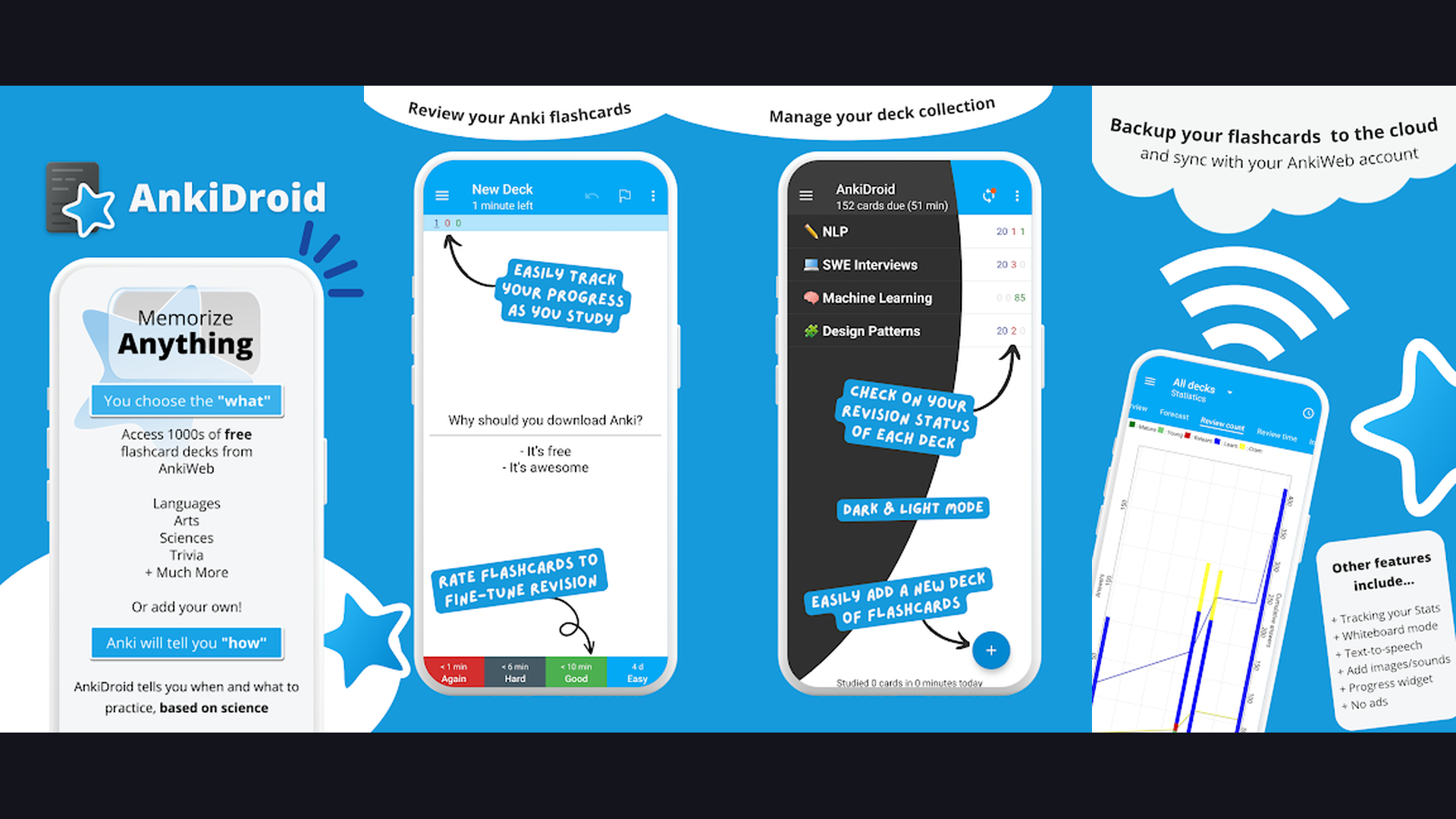
Create custom decks with text, images, audio, and LaTeX formulas. Thousands of pre-made shared decks are available for popular subjects. The card editor supports cloze deletions, image occlusion, and conditional formatting. Sync across devices via AnkiWeb. Statistics track your learning progress with detailed retention curves. The Android app (AnkiDroid) is completely free and open-source. Perfect for qualifying exams, board preparations, and long-term knowledge retention.


2. LinkedIn Learning (★ 4.8)
LinkedIn Learning offers over 21,000 courses in business, technology, data science, creative skills, and professional development. For grad students preparing for careers beyond academia, it provides the practical skills employers actually look for — from Python programming to project management to data visualization.
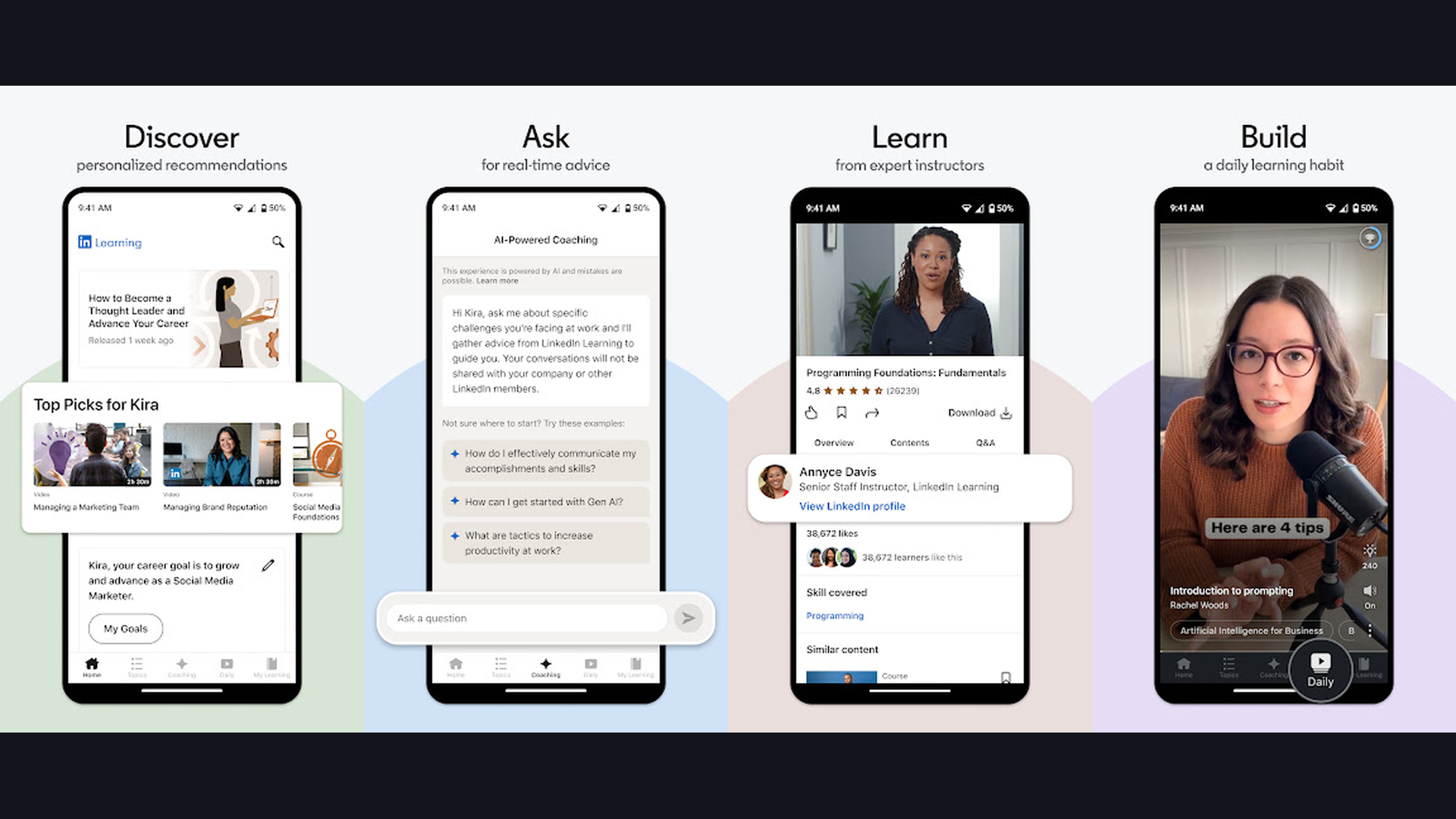
Courses are taught by industry experts and include certificates of completion that display on your LinkedIn profile. Personalized recommendations based on your career goals and skills gaps. Offline download support lets you learn during commutes. Many universities provide free access through institutional subscriptions. Learning paths group related courses into structured skill-building programs. Essential for bridging the gap between academic knowledge and professional competency. Explore our communication apps to complement your professional toolkit.
3. Quizlet (★ 4.7)
Quizlet is the most popular flashcard platform with over 500 million user-created study sets. For grad students, it excels at collaborative study — create and share flashcard sets with your cohort for comprehensive exam preparation.
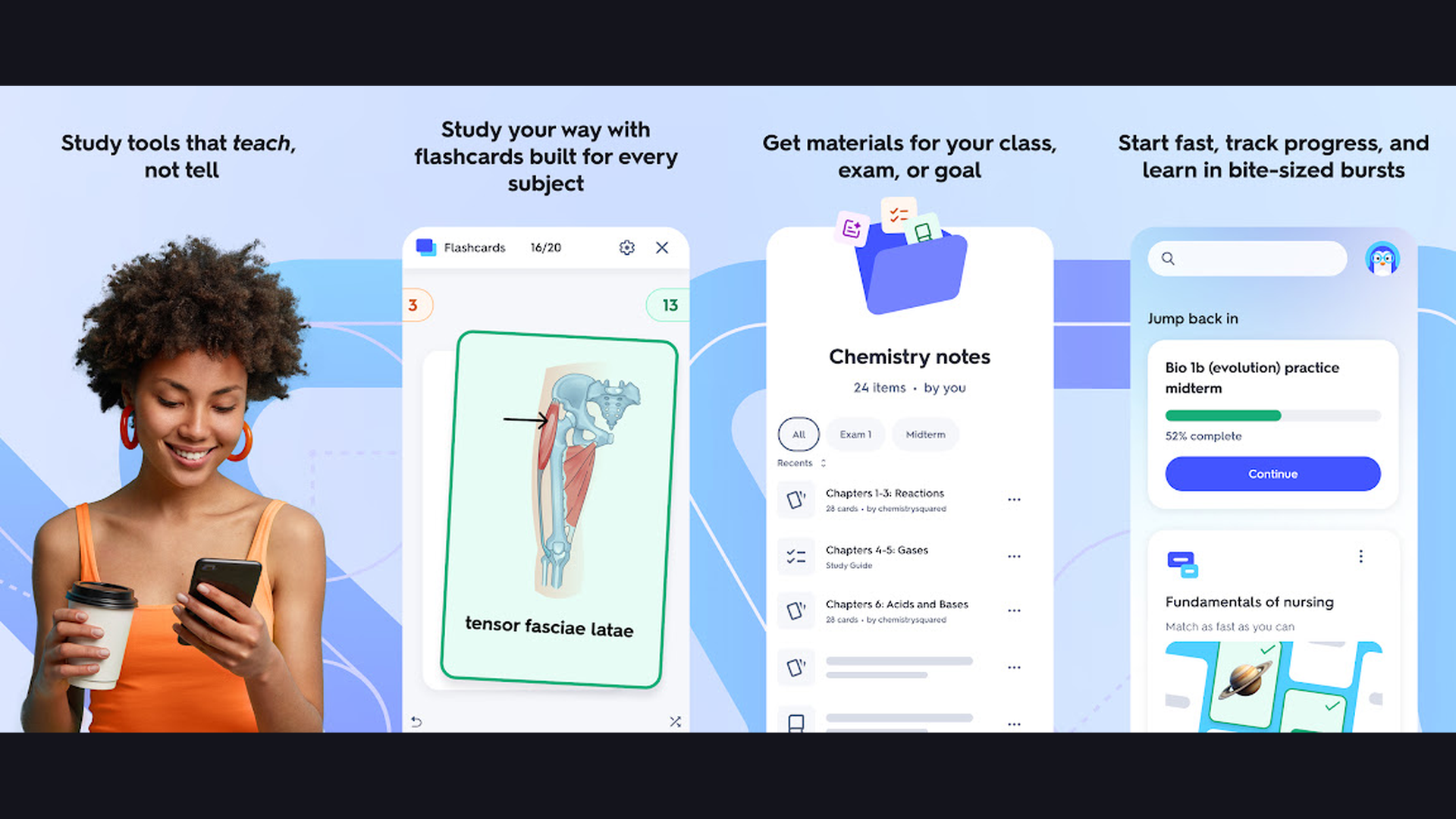
Study modes include Learn (adaptive algorithm), Flashcards, Write, Spell, Test, and Match. The AI-powered Magic Notes feature converts your notes into organized flashcard sets automatically. Quizlet Plus adds advanced features including custom images, ad-free studying, and offline access. Diagrams mode lets you study labeled images. The community has millions of pre-made sets for graduate-level courses in medicine, law, engineering, and sciences.
4. Duolingo (★ 4.7)
Duolingo is the world leading language learning app, and for grad students, language proficiency can be a degree requirement, a research necessity, or a career advantage. Whether you need French for a PhD reading requirement or Mandarin for international research collaboration, Duolingo makes progress achievable in 5-15 minutes daily.
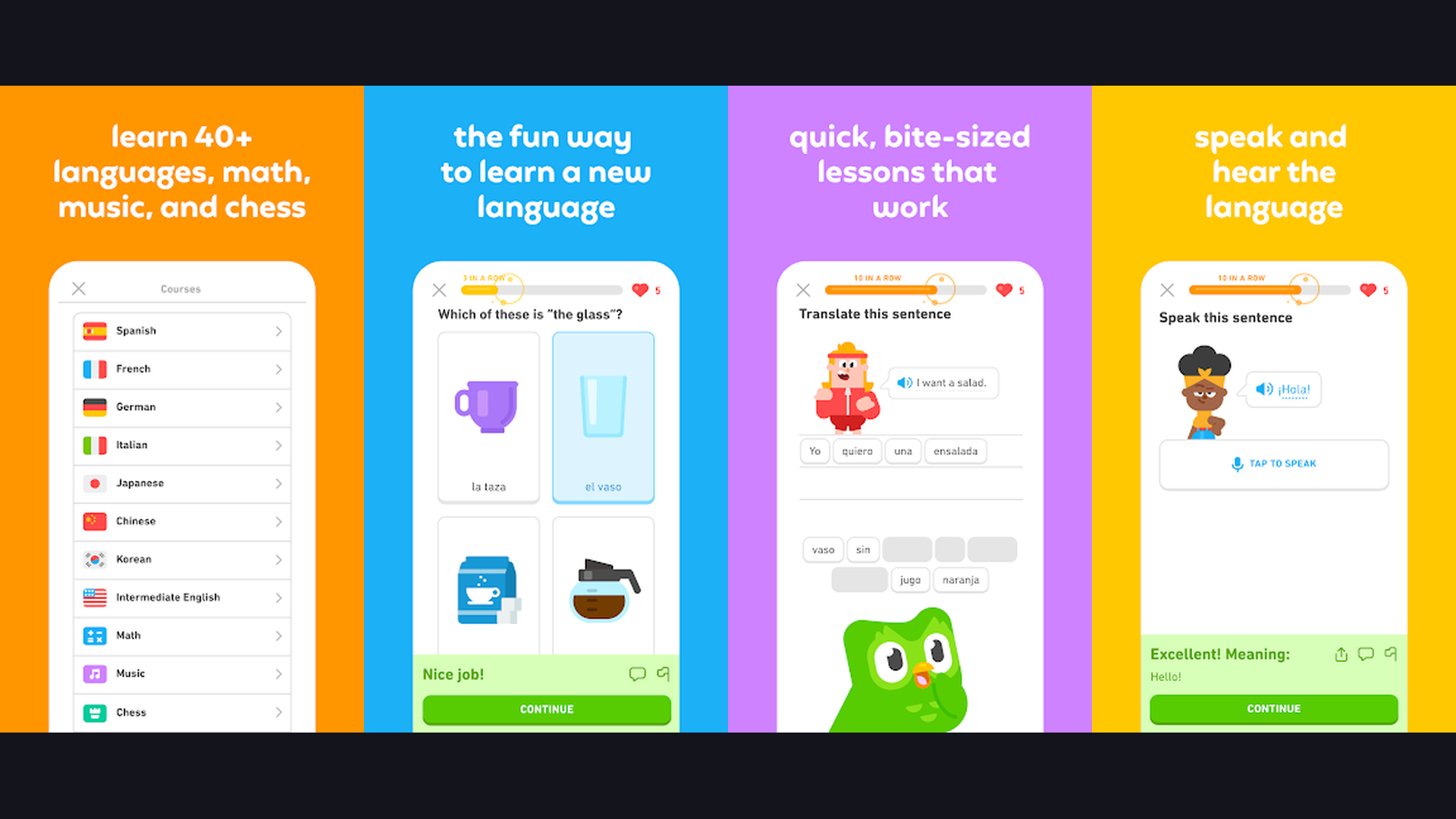
Gamified lessons with streaks, XP, and leaderboards maintain motivation through the grind of graduate school. Over 40 languages available from Spanish to High Valyrian. Stories, podcasts, and speaking exercises develop multiple language skills. The CEFR-aligned curriculum ensures measurable progress toward fluency. Duolingo Super removes ads and adds personalized practice. Check our NFC guide for quick device pairing tips.
5. Notion (★ 4.6)
Notion is the ultimate all-in-one workspace that grad students use to organize their entire academic life. Combine notes, task management, databases, wikis, calendars, and project tracking in a single infinitely flexible platform.
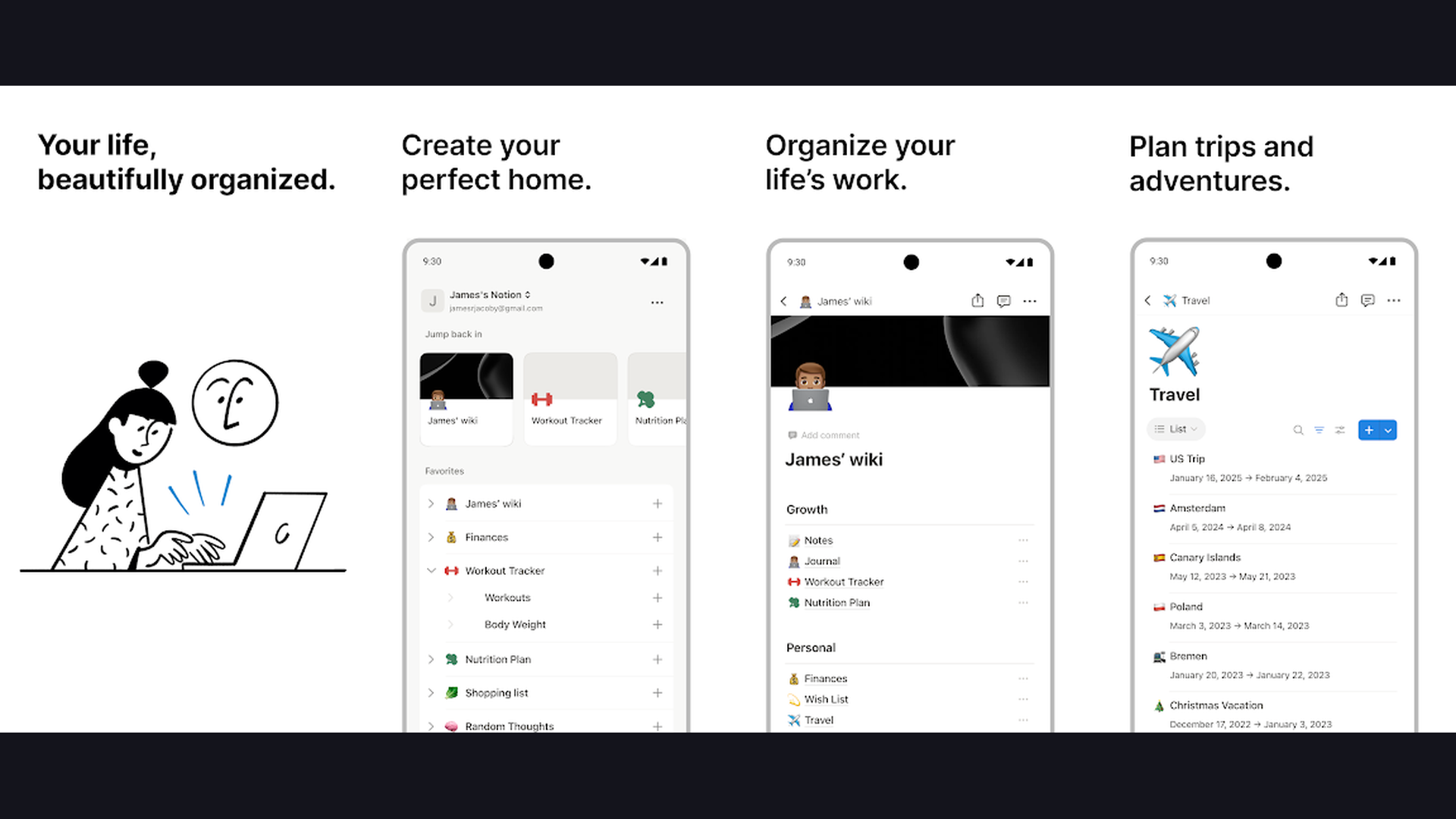
Build a thesis tracker with milestone deadlines, a reading log database with status tags, a course planner with linked syllabi, and a research notes wiki — all interconnected. Templates for academic planning, literature reviews, and lab notebooks are available from the community. AI features help summarize notes, generate outlines, and draft text. Free for students with the Education plan. Real-time collaboration makes it perfect for group projects and lab teams. The most versatile productivity tool for graduate-level organization.
6. Todoist (★ 4.6)
Todoist is a clean, powerful task manager that helps grad students juggle coursework deadlines, research milestones, teaching assistant duties, and personal commitments without dropping anything. Natural language input makes adding tasks effortless.
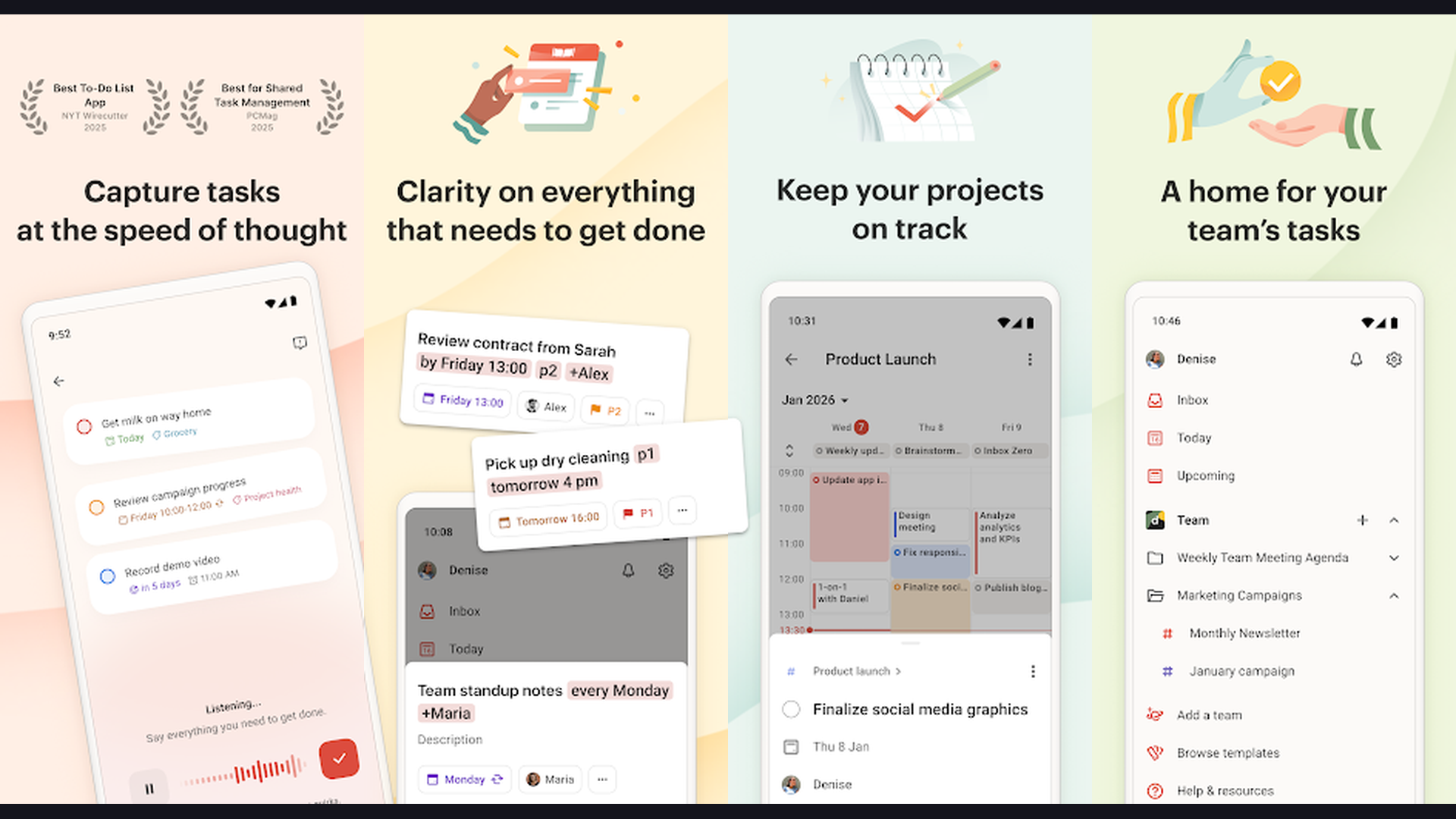
Type "Submit lit review draft by Friday at 5pm #Dissertation p1" and Todoist automatically sets the date, assigns the project, and marks it high priority. Recurring tasks handle weekly readings and lab meetings. Filters and labels let you view tasks by course, urgency, or context (at library, at lab, at home). Karma system gamifies productivity with streaks and goals. Integrates with Google Calendar, Notion, and Slack. Works offline for library study sessions. See our best offline apps for more tools that work without internet.
7. Zotero (★ 4.6)
Zotero is the leading free, open-source citation manager trusted by millions of researchers. For grad students writing theses, dissertations, and journal articles, Zotero automates the tedious work of collecting, organizing, citing, and sharing research sources.
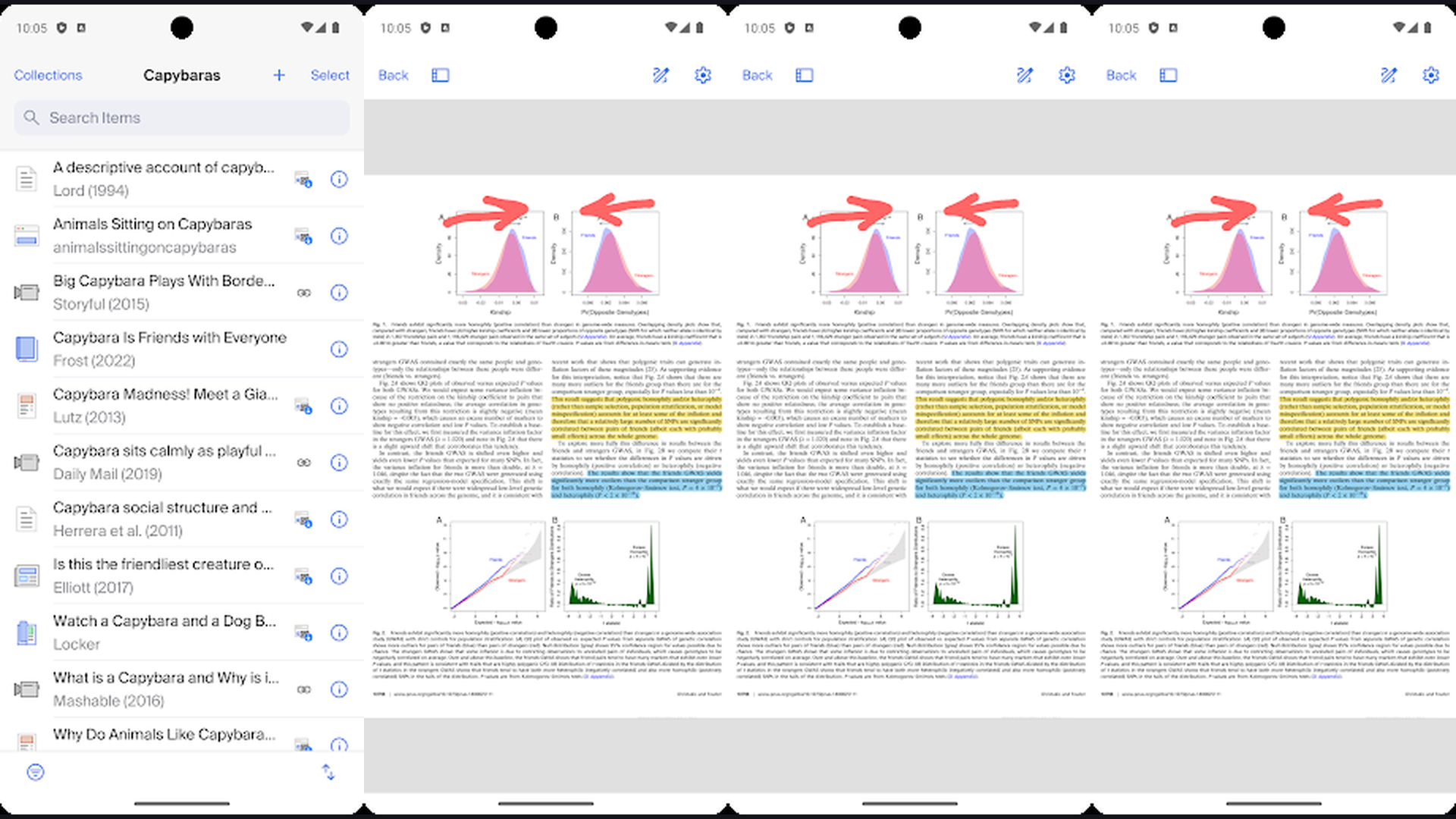
The browser connector saves papers, books, and web pages to your library with one click, automatically extracting metadata. The built-in PDF reader includes annotation tools with highlighting, notes, and tags. Supports over 10,000 citation styles including APA, MLA, Chicago, and discipline-specific formats. Word processor plugins for Word and Google Docs insert citations and generate bibliographies automatically. Group libraries enable collaborative research projects. The new mobile app lets you access your library and read annotated PDFs anywhere.
8. Microsoft OneNote (★ 4.6)
Microsoft OneNote is a powerful digital notebook that excels at capturing and organizing diverse types of notes — handwritten, typed, audio recordings, images, web clippings, and embedded files — all in a flexible, infinite canvas format.
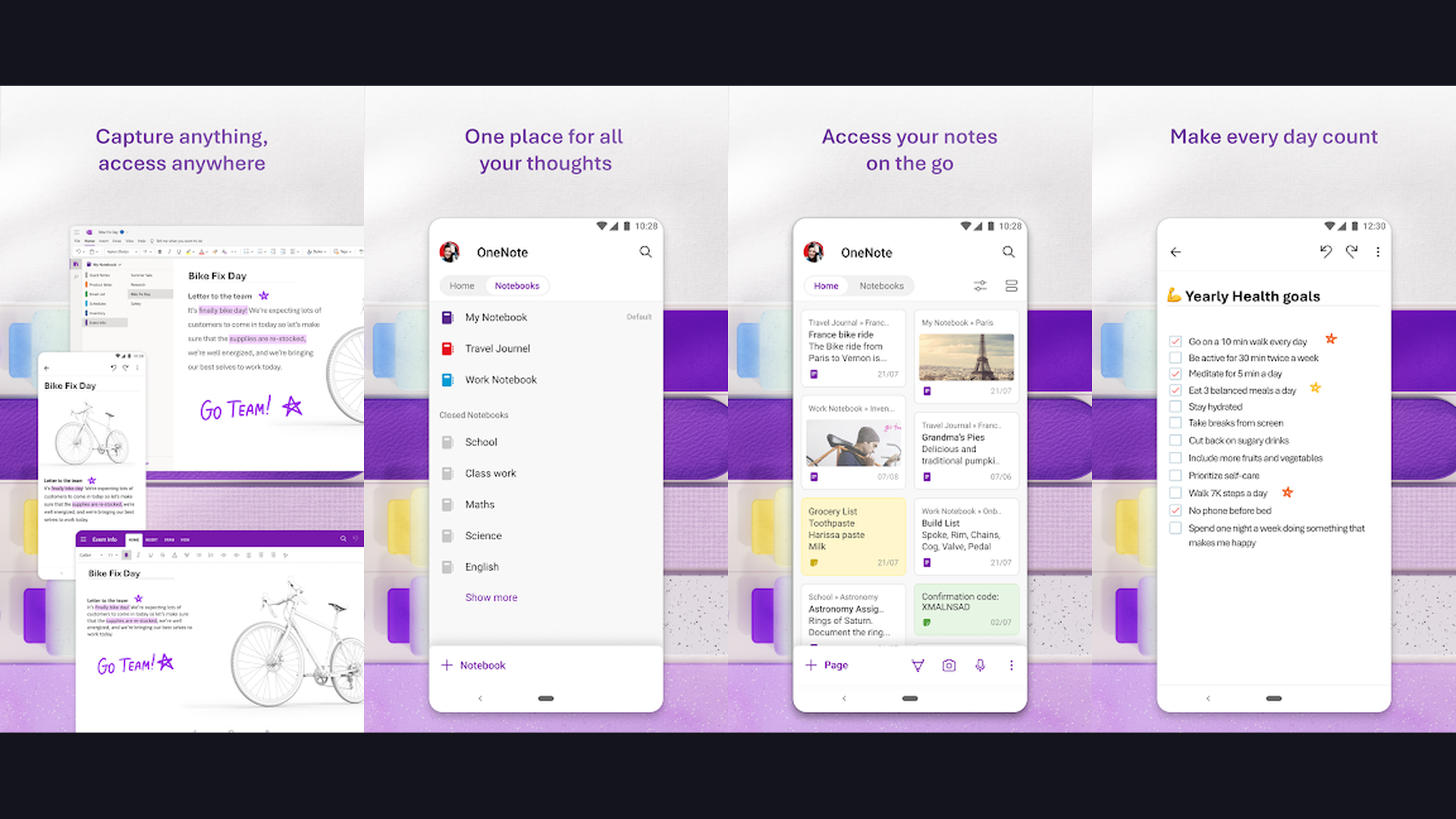
Organize notes into Notebooks, Sections, and Pages mirroring your course structure. Handwriting recognition with stylus support is excellent on tablets. Audio recording syncs with your typed notes so you can tap any word to hear what was being said at that moment. Math Assistant solves equations step by step. Researcher sidebar lets you search and cite sources without leaving your notes. Free with a Microsoft account and syncs across all devices. Learn about display sizes for the best note-taking experience.
9. Coursera (★ 4.5)
Coursera partners with 300+ top universities and companies to offer courses, Specializations, Professional Certificates, and even full degrees. For grad students, it fills knowledge gaps, provides methodological training, and builds interdisciplinary skills that complement your primary program.
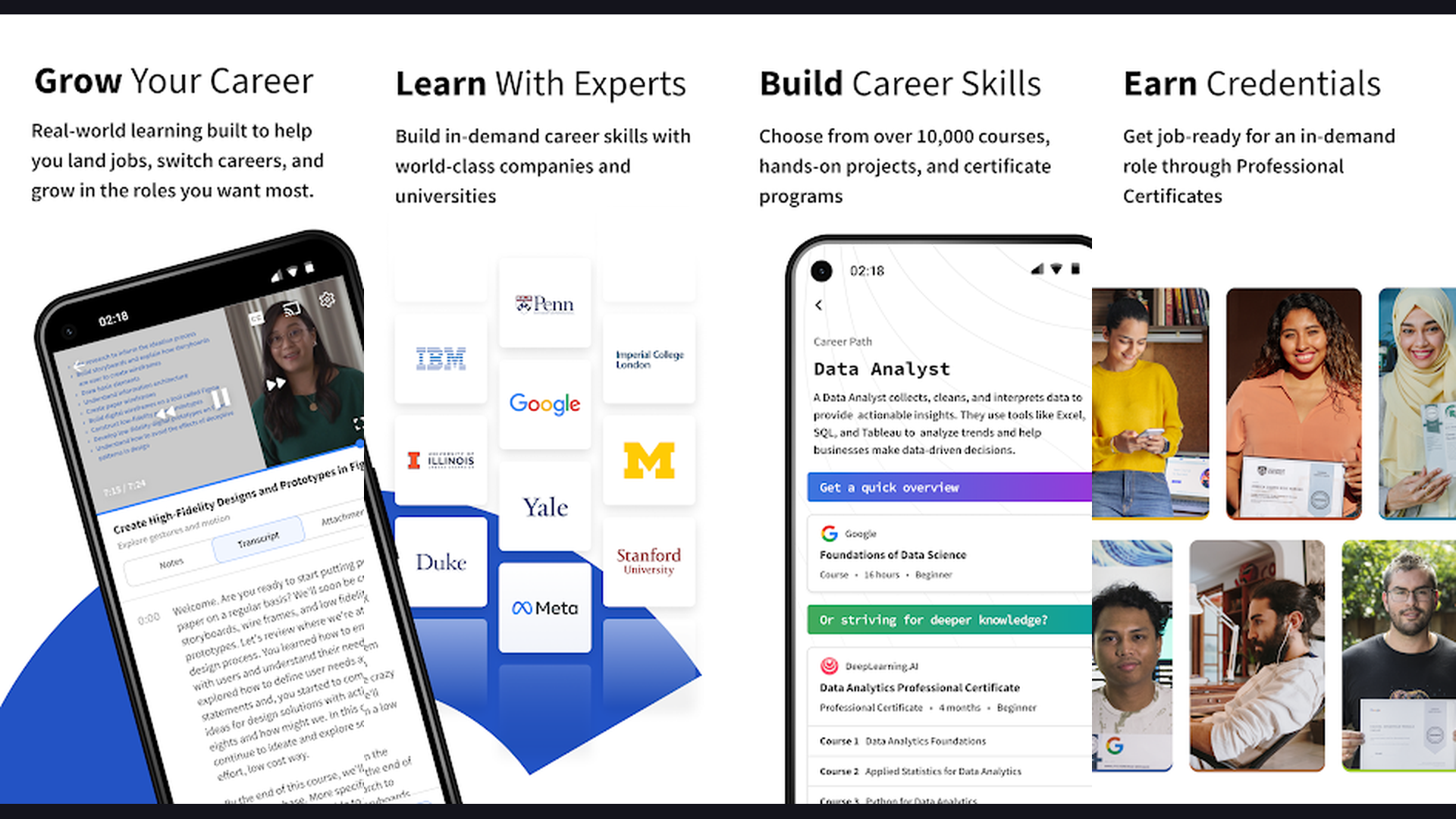
Take machine learning from Stanford, statistics from Johns Hopkins, or research methods from the University of London. Guided Projects provide hands-on experience with real tools. Certificates from Google, IBM, and Meta demonstrate practical skills to employers. Audit mode lets you access course content for free (without certificates). Offline download ensures learning continues without internet. Financial aid is available for students who cannot afford paid content.
10. Forest (★ 4.4)
Forest gamifies focused study time by growing virtual trees while you stay off your phone. Start a session, set a timer, and if you leave the app your tree dies. Complete sessions build a beautiful forest that visually tracks your study habits over days, weeks, and months.
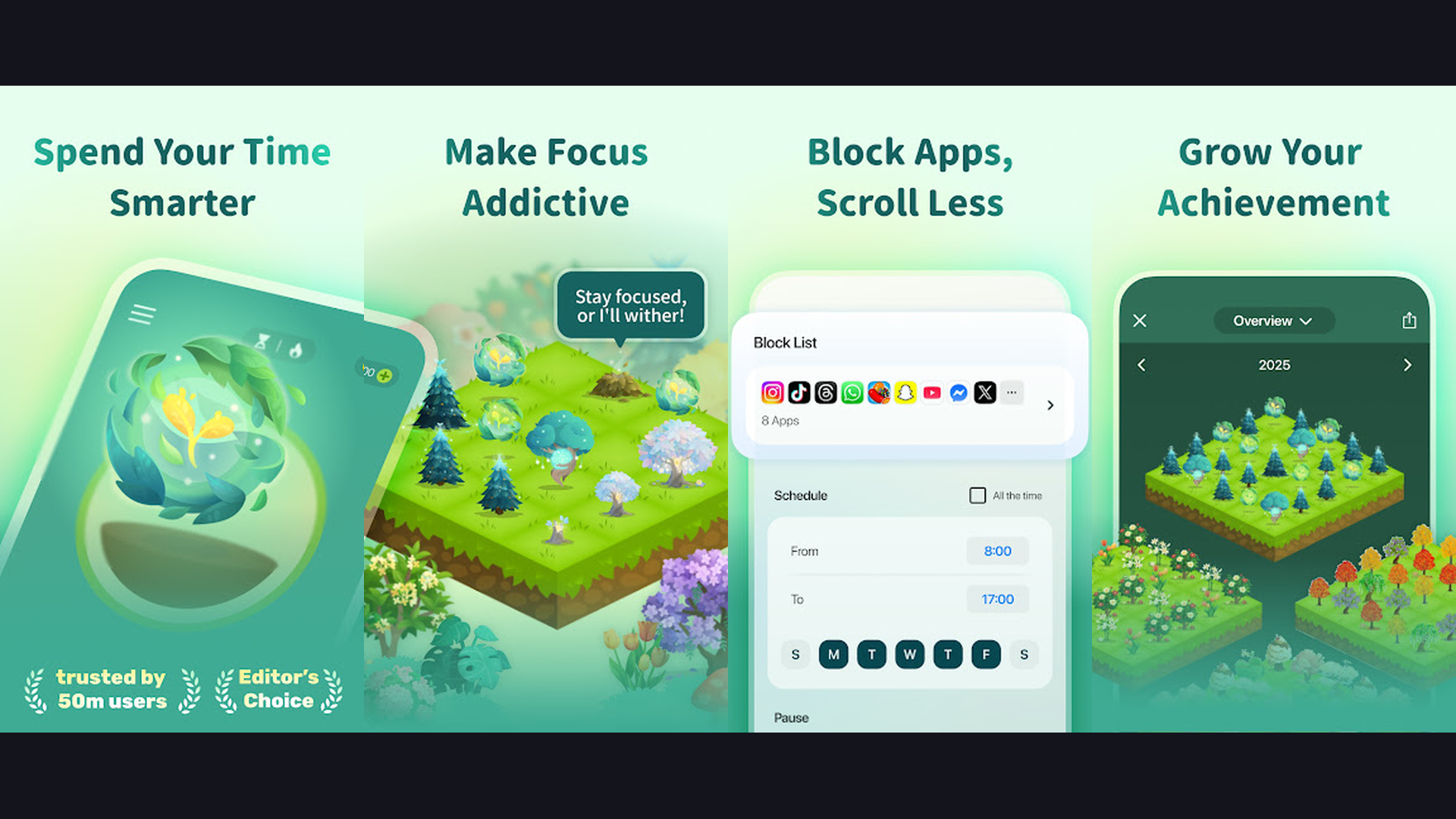
The Pomodoro-friendly timer works perfectly for academic deep work sessions. Tags categorize sessions (dissertation writing, lab work, reading) for detailed analytics. Study with friends creates accountability through shared real-time focus sessions. The partnership with Trees for the Future turns your virtual trees into real planted trees. Whitelisting allows essential apps (calculator, dictionary) while blocking distractions. Essential for grad students struggling with phone distractions during library sessions. See our battery health tips for extended study sessions.
11. Google Scholar (★ 4.3)
Google Scholar is the essential academic search engine for finding peer-reviewed papers, theses, books, abstracts, and court opinions across all disciplines. For grad students, it is usually the first stop when beginning a literature review or tracking down citations.
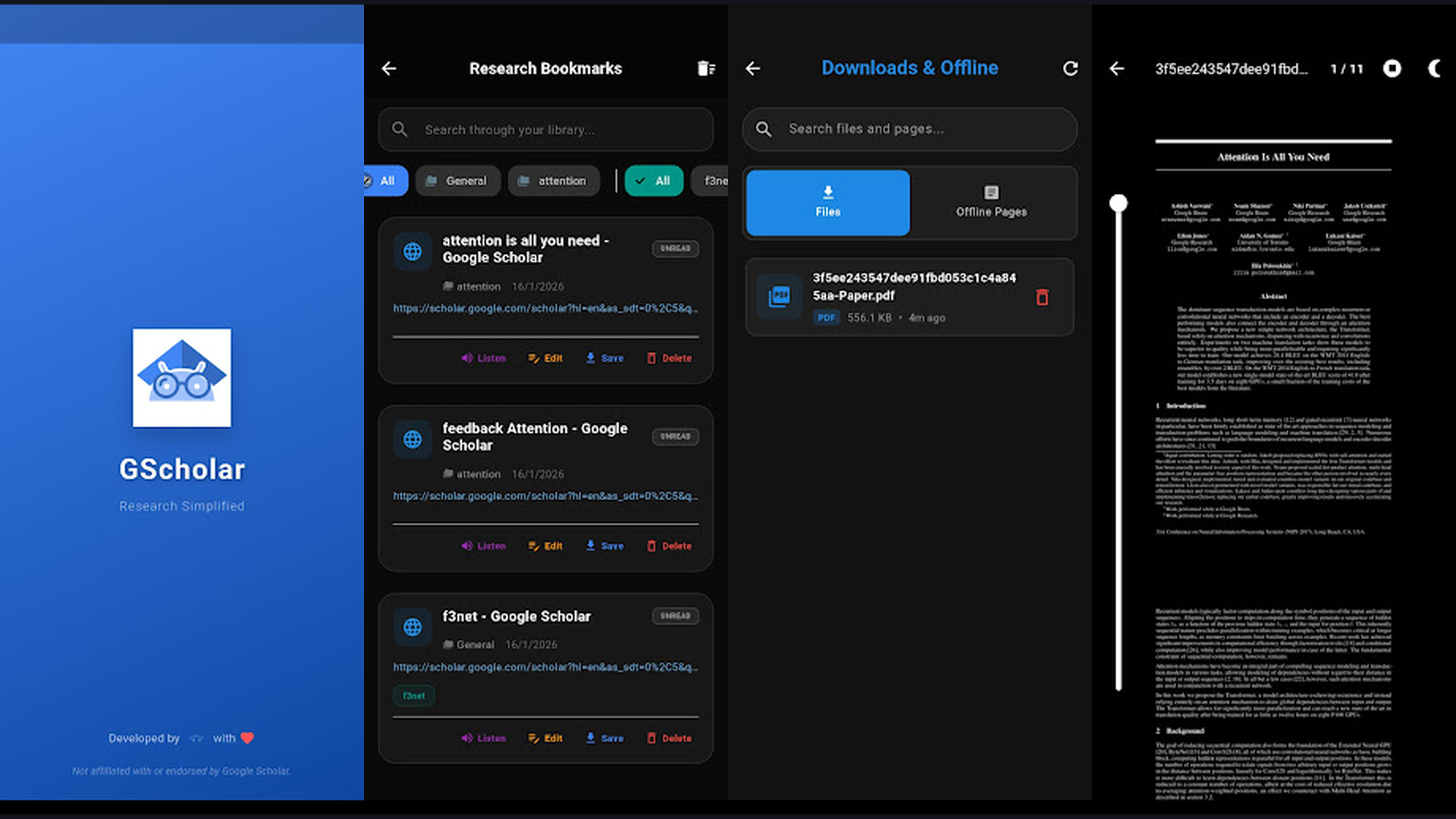
Citation tracking shows how many times a paper has been cited and links to those citing papers — invaluable for finding related research. The "Cited by" and "Related articles" features accelerate literature discovery. Library links connect to your university subscriptions for full-text access. Scholar Alerts email you when new papers match your search terms or cite your work. The h-index for authors helps evaluate researcher impact. Create a Scholar Profile to track your own publications and citations as your academic career develops.
12. Grammarly (★ 4.2)
Grammarly is an AI-powered writing assistant that catches grammar, spelling, punctuation, clarity, engagement, and delivery issues in real-time. For grad students producing research papers, grant proposals, conference abstracts, and dissertations, polished writing is non-negotiable.
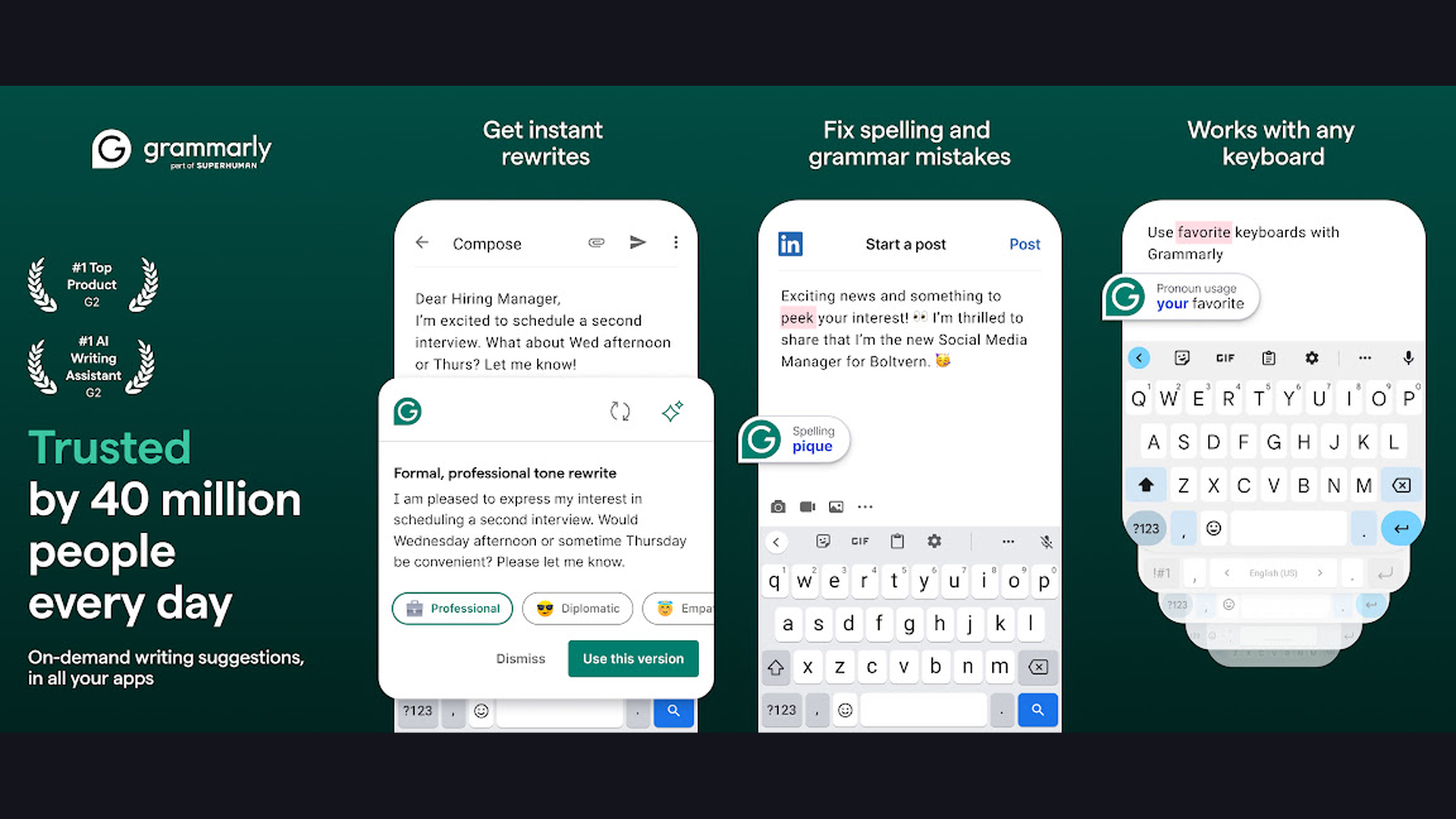
The tone detector ensures your academic writing maintains the appropriate formality. Plagiarism detection (Premium) checks against billions of web pages and academic databases. Style suggestions improve sentence structure and readability. Full sentence rewrites help when you are stuck on phrasing. Works as a keyboard on mobile, in browsers, and in desktop apps including Word and Google Docs. The free tier covers essential grammar and spelling; Premium adds advanced suggestions and plagiarism checking.
13. Khan Academy (★ 4.2)
Khan Academy offers thousands of free lessons in math, science, computing, economics, and more. For grad students who need to refresh foundational knowledge or learn prerequisites for advanced coursework, Khan Academy provides clear, well-structured explanations without cost.
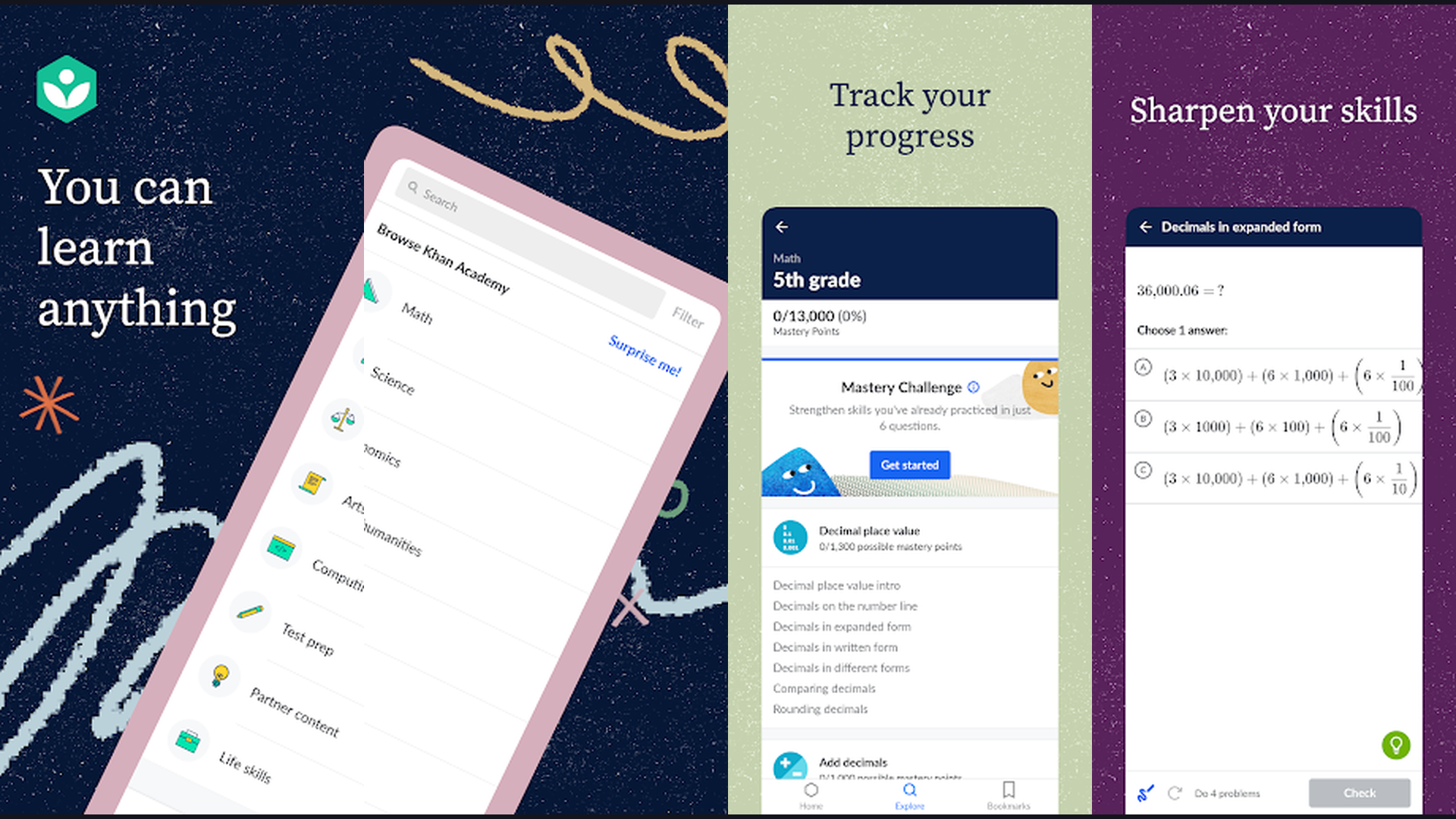
Mastery-based learning adapts to your level and ensures understanding before moving forward. Topics range from linear algebra and statistics (essential for research methods) to organic chemistry and electrical engineering. The practice problems with instant feedback reinforce learning. Course progress syncs across devices. Completely free with no ads, subscriptions, or paywalls. An invaluable resource for interdisciplinary grad students who need to quickly learn concepts outside their primary field. Check our mobile processor guide for devices that handle video content smoothly.
14. Evernote (★ 3.6)
Evernote is a veteran note-taking and organizational app that excels at capturing, storing, and retrieving information from multiple sources. Clip web articles, photograph whiteboards, record audio from lectures, and scan documents — all searchable from one place.
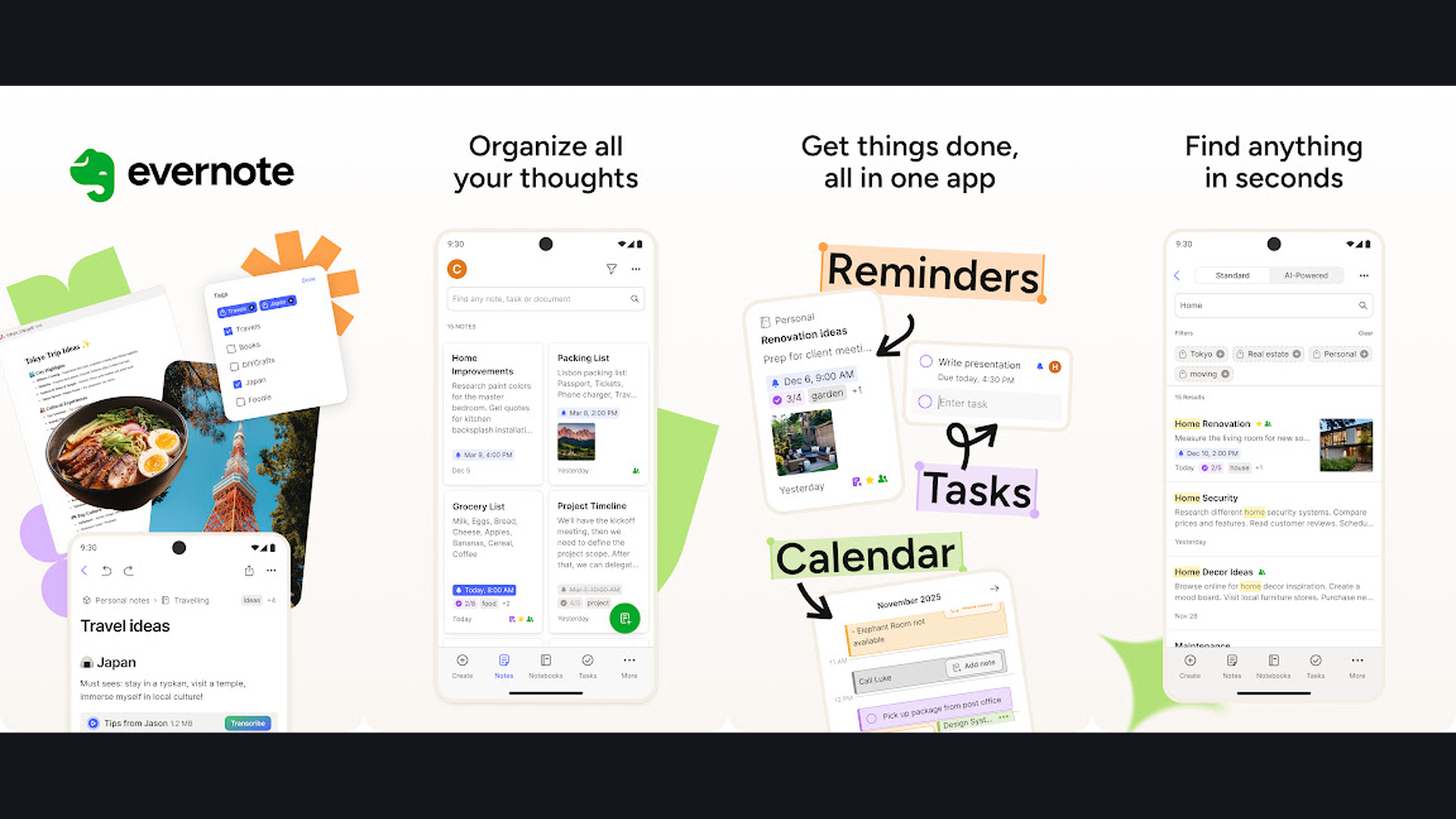
Optical character recognition (OCR) makes text in photos and PDFs searchable. The Web Clipper browser extension saves research articles with annotations. Tags, notebooks, and stacks organize years of accumulated notes and research materials. Templates for meeting notes, research summaries, and project plans accelerate common workflows. The lower rating reflects recent pricing changes, but the functionality remains robust for academic use.
15. Mendeley (★ 2.3)
Mendeley by Elsevier is a reference manager and academic social network used by researchers for organizing papers, generating citations, and discovering research. Despite its lower Play Store rating (due to the mobile app redesign), the desktop version and web platform remain widely used in academia.
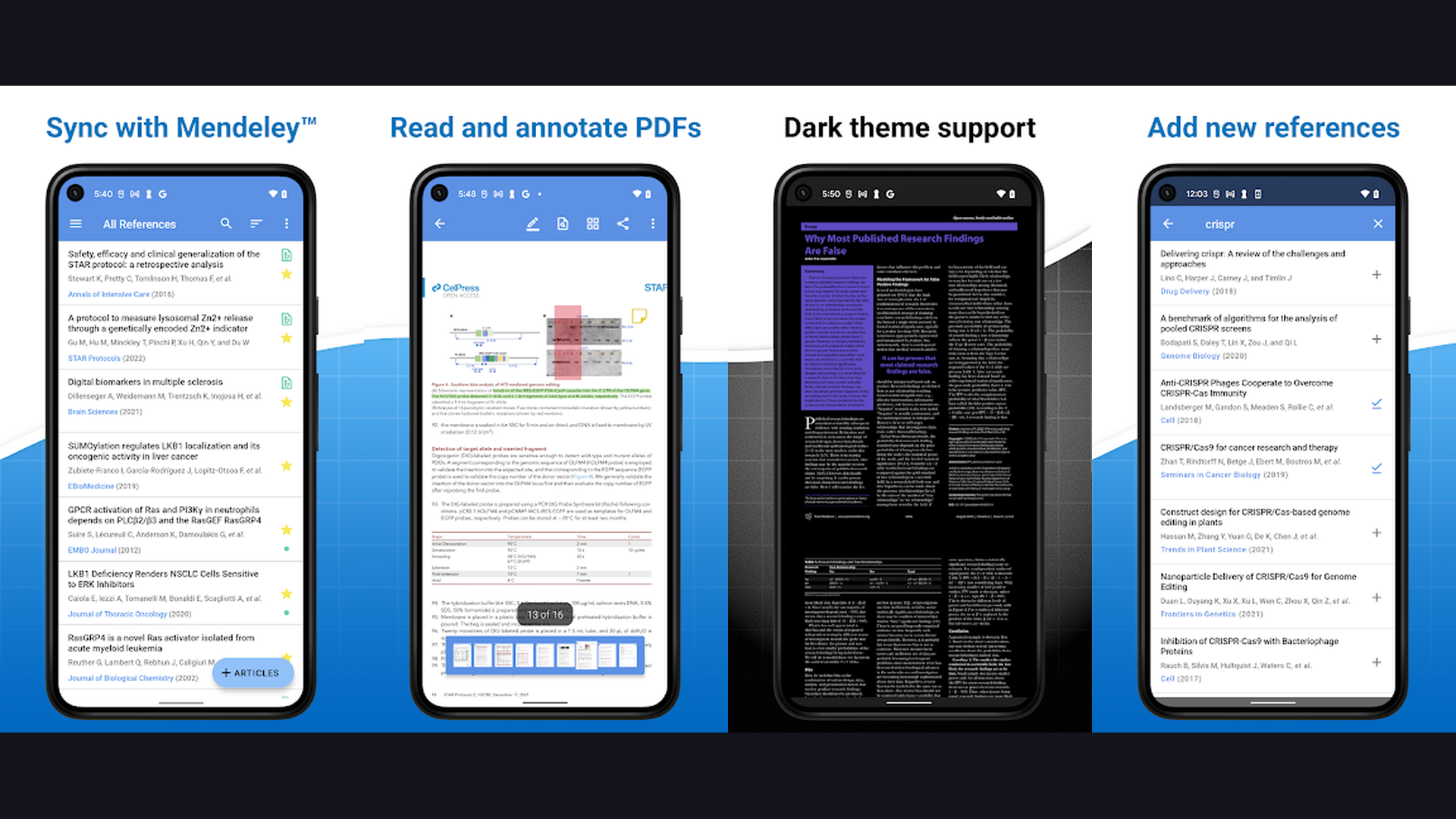
Import PDFs and the app automatically extracts metadata (title, authors, journal, DOI). Annotation tools let you highlight, comment, and add notes directly to PDFs. Citation plugins for Word and LibreOffice generate formatted bibliographies. Groups enable collaborative reference sharing with research teams. The Mendeley Data repository lets you share datasets. Free cloud storage (2GB) for your reference library. While the mobile app needs improvement, the ecosystem is powerful for researchers embedded in the Elsevier ecosystem. For better phone performance when handling large PDF libraries, see our RAM guide and storage guide.
How to Choose the Right Apps for Grad School
For Research and Writing
Start with Zotero or Mendeley for citation management — choose Zotero for its open-source flexibility or Mendeley for Elsevier ecosystem integration. Add Grammarly for writing polish and Google Scholar for paper discovery.
For Studying and Memorization
Anki is unmatched for long-term retention through spaced repetition. Quizlet is better for collaborative study and quick initial learning. Use both: Quizlet for coursework, Anki for comprehensive exams.
For Organization and Productivity
Notion provides the most flexibility for complex academic projects. Todoist is best for pure task management. OneNote excels at lecture notes with handwriting. Forest combats phone distractions. Combine 2-3 of these based on your workflow.
For Skill Development
Coursera and LinkedIn Learning offer structured professional development. Khan Academy fills foundational knowledge gaps. Duolingo handles language requirements. These complement your degree with practical, marketable skills. Check our nurse practitioner apps for healthcare-specific tools or teen apps for recommendations to share with younger students you mentor.
Frequently Asked Questions
What is the best free app for grad students?
Anki (Android), Khan Academy, Zotero, and Google Scholar are all completely free. Notion offers a free Education plan. Coursera allows free course auditing.
Should I use Zotero or Mendeley?
Zotero is open-source, community-driven, and works with any publisher. Mendeley integrates with Elsevier tools and ScienceDirect. Most grad students prefer Zotero for its flexibility, but check what your advisor and lab use.
Is Anki better than Quizlet for grad school?
For long-term retention and exam preparation, Anki is superior due to its proven spaced repetition algorithm. Quizlet is better for quick study sessions and collaborative studying. Many students use both.
How can I stay focused during long study sessions?
Forest gamifies focus time and blocks phone distractions. Combine it with the Pomodoro technique (25 minutes focus, 5 minutes break). Todoist helps break large tasks into manageable chunks so you always know what to work on next.
Conclusion
Graduate school is a marathon, not a sprint. The 15 apps above equip you with the tools to study smarter, write better, stay organized, and develop career-ready skills. Anki and LinkedIn Learning lead with perfect 4.8 ratings, while Zotero and Notion form the backbone of academic organization.
Start with the essentials: a citation manager (Zotero), a note-taking app (Notion or OneNote), a focus tool (Forest), and a flashcard system (Anki). Add skill platforms like Coursera and LinkedIn Learning as your career goals crystallize. For more mobile recommendations, explore our health and fitness apps, top benchmark phones, and OLED display technology for better reading experiences.