
The health of your smartphone battery is the most critical factor in determining its lifespan and daily performance. In 2026, as mobile apps become more resource-intensive, monitoring your charging cycles and capacity is more important than ever. Whether you are using a flaghsip device or trying to squeeze more life out of an older phone, knowing the right tools can save you from a dead device. Many high-performance users also check best camera apps for iPhone which are known for high battery drain, making a health monitor essential.
📋 Top 15 Battery Health Apps (2026)
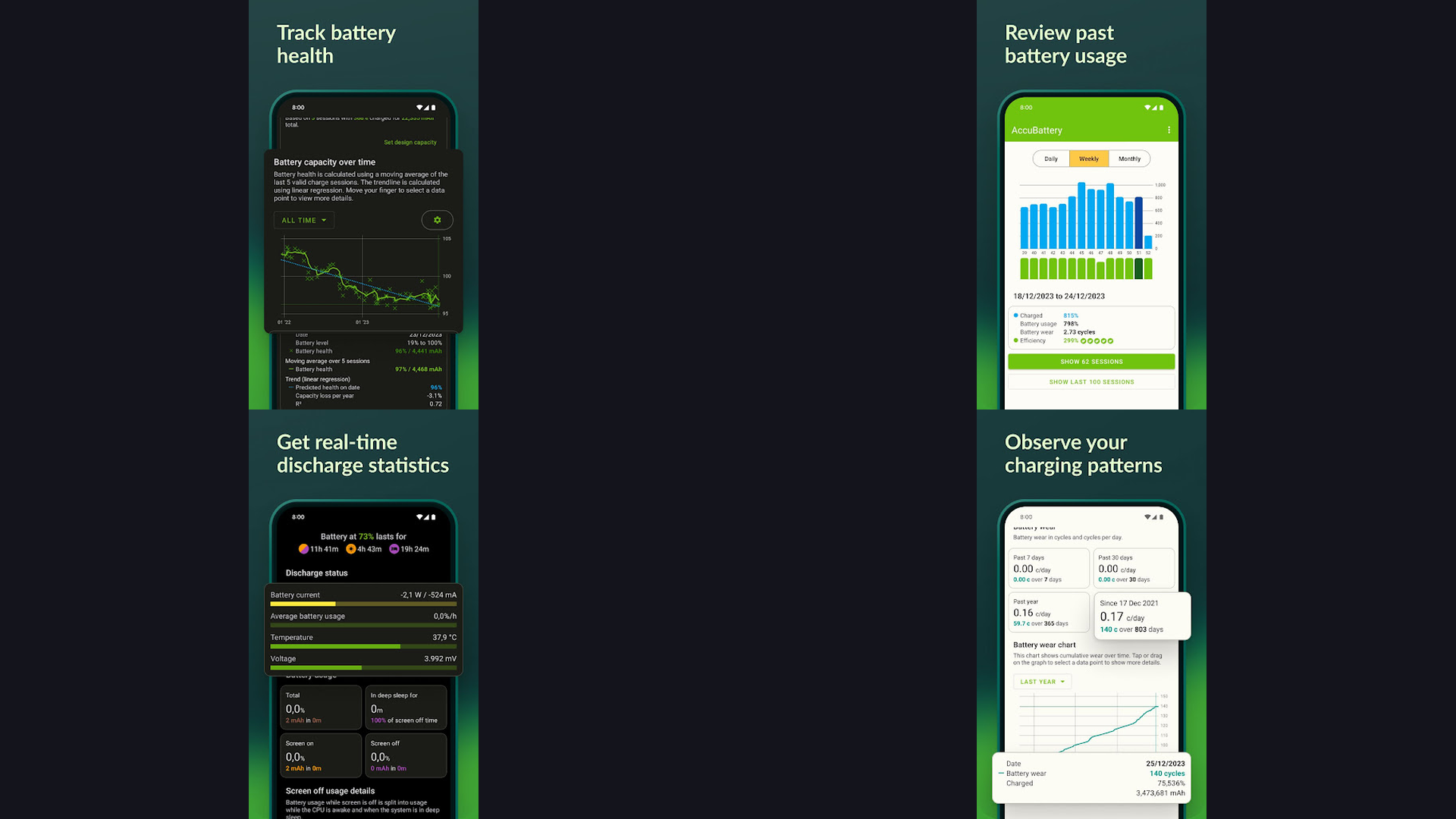
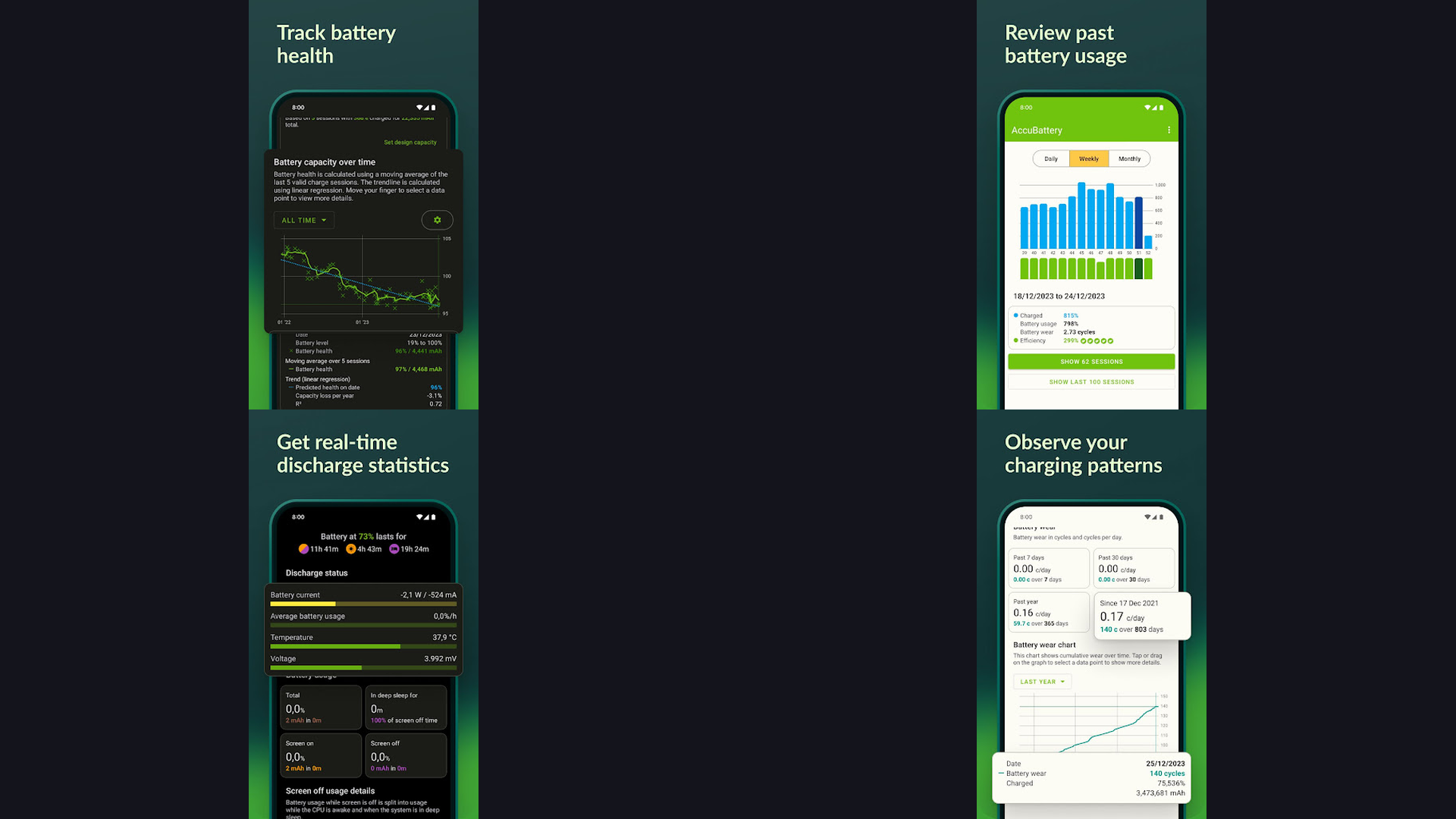
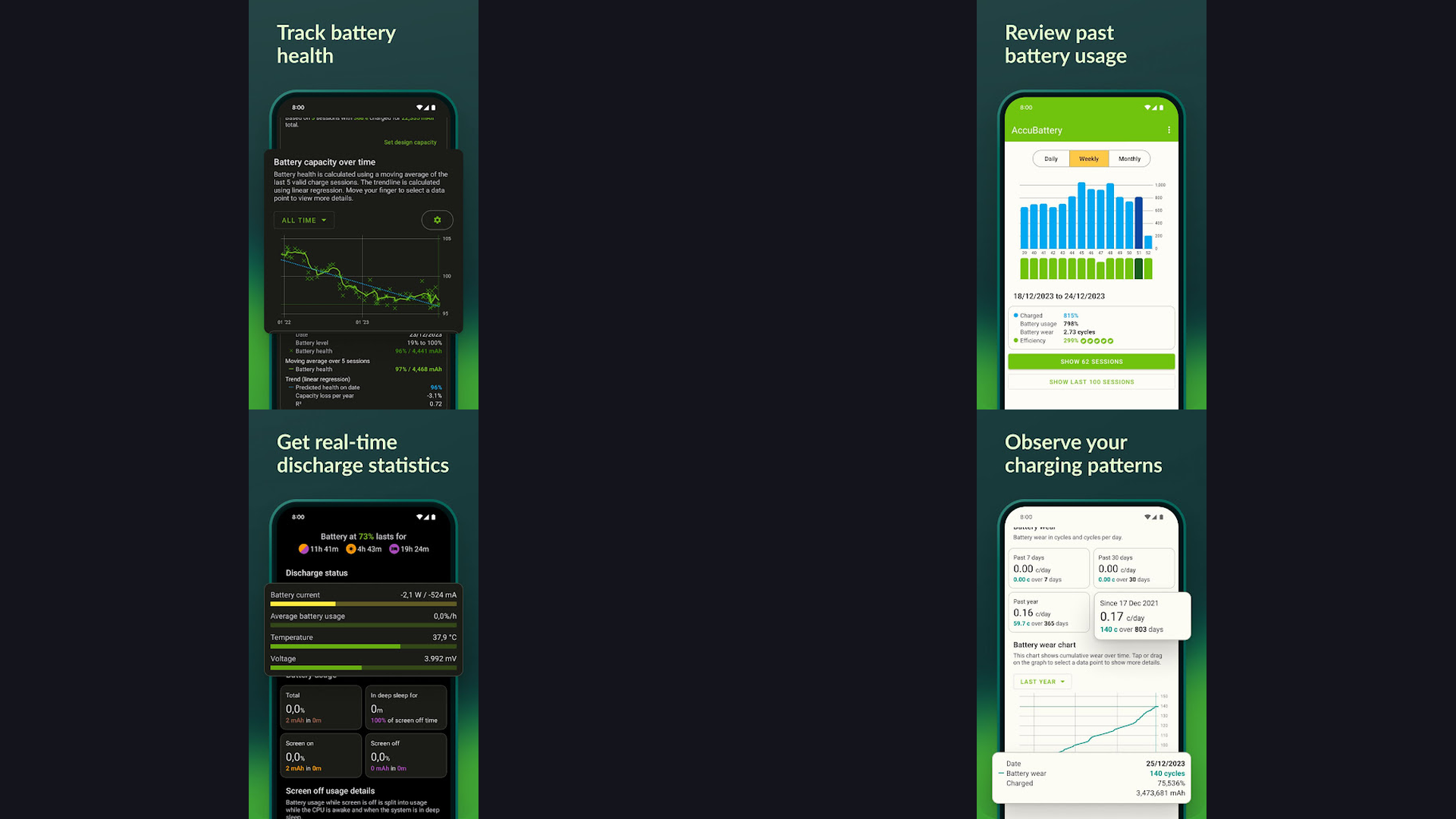
1. AccuBattery (★ 4.6)
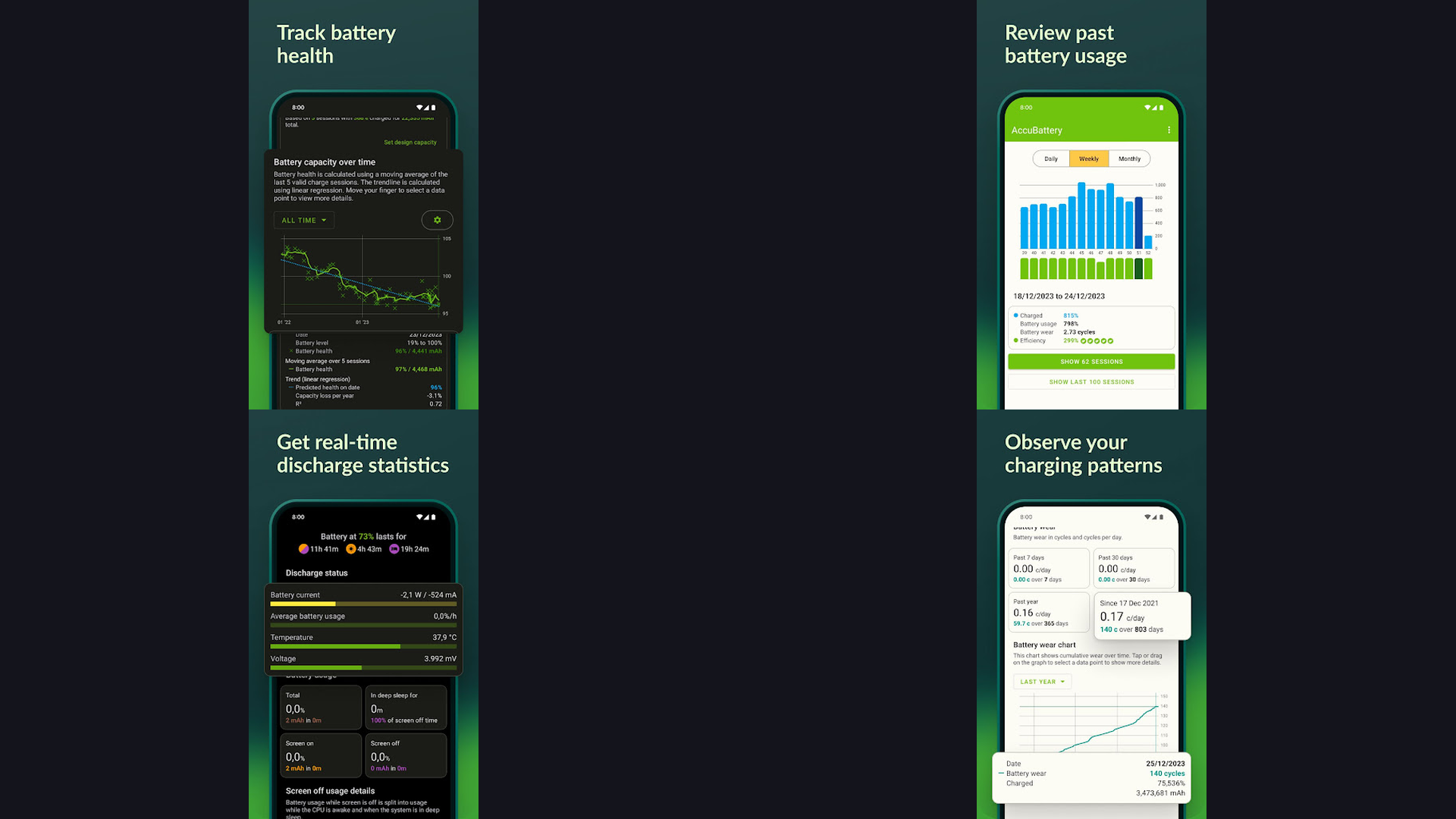
AccuBattery is widely considered the gold standard for Android. It measures real battery capacity (mAh) based on charging sessions and provides detailed usage stats per app. Combine this with the best AI photo editing apps to see exactly which tools are draining your power.


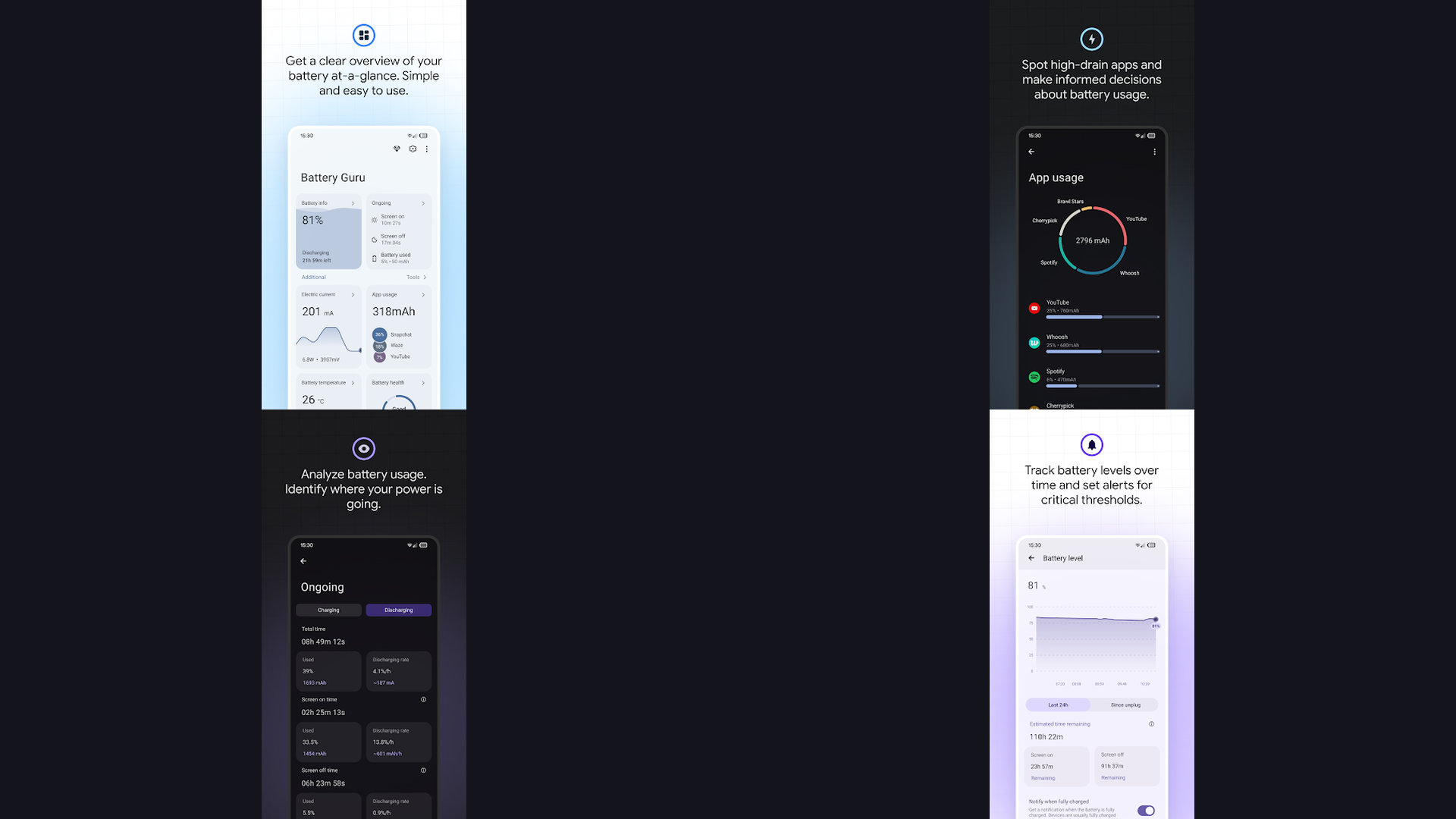
2. Battery Guru (★ 4.5)
Battery Guru is perfect for enthusiasts who want to see charging speed, temperature, and health indicators. It includes a unique "Battery Health" measurement that improves in accuracy over several charging cycles.
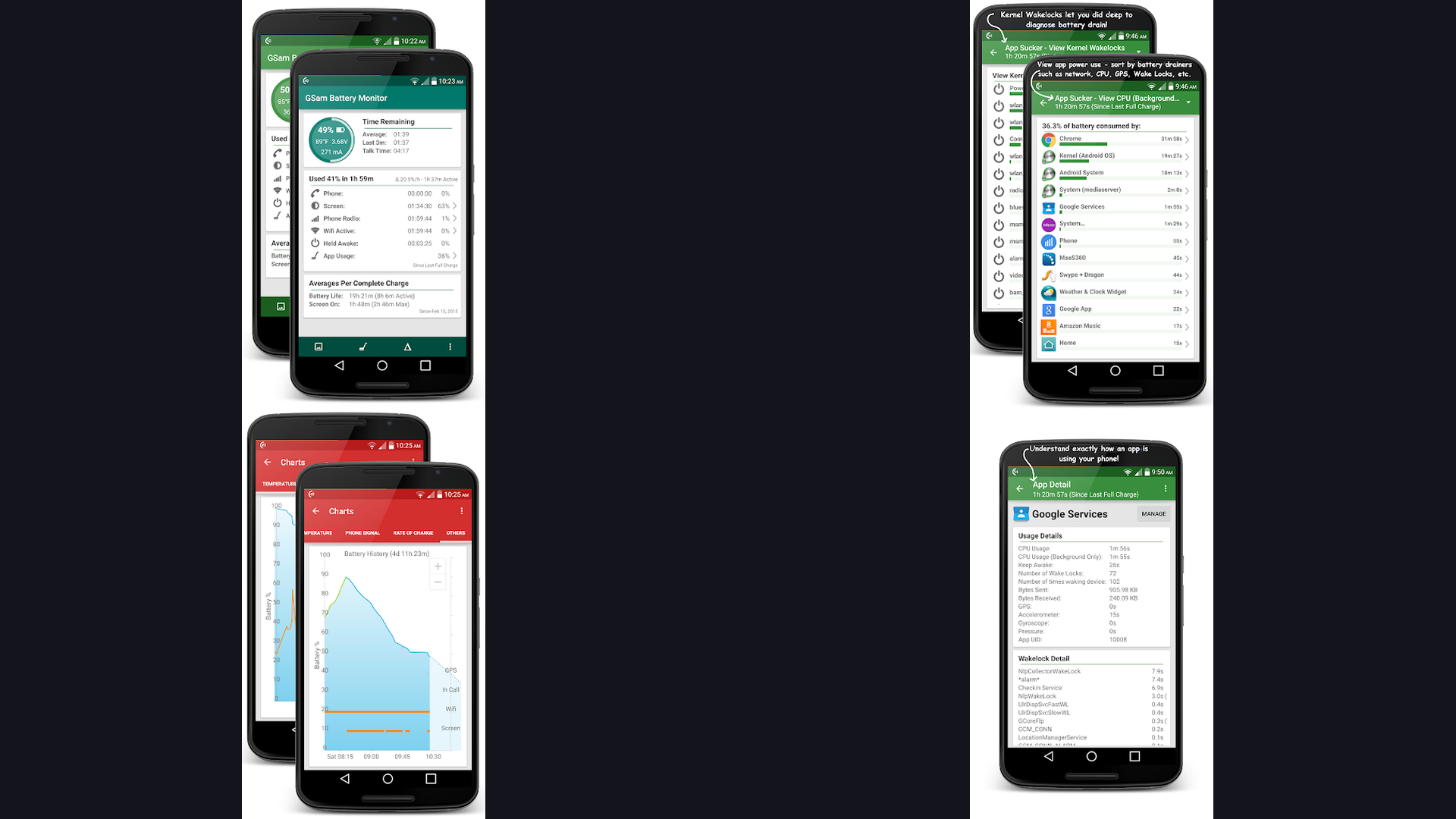
3. GSam Battery Monitor (★ 4.4)
GSam provides professional-grade diagnostics. It can identify "rogue" apps that prevent your device from deep sleeping, helping you maintain 100% health for longer.
4. Kaspersky Battery Life (★ 4.4)
A lightweight and clean app from the security giant. It focuses on predicting time-to-empty and alerting you when background processes are acting up.
5. BetterBatteryStats (★ 4.3)
For power users, BBS identifies the exact wakelocks causing drain. It is often used by developers who build Flutter apps to optimize energy consumption.
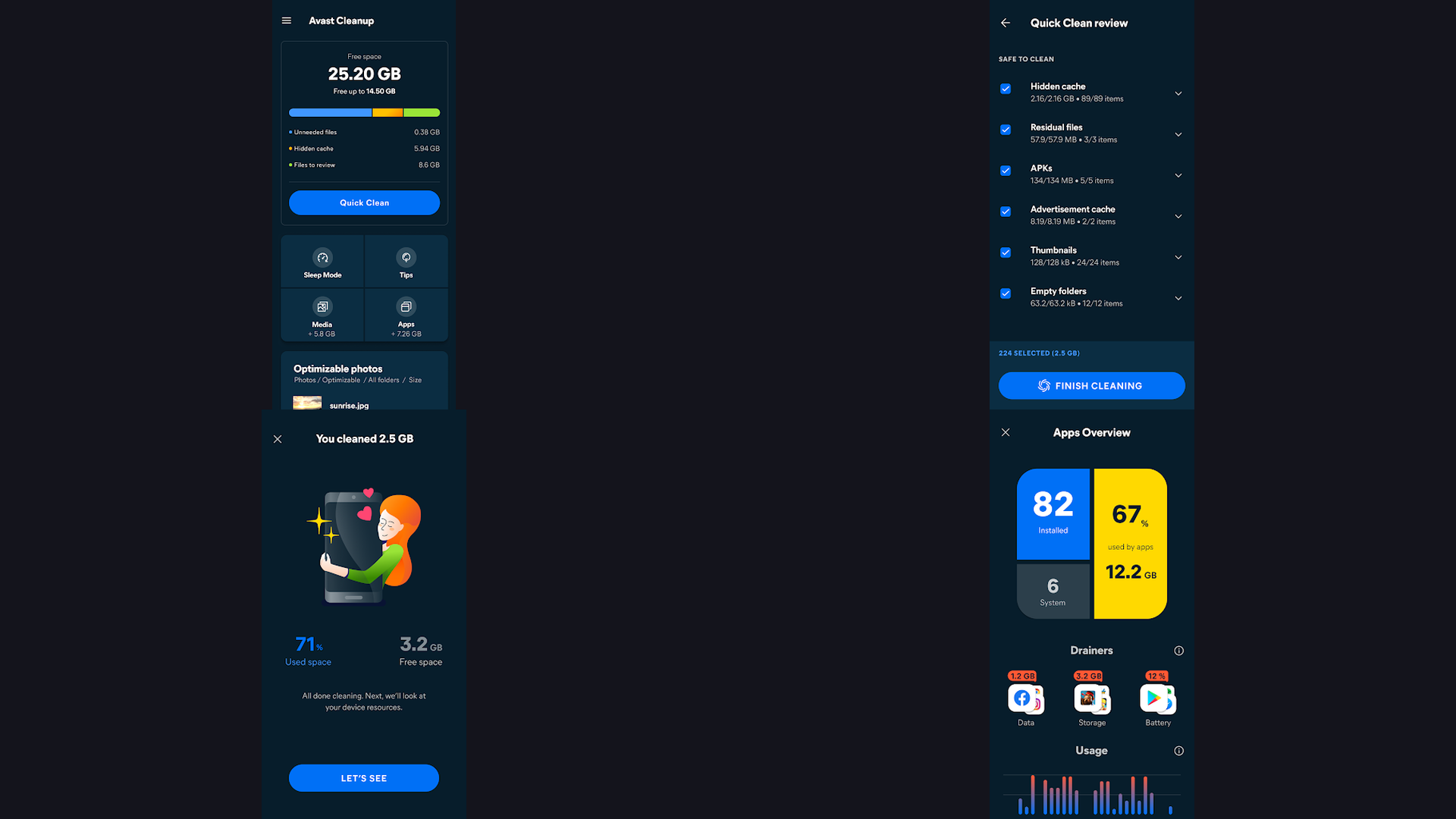
6. Avast Cleanup (★ 4.2)
More than just a battery tool, Avast cleans junk that keeps your CPU working hard. Reducing CPU load is one of the top ways to stop battery degradation.
7. Battery Monitor (★ 4.2)
Provides a beautiful real-time graph of battery temperature and health. Maintaining low temperature is vital, especially when using helicopter simulators or other 3D games.
8. Battery Life Doctor (★ 4.1)
A popular choice for iOS users to track charging history and health trends. It provides a simple percentage that mirrors the system health but adds more context.
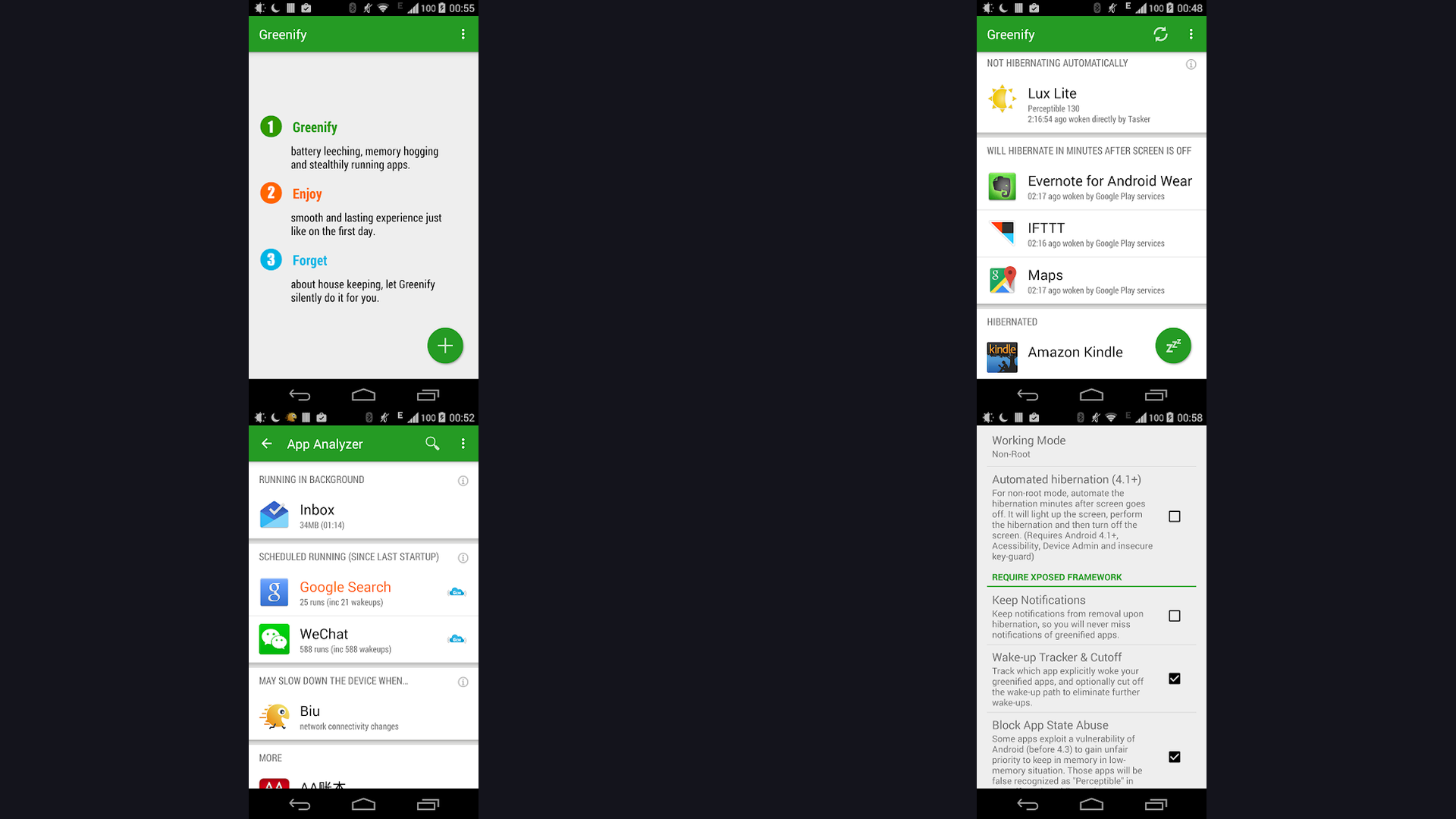
9. Greenify (★ 4.0)
Greenify is legendary for "hibernating" apps. By keeping background apps from waking up the CPU, it significantly reduces the number of discharge cycles.
10. Battery Saver (★ 4.0)
A straightforward tool that provides one-tap optimization. It targets common drainers like Bluetooth and high brightness and suggests note-taking apps that are battery-efficient.
11. 3C Battery Manager (★ 3.9)
Provides the most granular data for rooted and non-rooted users alike. It can track mAh over months to show the true curve of your battery decay.
12. Naptime (★ 3.8)
Optimizes the Android "Doze" mode. By making your phone enter deep sleep faster, it eliminates the "overnight drain" that many users suffer from.
13. Battery HD (★ 3.8)
Focuses on predicting how much time you have left for specific activities like watching videos or browsing social media.
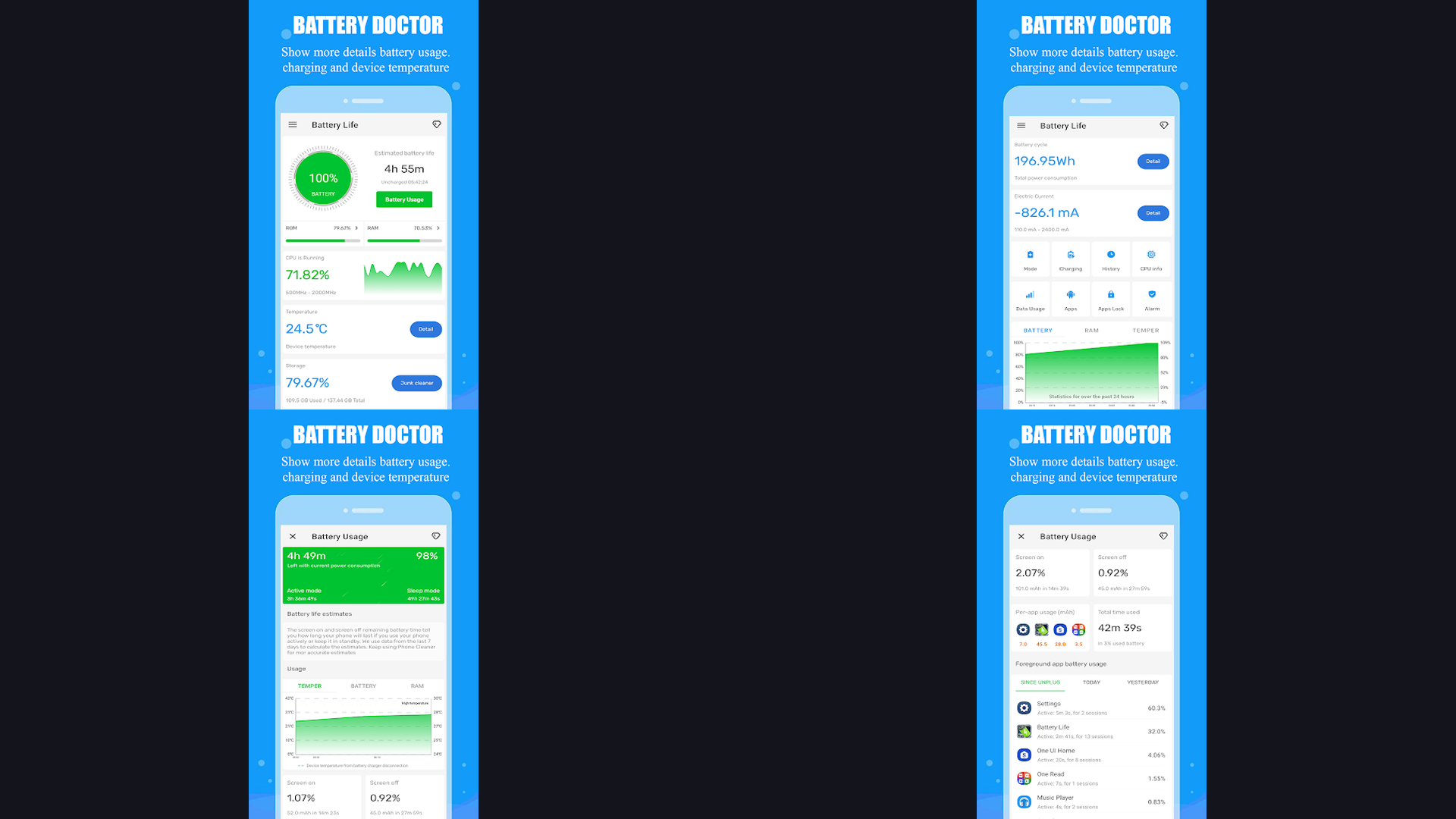
14. Battery Doctor (★ 3.7)
Offers a "three-stage charging" feature that claims to optimize the trickle-charging phase for better long-term health.
15. Battery Master (★ 3.7)
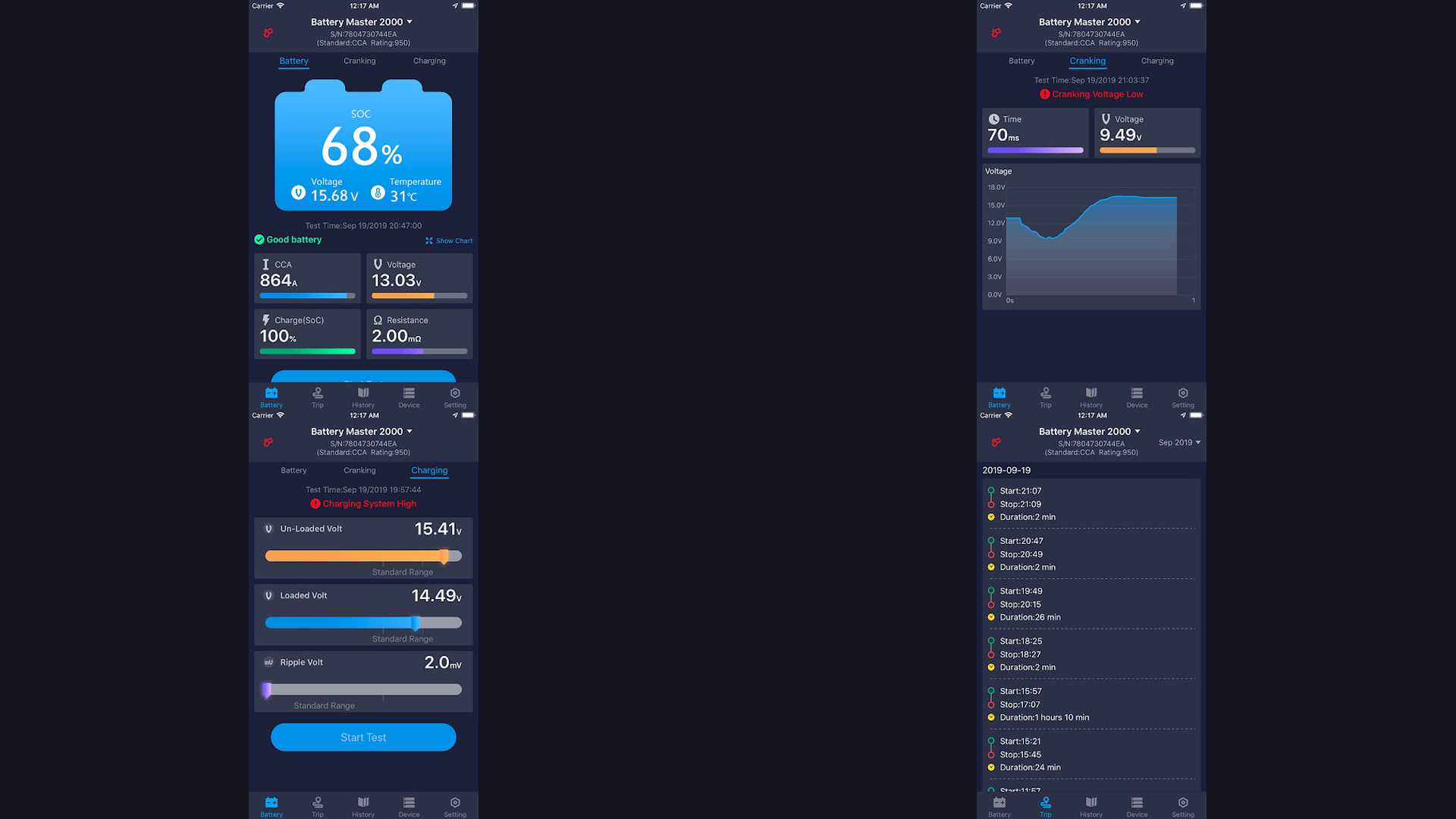
A simple informative app that keeps you updated on voltage and health status with a persistent notification bar.
Pro Tips to Maximize Battery Health
- Avoid Extreme Temperatures: Heat is the #1 enemy of lithium-ion batteries. Don't leave your phone in a hot car.
- The 40-80 Rule: Keeping your battery between 40% and 80% can double its cycle life compared to full 0-100% charges.
- Use Quality Cables: Cheap cables can cause inconsistent voltage. Refer to our international travel guide for recommended chargers that work globally.
- Monitor Screen Intensity: Using a dark mode can save up to 30% battery on OLED screens.
FAQs
Can an app actually "repair" a battery?
No. Battery degradation is a chemical process. Apps can only optimize software usage to prevent further strain, but they cannot reverse physical wear.
Is 80% battery health good?
Usually, 80% is the threshold where manufacturers like Apple recommend a replacement. You might start seeing "performance management" throttling at this stage.
Conclusion
Your smartphone is an investment, and protecting its battery is the best way to ensure it lasts for years. By using tools like AccuBattery or Battery Life, you can stay ahead of degradation. Remember to combine these apps with smart habits and high-quality software like pro video recording apps that respect your system resources.