
Staying organized and on top of your schedule has never been more critical than in 2026. Whether you need to remember daily medication, track work deadlines, or simply not forget your grocery list, the right reminder app can transform your productivity. We tested and ranked the 13 best reminder apps available on Android and iOS, ordered by their current store ratings, so you can quickly find the perfect fit for your lifestyle.
For the latest mobile tech recommendations, explore MobileKiShop for expert reviews, tech guides, and more.
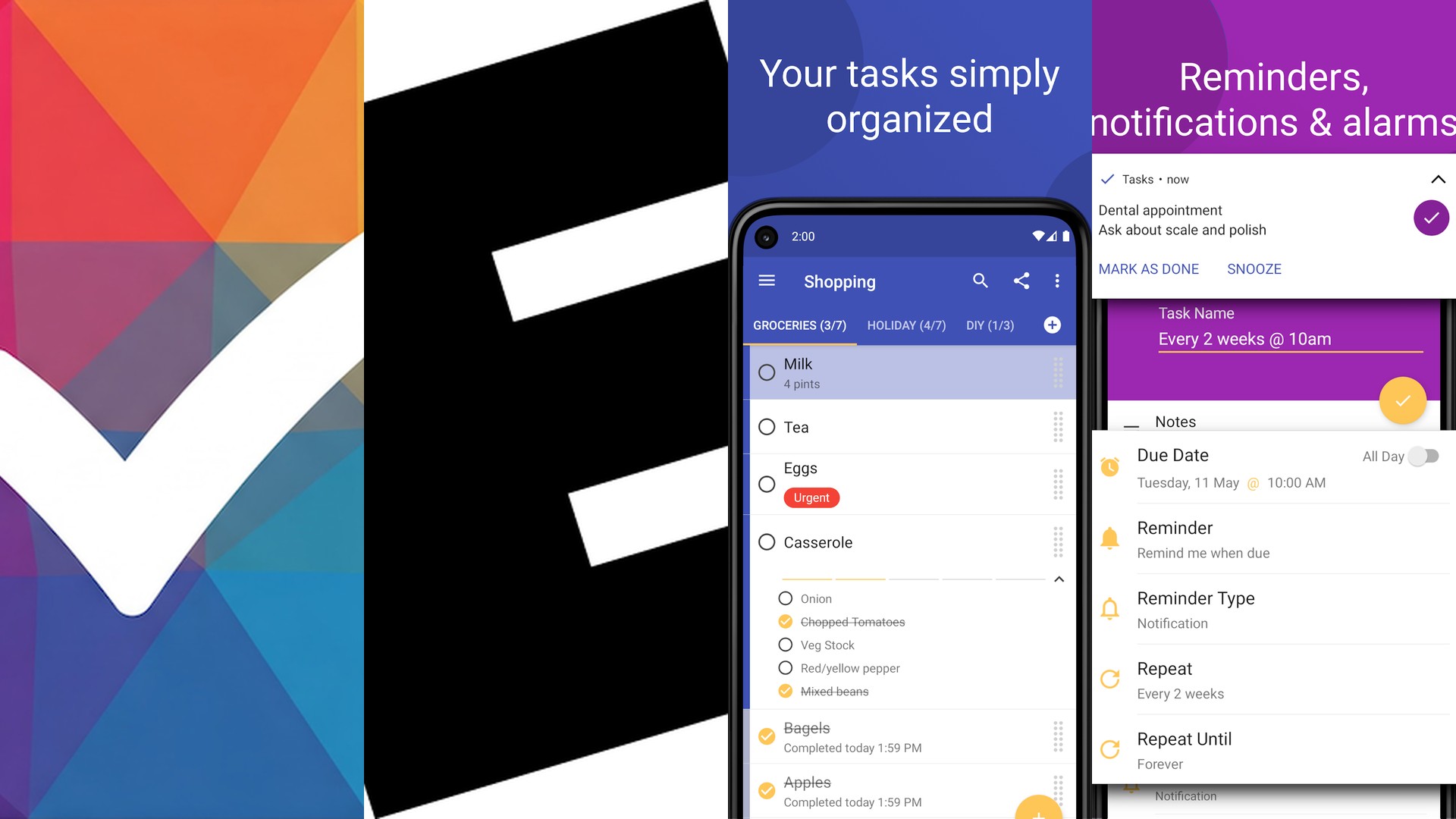
1. Tasks.org (★ 4.8)
Overview: Tasks.org is a powerful, open-source task manager built for privacy-conscious Android users. It supports CalDAV syncing with services like Nextcloud and DAVx5, offering full control over your data without any cloud lock-in. Features include subtasks, tags, recurring reminders, and deep customization of filters and sorting.

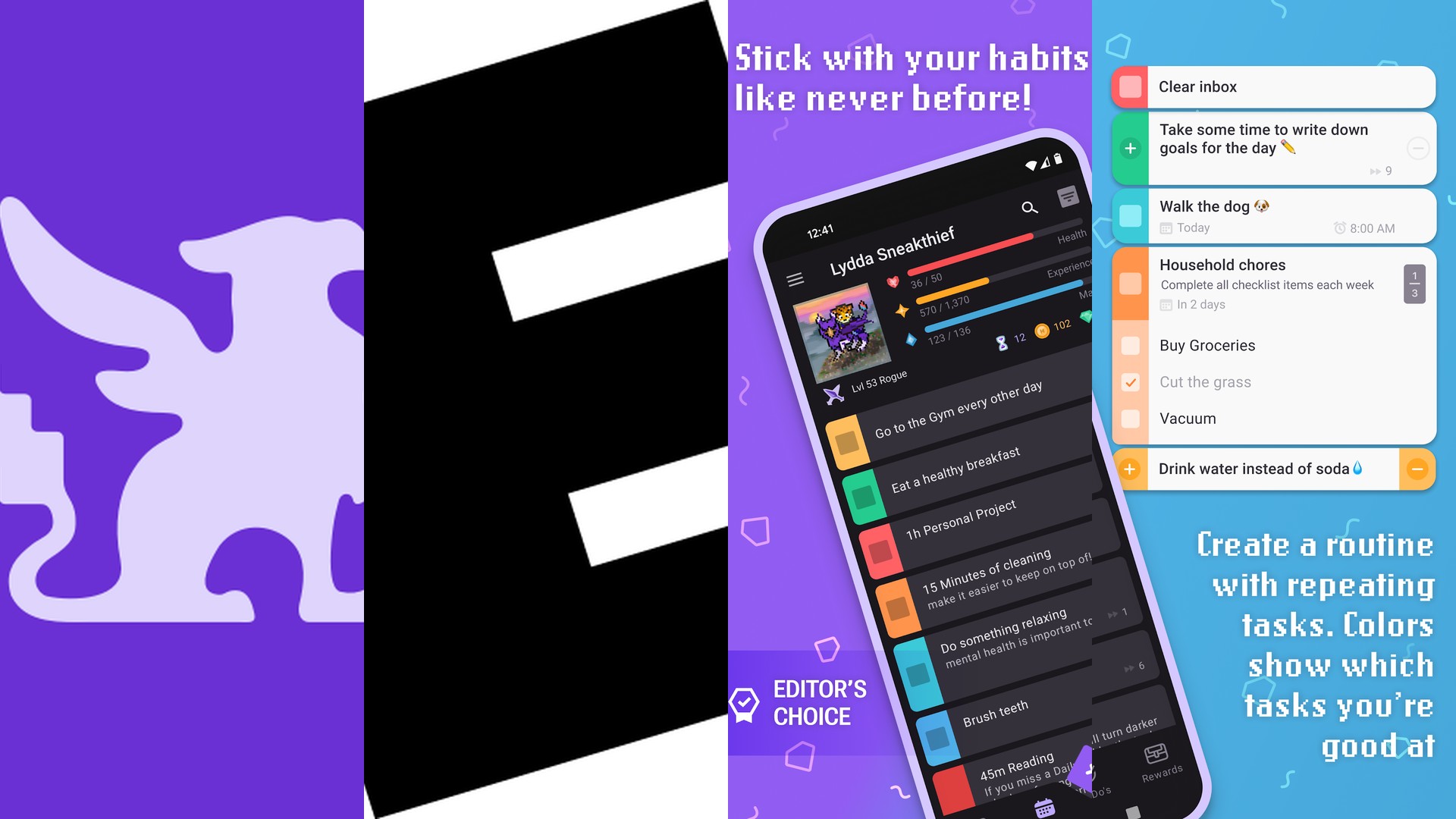
2. Habitica (★ 4.7)
Overview: Habitica takes a unique RPG-style gamification approach to productivity. You create a custom avatar that levels up as you complete real-life tasks and habits. Losing health for missed deadlines adds genuine motivation, while the social guild system lets you team up with friends for accountability.

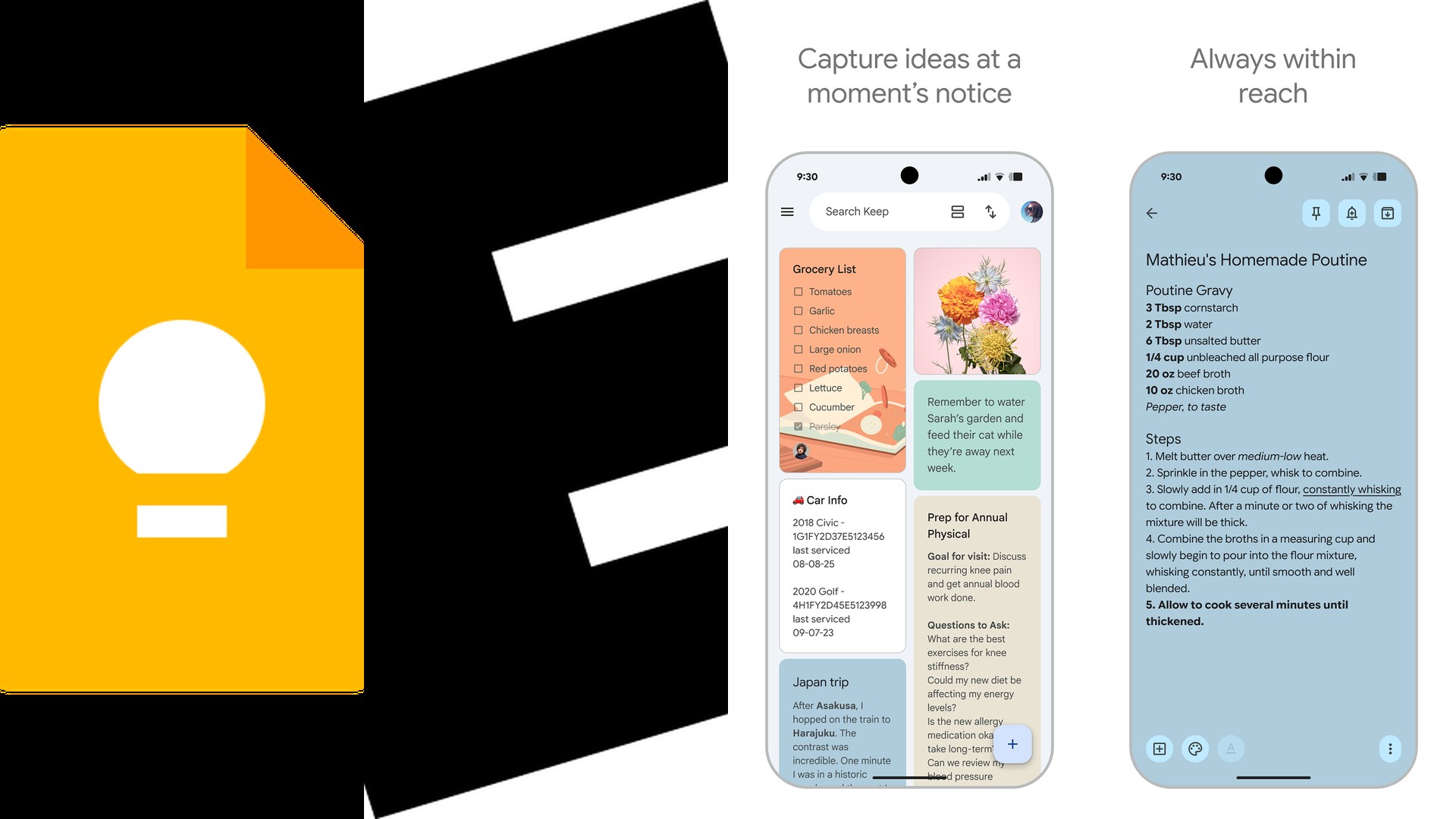
3. Google Keep (★ 4.7)
Overview: Google Keep is a lightweight, fast note-taking and reminder app deeply integrated into the Google ecosystem. You can set time-based and location-based reminders, pin urgent notes, and collaborate in real time. Its seamless sync across Android, iOS, and web makes it universally accessible.
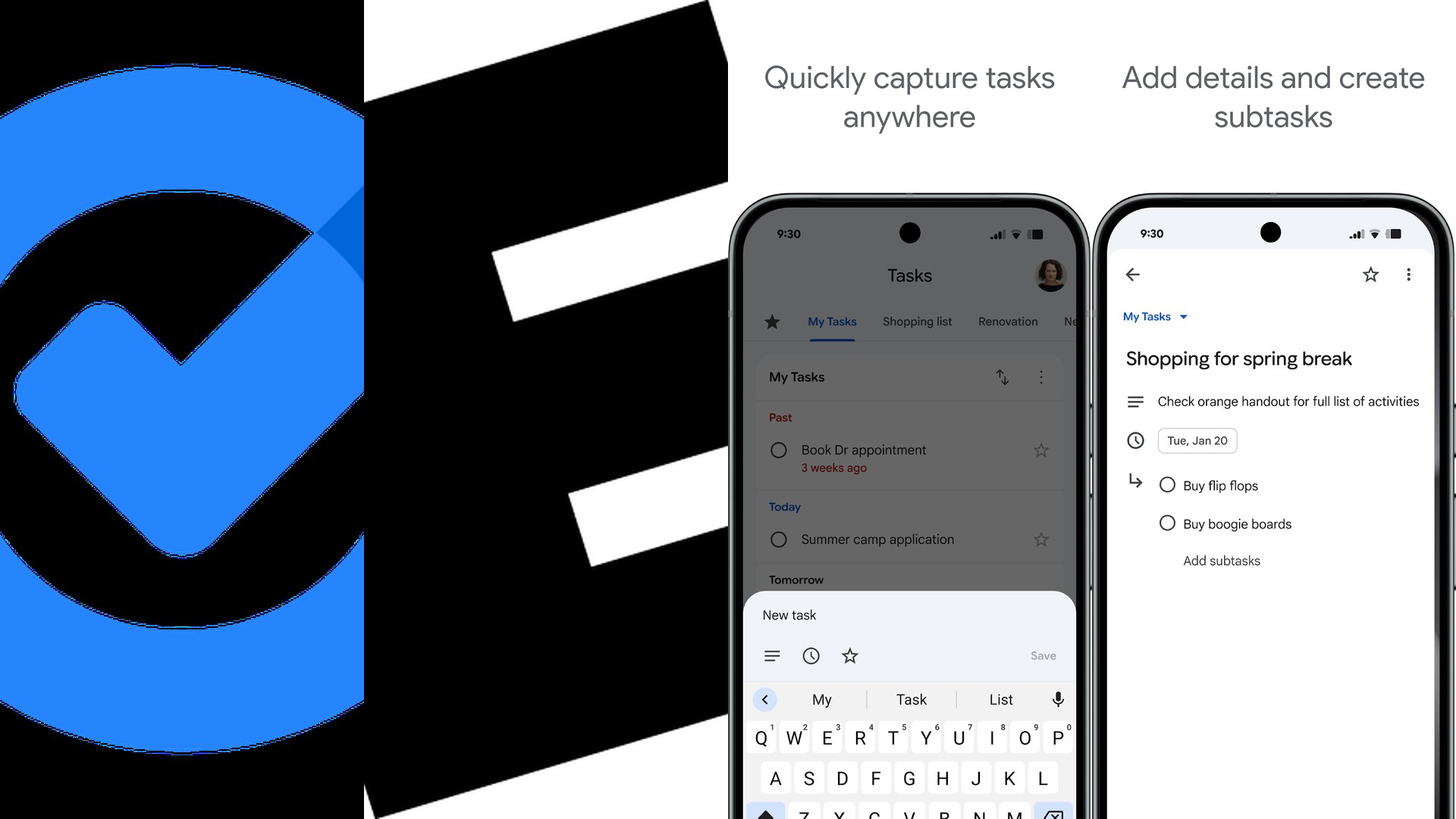
4. Google Tasks (★ 4.6)
Overview: Google Tasks is a minimalist to-do list app tightly woven into Gmail and Google Calendar. You can create tasks directly from emails, set due dates with automatic calendar entries, and organize work into multiple lists. Its simplicity is its greatest strength for users already in the Google workflow.
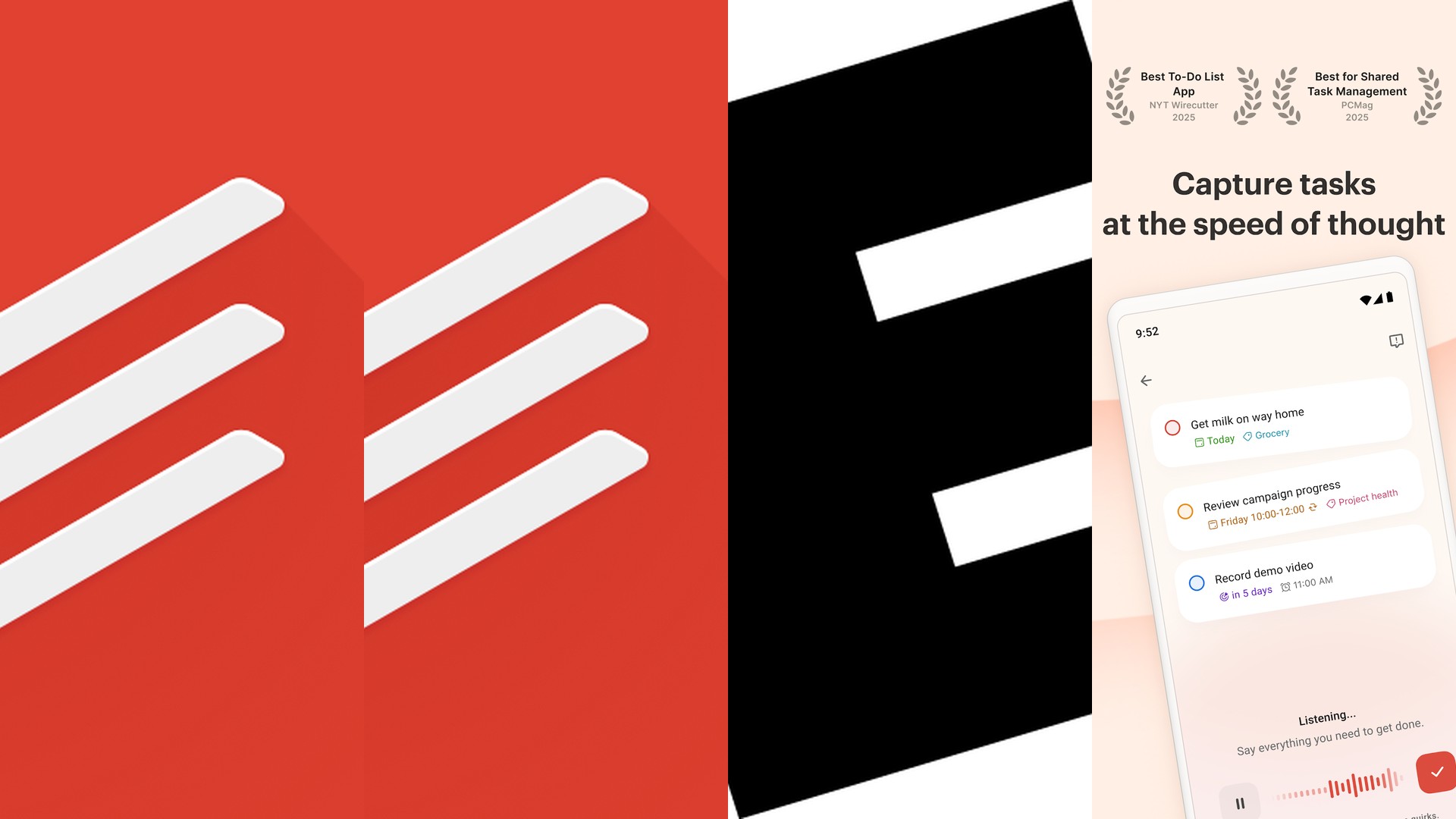
5. Todoist (★ 4.6)
Overview: Todoist is one of the most polished cross-platform task managers available, trusted by over 30 million users. It features natural language input (type "meeting tomorrow at 3pm" and it auto-schedules), project boards, priority levels, productivity tracking via Karma points, and over 80 third-party integrations.
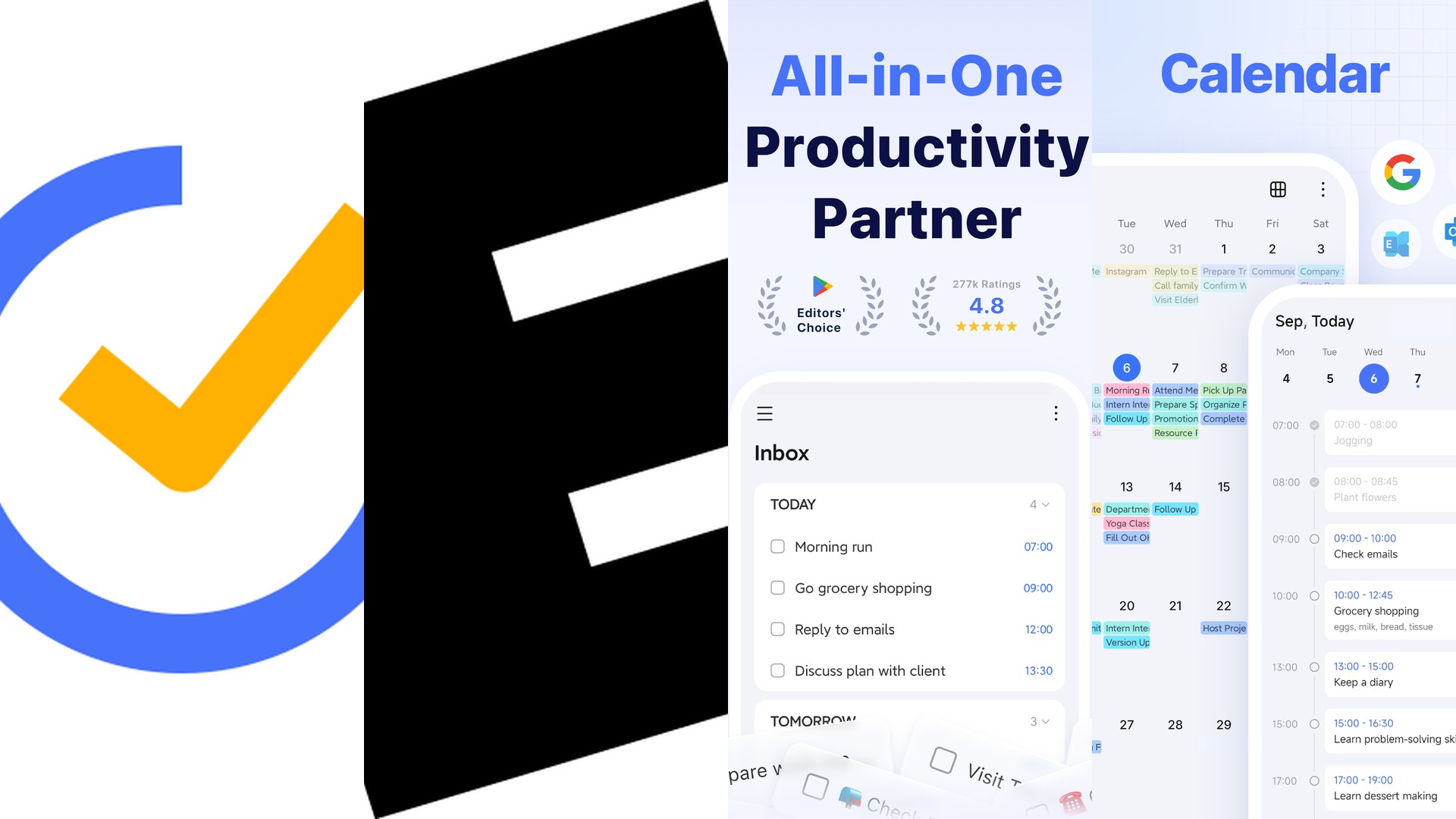
6. TickTick (★ 4.6)
Overview: TickTick combines task management with a built-in Pomodoro timer, habit tracker, and calendar views. It supports Kanban boards for visual project management and Eisenhower Matrix for prioritization. Smart date parsing and multi-platform sync round out this feature-rich productivity powerhouse.
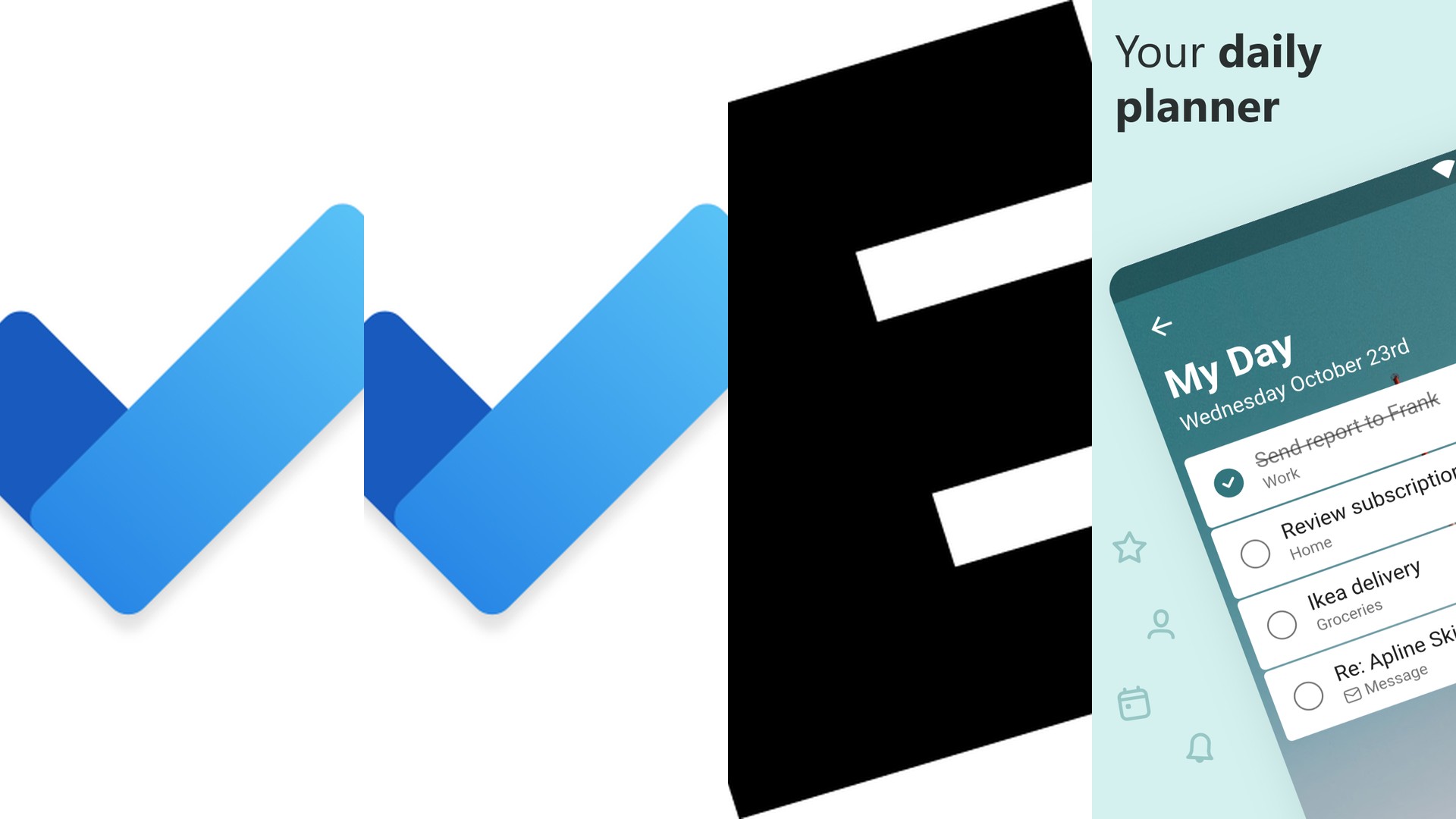
7. Microsoft To Do (★ 4.6)
Overview: Microsoft To Do is the spiritual successor to Wunderlist, fully integrated into the Microsoft 365 suite. It features "My Day" intelligent daily planning, shared lists, Outlook task syncing, and assignments within Teams. It is the ideal choice for professionals working in a Microsoft-centric environment.
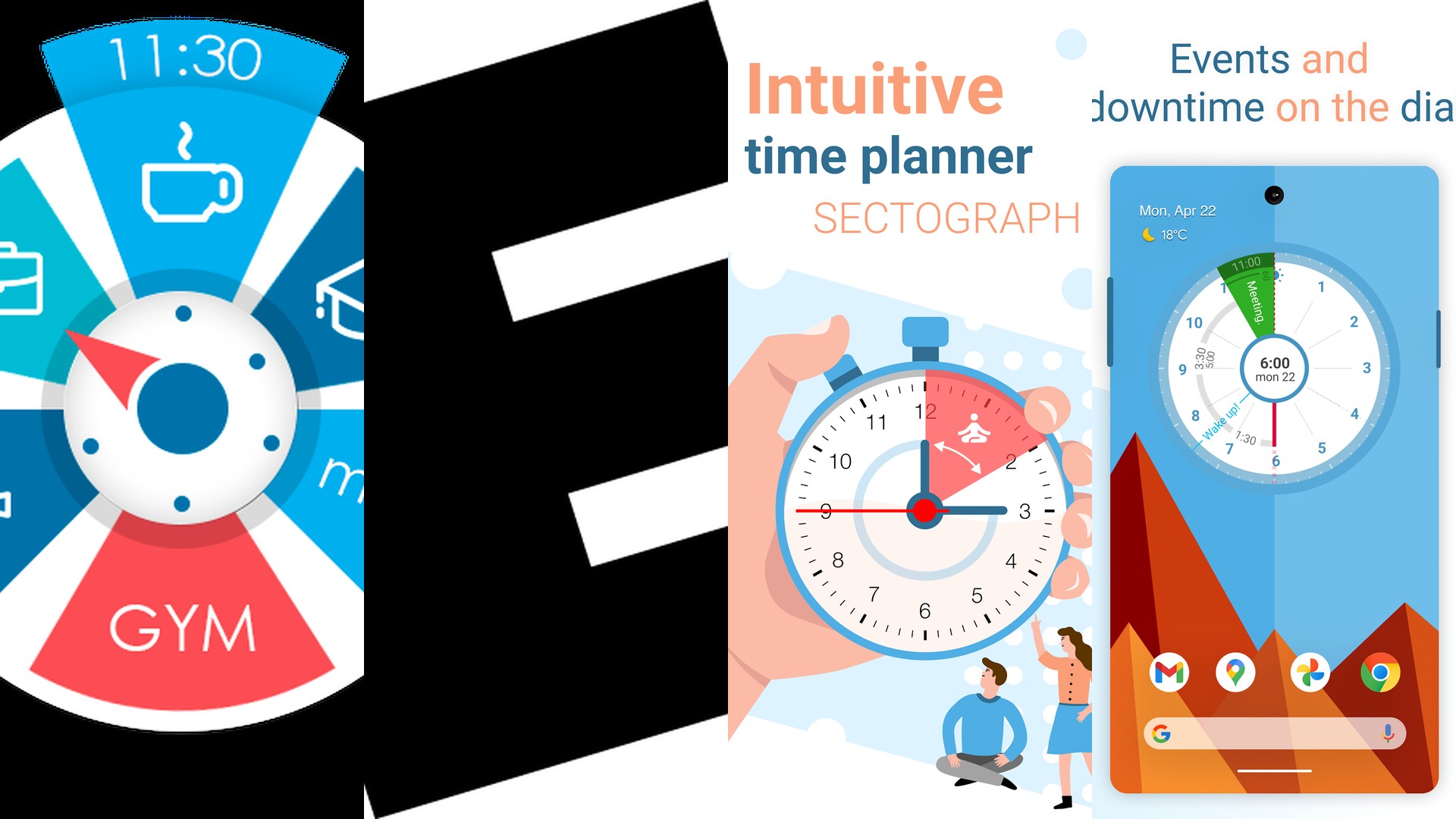
8. Alarmy (★ 4.6)
Overview: Alarmy is the world\'s most annoying alarm clock app by design, guaranteeing you actually wake up. It requires you to complete missions like solving math problems, taking a photo, or scanning a barcode before the alarm will stop. This makes it an unconventional but highly effective reminder system for daily routines.
9. Tasks Free (★ 4.5)
Overview: Tasks Free is a clean, streamlined to-do list app for Android that focuses on simplicity. It supports recurring tasks, due dates, priority sorting, and basic notifications. For users who want a no-nonsense reminder tool without bloated features, this is a solid lightweight choice.
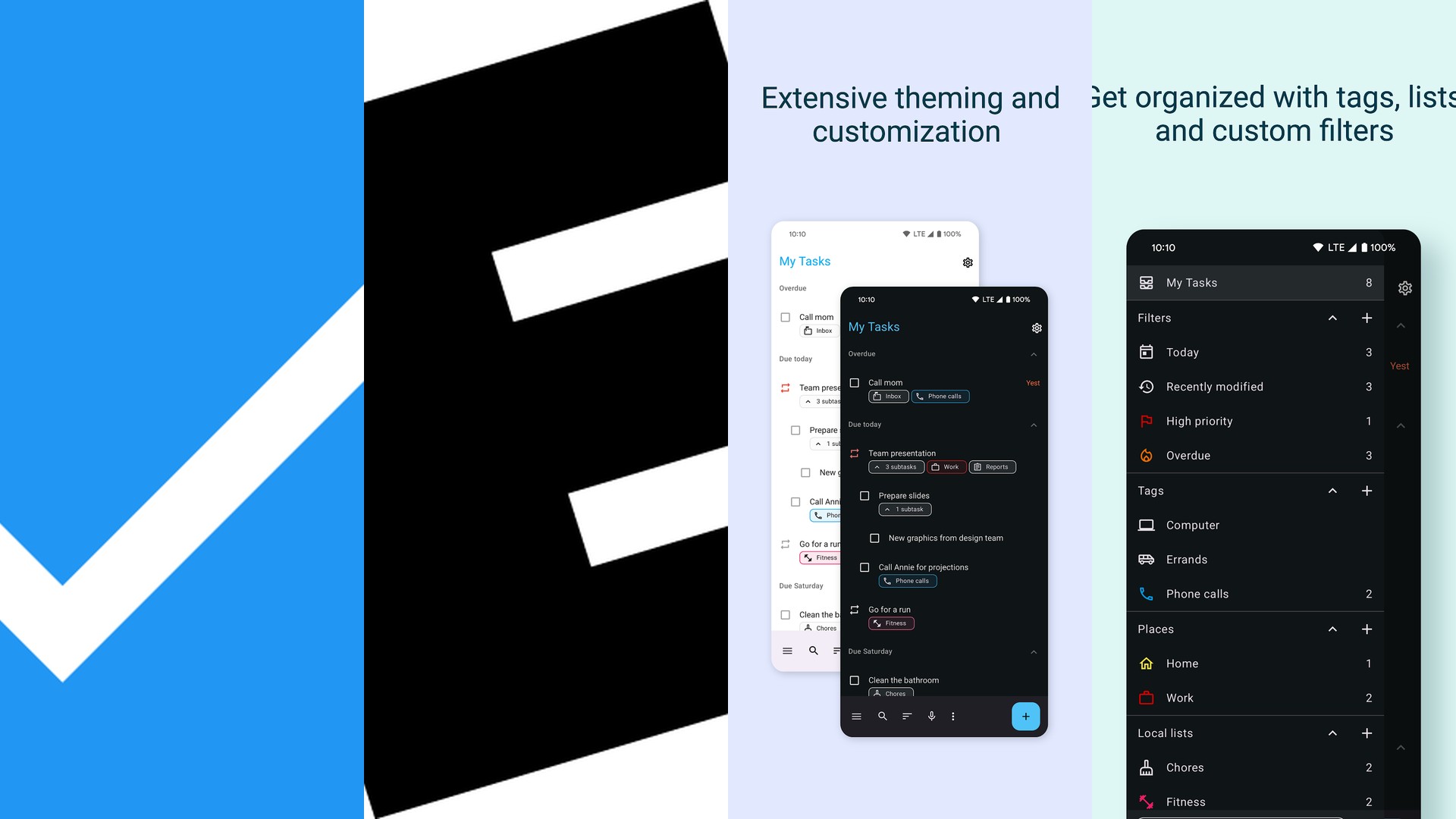
10. Samsung Reminder (★ 4.5)
Overview: Samsung Reminder comes pre-installed on Galaxy devices and integrates directly with Bixby, Samsung Calendar, and Samsung Notes. It supports time-based, location-based, and even condition-based reminders (e.g., when you open a specific app). For Samsung device owners, it requires zero additional setup.
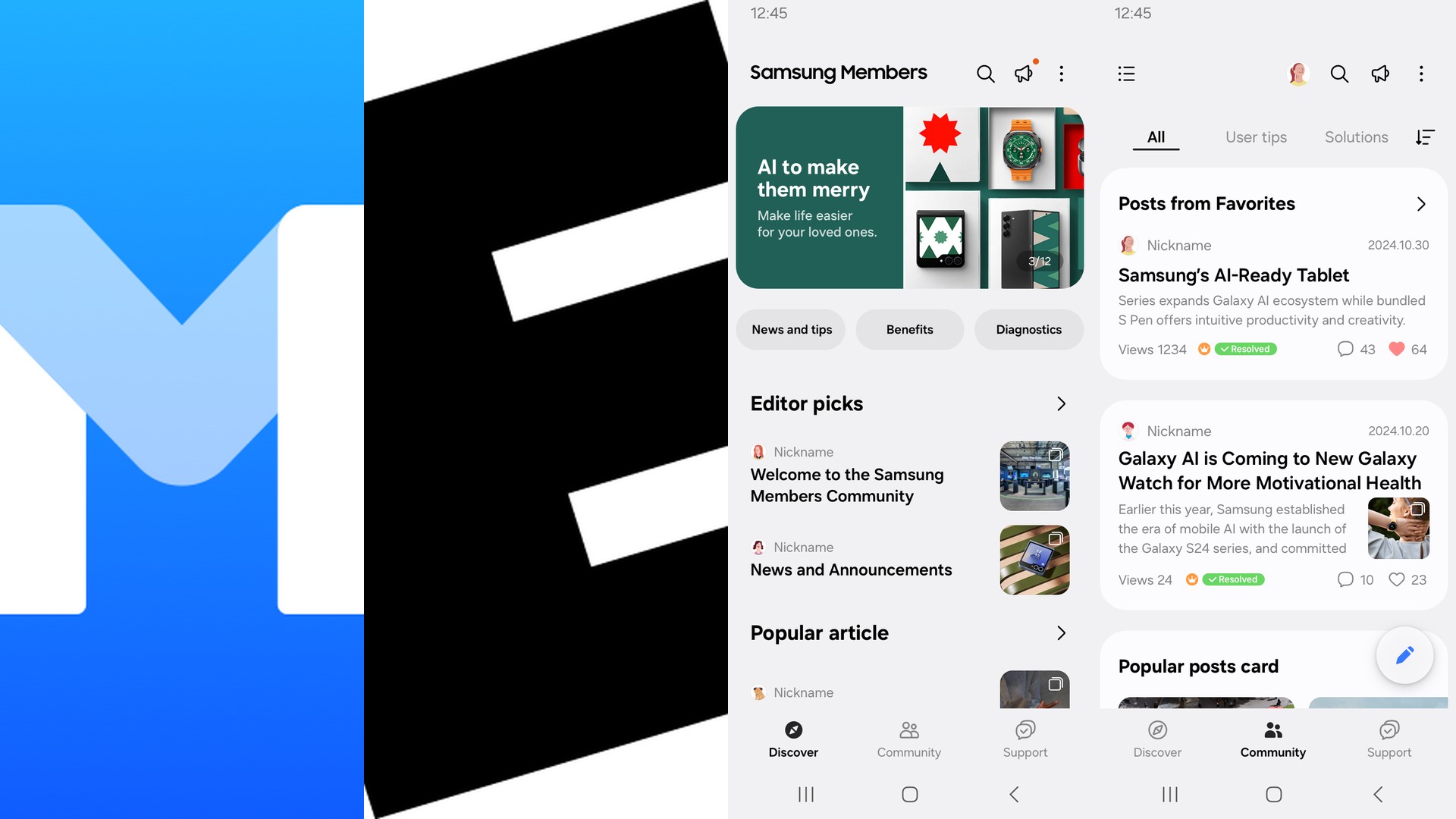
11. Medisafe (★ 4.5)
Overview: Medisafe is a specialized medication reminder app trusted by millions of patients and caregivers worldwide. It tracks pill schedules, sends smart alerts, warns about drug interactions, and generates health reports for doctors. It is the most comprehensive health-focused reminder solution available.
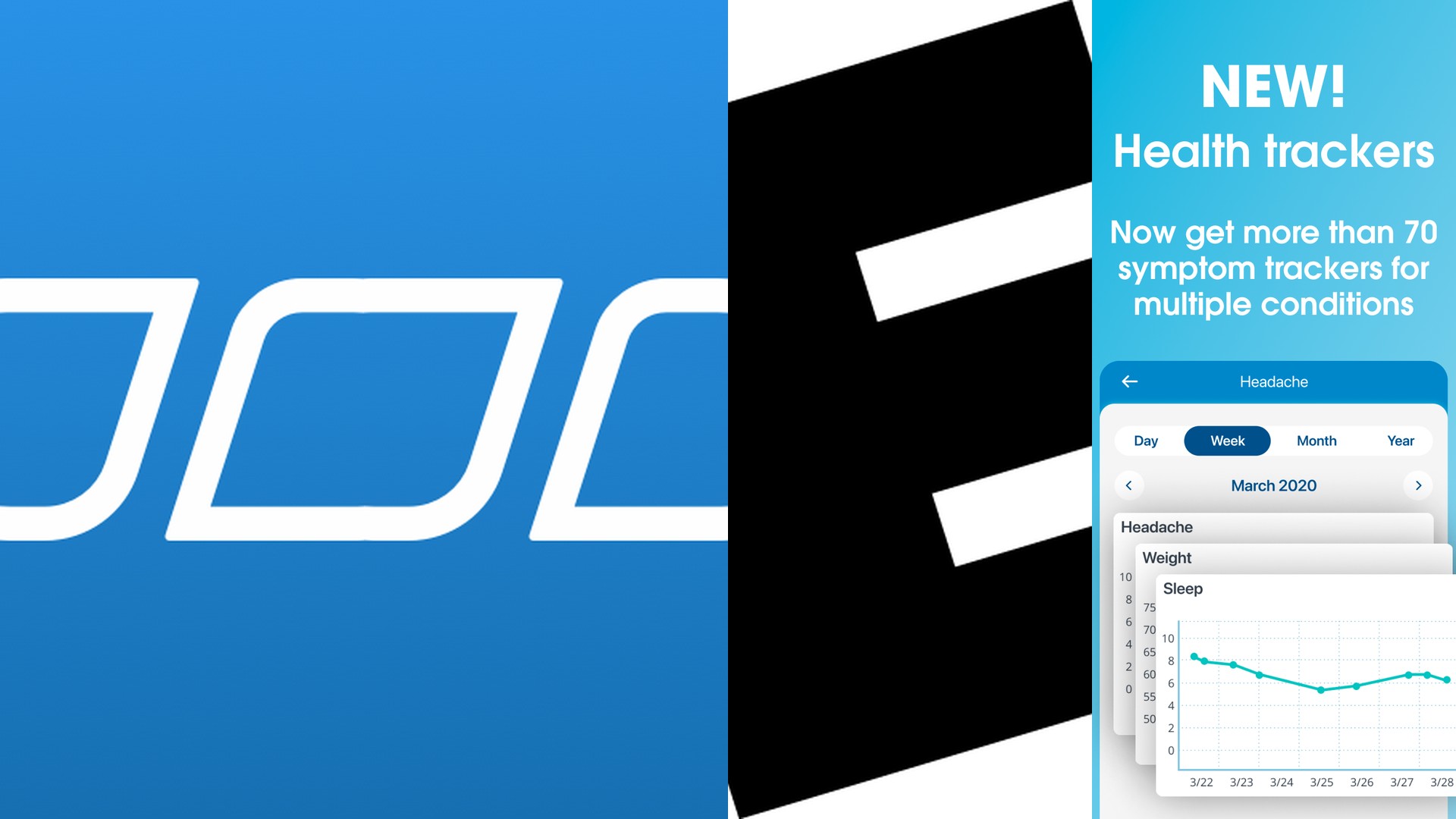
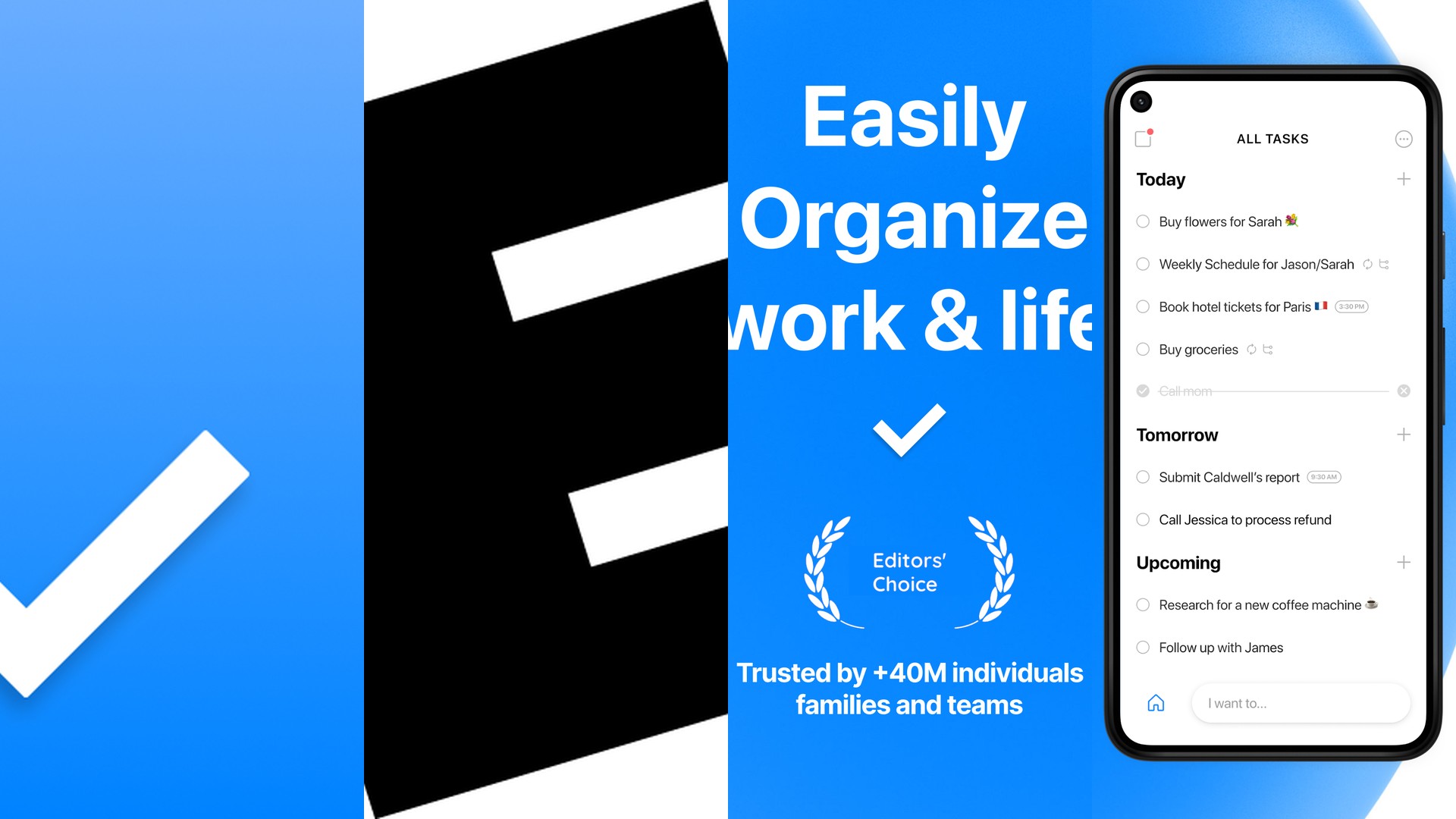
12. Any.do (★ 4.4)
Overview: Any.do combines a sleek to-do list with a calendar, daily planner, and grocery list in one unified interface. Its "Moment" feature prompts a daily review of upcoming tasks, while AI suggestions help you organize your day automatically. Premium unlocks location-based reminders and color tags.
13. Tasker (★ 4.1)
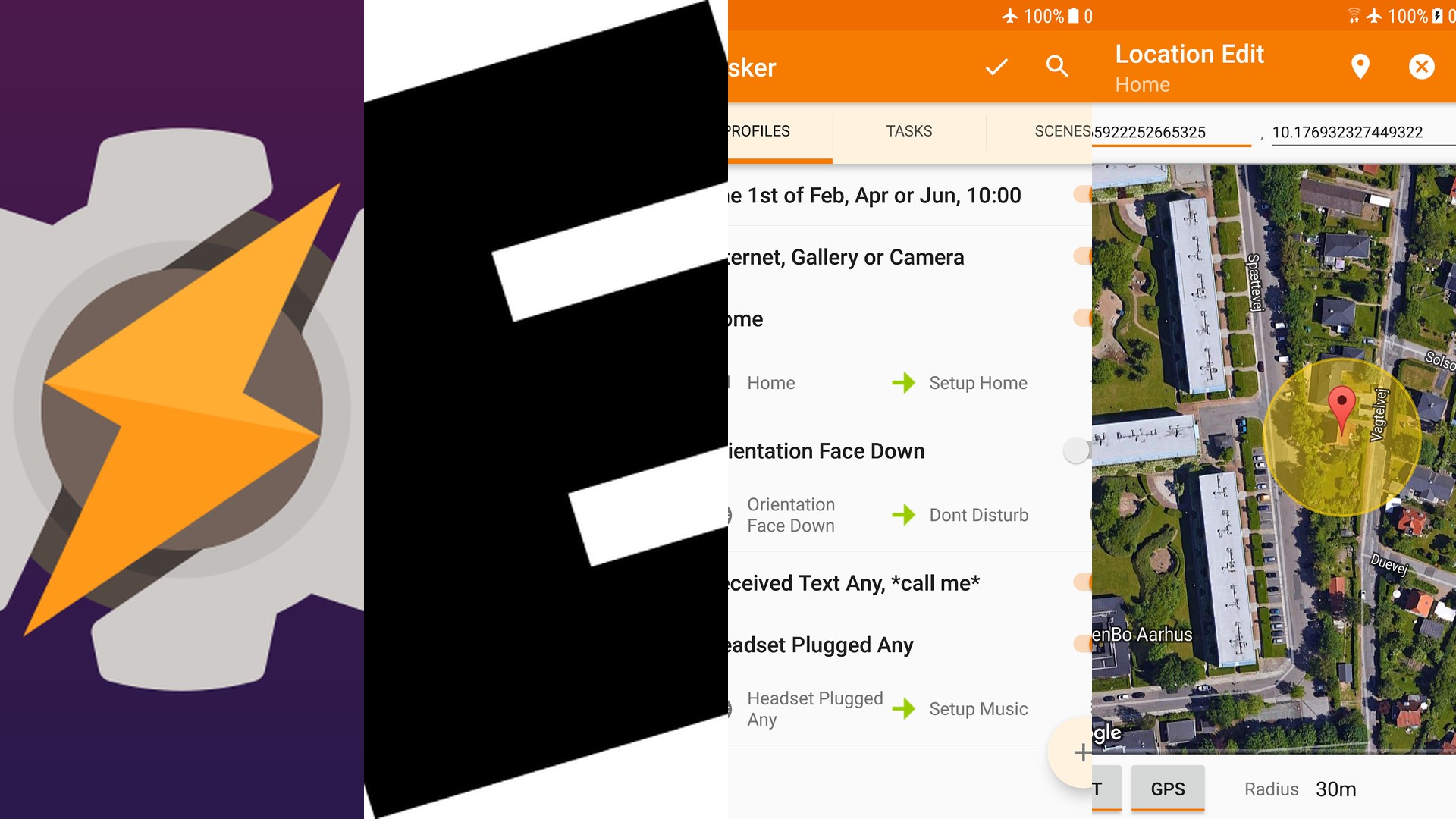
Overview: Tasker is not a traditional reminder app; it is an advanced Android automation tool that can create incredibly complex context-aware reminders. You can trigger notifications based on time, location, Wi-Fi connection, battery level, or virtually any device event. It has a steep learning curve but unmatched power for advanced users.
How to Choose the Right Reminder App
When selecting a reminder app, consider these key factors:
- Ecosystem Integration: If you use Gmail, Google Tasks or Google Keep are natural fits. Microsoft 365 users should lean toward Microsoft To Do.
- Feature Depth: For advanced project management, TickTick and Todoist offer boards, filters, and integrations. For basic reminders, Google Tasks or Tasks Free keep it simple.
- Health Needs: Medisafe is the clear winner for medication tracking and health-focused reminders.
- Automation: Power users on Android should explore Tasker for context-aware, fully automated reminder workflows.
Conclusion
From minimalist task lists to gamified habit trackers and advanced automation engines, there is a perfect reminder app for every type of user in 2026. Start with the highest-rated options on this list and find the one that fits your daily routine. For more mobile productivity tips and smartphone reviews, visit MobileKiShop.