
Managing invoices from your phone is no longer a compromise — in 2026, the best invoice apps deliver the same power as desktop accounting software while letting you create, send, and track payments from anywhere. Whether you are a freelancer billing clients, a small business owner managing cash flow, or a contractor invoicing on-site, these apps streamline the entire billing process from estimate to payment.
We have tested and ranked the 14 best invoice apps for Android and iOS, covering everything from free solutions like Wave and Zoho Invoice to full-featured platforms like QuickBooks and Xero. Each app is evaluated on ease of use, payment integration, customization, and value for money. If you manage your business finances on mobile, you should also check out financial management tools and reminder apps to stay on top of deadlines.
Table of Contents
- Invoice Simple (Rating 4.8)
- Zoho Invoice (Rating 4.8)
- Invoice Ninja (Rating 4.7)
- QuickBooks (Rating 4.7)
- Xero (Rating 4.7)
- Square Invoices (Rating 4.6)
- Billdu (Rating 4.6)
- HoneyBook (Rating 4.6)
- FreshBooks (Rating 4.3)
- Invoice2go (Rating 4.5)
- PayPal Business (Rating 4.2)
- Invoice Home (Rating 4.2)
- Wave (Rating 3.3)
- Hiveage (Rating 4.0)
- Essential Features to Look For
- Invoicing Best Practices
- Frequently Asked Questions
1. Invoice Simple (Rating 4.8)
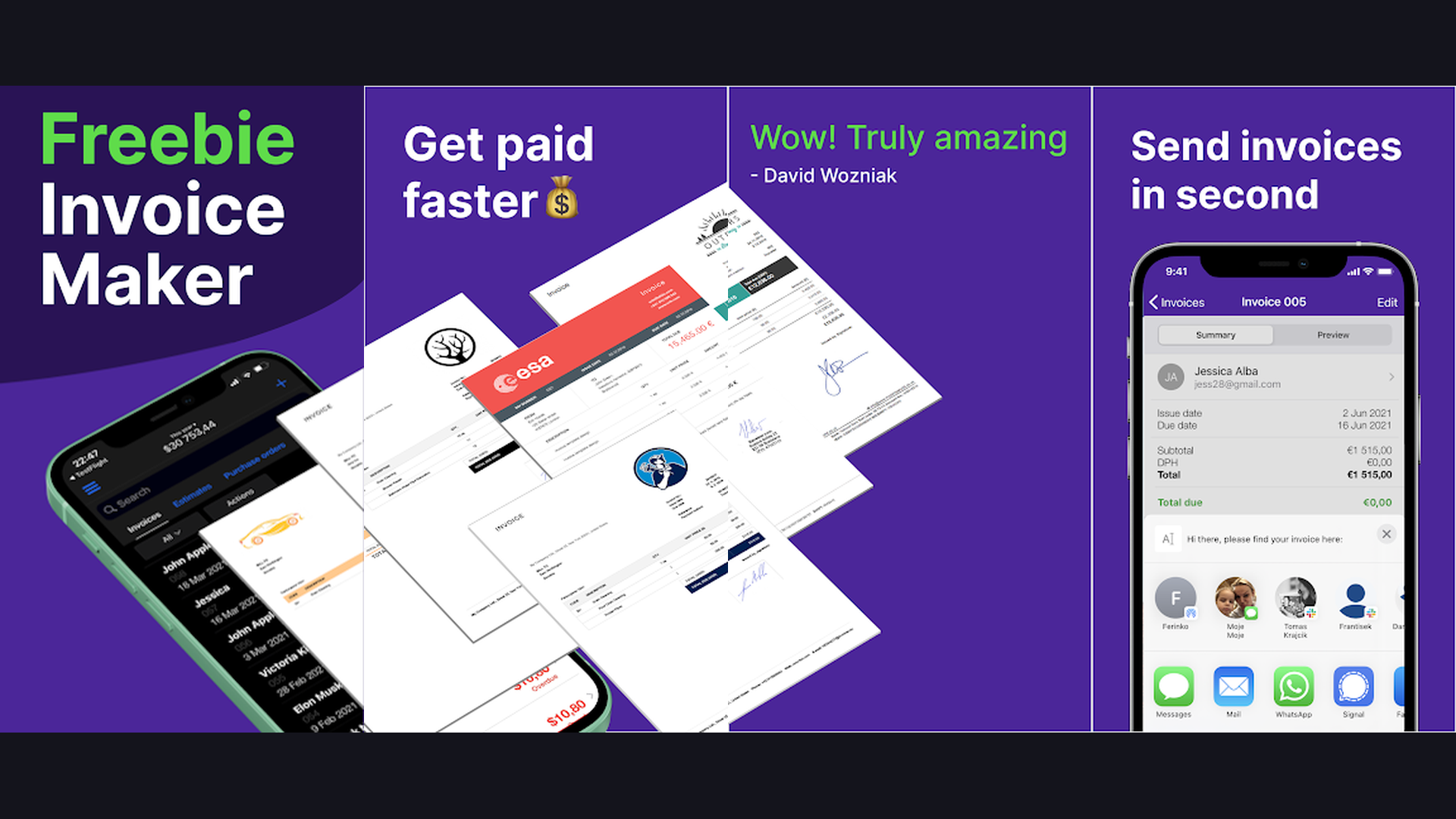
Invoice Simple lives up to its name by delivering a clean, distraction-free invoicing experience that anyone can master in minutes. The app lets you create professional invoices, estimates, and receipts with customizable templates that include your logo, brand colors, and payment terms. You can add line items, tax rates, discounts, and notes with just a few taps. Invoice Simple supports online payments through Stripe and PayPal, so clients can pay directly from the invoice link. The app generates PDF invoices automatically and tracks payment status in real time. With over 3 million downloads, it is one of the most popular invoicing solutions for freelancers, contractors, and sole proprietors who need a fast, no-nonsense way to get paid.


2. Zoho Invoice (Rating 4.8)
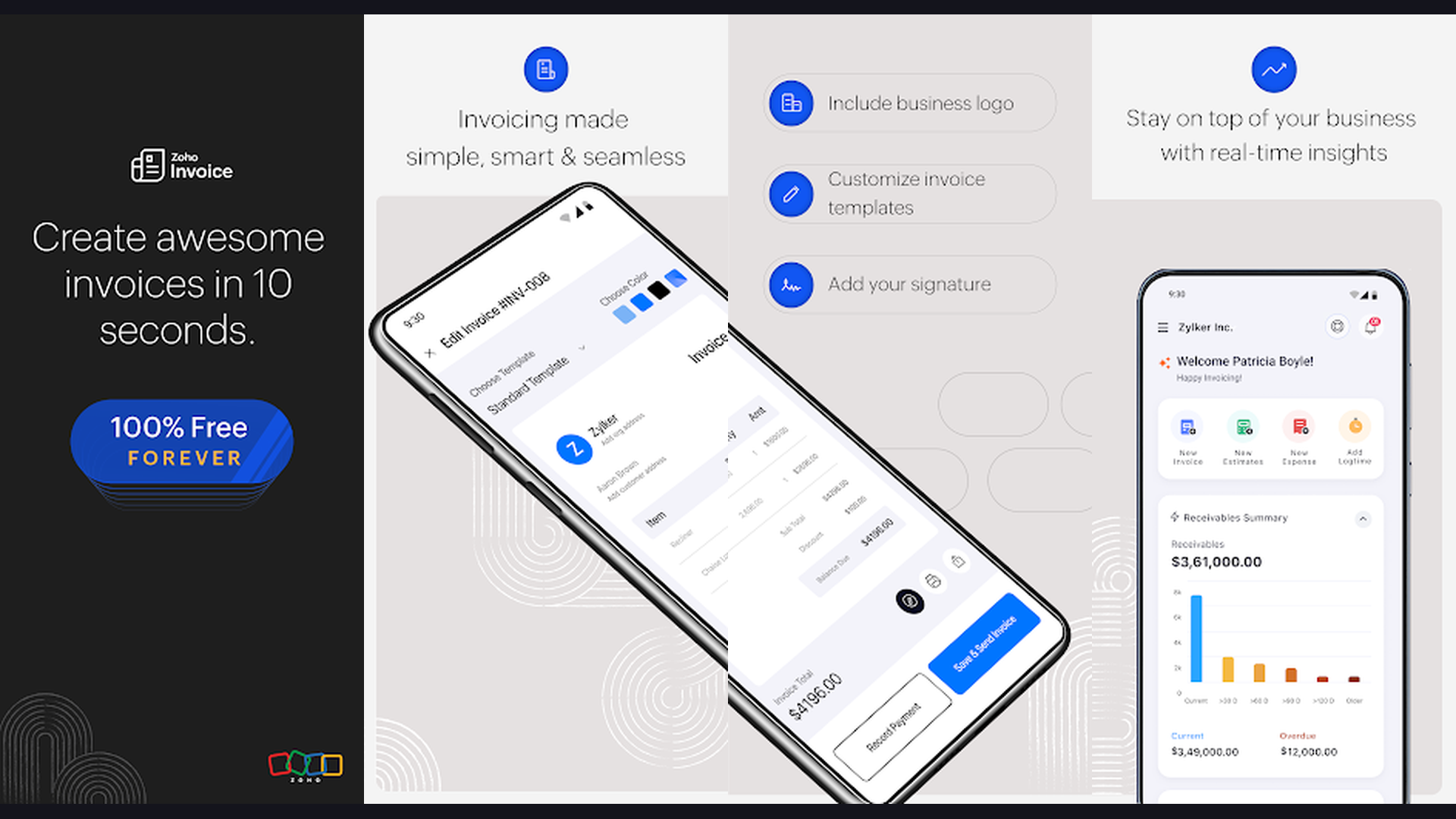
Zoho Invoice is a powerhouse invoicing solution that offers a completely free plan with unlimited invoices for up to 5 customers. The app provides stunning customizable invoice templates, automated payment reminders, recurring invoices, and multi-currency support for international clients. Time tracking is built right in, making it perfect for consultants and agencies billing by the hour. Zoho Invoice integrates seamlessly with the broader Zoho ecosystem including Zoho Books, CRM, and Projects, as well as external payment gateways like Stripe, PayPal, and Authorize.net. The mobile app delivers the full experience with offline invoice creation, expense tracking, and instant PDF generation.
3. Invoice Ninja (Rating 4.7)
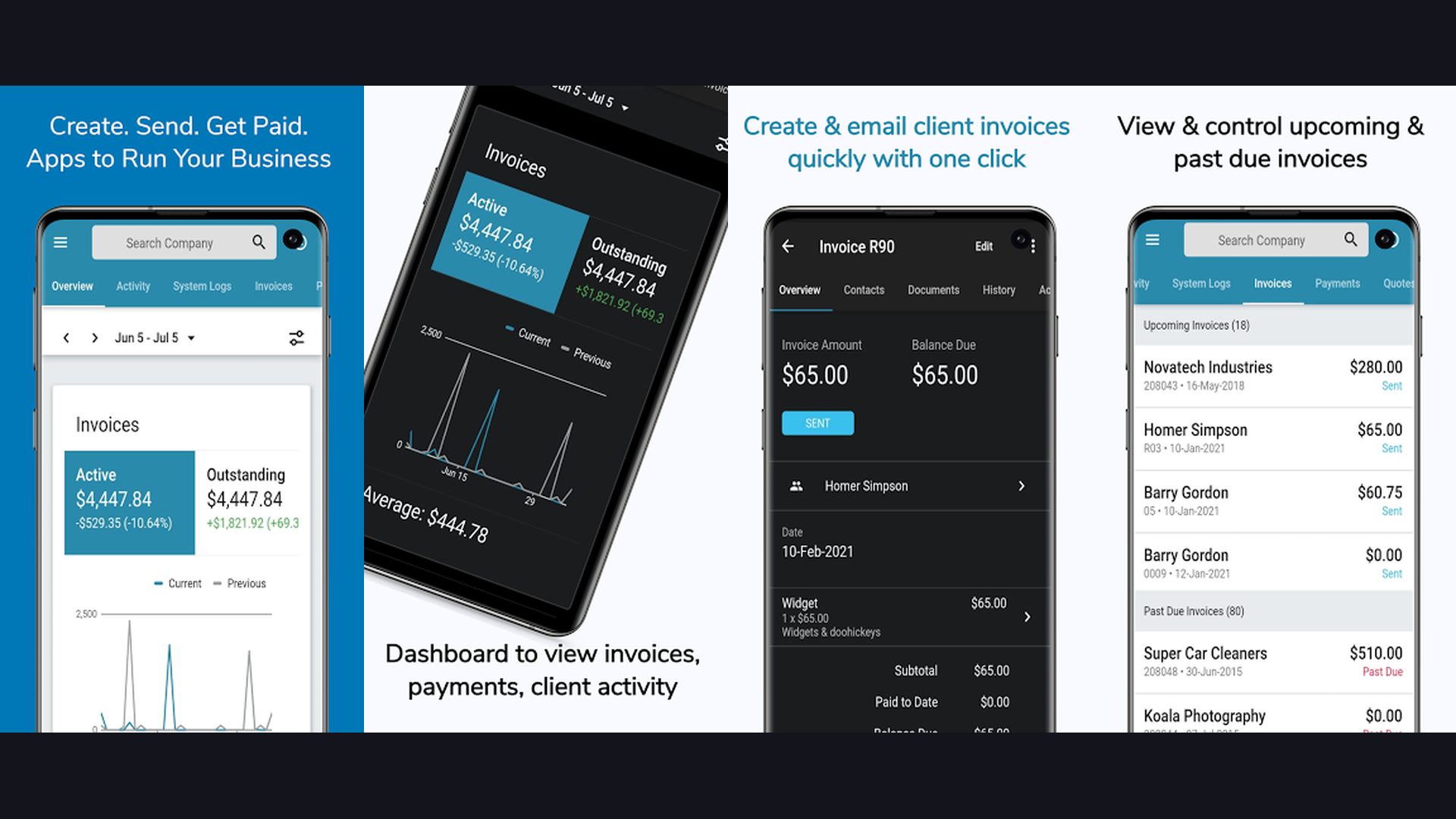
Invoice Ninja is an open-source invoicing platform that punches well above its weight class. The free plan supports up to 20 active clients with unlimited invoices, making it incredibly generous for startups and freelancers. The app offers over 100 customizable invoice templates, recurring billing automation, and integrated time tracking. It supports 40+ payment gateways including Stripe, PayPal, WePay, and Braintree. Advanced features include client-side portals where customers can view invoices, make payments, and approve quotes. Invoice Ninja also provides proposals, project management, and basic CRM functionality. For tech-savvy users, the self-hosted option gives you complete control over your data.
4. QuickBooks (Rating 4.7)
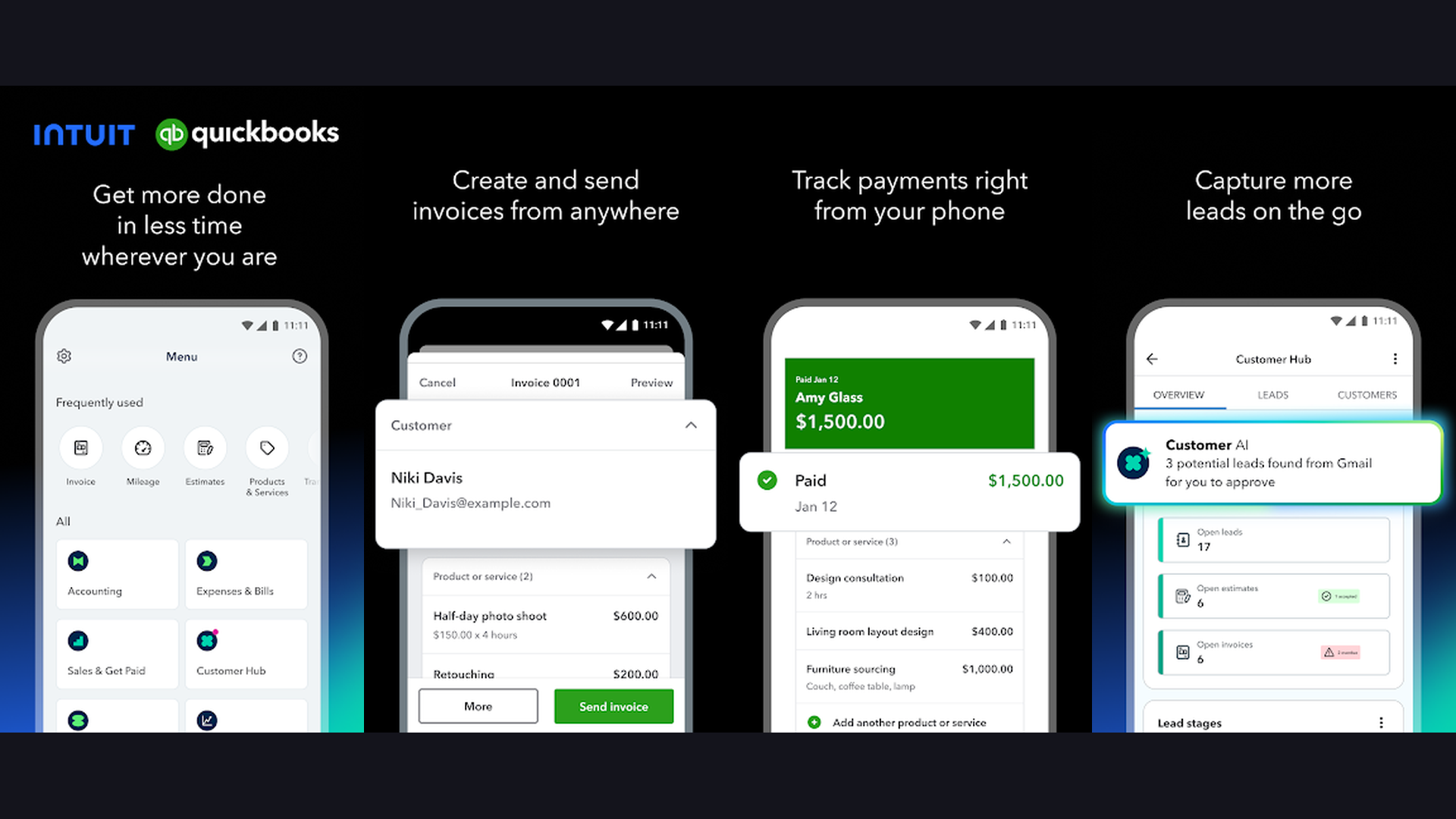
QuickBooks by Intuit is the industry standard for small business accounting and invoicing. The mobile app lets you create and send professional invoices in seconds, track expenses by photographing receipts, and accept payments through QuickBooks Payments with next-day deposits. Automated invoice scheduling, payment reminders, and late fee calculations keep your cash flow healthy. The app syncs automatically with your bank accounts, categorizes transactions using AI, and generates tax-ready financial reports. QuickBooks integrates with over 750 business apps and is trusted by more than 7 million businesses worldwide. Use it to manage your finances with enterprise-grade tools designed for small teams.
5. Xero (Rating 4.7)
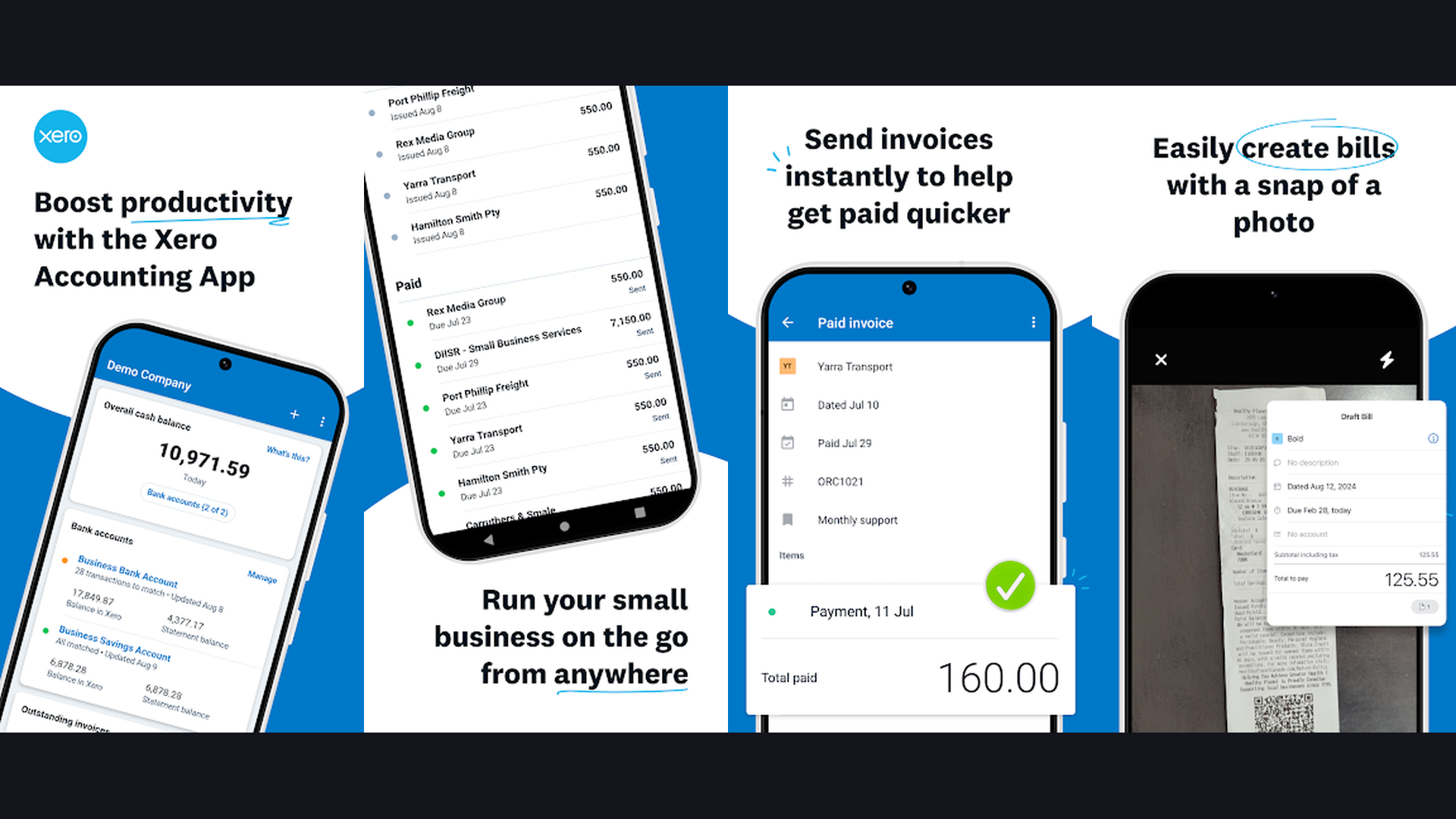
Xero is a cloud-first accounting platform with beautiful, fully customizable invoicing at its core. The mobile app lets you create branded invoices, set up recurring billing schedules, and accept online payments through Stripe, GoCardless, and other gateways. Xero automatically matches bank transactions to invoices, tracks outstanding payments, and generates aging reports so you always know who owes you money. The app supports multi-currency invoicing for international clients and offers real-time collaboration with your accountant or bookkeeper. With over 3.9 million subscribers globally, Xero is the preferred choice for small businesses that want professional-grade accounting with an intuitive interface.
6. Square Invoices (Rating 4.6)
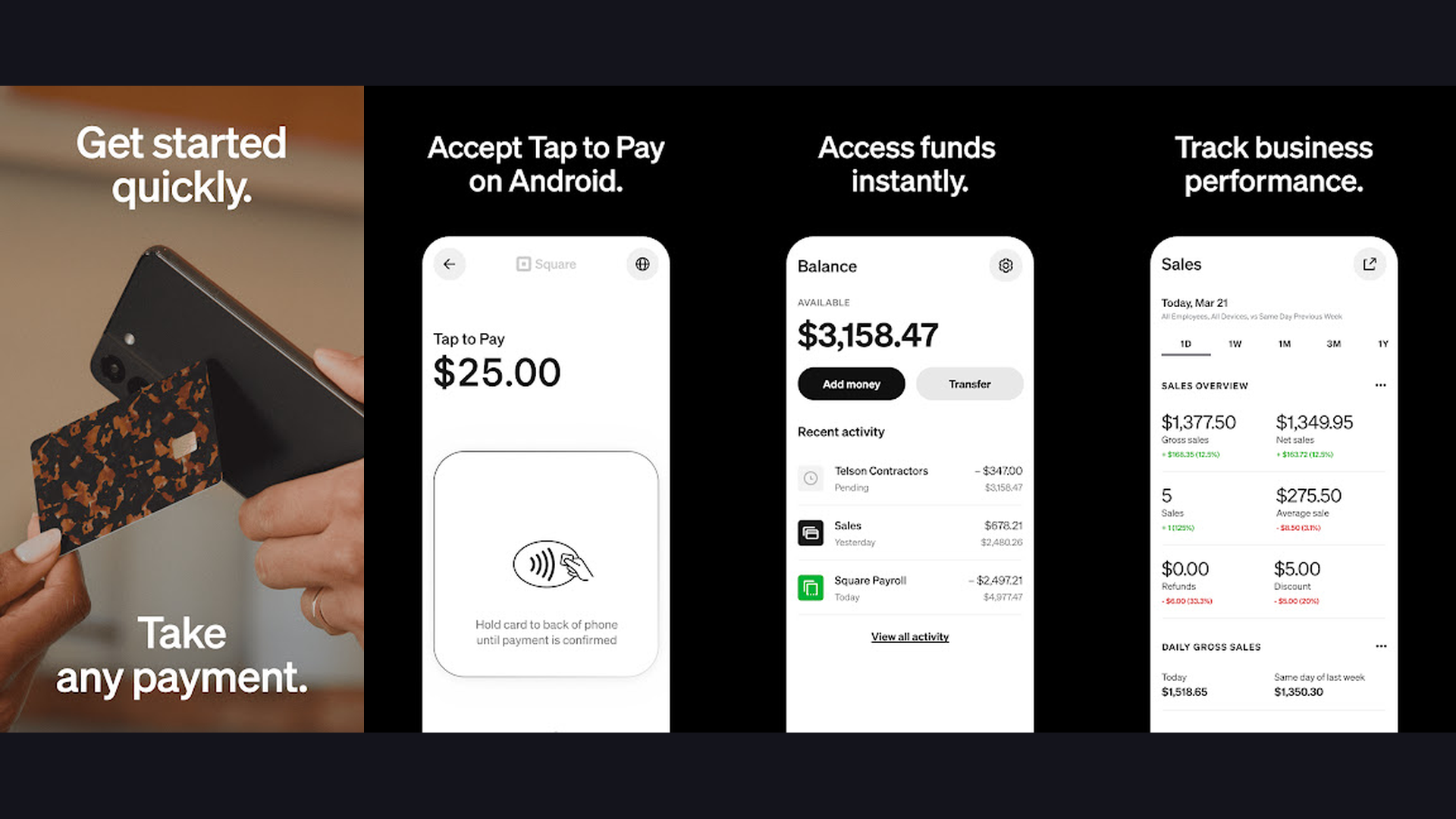
Square Invoices combines free invoicing with integrated payment processing, making it ideal for service businesses that need to invoice and collect payments in one seamless flow. The app lets you create professional invoices with your branding, send them via email or text, and accept credit card, debit card, Apple Pay, and Google Pay payments directly. Clients can pay with a single click from the invoice link. Square charges a competitive 2.9% + 30 cents per transaction with no monthly fees on the free plan. The app also supports recurring invoices, milestone-based payments for larger projects, and automatic late-payment reminders. Square Invoices integrates with the broader Square ecosystem including POS systems and appointment scheduling.
7. Billdu (Rating 4.6)
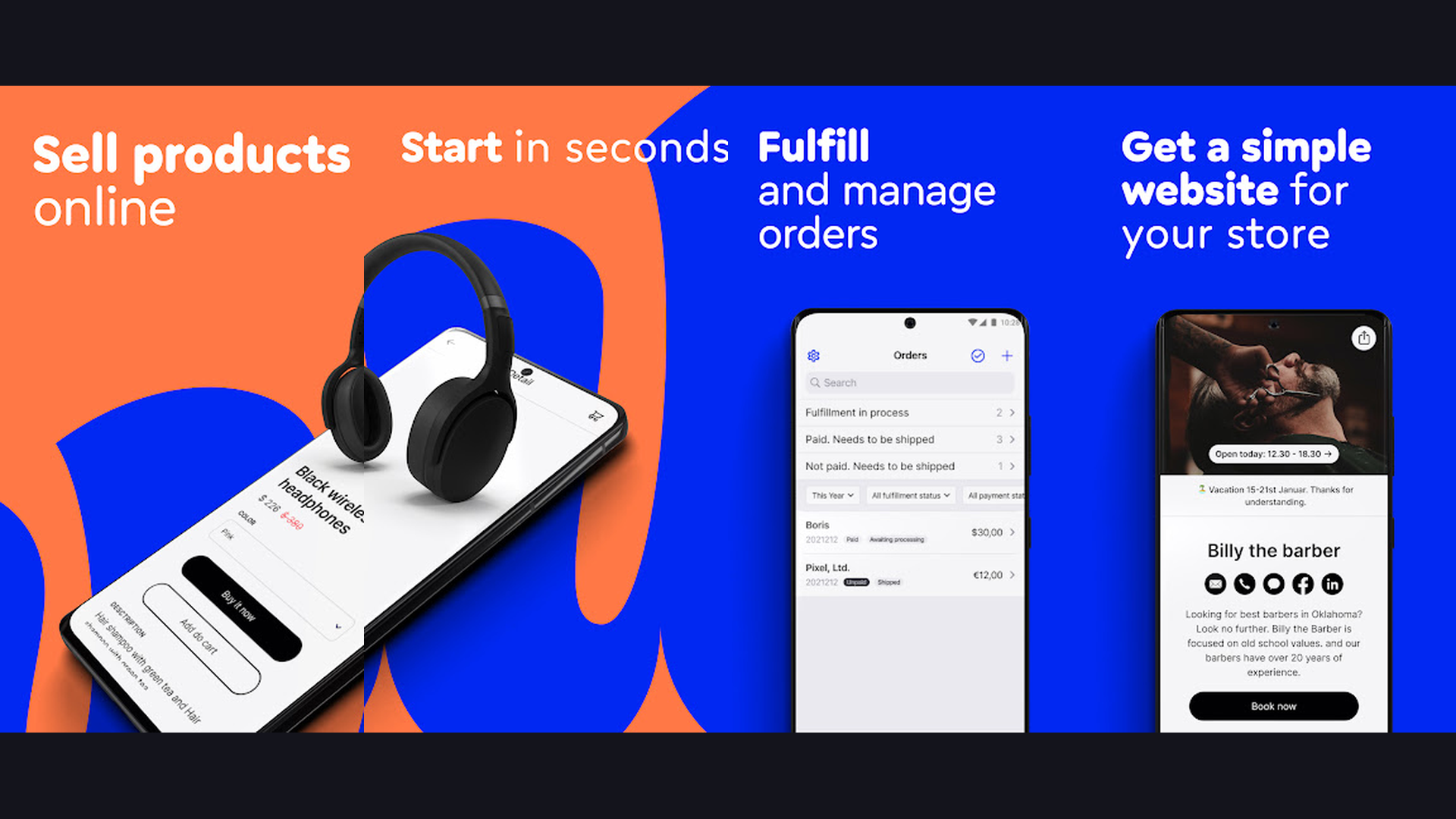
Billdu is a comprehensive mobile-first invoice and estimate maker built for small businesses, freelancers, and tradespeople. The app delivers professional invoices, quotes, purchase orders, and delivery notes from customizable templates. What sets Billdu apart is its built-in inventory management and product catalog, letting you add items to invoices quickly with saved prices and descriptions. The barcode scanner feature speeds up itemization for retail and wholesale businesses. Billdu also offers expense tracking with receipt scanning, mileage tracking, and business reports. Payment integrations include Stripe, PayPal, and bank transfers. The app works offline and syncs when connectivity returns.
8. HoneyBook (Rating 4.6)
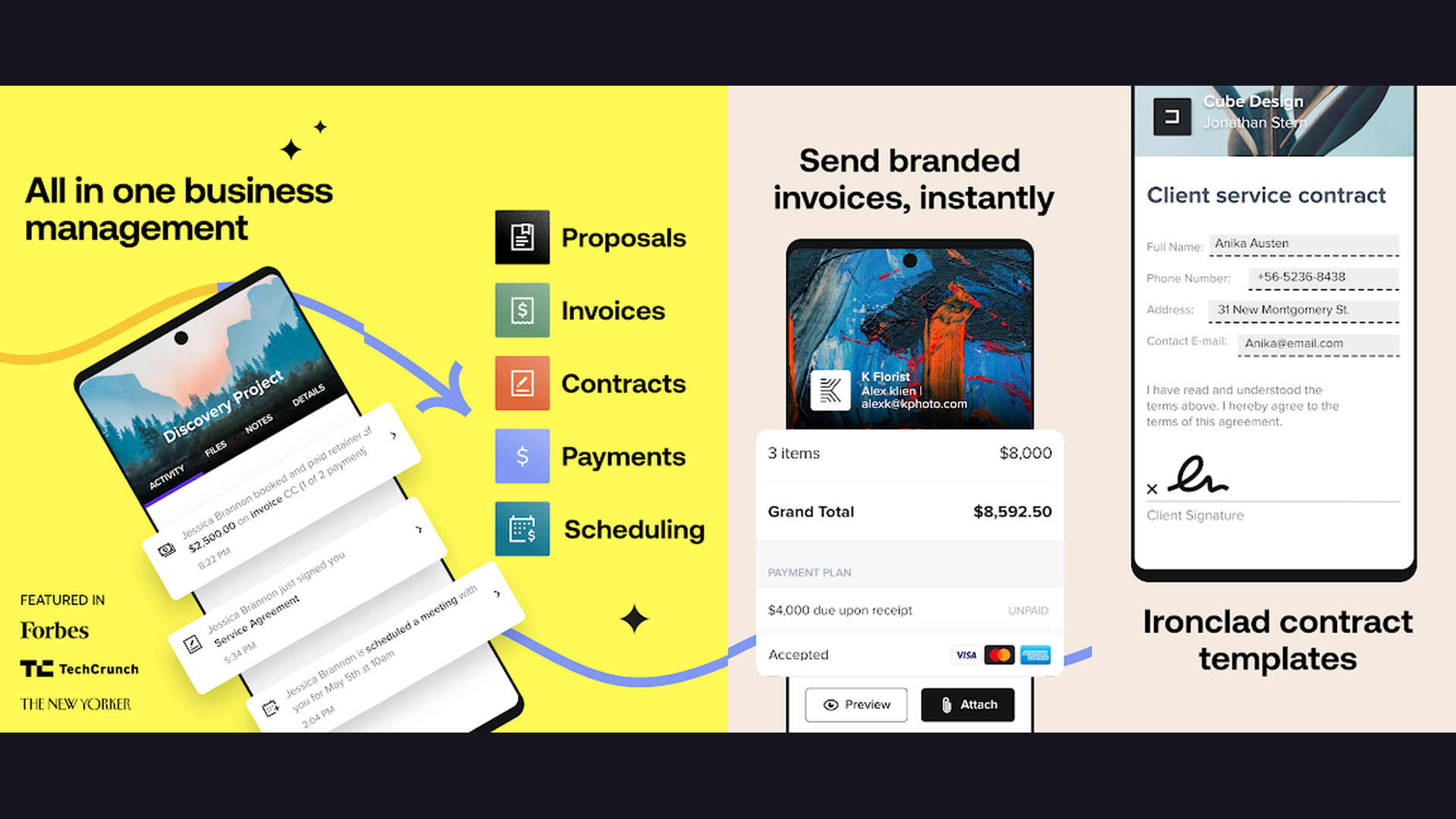
HoneyBook is an all-in-one client management platform that wraps invoicing, contracts, proposals, and scheduling into a single beautiful interface. The app is especially popular with creative professionals like photographers, wedding planners, designers, and consultants. You can send professional invoices, set up automatic payment plans, and accept credit card and bank payments with competitive processing rates. HoneyBook goes beyond invoicing with interactive proposals that combine services, pricing, contracts, and payment all in one shareable link. The app includes a built-in CRM for tracking leads and client communication, task management, and financial reporting. Mobile communication and workflow tools keep your business running smoothly from anywhere.
9. FreshBooks (Rating 4.3)
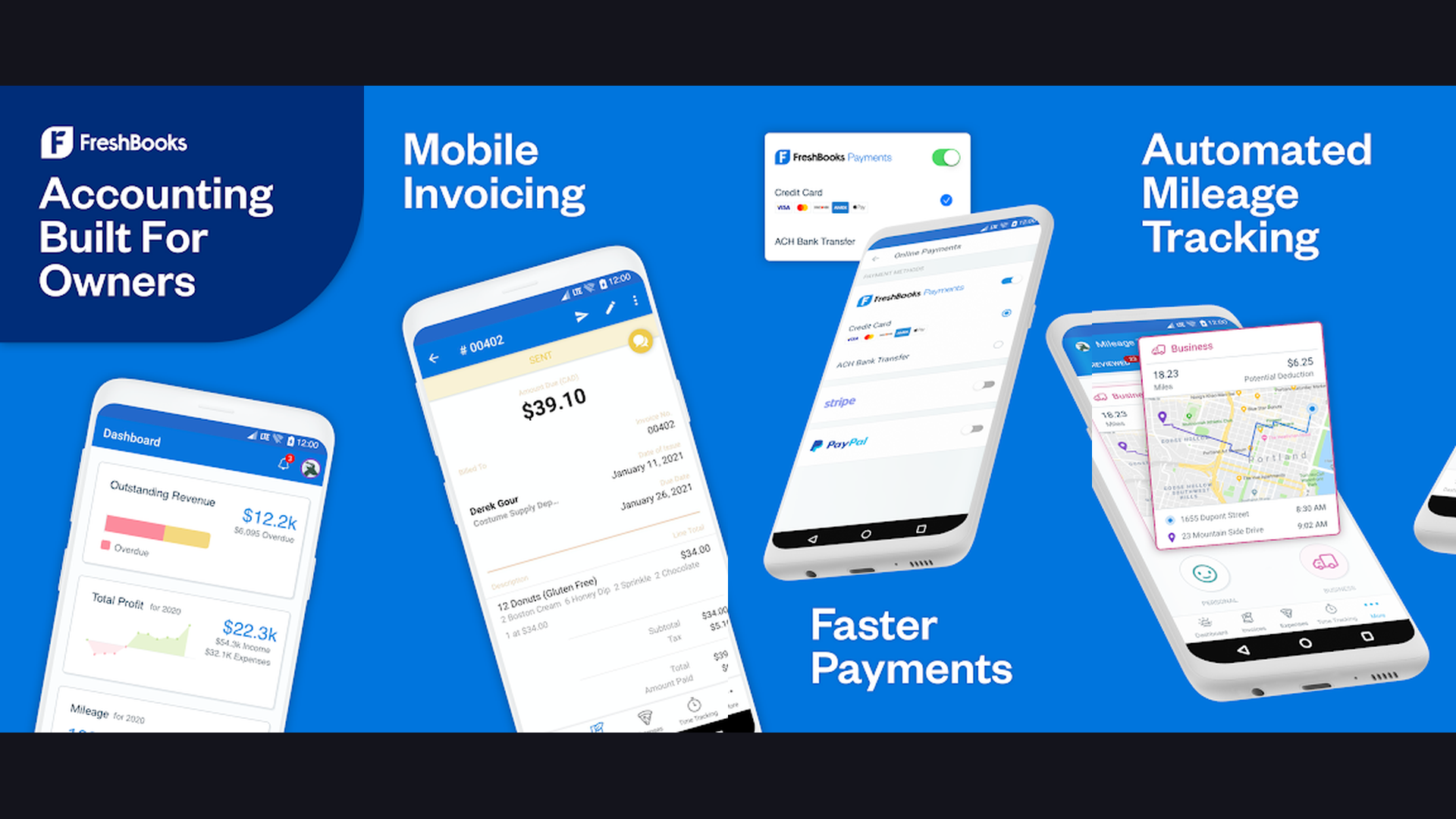
FreshBooks is a full-service accounting platform built around invoicing. The mobile app lets you create polished, branded invoices in under 30 seconds, with automatic payment reminders that boost your collection rate by up to 11 days faster. Built-in time tracking captures billable hours with one tap and converts them directly into invoice line items. FreshBooks supports online payments through Stripe, PayPal, and credit cards, and offers automated recurring invoices for subscription-based businesses. Expense management with receipt scanning, mileage tracking, and project-based billing round out the feature set. The app generates profit and loss statements, tax summaries, and accounts aging reports to keep your finances organized.
10. Invoice2go (Rating 4.5)
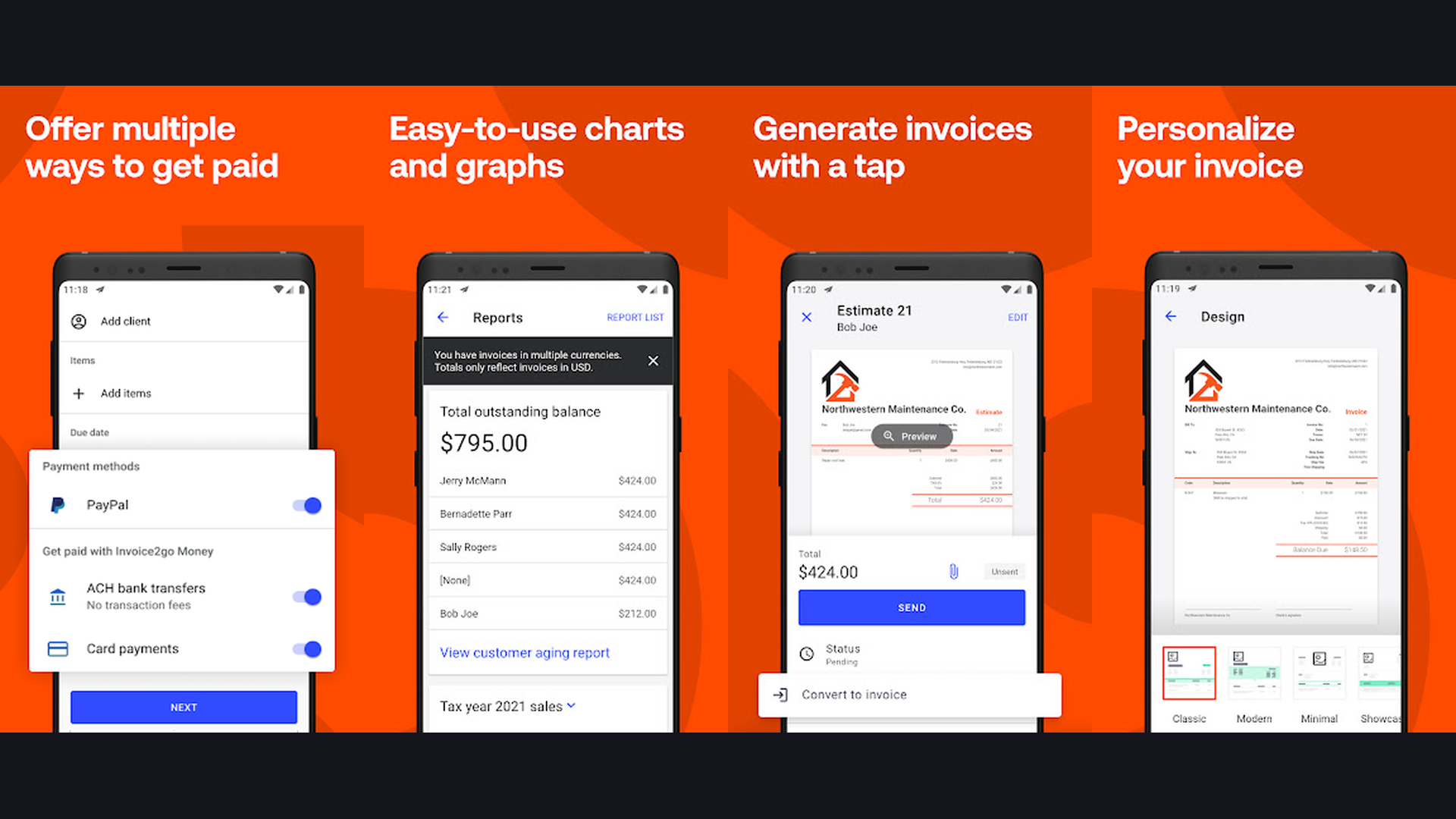
Invoice2go (now part of Bill.com) is designed for tradespeople, contractors, and field service professionals who need to invoice on the job. The app creates professional invoices, estimates, and purchase orders with your company branding, logo, and customizable fields. Instant payment processing lets clients pay by credit card, debit card, or ACH bank transfer directly from the invoice. Invoice2go tracks expenses, captures receipts with your camera, and generates basic financial reports. The app works fully offline, which is critical for professionals working at job sites without reliable internet. With support for multiple currencies and tax configurations, Invoice2go handles invoicing for businesses operating in over 150 countries.
11. PayPal Business (Rating 4.2)
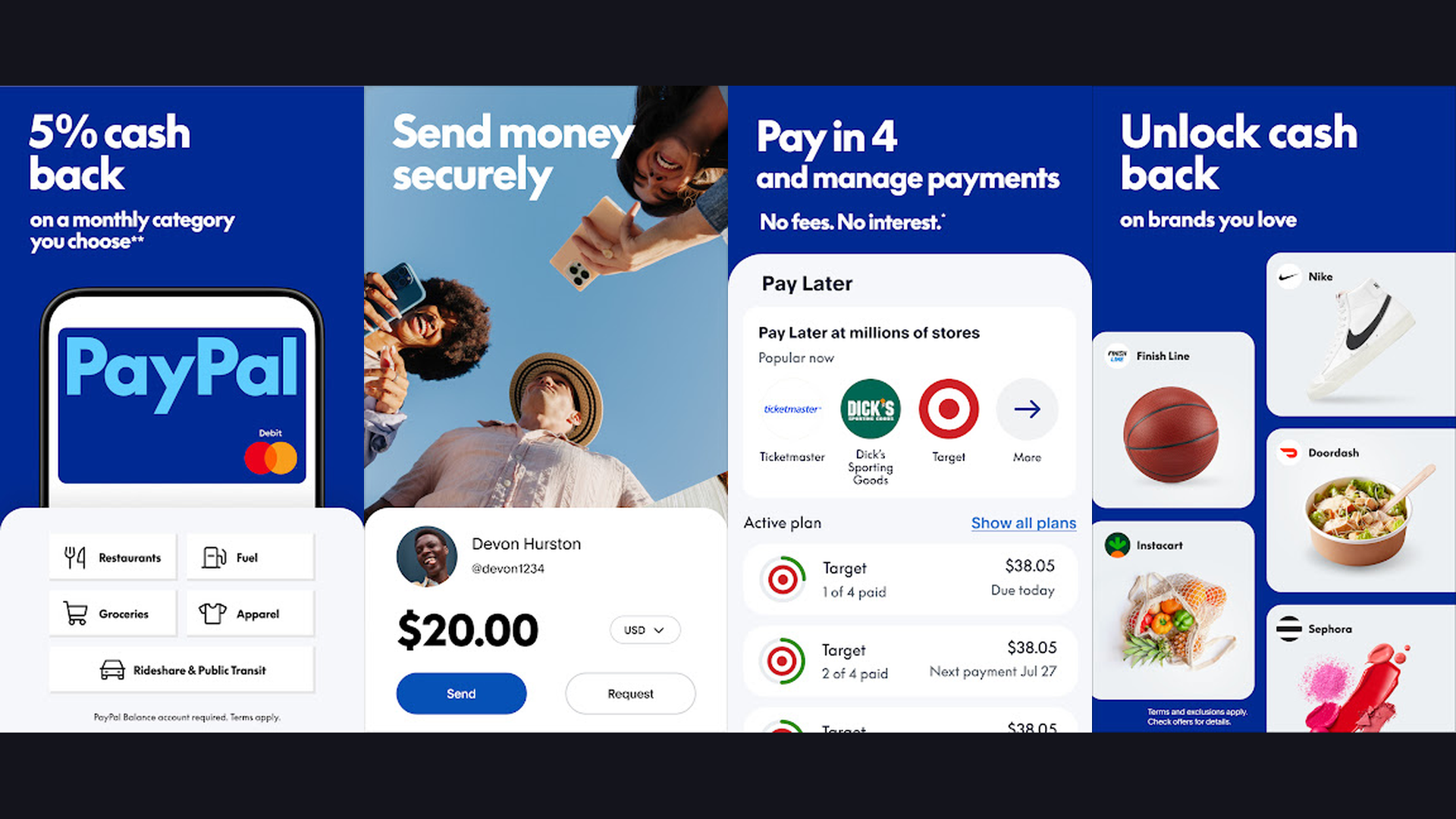
PayPal Business leverages the global trust of the PayPal brand to help freelancers and small businesses create and send professional invoices. Clients can pay instantly using their PayPal balance, credit card, debit card, or bank account without needing a PayPal account themselves. The app supports custom invoice templates with your branding, itemized billing, tax calculations, and discount codes. Recurring invoices handle subscription billing automatically. What makes PayPal Business unique is its global reach, operating in over 200 markets with support for 100+ currencies. The familiar checkout experience reduces payment friction, and funds are available in your PayPal account immediately. Use it alongside other payment transfer tools for maximum flexibility.
12. Invoice Home (Rating 4.2)
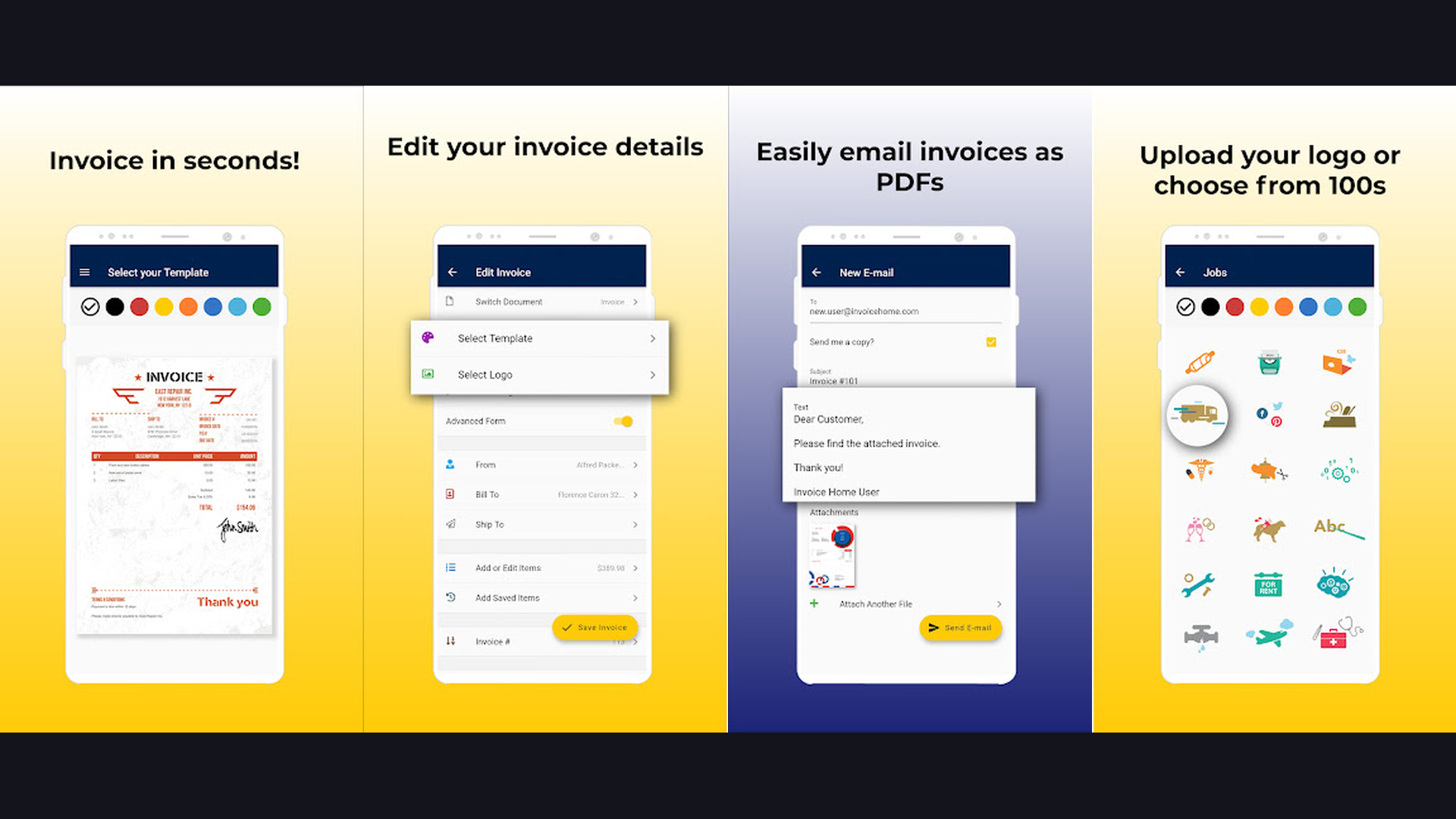
Invoice Home provides an extensive library of over 100 professionally designed invoice templates, making it one of the most visually diverse invoicing apps available. Each template is fully customizable with your company details, logo, colors, and payment terms. The app supports invoices, estimates, quotes, receipts, and credit notes. You can accept payments through PayPal and Stripe directly from the invoice link. Invoice Home generates PDF invoices that look professional on any device, and the dashboard tracks sent, paid, and overdue invoices at a glance. The free plan allows up to $1,000 in invoicing per year, making it a solid choice for part-time freelancers and side hustlers.
13. Wave (Rating 3.3)
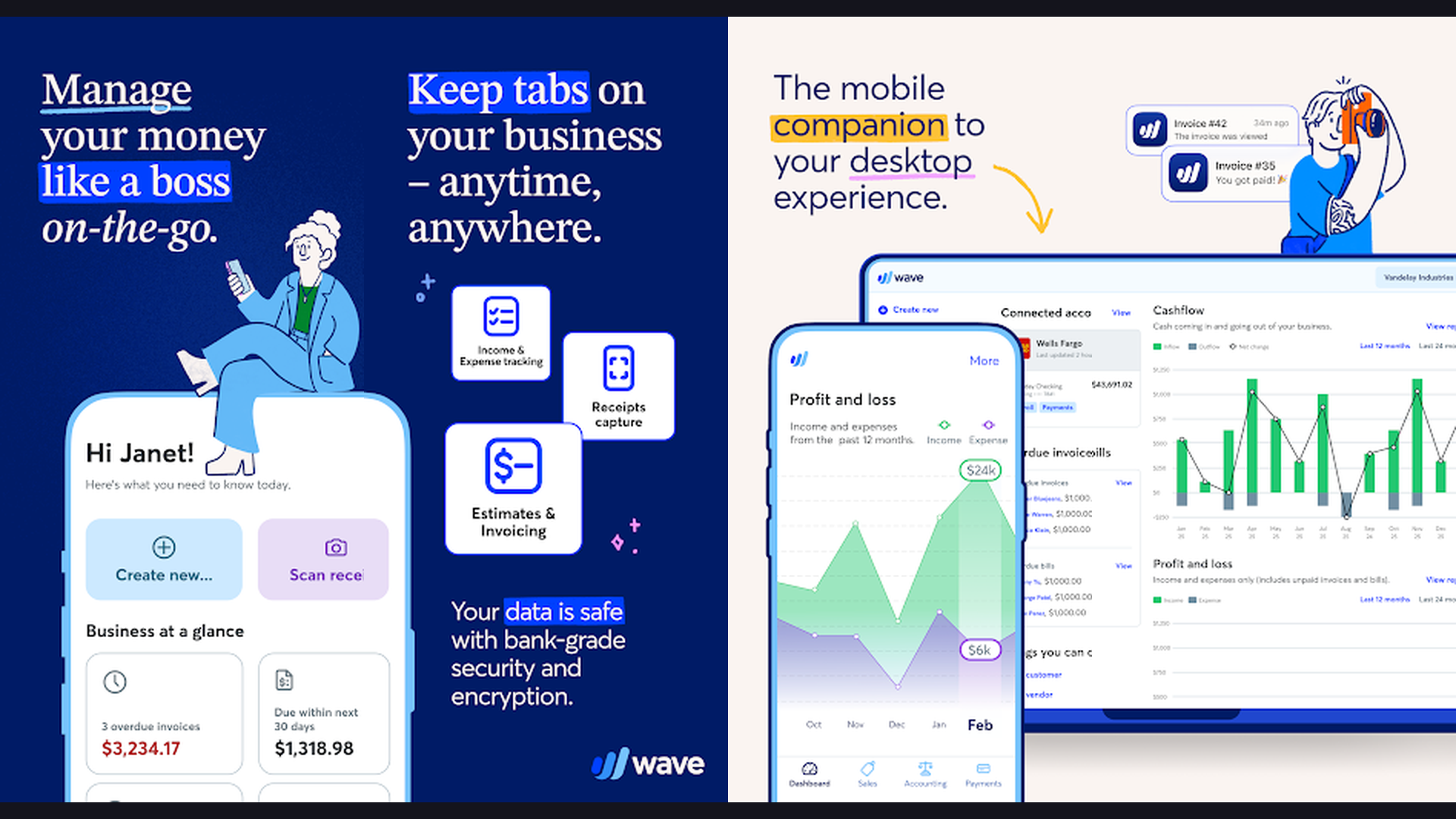
Wave is the gold standard for completely free invoicing and accounting software. Unlike competitors that limit features on free plans, Wave offers unlimited invoicing, unlimited receipt scanning, and full double-entry accounting at zero cost. The app lets you create branded invoices, set up recurring billing, send automatic payment reminders, and track payments in real time. Wave makes money through optional payment processing (2.9% + 60 cents per transaction) and payroll services, keeping the core invoicing and accounting features permanently free. Bank connections automatically import and categorize transactions, and financial reports are generated on demand. Wave is ideal for freelancers, solopreneurs, and micro-businesses who need professional invoicing without any subscription costs.
14. Hiveage (Rating 4.0)
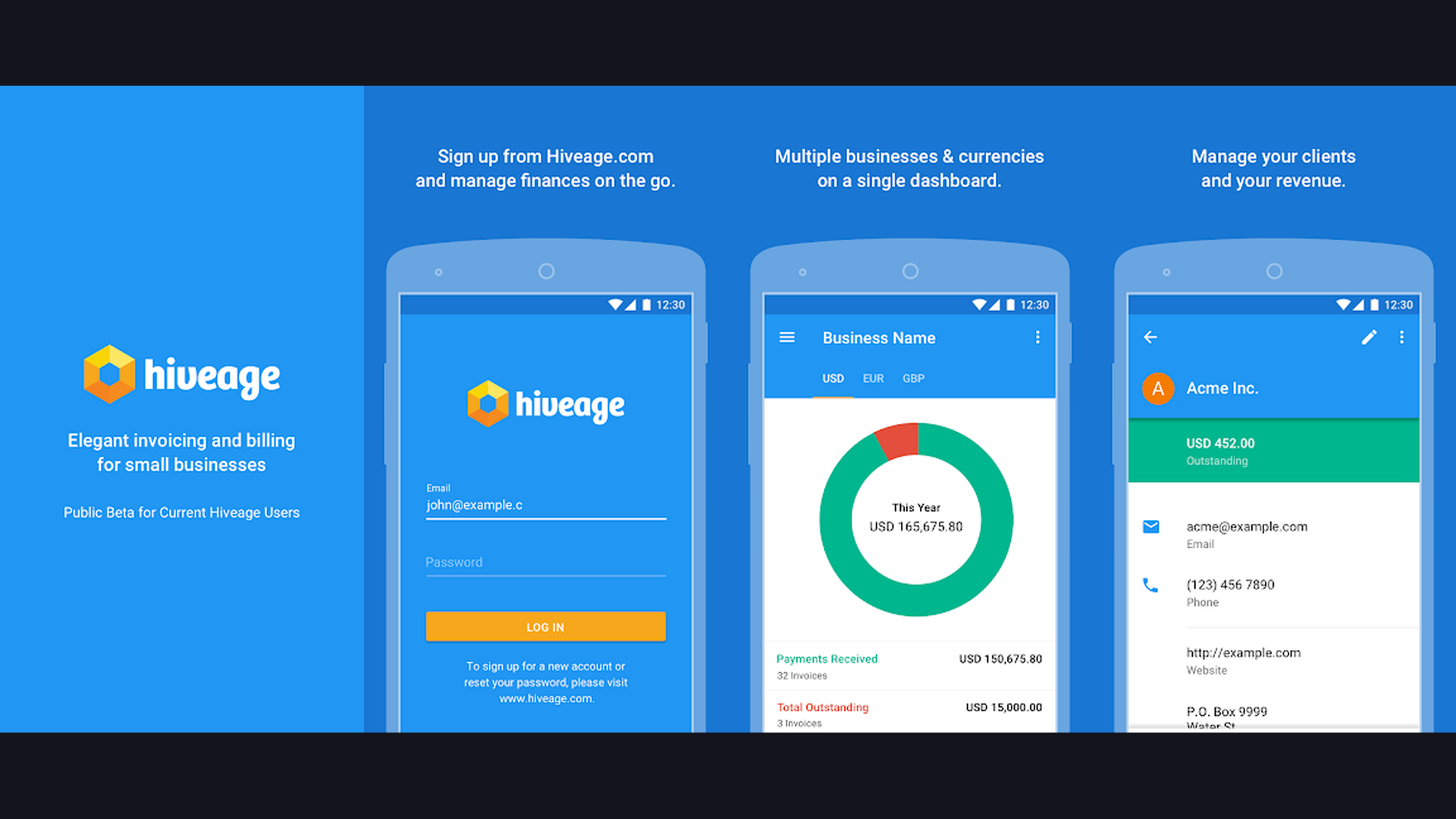
Hiveage is a streamlined invoicing solution built specifically for freelancers and small teams who want simplicity without sacrificing professionalism. The app handles invoices, estimates, expenses, and time tracking in a clean, minimal interface. Hiveage supports recurring invoicing, automated payment reminders, and online payments through Stripe and PayPal. Its team billing feature allows multiple users to log time and expenses against shared projects, making it suitable for small agencies. The client portal lets customers view their billing history, download invoices, and make payments self-service. Hiveage generates financial reports including income summaries, expense reports, and accounts receivable aging to keep you informed about your business health.
Essential Features to Look For in an Invoice App
Choosing the right invoicing app depends on your specific business needs. Here are the key features that separate the best apps from the rest:
- Online Payment Integration - The ability to accept credit cards, debit cards, and bank transfers directly from the invoice link dramatically speeds up payment collection. Look for apps that support Stripe, PayPal, or Square payments.
- Recurring Invoices - If you bill clients on a regular schedule, automated recurring invoices save hours of repetitive work every month and ensure consistent cash flow.
- Automated Payment Reminders - Apps that automatically nudge clients about overdue invoices can reduce your average payment collection time by 10 to 14 days.
- Customizable Templates - Professional-looking invoices with your logo, brand colors, and custom fields build trust and reinforce your brand identity with every bill you send.
- Expense Tracking - Built-in expense management with receipt scanning helps you track deductible costs and understand your true profit margins.
- Multi-Currency Support - Essential for freelancers and businesses with international clients. The app should handle currency conversion and display amounts in the clients local currency.
- Offline Access - Field service professionals need apps that work without internet. Create invoices on-site and sync when you are back online. Use a reliable WiFi connection for syncing when available.
- Time Tracking - For consultants and agencies, integrated time tracking that converts billable hours directly into invoice line items eliminates manual data entry.
Invoicing Best Practices for Faster Payments
Even the best invoice app will not help if your invoicing habits are poor. Follow these proven strategies to get paid faster:
- Invoice Immediately - Send invoices the same day you complete the work or deliver the product. Studies show that invoices sent within 24 hours are paid 1.5x faster than those sent a week later.
- Use Clear Payment Terms - Specify payment due dates explicitly (e.g., "Due within 14 days") rather than vague terms like "Net 30." Shorter payment windows encourage faster action.
- Offer Multiple Payment Methods - The easier you make it for clients to pay, the faster they will. Accept credit cards, bank transfers, and digital wallets alongside traditional methods.
- Include Itemized Details - Break down your invoice into specific line items with descriptions, quantities, and rates. Clients are less likely to dispute or delay payment on transparent, detailed invoices.
- Set Up Automatic Reminders - Configure your app to send gentle reminders at 3, 7, and 14 days past due. Most late payments are due to oversight, not refusal.
- Add Late Payment Fees - Including a late fee policy (typically 1.5% to 2% per month) in your payment terms incentivizes timely payment. Most invoicing apps can calculate and apply these automatically.
- Brand Your Invoices - Professional invoices with your logo, consistent colors, and clean formatting project credibility and are taken more seriously than generic templates.
Frequently Asked Questions
What is the best free invoice app?
Wave is the best completely free invoice app, offering unlimited invoices, receipt scanning, and full accounting with zero subscription costs. Zoho Invoice is the best free option for businesses that need advanced features like time tracking and multi-currency support, with a free plan covering up to 5 customers. Invoice Ninja offers a generous free tier with up to 20 active clients.
Can I use invoice apps for taxes?
Yes, most invoice apps track your income, expenses, and tax collected throughout the year. QuickBooks, Xero, and FreshBooks generate tax-ready reports including profit and loss statements, sales tax summaries, and 1099 contractor reports. These reports simplify tax filing significantly. For comprehensive financial planning, consider pairing your invoice app with dedicated financial management tools.
Which invoice app is best for freelancers?
For solo freelancers, Invoice Simple or Zoho Invoice offer the best balance of simplicity and features. If you need time tracking, Invoice Ninja or FreshBooks are ideal. For creative professionals who also need contracts and proposals, HoneyBook provides an all-in-one solution. Budget-conscious freelancers should start with Wave since it is entirely free.
Do invoice apps charge transaction fees?
Most invoice apps are free to send invoices but charge processing fees when clients pay online. Typical rates range from 2.6% to 3.5% plus a fixed fee per transaction. Square charges 2.9% + 30 cents, PayPal charges 2.99% + 49 cents, and Stripe-based apps typically charge 2.9% + 30 cents. Wave charges 2.9% + 60 cents. These fees are generally competitive with standalone payment processors.
Can I create invoices offline?
Yes, several apps support offline invoice creation including Invoice Simple, Invoice2go, Billdu, and Zoho Invoice. You can create and save invoices without internet, and the app will sync and send them automatically when connectivity is restored. This is especially useful for field professionals and contractors working at remote job sites.
What is the difference between invoicing and accounting apps?
Invoicing apps focus primarily on creating, sending, and tracking invoices and payments. Accounting apps like QuickBooks, Xero, and Wave include invoicing as part of a broader financial management suite that also handles bookkeeping, bank reconciliation, expense categorization, payroll, and tax reporting. If you only need to send invoices, a dedicated invoicing app is simpler. If you need comprehensive financial management, choose a full accounting platform.
Final Thoughts
The right invoice app can transform how you manage your business finances, reduce payment delays, and give you more time to focus on your actual work. For budget-conscious freelancers, Wave and Zoho Invoice deliver professional invoicing at zero cost. Growing businesses should consider QuickBooks or Xero for their comprehensive accounting integration. Creative professionals will love HoneyBooks all-in-one client management approach, while tradespeople and field workers can rely on Invoice2go and Invoice Simple for fast on-site invoicing. Whatever your needs, the apps in this guide will help you look professional, get paid faster, and keep your finances organized in 2026. For more productivity tools, explore our guides on employee communication apps, reminder apps, and career development apps.