
Short-form vertical video dominates social media in 2026. Instagram Reels, TikTok, and YouTube Shorts are the primary content formats that drive engagement, followers, and reach for creators, brands, and businesses. But creating scroll-stopping Reels requires the right editing app, one that combines quick trimming and trending templates with professional features like speed ramping, color grading, and AI-powered captions. Whether you are a content creator, small business owner, or someone who just wants their vacation clips to look amazing, these apps will transform your phone into a professional editing studio.
We tested and ranked the 13 best apps for making Reels on Android and iOS, from beginner-friendly template editors like Mojo and Canva to professional-grade tools like KineMaster and VN Video Editor. Each review covers key features, pricing, watermark policies, and which type of creator will benefit most. For adding professional subtitles to your reels, check our subtitle apps guide. If you also want to boost your productivity as a content creator, explore our digital planner apps for scheduling your content calendar.
Table of Contents
- InShot (Rating 4.8)
- Canva (Rating 4.8)
- VN Video Editor (Rating 4.7)
- Prequel (Rating 4.6)
- Mojo (Rating 4.5)
- GoPro Quik (Rating 4.5)
- KineMaster (Rating 4.4)
- VITA (Rating 4.3)
- Adobe Premiere Rush (Rating 4.2)
- Filmora (Rating 4.1)
- CapCut (Rating 4.0)
- Splice (Rating 3.7)
- YouCut (Rating 4.8)
- How to Choose the Right Reel Editor
- Tips for Making Viral Reels
- Frequently Asked Questions
1. InShot (Rating 4.8)
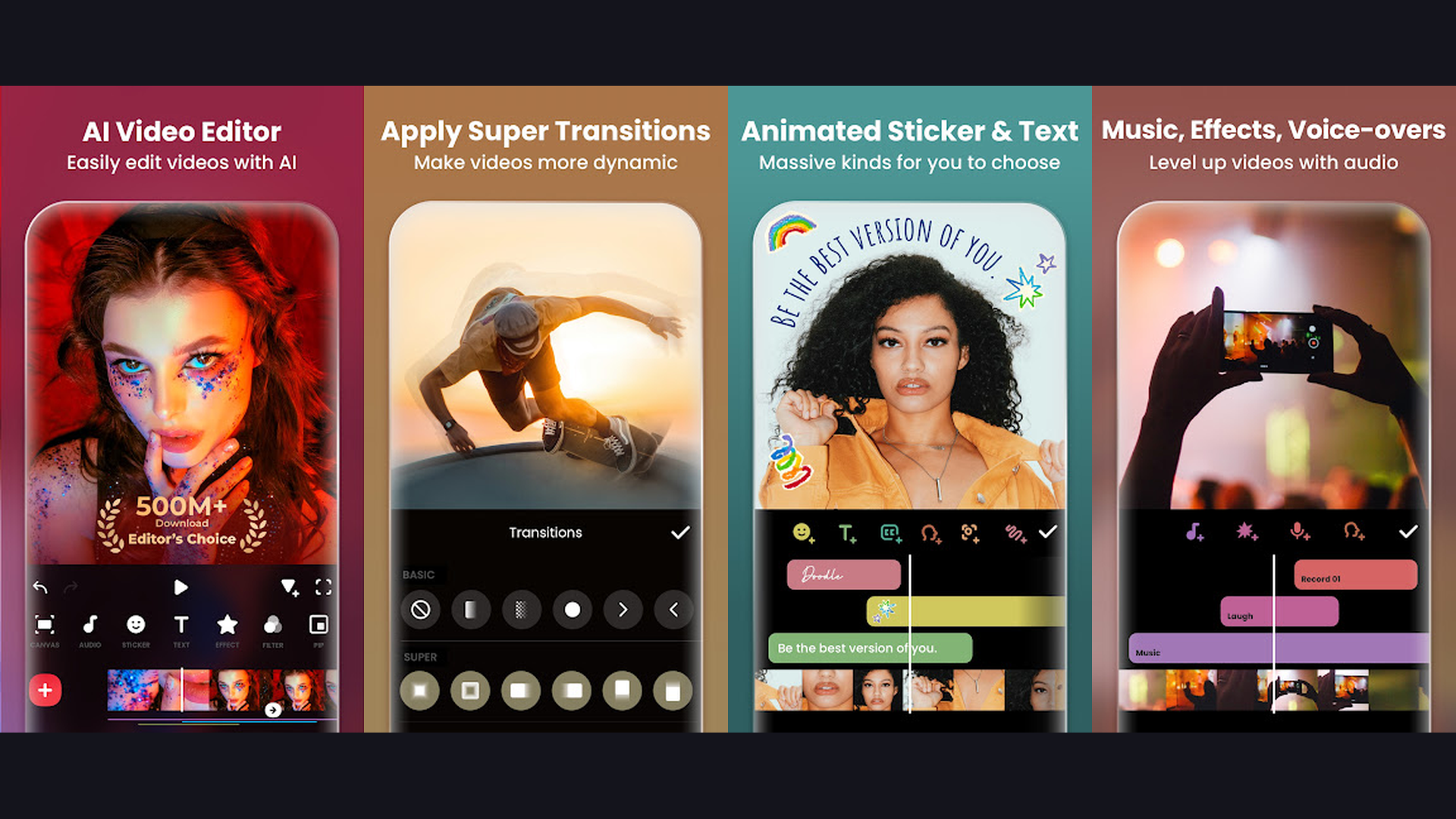
InShot is the most popular all-in-one video editor for creating Instagram Reels, TikToks, and YouTube Shorts. The app is specifically designed for vertical video editing with preset aspect ratios for every social media platform (9:16 for Reels/TikTok, 1:1 for posts, 16:9 for YouTube). InShot excels at quick edits: trim, cut, merge clips, adjust speed with smooth slow-motion and fast-forward, and add transitions between scenes. The music library includes thousands of trending tracks and sound effects, plus you can import audio from your device. AI-powered features include auto-captions that generate accurate subtitles in multiple languages, background remover for clean cutouts, and smart filters that enhance your footage. Text animations, stickers, and animated effects let you create eye-catching overlays. InShot exports in up to 4K resolution with no watermark on the free version. For creators who need quick, polished edits posted directly to Instagram, InShot is the most efficient choice.


2. Canva (Rating 4.8)
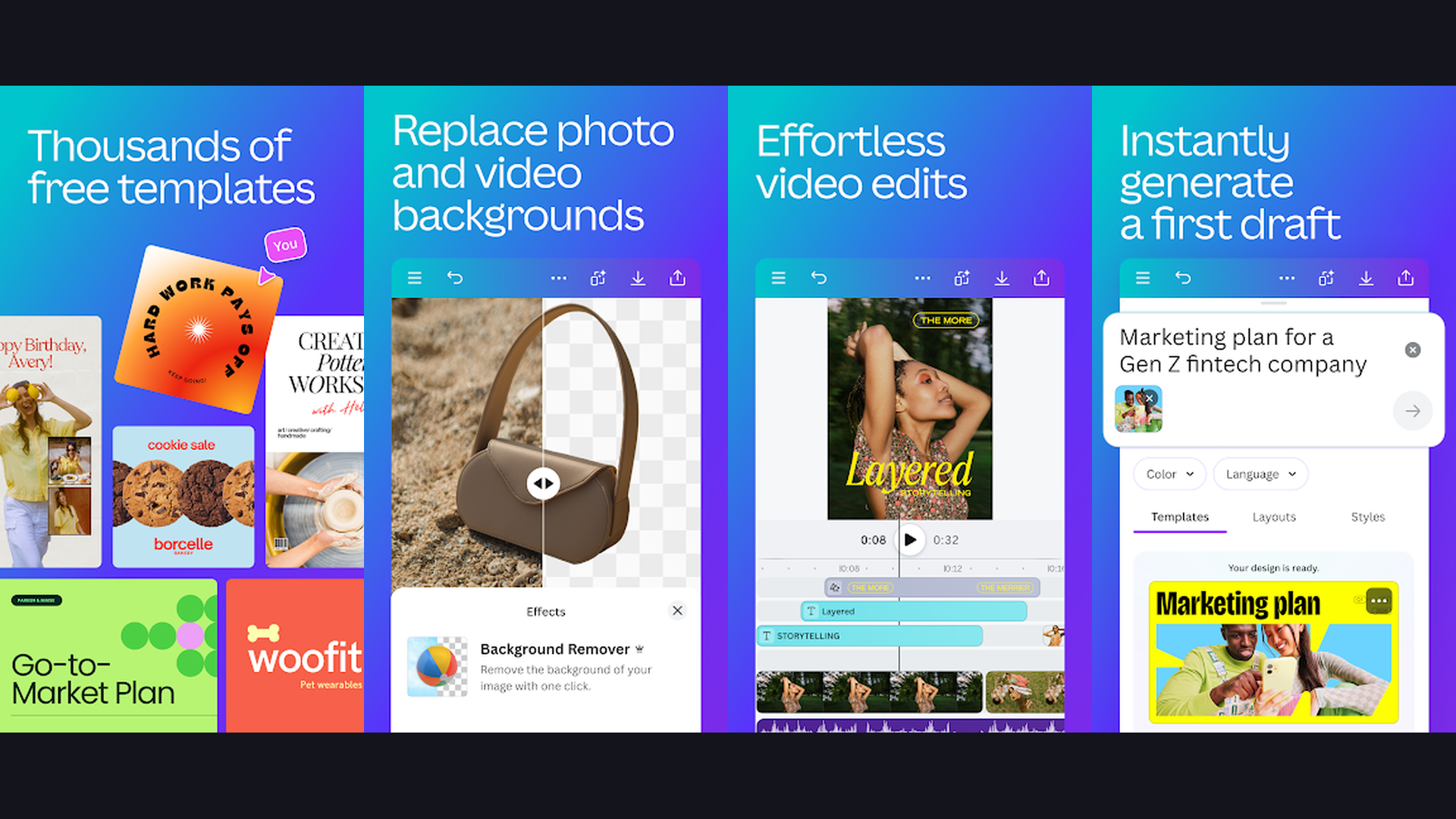
Canva has evolved from a design tool into a powerful video editor with thousands of ready-made Reel templates that make creating scroll-stopping content effortless. Browse the Reel template library, pick a design that matches your style, swap in your own clips and photos, customize text and colors, and export a polished reel in minutes. Canva is particularly effective for content creators who want professional-looking branded content without learning complex editing. The Magic Studio AI features include text-to-video generation, background remover, Magic Eraser, and Beat Sync that automatically matches visual transitions to your chosen music. The stock library includes millions of royalty-free videos, photos, music tracks, and sound effects. Canva Pro unlocks Brand Kit features for consistent branding across all your social content. For small businesses, marketing teams, and creators who prioritize visual branding over complex editing, Canva is unbeatable.
3. VN Video Editor (Rating 4.7)
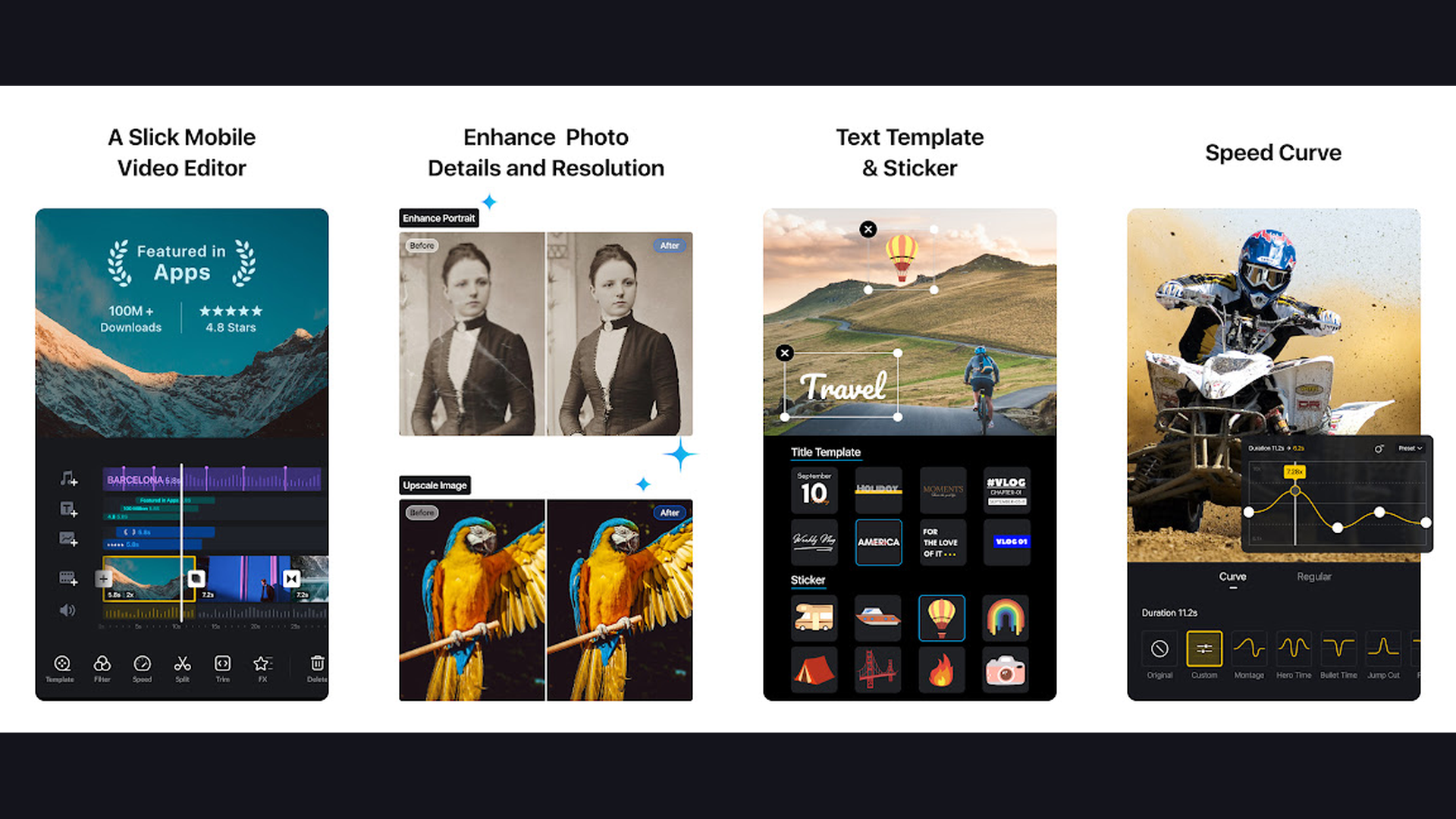
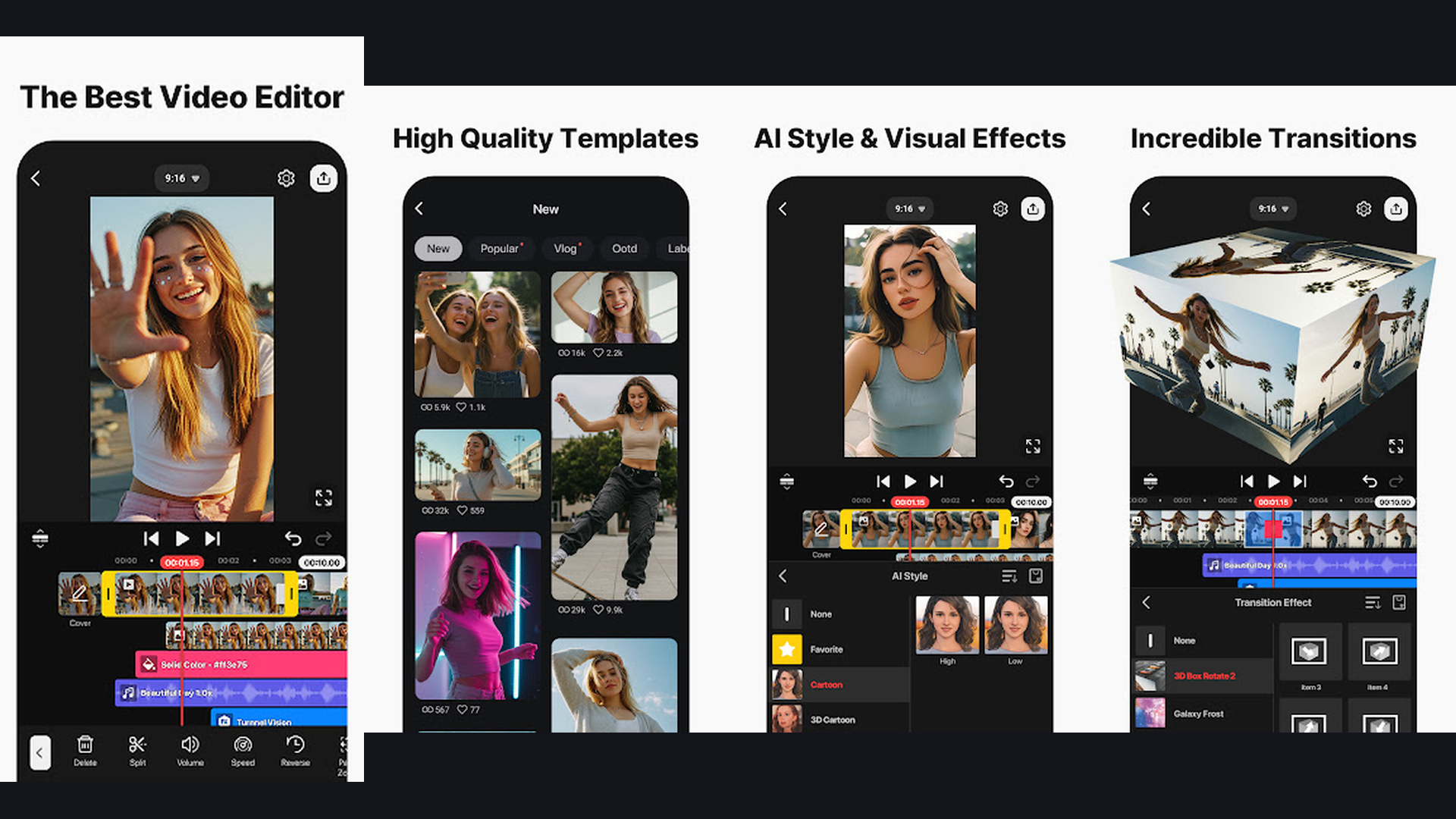
VN Video Editor is a completely free professional-grade editor with no watermarks, making it the best value proposition for Reel creators. The app offers a full timeline-based editing experience similar to desktop software like Premiere Pro. VN supports multi-layer editing with video, audio, text, and sticker tracks. Advanced features include keyframe animation for smooth motion graphics, custom speed curves (not just linear speed adjustments), HSL color grading, LUT support for cinematic color styles, and masking tools. The app includes preset Reel formats and transitions designed for Instagram and TikTok. VN also supports 4K export at 60fps with no quality loss. For creators who want maximum editing power without paying for a subscription or dealing with watermarks, VN is the professional choice. The learning curve is slightly steeper than InShot or CapCut, but the payoff in creative control is significant.
4. Prequel (Rating 4.6)
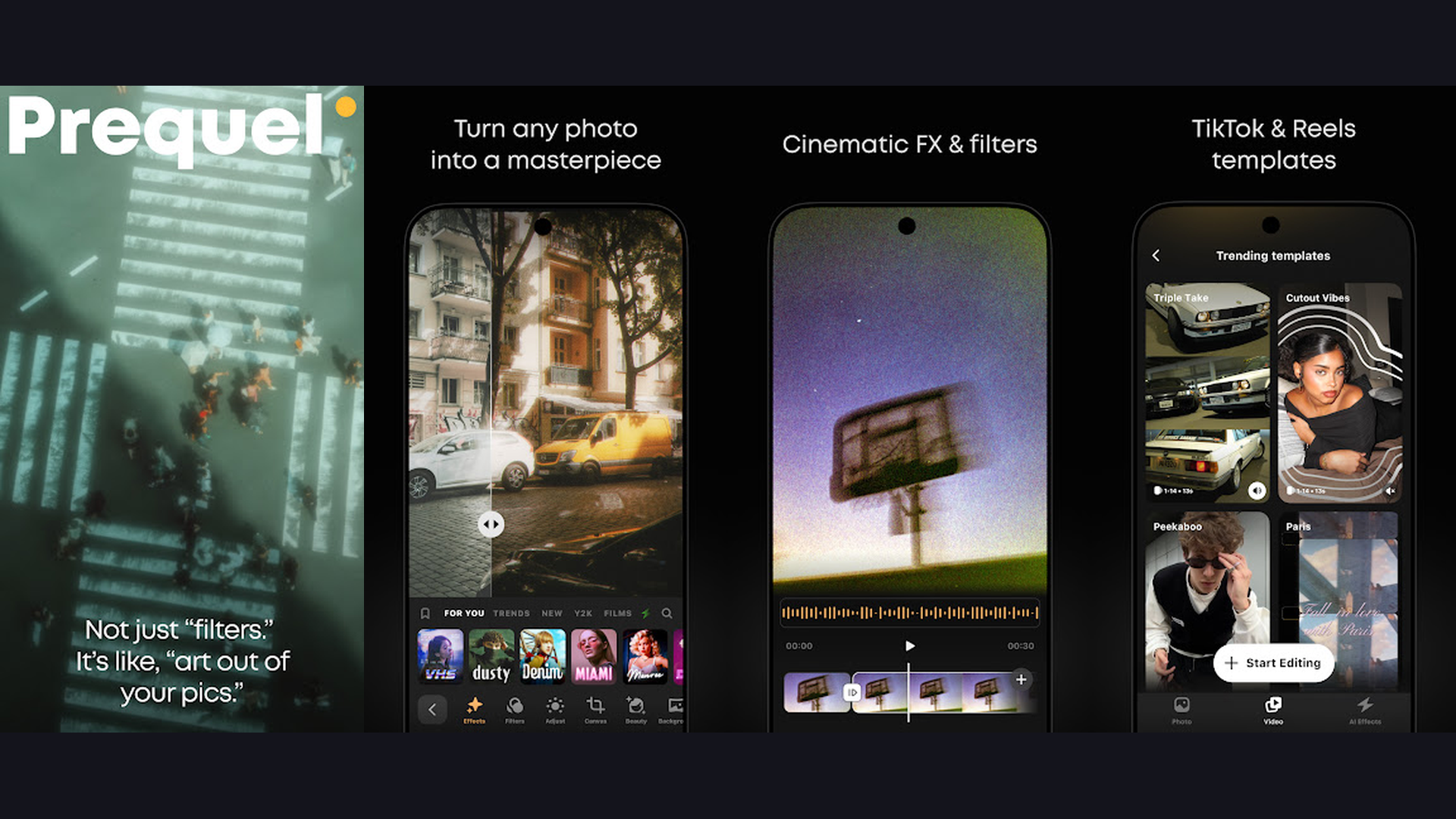
Prequel is the go-to app for aesthetic, cinematic Reels with studio-quality filters and effects. While most editors focus on cutting and arranging clips, Prequel specializes in making your footage look stunning with over 200 unique filters that replicate film stocks, vintage cameras, VHS aesthetics, and cinematic color grades. The AI-powered effects include automatic face retouching, background blur (bokeh), light leak overlays, and animated dust particle effects that add cinematic atmosphere. Prequel also features trending effects that match what is currently viral on Instagram and TikTok. The app can transform ordinary phone footage into content that looks like it was shot on professional cameras. Template packs let you apply complete editing styles (color + effects + transitions) to your Reels in one tap. For creators focused on visual aesthetics and creating a signature look for their social media content, Prequel is an essential tool.
5. Mojo (Rating 4.5)
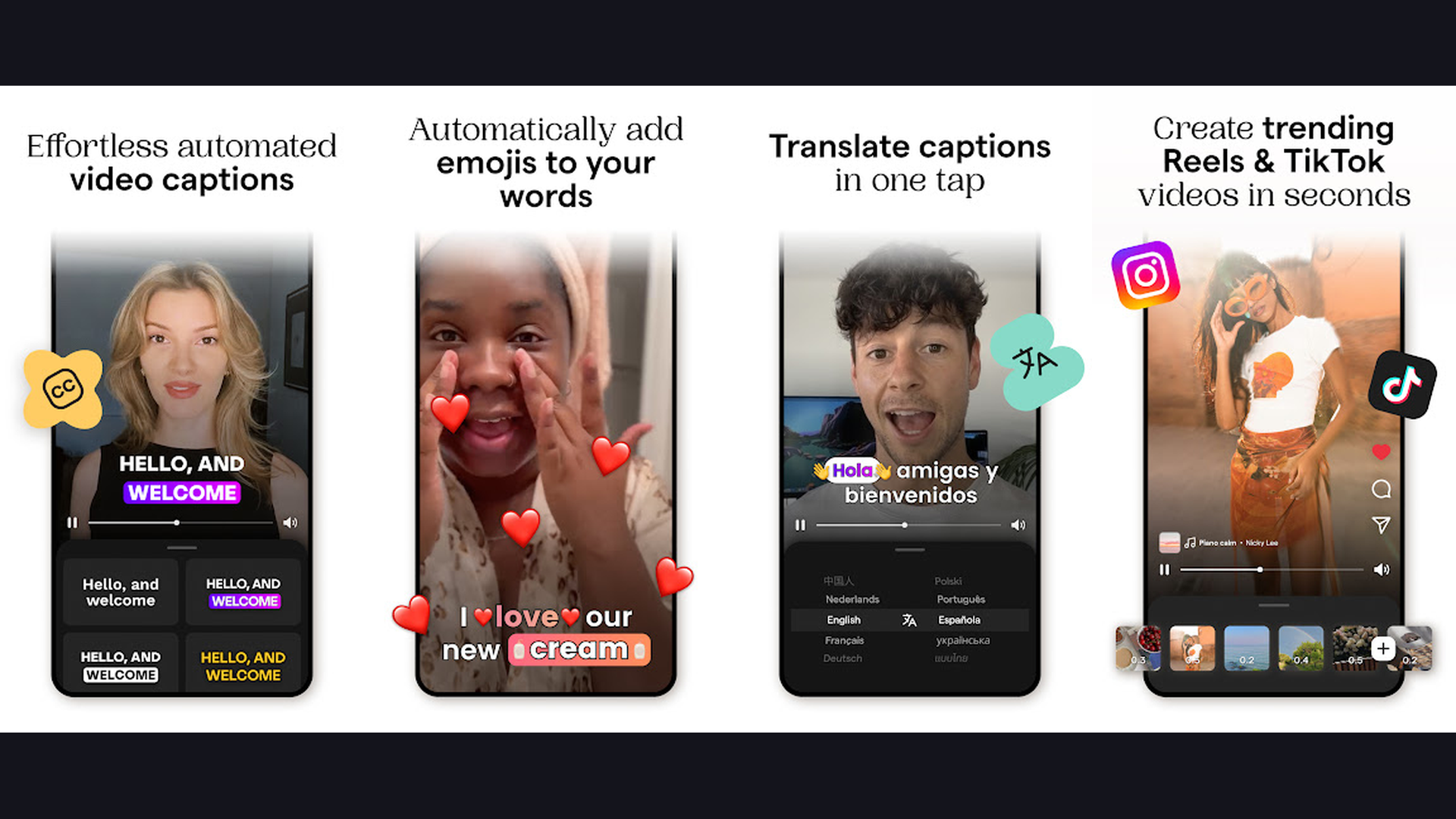
Mojo is a template-first Reel and Story creator designed for stunning animated social content. The app provides hundreds of professionally designed, fully animated templates where you simply tap to replace placeholder media with your own photos and videos. Each template features smooth text animations, dynamic transitions, and elegant motion graphics that would take hours to create manually. Mojo is particularly strong for Instagram Stories and Reels that feature product showcases, announcements, quotes, and branded promotional content. The AI caption feature automatically generates synced subtitles for your talking-head reels. New templates are added weekly, keeping your content style fresh and on-trend. Mojo Pro unlocks the full template library, premium fonts, custom colors, and the ability to remove the Mojo watermark. For creators and businesses who want high-quality animated content without video editing skills, Mojo delivers professional results in minutes rather than hours.
6. GoPro Quik (Rating 4.5)
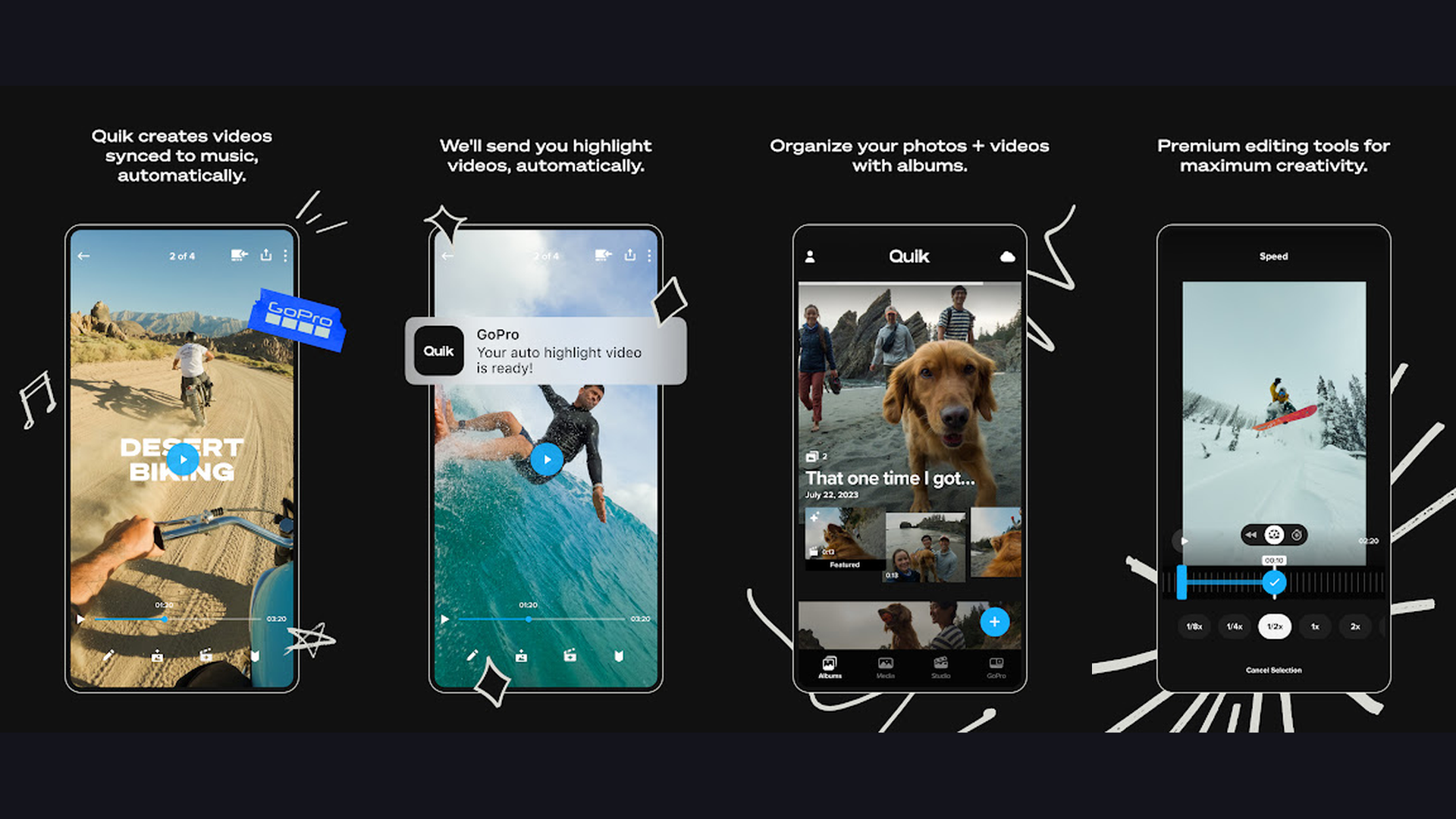
GoPro Quik is an AI-powered video editor that automatically creates highlight reels from your footage. Import your clips and photos, choose a music track, and Quik analyzes your content using AI to identify the best moments, then assembles them into a polished reel with beat-synced transitions. You can then fine-tune the auto-edit by adjusting clip order, duration, and trim points. The speed tool supports smooth slow-motion and time-lapse effects. Quik includes built-in filters, text overlays, and the ability to adjust framing for different aspect ratios (9:16 for Reels, 16:9 for YouTube). While originally designed for GoPro camera footage, Quik works perfectly with any phone video. The auto-editing AI is particularly useful for travel reels, event highlights, and action clips where you have lots of footage and want a quick, music-synced compilation. For creators who want travel and adventure content edited fast, Quik removes the tedious selection process.
7. KineMaster (Rating 4.4)
KineMaster is the most powerful multi-layer mobile video editor for creators who want desktop-level control. The app supports unlimited video, audio, image, text, and effect layers, giving you complete creative freedom. The chroma key (green screen) feature is the best on mobile, allowing you to replace backgrounds with custom images or videos. KineMaster includes reverse playback, precise frame-by-frame trimming, voice changer effects, and EQ audio adjustments for professional sound. Speed control supports smooth speed ramping (gradually speeding up or slowing down within a single clip). The asset store provides thousands of transitions, effects, stickers, fonts, and music tracks. KineMaster exports up to 4K resolution. The free version includes a KineMaster watermark; KineMaster Premium ($4.99/month) removes it and unlocks all premium assets. For Reel creators who need advanced effects like green screen compositing and multi-layer animations, KineMaster offers professional capabilities.
8. VITA (Rating 4.3)
VITA is a trend-focused video editor made by the creators of SNOW camera, specifically built for creating viral short-form content. The app features a massive library of trending templates that replicate popular Reel and TikTok formats. Browse trending categories, pick a template, insert your clips, and VITA automatically syncs transitions and effects to the beat. The editor includes PIP (picture-in-picture) for reaction videos, chroma key for green screen effects, speed adjustment, and a variety of animated text styles. VITA is free to use with no watermark on exports, making it one of the most generous options available. The template-based approach makes it ideal for creators who want to quickly jump on trending formats without figuring out how to recreate complex effects manually. VITA updates its template library frequently with new viral trend templates.
9. Adobe Premiere Rush (Rating 4.2)
Adobe Premiere Rush brings professional Adobe editing tools to mobile with seamless cross-platform syncing. Start a Reel edit on your phone, refine it on your tablet, and finalize it on your desktop, all using the same project file through Adobe Creative Cloud. Rush offers multi-track editing with up to four video and three audio layers, auto-reframe that intelligently adapts horizontal footage to vertical Reel format, and color correction tools with preset looks. Built-in motion graphics templates from Adobe Stock let you add animated titles and lower thirds. The audio tools include auto-ducking (automatically lowers music volume when speech is detected) and noise reduction. Rush exports directly to Instagram, TikTok, and YouTube with optimized settings. The free plan allows three exports; Adobe Express Premium ($9.99/month) unlocks unlimited exports and premium features. For creators already in the Adobe ecosystem or those who want desktop-mobile workflow continuity, Rush is the natural choice.
10. Filmora (Rating 4.1)
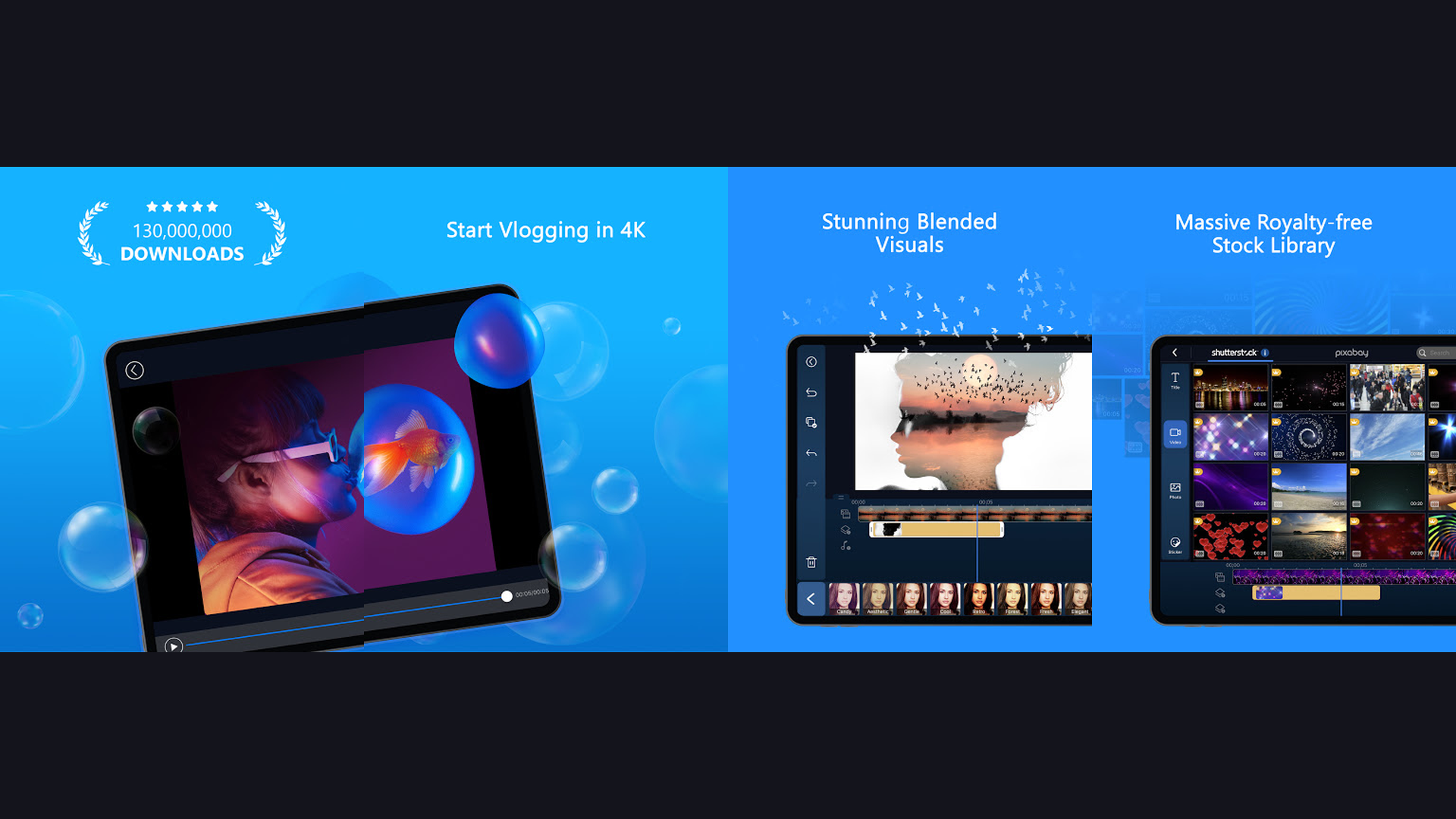
Filmora is a feature-rich video editor from Wondershare that bridges the gap between beginner simplicity and professional capability. The mobile app mirrors many features from the popular desktop version, including a comprehensive timeline editor, AI smart cutout for removing or replacing backgrounds, beat detection for music-synced edits, and AI copywriting that generates captions and scripts. Filmora includes hundreds of built-in transitions, filters, overlays, and text effects designed specifically for social media content. The speed ramping feature creates smooth cinematic speed transitions within a single clip. Filmora supports picture-in-picture, split-screen layouts, keyframe animation, and mask effects. The app exports in 4K and allows direct sharing to Instagram, TikTok, and YouTube. The free version includes a Filmora watermark; removing it requires a subscription ($7.99/month). For creators who want a familiar Filmora experience on mobile with plenty of built-in creative assets, this is a solid choice.
11. CapCut (Rating 4.0)
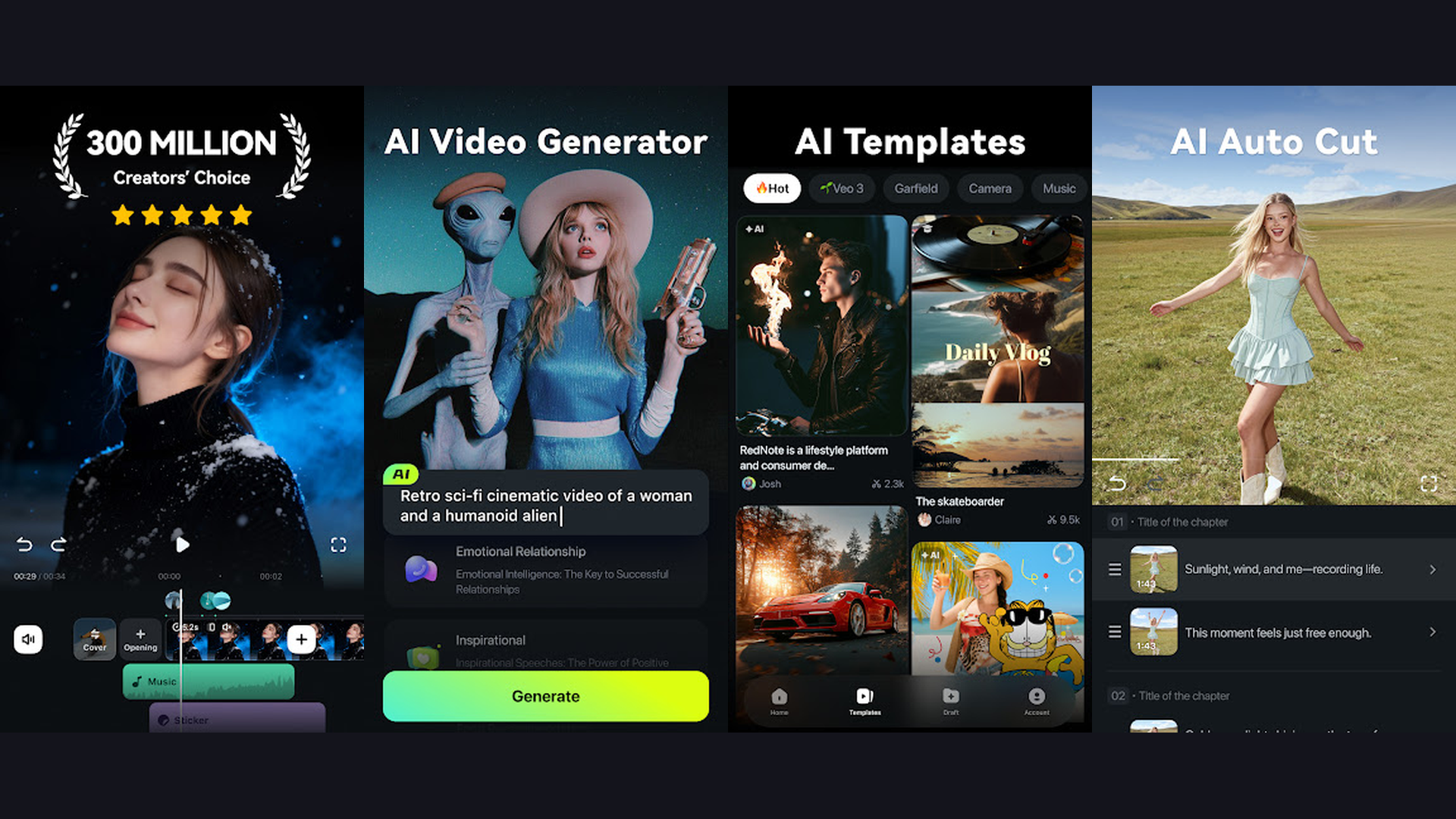
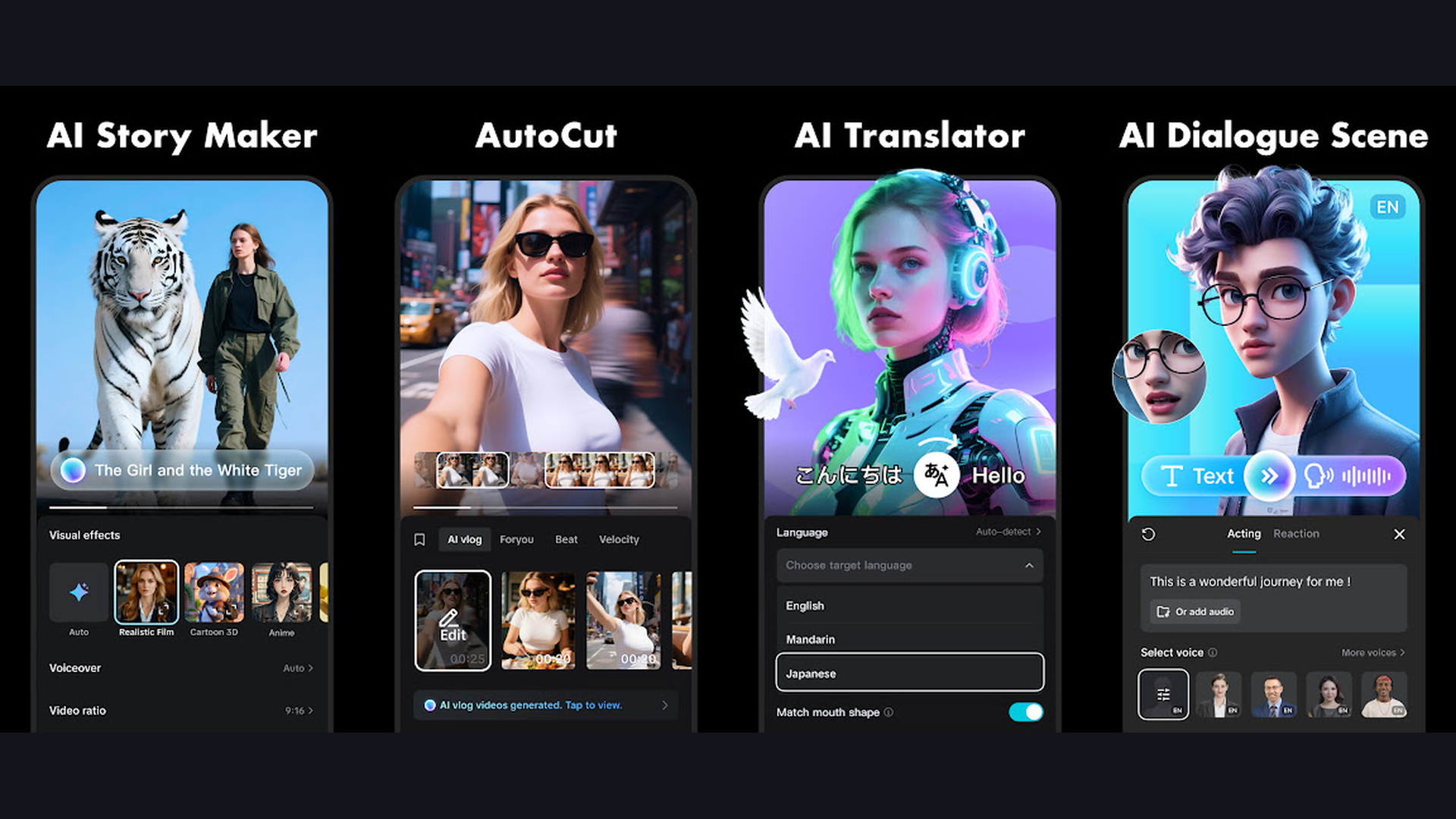
CapCut is the most widely used Reel editing app in the world, developed by ByteDance (the company behind TikTok). The app is completely free with no watermarks, offering an impressive feature set that rivals paid editors. Auto-captions generate accurate subtitles in dozens of languages with customizable styles. The AI-powered tools include background remover, auto-reframe for different aspect ratios, text-to-speech with realistic voices, and script-to-video generation. CapCut features one-tap trending templates that replicate viral Reel formats, a massive royalty-free music and sound effects library, and smooth transitions designed for short-form content. Advanced features include keyframe animation, chroma key, speed curves, and multi-layer editing. CapCut excels at TikTok integration with direct publishing and trending effect sync. The app handles everything from simple trims to complex multi-layer compositions. For creators who want the most popular, feature-complete free editor, CapCut remains the industry standard for short-form video.
12. Splice (Rating 3.7)
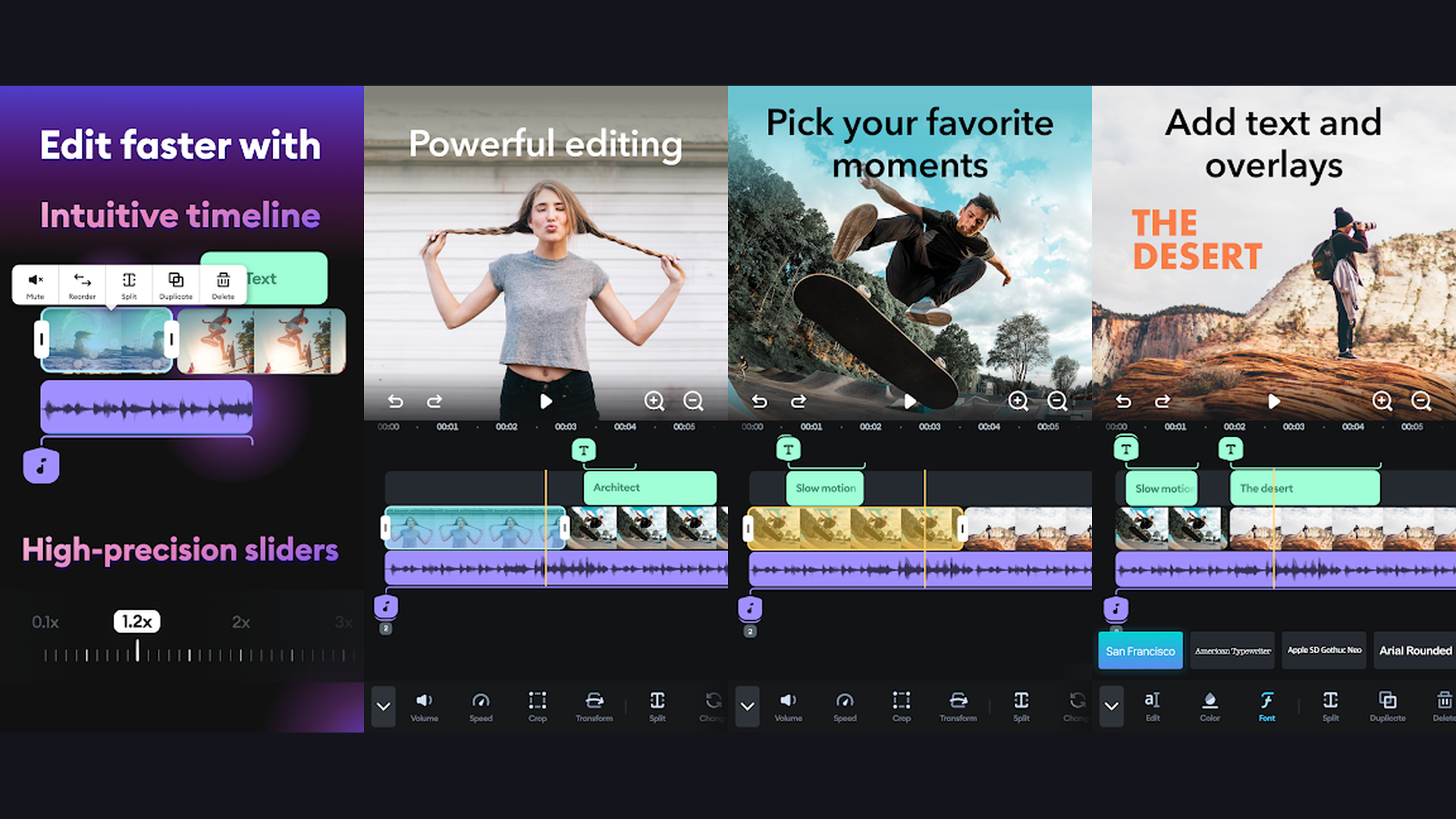
Splice is a precision-focused mobile editor built for creators who value smooth, professional transitions. Originally an iOS-exclusive app from GoPro (now by Bending Spoons), Splice is known for its clean timeline interface and high-quality output. The transition library includes over 30 smooth transitions like crossfade, zoom, spin, and glitch effects that make Reels look polished and dynamic. Speed ramping allows precise control over playback speed with smooth acceleration and deceleration curves. Splice includes a royalty-free music library through a partnership with Artlist, providing high-quality tracks from curated collections. The audio mixer lets you adjust multiple audio tracks with ducking, fade-in, and fade-out. The photo slideshow mode is excellent for creating photo-based Reels with Ken Burns effects and beat-synced transitions. Splice costs $9.99/week or $69.99/year for the full experience after a free trial period.
13. YouCut (Rating 4.8)
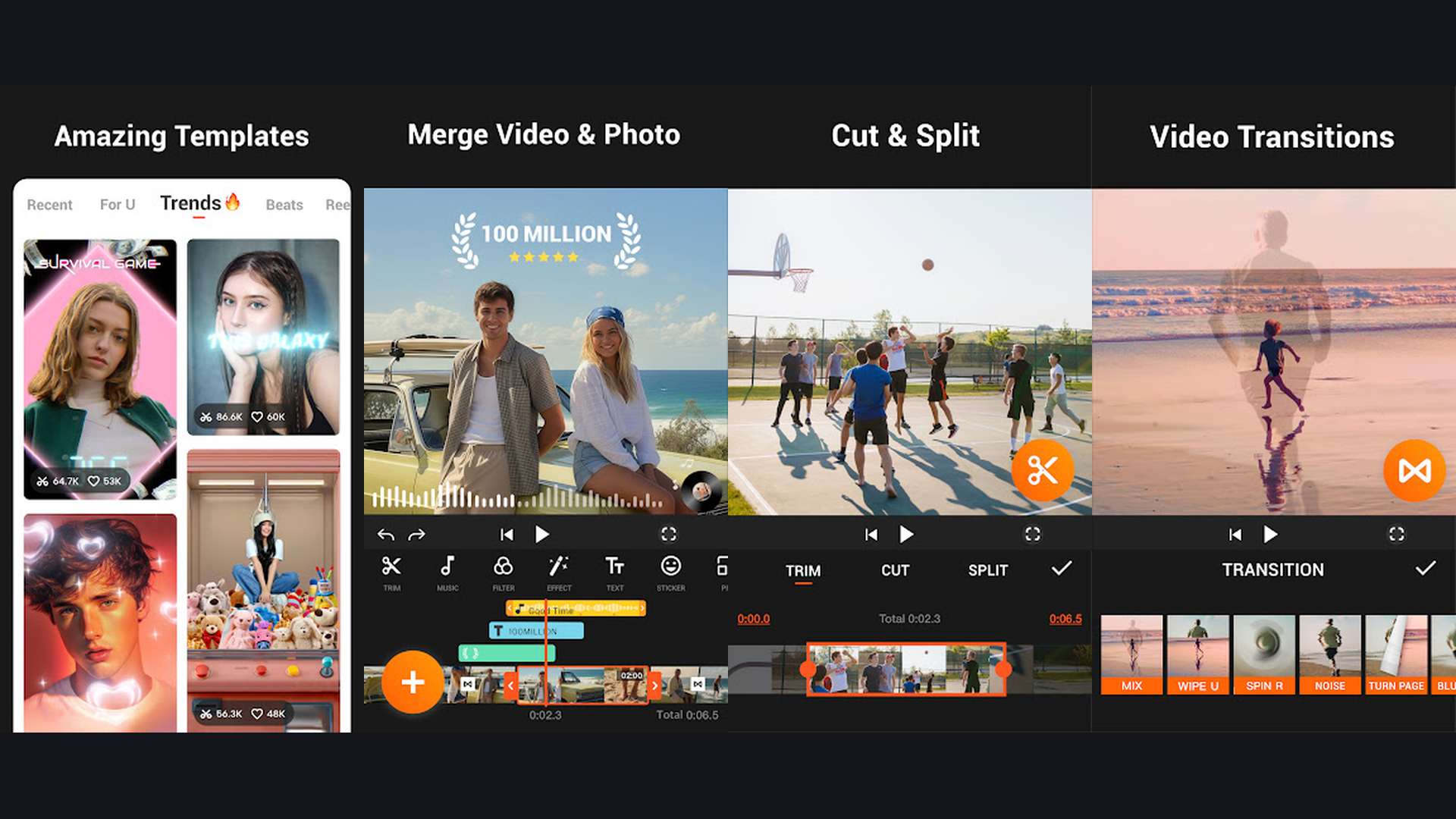
YouCut is a lightweight, watermark-free video editor optimized for fast Reel creation on Android. The app focuses on speed and simplicity: trim, split, merge clips, add music, apply filters, and export, all without any registration or subscription. YouCut supports all social media aspect ratios with one-tap preset formatting for Instagram Reels (9:16), YouTube Shorts, and TikTok. The transition effects are smooth and designed for short-form content. Speed control supports both slow motion and fast forward with adjustable curves. The text tool includes multiple animation styles and fonts for creating engaging captions. YouCut compresses videos without noticeable quality loss, saving storage space on your phone. The app runs smoothly even on budget Android phones with limited RAM. For Android users who want a fast, free, no-nonsense editor without watermarks or paywalls, YouCut is the best minimalist choice available.
How to Choose the Right Reel Editing App
By Experience Level
- Complete beginners: Start with Canva, Mojo, or VITA. These template-based editors let you create professional Reels by simply swapping in your own content. No editing skills required.
- Intermediate creators: Use CapCut, InShot, or GoPro Quik. These apps balance ease of use with enough features to create polished, unique content. CapCut is the most popular for a reason.
- Advanced editors: Choose VN Video Editor, KineMaster, or Adobe Premiere Rush. These apps offer multi-layer editing, keyframe animation, and desktop-level control for complex projects.
By Content Type
- Talking-head Reels (tutorials, opinions, vlogs): CapCut or InShot for auto-captions and quick edits
- Aesthetic/cinematic Reels (travel, lifestyle, fashion): Prequel for filters, VN for color grading
- Business/brand Reels (promotions, product showcases): Canva or Mojo for branded templates
- Trending/viral format Reels: CapCut or VITA for one-tap trending templates
- Action/adventure Reels (sports, travel highlights): GoPro Quik for auto-highlight compilation
- Green screen/effects-heavy Reels: KineMaster for the best chroma key on mobile
Free vs Paid: What You Actually Need
You can create amazing Reels entirely for free. CapCut, VN Video Editor, YouCut, and VITA are all 100% free with no watermarks. Most paid editors like InShot and KineMaster offer functional free tiers with watermarks that can be removed with a one-time export (watching an ad) or subscription. The only features worth paying for are auto-captions (if you post frequently), premium template libraries, and watermark removal. Do not pay for features you will not use regularly.
Tips for Making Viral Reels
- Hook in the First Second - The first 1-2 seconds determine whether someone watches or scrolls past your Reel. Start with a bold visual, surprising statement, or text hook like "Stop scrolling if..." or "You have been doing this wrong." Never start with a logo or slow intro.
- Use Trending Audio - Instagram and TikTok algorithms boost Reels that use trending sounds. Browse the audio library in your editing app or the explore page for trending tracks. Even a trending sound used as background music can significantly increase reach.
- Always Add Captions - Over 80% of Reels are watched without sound. Use auto-caption features in CapCut, InShot, or Mojo to add animated subtitles. This also makes your content accessible to hearing-impaired viewers and boosts watch time.
- Keep It Short and Fast-Paced - The ideal Reel length is 7-15 seconds for maximum completion rate. Cut out dead air, use jump cuts to maintain energy, and vary your camera angles every 2-3 seconds. Completion rate is the most important metric for the algorithm.
- Use Speed Ramping - Smooth speed transitions (gradually speeding up or slowing down) create cinematic moments that hold attention. Show a key moment in slow motion, then speed up transitions between scenes. InShot, VN, and KineMaster all support speed curves.
- Optimize for the Right Aspect Ratio - Always use 9:16 (vertical) for Instagram Reels and TikTok. If repurposing landscape footage, use auto-reframe tools in CapCut or Premiere Rush rather than adding black bars. Fill the screen for maximum impact.
- Post Consistently - The algorithm rewards consistent posting over one-time viral hits. Use planner apps to schedule a content calendar and aim for 3-5 Reels per week. Batch-edit multiple Reels in one session for efficiency.
- Study What Works - Save Reels that get high engagement in your niche. Analyze what they do differently: the hook, pacing, effects, music choice, and caption style. Use apps like VITA and CapCut that offer trending templates based on viral formats to replicate successful patterns.
Frequently Asked Questions
What is the best free app for making Reels without watermarks?
CapCut, VN Video Editor, and YouCut are all completely free with no watermarks on exports. CapCut offers the most features including AI captions, trending templates, and background removal. VN provides professional-grade editing tools with keyframe animation and color grading. YouCut is the simplest option for quick, clean edits on Android.
Which app is best for auto-captions on Reels?
CapCut has the best auto-caption feature, supporting dozens of languages with accurate transcription and multiple animated subtitle styles. InShot and Mojo also offer reliable auto-captions. For advanced subtitle customization, check our dedicated guide on subtitle apps. Good captions significantly boost watch time since most users watch Reels without sound.
Can I make Reels on a budget phone?
Yes. InShot, YouCut, and VITA are optimized to run smoothly on budget phones with limited RAM and processing power. Avoid multi-layer heavy editors like KineMaster on very old devices. Most apps export in 1080p which is sufficient for Instagram Reels. For the best phone for content creation, browse our mobile phone catalog to find devices with good cameras and processors.
What is the ideal length for an Instagram Reel?
For maximum algorithm reach, keep Reels between 7-15 seconds. The completion rate (percentage of viewers who watch until the end) is the most important signal to the Instagram algorithm. Shorter Reels have higher completion rates. Tutorial and educational Reels can go up to 30-60 seconds, but ensure every second adds value to maintain watch time.
Can I edit Reels on my computer instead?
Yes, but mobile editing is faster for short-form content. If you prefer desktop editing, Adobe Premiere Rush syncs projects between mobile and desktop. CapCut also has a web version at capcut.com. Canva works on both web and mobile. For most Reel creators, editing directly on your phone is more efficient since you can film, edit, and post without transferring files.
How do I add music to Reels without copyright issues?
Use royalty-free music libraries built into editing apps. CapCut, InShot, Canva, and Splice all include licensed music you can use freely on social media. Alternatively, use trending sounds directly from Instagram Reels editor, as these are licensed for use within the platform. Avoid using commercial songs unless they appear in the Instagram audio library, as this can trigger content takedowns or muted audio.
Final Thoughts
Creating engaging Reels has never been easier with these powerful editing apps. For the best all-around free experience, CapCut is the industry standard with AI captions, trending templates, and zero watermarks. For quick professional edits, InShot is unbeatable for speed and simplicity. For maximum creative control, VN Video Editor and KineMaster offer desktop-level features on mobile. For template-based ease, Canva and Mojo let you create branded content in minutes. Start with the app that matches your skill level, master it, and your Reels will stand out from the crowd. For more content creation tips, check our guides on subtitle apps, planner apps for scheduling, and reminder apps to stay consistent with your posting schedule.