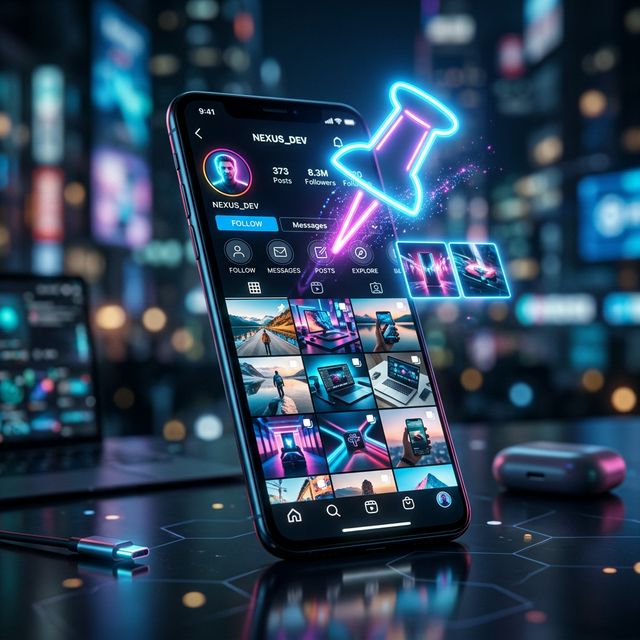
Your modern Instagram profile definitively serves as your personalized digital business card. Whenever a completely entirely new user clicks on your username, you generally have fewer than three seconds to successfully communicate exactly who you are, what kind of distinct value your content provides, and visually compel them to press the highly coveted "Follow" button. Consequently, aggressively optimizing your profile grid layout is extremely critical. Thankfully, Instagram introduced a powerful profile customization feature enabling you to physically "Pin" your absolute best content directly to the top.
What Does Pinning an Instagram Post Mean?
Historically, the fundamental architecture of the Instagram profile grid was completely chronological. Every single time you published a new beautiful photograph or uploaded an engaging Reel video, it systematically pushed all of your highly valuable older content further down the endless scrolling layout, eventually burying your best performing work completely out of sight.
The incredibly straightforward "Pin" feature completely overrides this chronological timeline limitation. By actively pinning a post, you forcefully anchor that specific image or video permanently to the absolute top row of your entire profile layout. A distinct, highly visible white pushpin icon dynamically appears tightly tucked into the upper right corner of the digital thumbnail, cleanly indicating to your core audience that this specific piece of content was deliberately highlighted.
How to Pin Your Favorite Posts Step-by-Step
The mechanical process for successfully physically pinning a post remains incredibly straightforward and highly accessible entirely natively inside the primary mobile application interface:
1. First, simply locate and aggressively tap on the specific photograph or video Reel you desperately wish to highlight heavily on your profile grid.
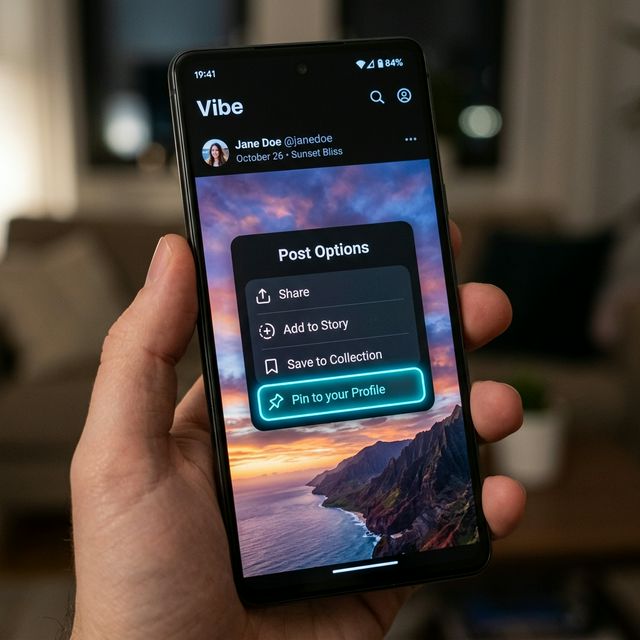
2. Second, precisely tap the three small horizontal dots prominently located in the upper right quadrant of the specific post layout to quickly trigger the hidden secondary contextual action menu.
3. Finally, physically select the bold "Pin to your profile" option from the newly generated digital list. The application will instantly redirect you back to your primary home profile where you will actively see that exact image permanently resting in the highly coveted top row setup.
If you accidentally pin the wrong photo or merely wish to refresh your personalized introduction, you can aggressively simply follow those precise exact steps entirely backwards, deliberately selecting the "Unpin from profile" option to seamlessly revert the damage.
Strategic Optimization for Content Creators
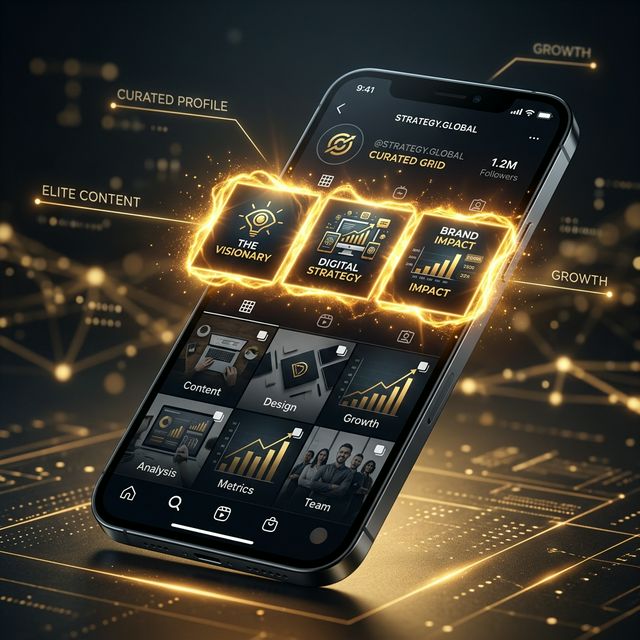
Mastering precisely how to manipulate the native pinning architecture drastically transforms your static profile layout into a highly dynamic digital landing page. Leading marketing strategists constantly advise exclusively pinning highly specific, high-conversion organic content. A phenomenal strategy involves strictly using these incredibly precious slots for digital introductions.
Many profoundly successful influencers will physically pin a dedicated "About Me" carousel showcasing their absolute best life achievements to establish instant credibility. Alternatively, robustly scaling small businesses will frequently pin major ongoing promotional sales, high-performing viral video Reels, or heavily curated product catalog photography directly to the top, ensuring every single organic profile visitor instantly sees highly relevant, aggressively updated information first.
Common Limitations and Best Practices
Recognizing absolute platform limitations is heavily necessary. Instagram aggressively restricts users to a hard mathematical maximum of exactly three pinned posts functioning simultaneously. The absolute order of heavily pinned content also matters. The very last post you actively pin will sequentially always physically appear cleanly lodged into the absolute top-left grid slot, effectively gradually pushing earlier pinned publications further rightwards.
Furthermore, you should clearly understand that secretly pushing incredibly old content back into the top row completely fails to actively send fresh push notifications directly to your existing follower base. The feature functions explicitly as a pure profile curation tool natively intended to optimize first impressions, rather than an aggressive digital broadcast mechanism entirely.