
Amazon Firestick is one of the best devices for streaming anime on your TV. In 2026, there are plenty of free and affordable apps that let you watch anime directly on your Firestick without needing a cable subscription or expensive streaming plans. From completely free ad-supported services like Tubi TV and Pluto TV to powerful media players like VLC and Kodi that play your personal anime collection, this guide covers every option.
We tested and ranked the 10 best anime apps for Amazon Firestick, focusing on free options and apps with generous free tiers. Each review explains what anime is available, whether the app is on the Amazon Appstore or requires sideloading, and if a subscription is needed. Whether you want to binge classic 90s anime, catch the latest simulcasts, or organize your personal anime library, there is a free Firestick app for you. For more entertainment on your devices, check out our guides on manga reader apps and subtitle apps for the perfect anime experience.
Table of Contents
- Tubi TV (Rating 4.9)
- Crunchyroll (Rating 4.7)
- VLC Media Player (Rating 4.1)
- Stremio (Rating 3.9)
- YouTube (Rating 3.9)
- Pluto TV (Rating 3.7)
- Plex (Rating 3.7)
- Kodi (Rating 3.6)
- RetroCrush (Rating 3.3)
- Bilibili (Rating 2.3)
- How to Sideload Apps on Firestick
- Which Anime App is Right for You?
- Tips for Better Anime Streaming on Firestick
- Frequently Asked Questions
1. Tubi TV (Rating 4.9)
Tubi TV is the best completely free anime streaming app available on Amazon Firestick. With no subscription required and no hidden fees, Tubi offers a growing library of licensed anime titles supported by occasional ads. The anime selection includes popular series like Naruto, Yu Yu Hakusho, Cowboy Bebop, Trigun, Mob Psycho 100, and hundreds of dubbed and subbed titles across action, romance, mecha, and slice-of-life genres. Tubi is officially available in the Amazon Appstore, meaning you can install it directly on your Firestick without sideloading. The interface is TV-optimized with smooth navigation using the Fire TV remote. Content is organized by genre, with a dedicated anime section for easy browsing. Tubi adds new titles regularly and supports multiple user profiles. The ad breaks are shorter than traditional TV, typically 30-60 seconds every 15-20 minutes. Video quality goes up to 1080p on most titles. For Firestick owners who want 100% free, legal anime streaming with no account required, Tubi is the first app you should install.


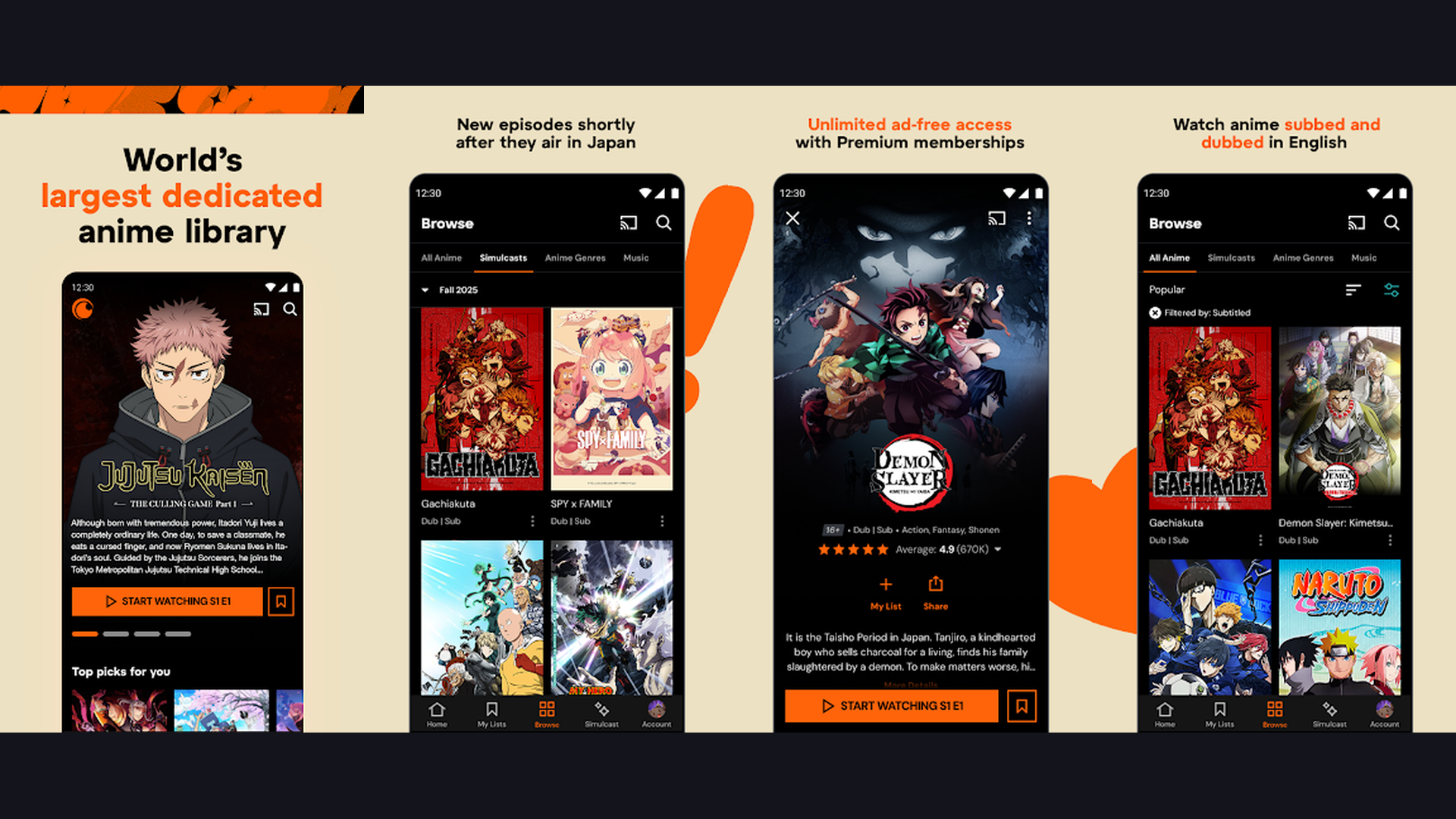
2. Crunchyroll (Rating 4.7)
Crunchyroll is the world's largest dedicated anime streaming platform and the definitive destination for serious anime fans on Firestick. After absorbing Funimation's entire catalog, Crunchyroll now hosts over 1,000 anime series and films, including simultaneous releases of new episodes as they air in Japan (simulcasts). Big titles like One Piece, My Hero Academia, Dragon Ball Super, Jujutsu Kaisen, Demon Slayer, Attack on Titan, and Spy x Family are all available. The Firestick app is fully optimized for TV navigation with the remote. Important 2026 update: Crunchyroll discontinued its free ad-supported tier on January 1, 2026. All content now requires a paid subscription starting at $7.99/month for the Fan plan. However, Crunchyroll regularly offers a 14-day free trial for new users, and the sheer quality and freshness of its library makes it the gold standard for anime. Supports up to 1080p streaming and offline downloads on the Premium plan. For the largest, most current anime library with simulcasts, Crunchyroll is essential on every anime fan's Firestick.
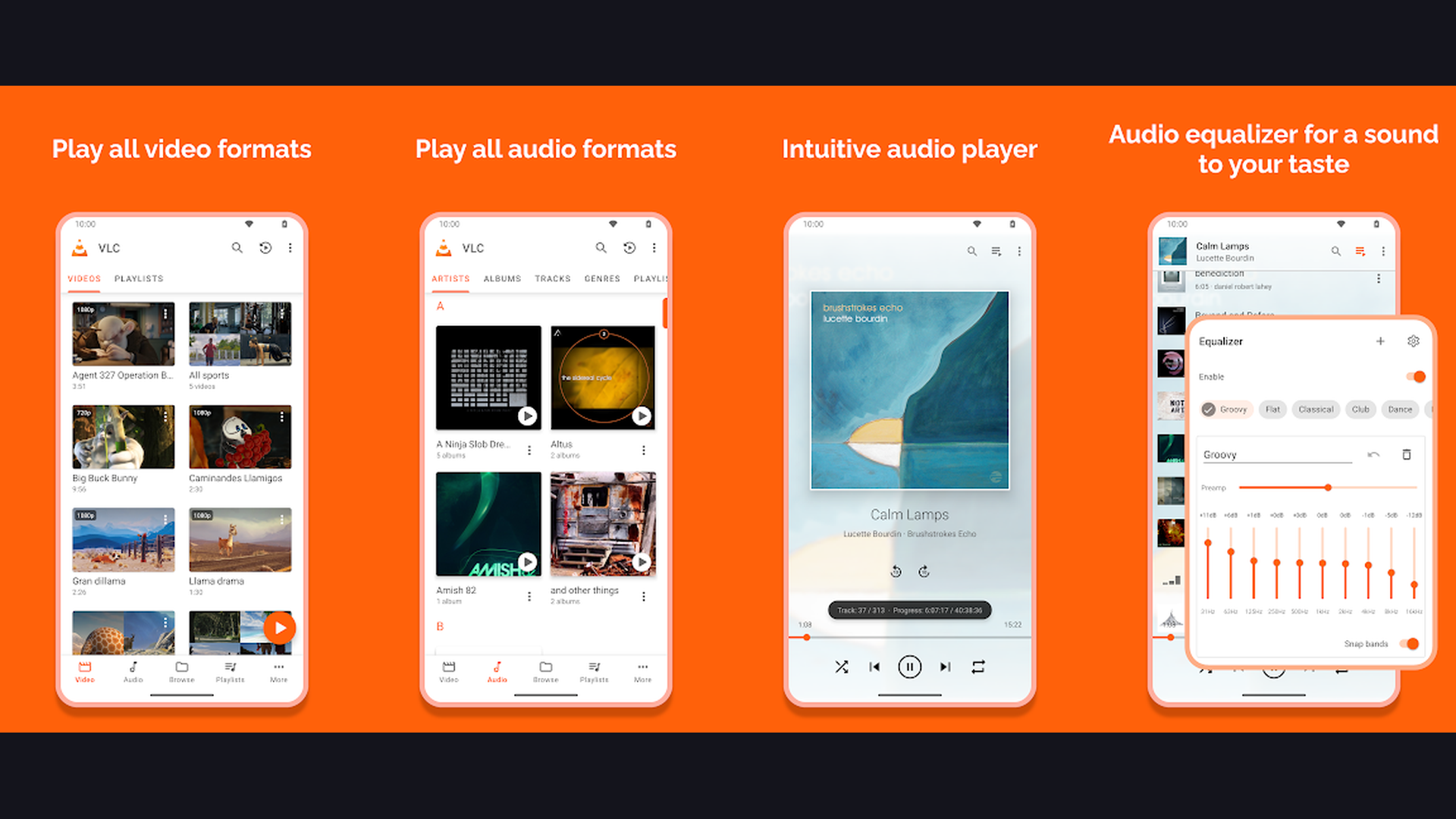
3. VLC Media Player (Rating 4.1)
VLC Media Player is a free, open-source media player that plays virtually any video format on your Firestick. While not a streaming service itself, VLC is essential for anime fans who download episodes or have local media collections. VLC plays MKV, MP4, AVI, FLV, and every other format without needing additional codecs. It handles external subtitle files (SRT, ASS, SSA) perfectly, which is crucial for anime fans who prefer fansubs or need specific subtitle tracks. VLC supports network streaming from DLNA/UPnP servers, SMB shares, and FTP servers, meaning you can stream anime from your PC or NAS to your Firestick without copying files. The app is completely free with no ads. Install VLC from the Amazon Appstore on your Firestick. Configure subtitle appearance (font, size, color, position) for comfortable TV viewing. For anime fans who maintain local collections or download episodes for offline viewing on their Firestick, VLC is the best free media player.
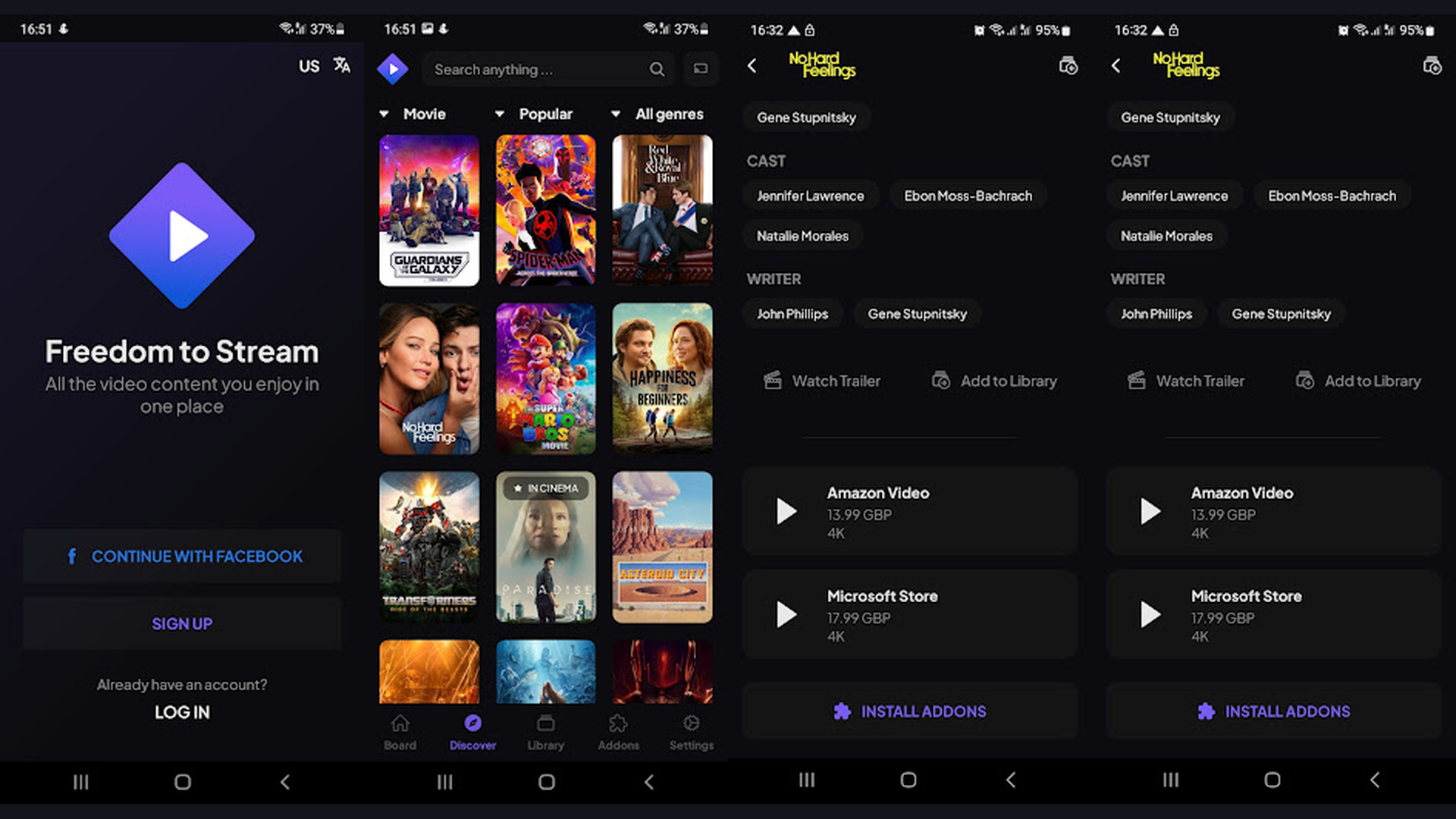
4. Stremio (Rating 3.9)
Stremio is a free media aggregation platform that organizes streaming content from multiple sources through community add-ons. On Firestick, Stremio provides a sleek, TV-friendly interface where you can discover, organize, and stream anime. The core app is free and legal, functioning as a content catalog and media organizer. Community-built add-ons extend functionality by connecting to various streaming sources. Stremio tracks your watching progress, manages a watchlist, and sends notifications for new episodes of series you follow. The search feature finds anime across all installed add-ons simultaneously. Stremio supports subtitles in multiple languages through the OpenSubtitles add-on. The app needs to be sideloaded on Firestick via the Downloader app since it is not in the Amazon Appstore. Create a free Stremio account, install relevant add-ons from the add-on catalog, and browse the anime category. For Firestick owners who want a single, organized interface for discovering anime across sources, Stremio is a powerful free tool.
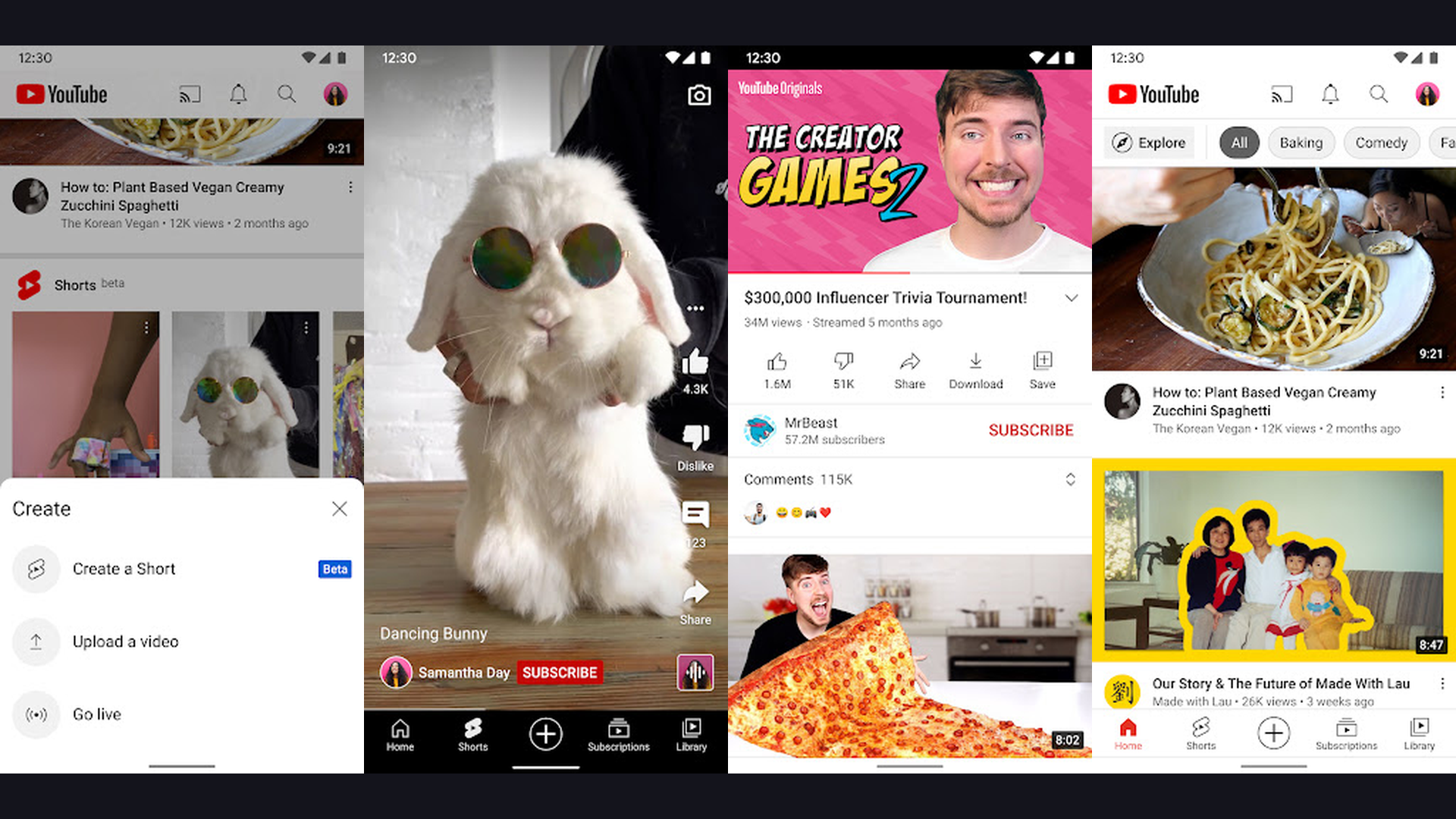
5. YouTube (Rating 3.9)
YouTube is a surprisingly rich source of free, licensed anime content on Firestick that many fans overlook. Official anime channels like Muse Asia, Ani-One Asia, GundamInfo, and Toei Animation upload full episodes of popular and niche anime series with official subtitles. YouTube also hosts thousands of anime movies, OVAs, and specials legally uploaded by licensors for free viewing. Beyond official content, YouTube is the primary destination for anime reviews, analysis, AMVs, and community content. The YouTube app comes pre-installed on most Firestick devices with full remote control support. Create playlists to organize your anime watchlist. Use the search filter to find full episodes and movies specifically. YouTube Premium ($13.99/month) removes ads and enables background play, but the core anime content is free. For free, legal anime episodes from official channels plus the entire anime community ecosystem, YouTube is already on your Firestick and ready to watch.
6. Pluto TV (Rating 3.7)
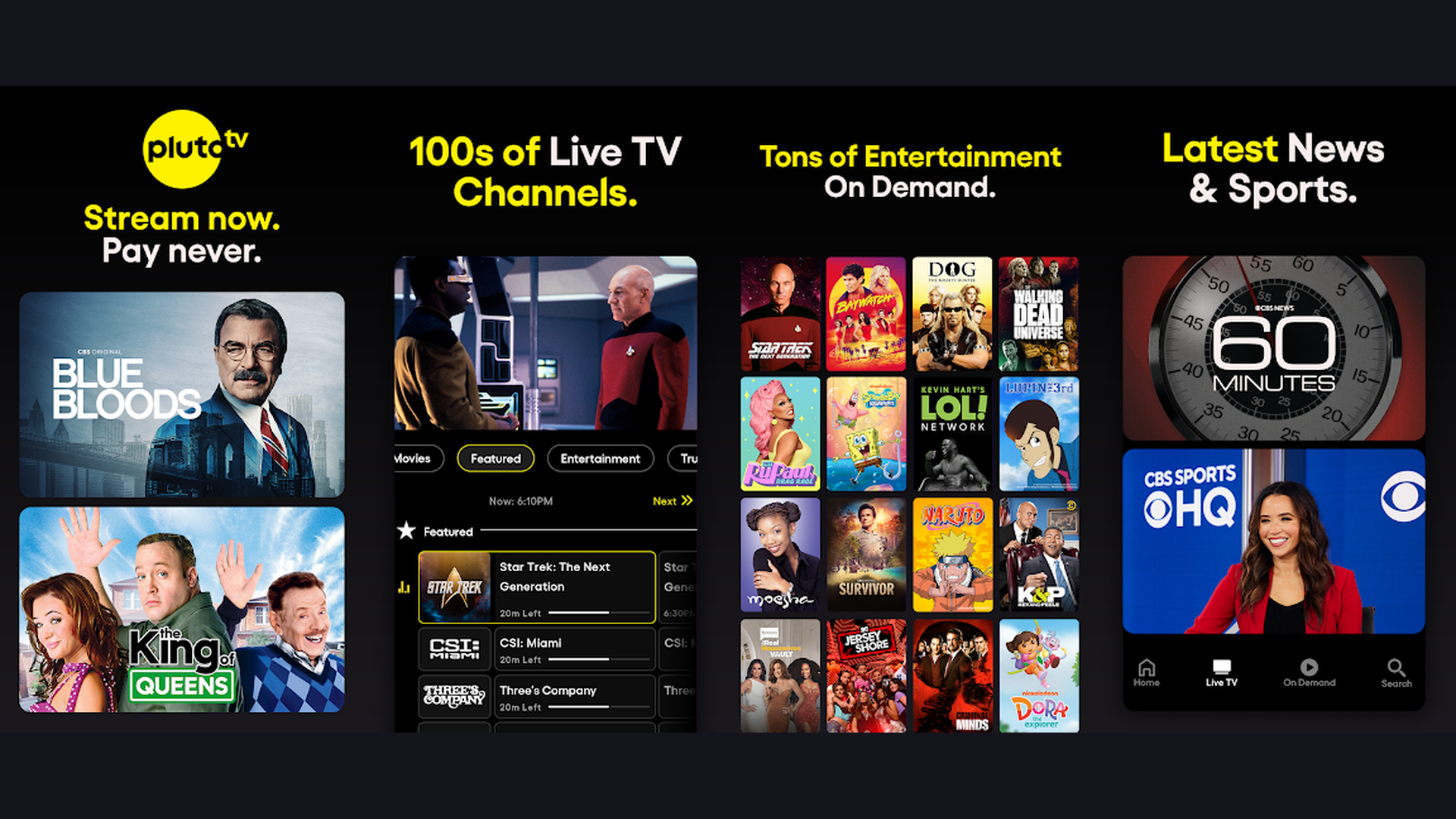
Pluto TV is a free live TV and on-demand streaming service with dedicated anime channels on Firestick. Owned by Paramount, Pluto TV operates like cable television with over 250+ live channels and a large on-demand library, all completely free with ad support. The anime offerings include dedicated 24/7 channels like Anime All Day, Toku, and Neon Alley that stream anime non-stop. The on-demand library includes anime series and movies you can start from the beginning. Pluto TV is available directly from the Amazon Appstore with a fully optimized Fire TV interface. No account is required to start watching, just install and go. The live channel experience is unique among free services and perfect for casual anime discovery: just tune into an anime channel and see what is playing, similar to traditional TV but free. Video quality is up to 1080p depending on the content. For Firestick users who want a lean-back anime experience with live channels that play anime continuously without choosing individual episodes, Pluto TV is unmatched.
7. Plex (Rating 3.7)
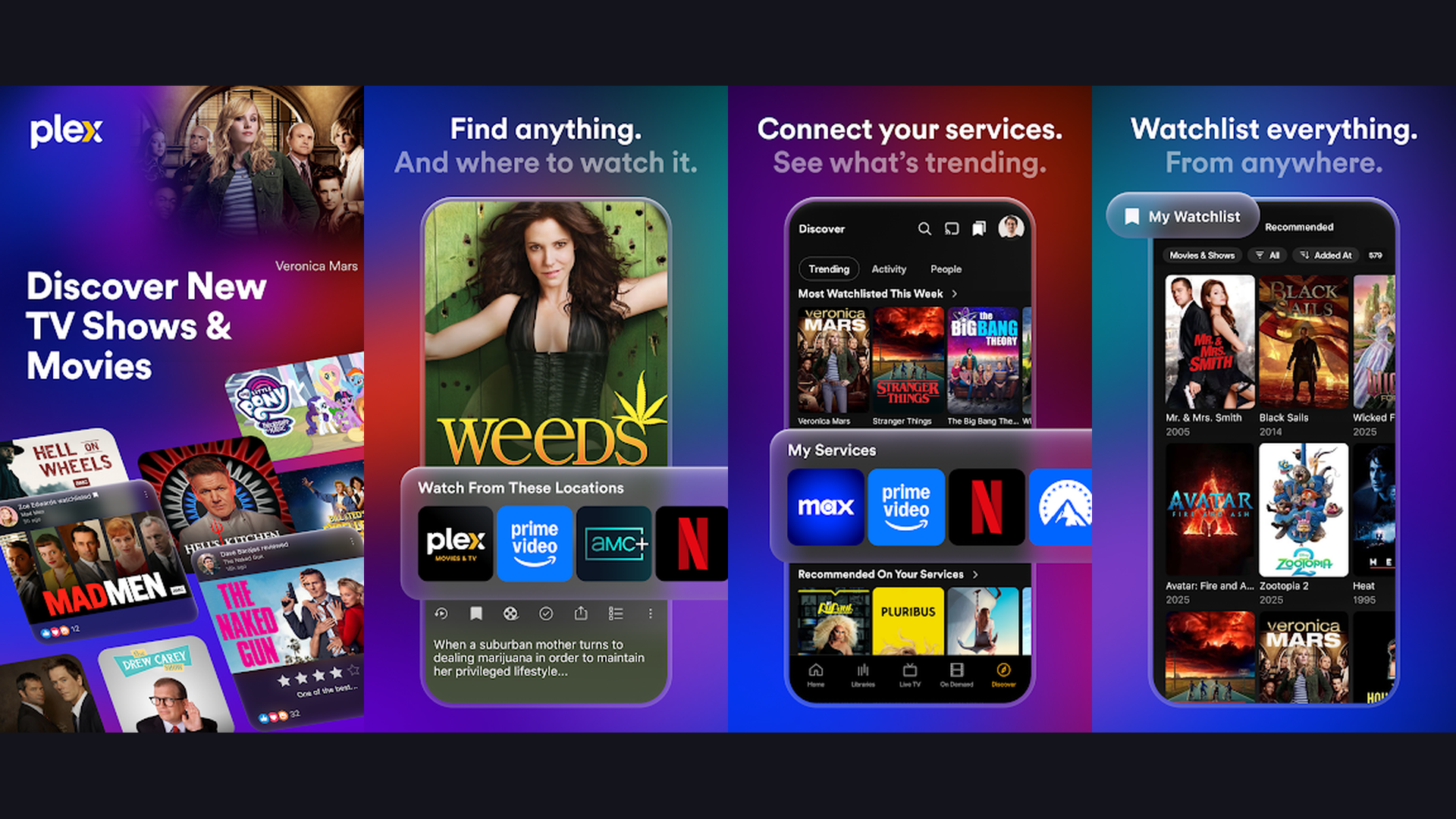
Plex is a media server and free streaming platform that combines personal anime libraries with free ad-supported content. The Plex Firestick app serves two purposes for anime fans. First, if you run a Plex Media Server on a computer or NAS, the Firestick app streams your entire personal anime collection beautifully organized with metadata, cover art, episode descriptions, and automatic subtitle handling. Second, Plex offers thousands of hours of free, ad-supported movies and TV shows, including anime titles. The free content library includes a selection of anime films and series that rotates regularly. Plex Discover helps find where to stream specific anime across all your connected services. The Plex Pass subscription ($4.99/month) adds live TV and DVR features. For the free tier, Plex app is available on the Amazon Appstore with full remote support. For anime fans who maintain a personal media collection and want it organized and accessible on their Firestick with rich metadata, Plex is the premium media server solution. Combined with its free streaming content, Plex covers both personal and ad-supported anime.
8. Kodi (Rating 3.6)
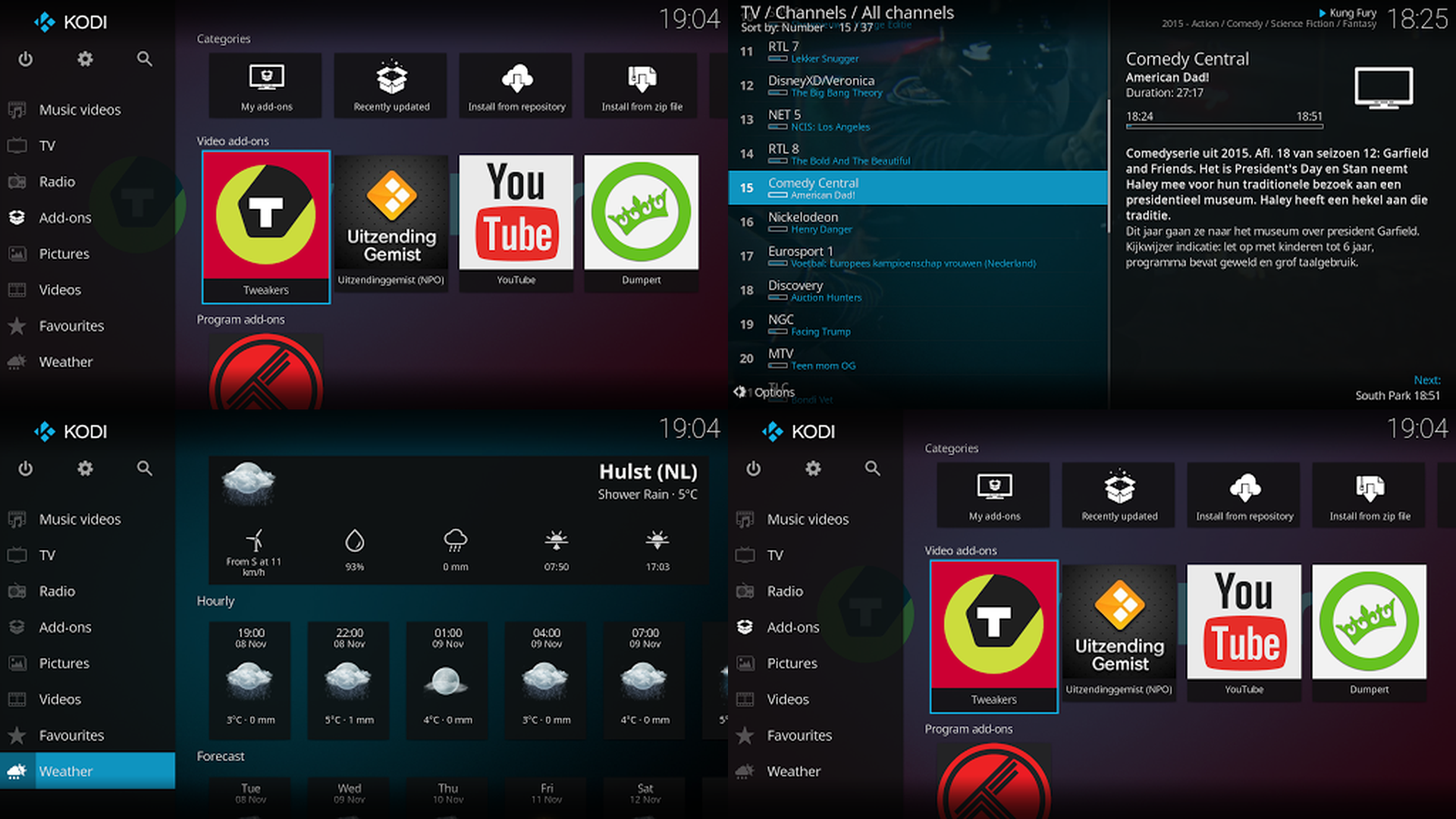
Kodi is a free, open-source media center that transforms your Firestick into a powerful anime hub. Kodi organizes and plays local media with stunning interface customization and supports thousands of add-ons from its official repository. For anime, official Kodi add-ons connect to legal streaming sources, and the platform supports every media format including MKV, MP4, and BDMV. The TV show scraper organizes anime by series, season, and episode with cover art, ratings, and summaries from TMDB or TVDb. Kodi handles complex subtitle formats (ASS/SSA styled subtitles common in anime fansubs) better than any other media player. The Firestick installation requires sideloading since Kodi is not in the Amazon Appstore: use the Downloader app to install from the official Kodi website. Skin customization lets you create a dedicated anime interface. Kodi supports IPTV, network shares (SMB/NFS), and UPnP streaming from other devices. For tech-savvy Firestick users who want the most customizable, feature-rich media center for their anime collection, Kodi is the gold standard open-source solution.
9. RetroCrush (Rating 3.3)
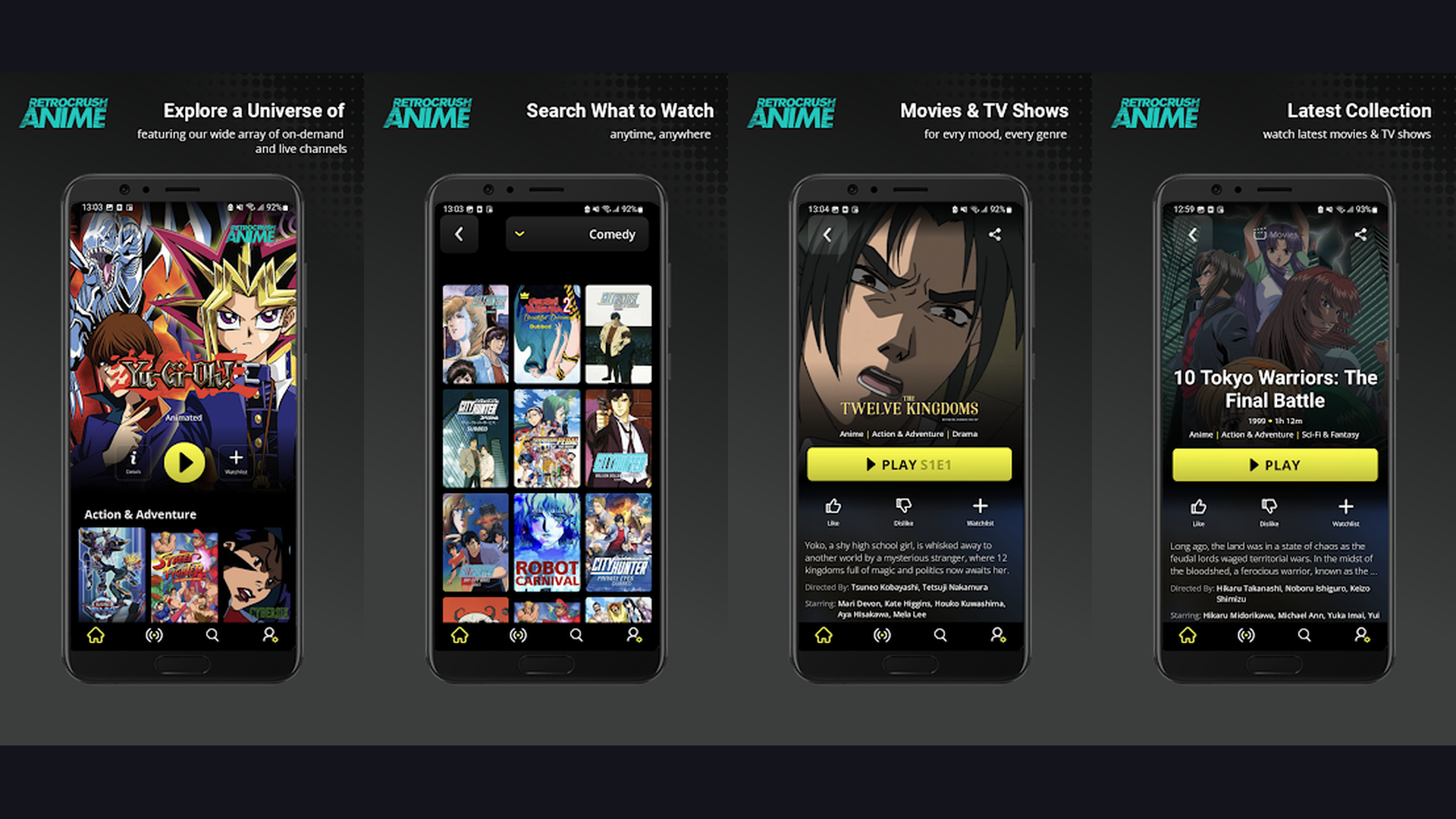
RetroCrush is a free anime streaming service specializing in classic and retro anime from the 1960s through early 2000s. If you love the golden era of anime, RetroCrush delivers titles that modern platforms often ignore. The catalog includes legendary series like Lupin the Third, Galaxy Express 999, Astro Boy, Captain Harlock, Boogiepop Phantom, and Golgo 13. RetroCrush is completely free with occasional ads, no subscription required. The library focuses on genres like mecha, horror, samurai, and sci-fi from the classic era. New retro titles are added monthly. The app can be accessed through the Firestick web browser or sideloaded via the Downloader app. While the library is smaller than mainstream services, RetroCrush fills a niche that no other free service covers. For anime fans who appreciate classic manga and anime from the 80s and 90s, RetroCrush is the only dedicated free platform for retro anime content on Firestick.
10. Bilibili (Rating 2.3)
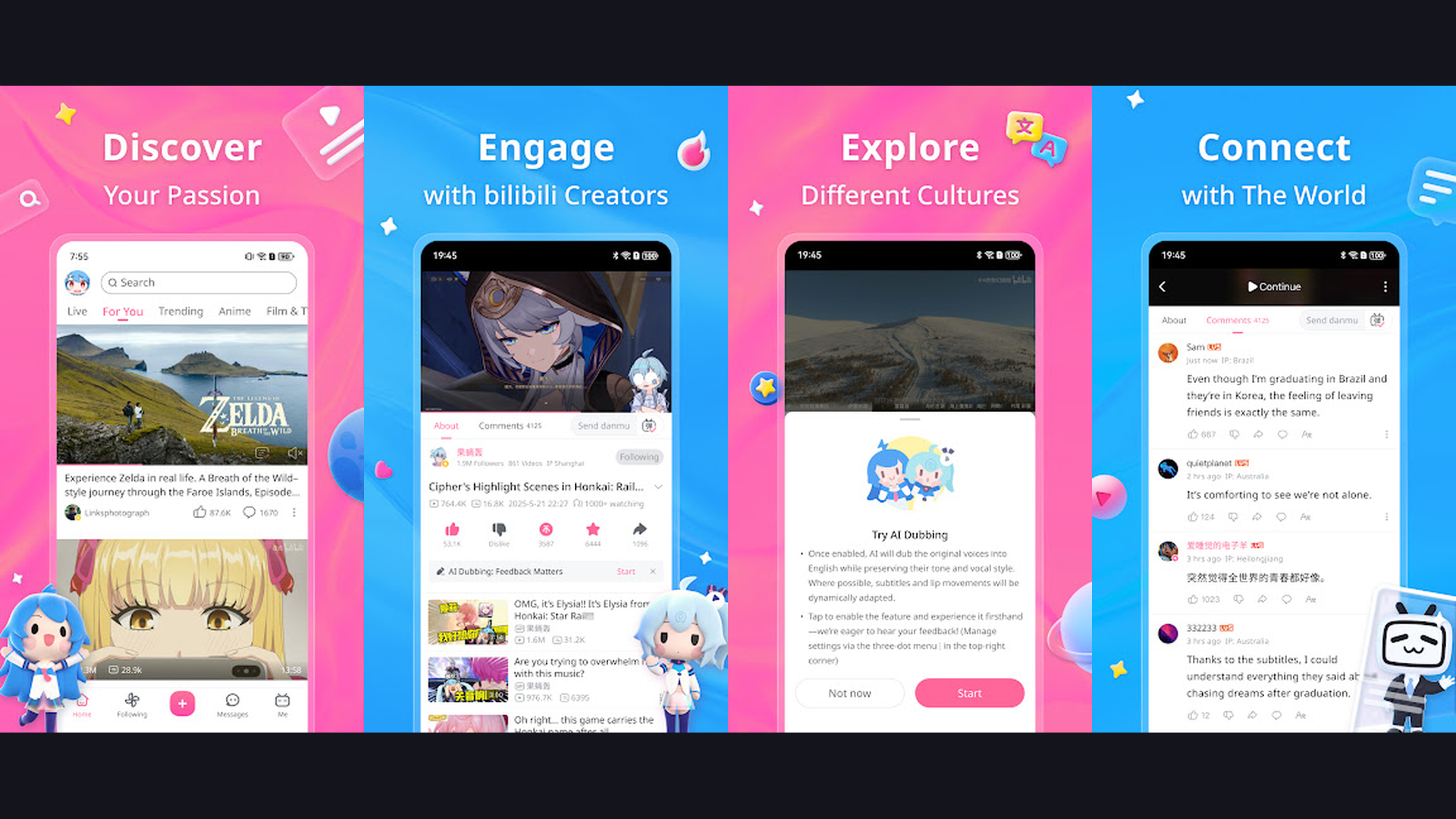
Bilibili is a Chinese video platform and anime streaming service with a growing selection of free licensed anime. Originally a Chinese video-sharing site focused on ACG (anime, comics, games) culture, Bilibili now offers international content including officially licensed anime series with English subtitles. The platform is particularly strong for Chinese animation (donghua) titles like The King's Avatar, Scissor Seven, and Fog Hill of Five Elements that are harder to find on Western platforms. Bilibili also hosts user-generated content including anime reviews, AMVs, and fan discussions. The comment system features the distinctive "bullet chat" (danmaku) where viewer comments scroll across the screen in real time. Bilibili can be accessed via the Firestick web browser or sideloaded through Downloader. Much of the content is free with ads. For Firestick anime fans interested in Chinese animation (donghua) or discovering anime titles that Western services do not carry, Bilibili provides a unique free catalog.
How to Sideload Apps on Firestick
Some apps in this list (Stremio, Kodi) are not available in the Amazon Appstore and require sideloading. Here is the step-by-step process:
- Enable Developer Options: Go to Settings > My Fire TV > Developer Options > Install Unknown Apps. Toggle ON for the Downloader app.
- Install Downloader: Search for "Downloader" in the Amazon Appstore and install the free app by AFTVNews.
- Enter the URL: Open Downloader, enter the direct download URL for the APK file (e.g., the official Stremio or Kodi download page).
- Install: Once downloaded, select "Install" when prompted. The app will appear in your Apps section.
- Clean Up: Delete the APK file after installation to save storage space on your Firestick.
Safety Note: Only sideload apps from official sources (kodi.tv, stremio.com). Avoid third-party APK sites that may contain malware. For additional security, consider using a VPN when streaming content on your Firestick.
Which Anime App is Right for You?
- Best for 100% Free Anime: Tubi TV - Large anime library, no subscription, direct Appstore install, and minimal ads. The best starting point for free anime on Firestick.
- Best for Latest Simulcasts: Crunchyroll - The only platform with same-day simulcasts from Japan. Requires subscription ($7.99/month) but offers a 14-day free trial. Worth it for fans who want new episodes immediately.
- Best for Lean-Back Watching: Pluto TV - 24/7 anime channels that play continuously. No choosing required, just tune in and watch. Perfect for casual viewing or background anime.
- Best for Classic/Retro Anime: RetroCrush - Specializes in 80s and 90s anime classics that other services do not carry. Free with ads.
- Best for Chinese Animation: Bilibili - The go-to platform for donghua (Chinese animation) with titles unavailable elsewhere. Free with ads.
- Best for Personal Anime Library: Plex (for organized media server) or VLC (for simple playback) or Kodi (for maximum customization). All three are free and play local anime files.
- Best for Content Aggregation: Stremio - Discovers and organizes anime from multiple sources through add-ons. Free with sideloading required.
- Best Free Content Already Installed: YouTube - Official anime channels upload full episodes for free. Already on your Firestick.
Tips for Better Anime Streaming on Firestick
- Manage Firestick Storage - The basic Firestick has limited storage (8 GB typically). Install only the apps you actively use. Use Settings > Applications > Manage Installed Applications to clear cache regularly. VLC and Kodi are large apps, so consider which media player you actually need. Keep your device performance optimized by closing background apps.
- Use an Ethernet Adapter for Better Quality - Firestick Wi-Fi can buffer during HD anime streaming. The Amazon Ethernet Adapter ($14.99) provides a stable wired connection that eliminates buffering for 1080p and 4K content. This is especially important for Crunchyroll simulcasts and Stremio streaming.
- Set Subtitles to Your Preference - Most anime fans prefer subtitled (sub) over dubbed (dub) anime. In Crunchyroll and Tubi, check audio/subtitle settings for each title. In VLC and Kodi, configure subtitle appearance (font, size, border, color) for comfortable TV viewing distance. Use our guide on subtitle apps for more options.
- Create Dedicated User Profiles - If your household shares the Firestick, create separate profiles in apps that support them (Crunchyroll, Tubi, Plex) to keep anime recommendations separate from other content. This also prevents spoilers from appearing in someone else browsing history.
- Use a VPN for Privacy - A VPN encrypts your streaming traffic and can help access anime content available in other regions. Install a VPN app from the Amazon Appstore or sideload one. Connect the VPN before launching any streaming app.
- Schedule Downloads for Offline Viewing - If your internet is unstable, use Crunchyroll Premium offline downloads to save episodes during off-peak hours. For local media, transfer files to a USB drive and plug it into your Firestick for direct playback through VLC or Kodi without any internet required.
- Pair a Bluetooth Keyboard for Search - Searching for anime titles using the Firestick remote is slow. Pair a Bluetooth keyboard (Settings > Controllers > Other Bluetooth Devices) for fast text input when searching for specific anime titles across apps. This saves significant time when browsing.
Frequently Asked Questions
What is the best free anime app for Firestick?
Tubi TV is the best completely free anime app for Firestick. It offers a large library of licensed anime with no subscription, no account required, and minimal ad interruptions. Install it directly from the Amazon Appstore. For live anime channels, Pluto TV is another excellent free option with 24/7 anime programming.
Is Crunchyroll still free on Firestick in 2026?
No. Crunchyroll ended its free ad-supported tier on January 1, 2026. All anime on Crunchyroll now requires a paid subscription starting at $7.99/month. However, new users can still sign up for a 14-day free trial to test the service. For free alternatives, use Tubi TV, Pluto TV, or YouTube official anime channels.
How do I sideload anime apps on Firestick?
Enable Developer Options in Settings > My Fire TV, then install the free Downloader app from the Amazon Appstore. Open Downloader, enter the official URL of the app you want to install (like kodi.tv or stremio.com), download the APK, and install it. Only sideload from official sources to avoid malware.
Can I watch anime in Japanese with English subtitles on Firestick?
Yes. Crunchyroll, Tubi, and Pluto TV all offer subbed (Japanese audio with English subtitles) anime. For local files, VLC and Kodi support external subtitle files in SRT, ASS, and SSA formats, which are standard for anime fansubs. You can adjust subtitle size, font, and color for comfortable TV viewing.
Is it legal to watch anime on these Firestick apps?
Yes, all 10 apps in this guide are legal. Tubi TV, Crunchyroll, Pluto TV, YouTube, RetroCrush, Bilibili, and Plex all stream officially licensed anime content. VLC, Kodi, and Stremio are legal media players. The legality depends on the content source, not the app itself. Always use official add-ons and verified content sources.
Which Firestick model is best for anime streaming?
The Fire TV Stick 4K Max (2024) is the best option with fast performance, 4K support, and Wi-Fi 6E. The standard Fire TV Stick Lite works well for 1080p anime streaming at a lower price. Any Firestick model from 2020 onward handles all the apps in this guide without issues. Ensure your Firestick firmware is updated for the best app compatibility.
Final Thoughts
Watching anime on your Amazon Firestick has never been easier or more affordable. Tubi TV leads as the best completely free option with a large anime library. Crunchyroll remains the king for the latest simulcasts, though it now requires a subscription. Pluto TV offers a unique lean-back experience with 24/7 anime channels. YouTube provides free licensed anime from official channels right out of the box. For personal anime collections, VLC, Plex, and Kodi turn your Firestick into a complete media center. And for niche tastes, RetroCrush covers classic anime and Bilibili delivers Chinese animation. Install Tubi and Pluto TV today for instant free anime, and add the other apps based on your specific needs. For more entertainment and productivity apps, explore our guides on manga readers, video editing apps, subtitle apps, and language learning apps to learn Japanese.