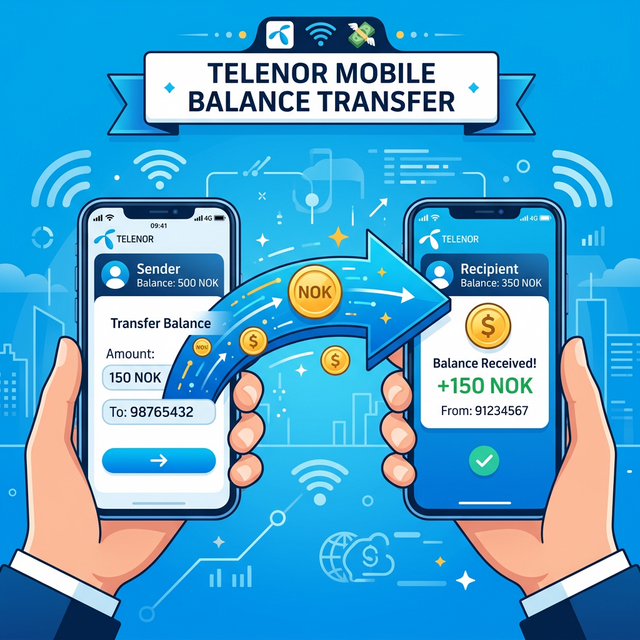
What Is Telenor Smart Share?
Telenor Pakistan offers a convenient service called Smart Share that lets prepaid subscribers transfer balance to other Telenor prepaid numbers. Whether you need to send credit to a family member, friend, or colleague, Smart Share makes it quick and easy using a simple USSD code or the My Telenor app.
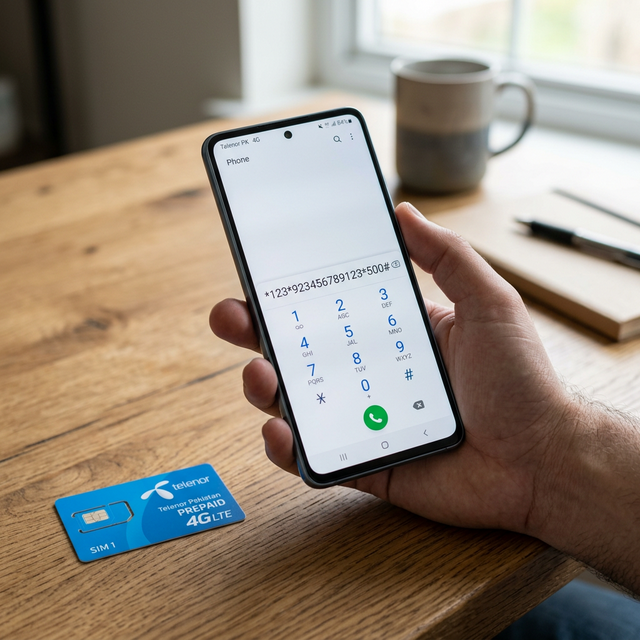
In this guide, we'll cover every method to share Telenor balance in 2026, including the USSD dial code, the My Telenor app method, service charges, transfer limits, and troubleshooting tips.
Method 1: Share Telenor Balance Using USSD Code
Step-by-Step Instructions
- Open the Phone/Dialer app on your mobile phone.
- Type the following code:
*1*1*[Recipient Number]*[Amount]# - Replace [Recipient Number] with the 11-digit Telenor number starting with 923 (e.g., 923451234567).
- Replace [Amount] with the amount in PKR you want to send.
- Press the Call/Dial button.
- You will receive a confirmation prompt. Reply with "1" to confirm the transfer.
- Both sender and receiver will receive SMS confirmation of the successful transfer.
Example
To share Rs. 50 with Telenor number 03451234567:
Dial: *1*1*923451234567*50#
Then press 1 to confirm.
Method 2: Share Balance via My Telenor App
Step-by-Step Instructions
- Download the My Telenor App from Google Play Store or Apple App Store.
- Log in with your Telenor number.
- Search for "Share Balance" in the app.
- Enter the recipient's Telenor number and the amount.
- Confirm the transaction.
Telenor Smart Share Details 2026
| Detail | Specification |
|---|---|
| Service Name | Telenor Smart Share |
| USSD Code | *1*1*[Number]*[Amount]# |
| Minimum Transfer | Rs. 20 |
| Maximum Transfer | Rs. 200 per transaction |
| Daily Limit | Up to 10 transactions per day |
| Service Charge | Rs. 5.98–7 (including taxes) |
| Eligibility | Telenor prepaid to Telenor prepaid only |
| Activation | Call 345 or visit Telenor center |
Eligibility and Requirements
Who Can Use Smart Share?
- Both sender and receiver must be Telenor prepaid subscribers.
- Postpaid users cannot use this service.
- Balance can only be shared between Telenor to Telenor numbers.
- Cross-network sharing (to Jazz, Zong, or Ufone) is not supported.
Sender Requirements
- Must have enough balance to cover the transfer amount plus the service charge.
- Must have an active Telenor SIM with the Smart Share service activated.
- Must not have exceeded the daily transaction limit.
Service Charges Breakdown
Telenor charges Rs. 5.98–7 (including applicable taxes) per transaction. This amount is deducted from the sender's balance in addition to the shared amount.

Example: If you share Rs. 50, your total deduction will be approximately Rs. 56–57 (Rs. 50 transfer + Rs. 6–7 service charge).
How to Activate Telenor Smart Share
If the Smart Share service is not active on your number:
- Call 345 from your Telenor number for activation.
- Visit any Telenor franchise/service center with your CNIC.
- Contact Telenor customer support through the My Telenor app.
Troubleshooting Common Issues
Transfer Failed – Insufficient Balance
Ensure you have enough balance to cover both the transfer amount and the service charge. For example, to send Rs. 50, you need at least Rs. 57 in your account.
Invalid Number Error
Make sure the recipient's number starts with 923 and is a valid 11-digit Telenor number. Double-check for any typos before dialing.
Daily Limit Exceeded
You can make a maximum of 10 transactions per day. If you've reached this limit, try again the next day.
Service Not Activated
If you receive an error that the service isn't active, call 345 to activate Smart Share on your number. For other ways to manage your mobile balance, check our guide on how to check your Easypaisa balance.
Telenor Balance Share vs. Other Networks in Pakistan
| Feature | Telenor | Jazz | Zong | Ufone |
|---|---|---|---|---|
| USSD Code | *1*1*No*Amt# | *100*No*Amt# | *200*No*Amt# | *828# |
| Min Transfer | Rs. 20 | Rs. 15 | Rs. 10 | Rs. 10 |
| Max Transfer | Rs. 200 | Rs. 200 | Rs. 200 | Rs. 200 |
| Service Charge | Rs. 5.98–7 | Rs. 5+ tax | Rs. 4.5+ tax | Rs. 4.5+ tax |
| Cross-Network | ❌ | ❌ | ❌ | ❌ |
Tips for Sharing Telenor Balance
- Always double-check the recipient's number before confirming the transfer.
- Keep track of your daily transactions to avoid hitting the limit.
- Consider recharging larger amounts less frequently to save on per-transaction service charges.
- Use the My Telenor app for a visual, easier experience.
- Want faster internet for your Telenor connection? Learn about mobile network evolution from 1G to 5G.
Frequently Asked Questions (FAQ)
Can I share Telenor balance to Jazz or Zong?
No, Telenor Smart Share only works between Telenor prepaid numbers. Cross-network balance sharing is not supported by any Pakistani telecom operator through USSD codes.
What is the maximum balance I can share per day?
You can share up to Rs. 200 per transaction and make up to 10 transactions per day. This means the theoretical maximum is Rs. 2,000 per day, though service charges apply for each transaction.
Is there a way to share balance without charges?
No, Telenor charges Rs. 5.98–7 per transaction. This is standard across all Pakistani telecom operators. There is no free balance sharing option.
Can I share balance from a postpaid number?
No, the Smart Share service is exclusively for Telenor prepaid subscribers. Postpaid users cannot use this feature. For more helpful mobile tips, explore our guide on how to check your Wi-Fi password or learn about the best affordable smartphones in Pakistan.
How do I check my Telenor balance before sharing?
Dial *444# to check your current Telenor prepaid balance. Make sure you have enough to cover both the transfer amount and the service charge.