
Anime fans across the globe rely on Crunchyroll for ad-free simulcasts and massive back catalogs of classic Japanese animation. If you recently purchased a Vizio Smart TV in 2026, you might be scratching your head trying to find the dedicated Crunchyroll app. Vizio TVs run on the SmartCast operating system, which handles apps a bit differently compared to Android TV or Roku platforms. But do not worry; watching your favorite anime on the big screen is still incredibly easy.
In this comprehensive guide by MobileKiShop, we will walk you through exactly how to watch Crunchyroll on Vizio TV using built-in casting features, AirPlay, or dedicated hardware devices.
Is the Crunchyroll App Available Natively on Vizio SmartCast TVs?
The short answer is no. As of 2026, there is no native Crunchyroll application available to download directly from the Vizio SmartCast app store. While Vizio has expanded its direct partnerships with major services like Netflix, Hulu, and Disney+, niche streaming services like Crunchyroll often rely on Vizio’s robust built-in mobile casting capabilities rather than native television apps.
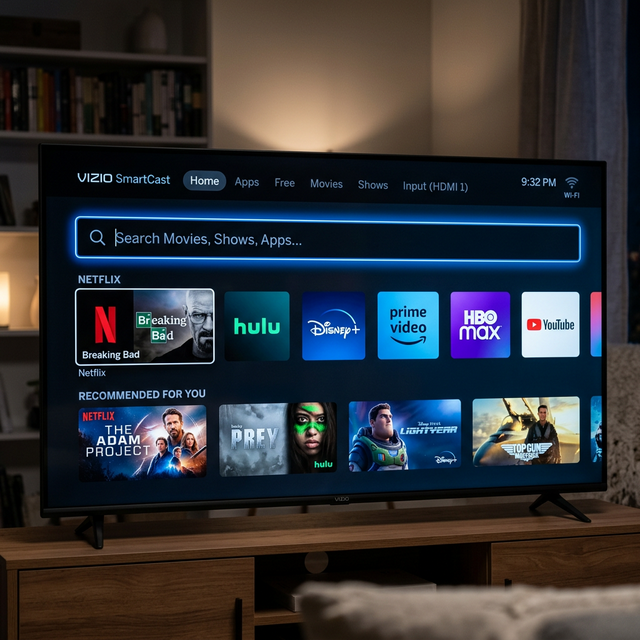
How to Watch Crunchyroll on Vizio TV Using Google Cast (Chromecast Built-In)
Fortunately, almost all modern Vizio Smart TVs come equipped with Chromecast built-in (also branded as SmartCast). This allows you to launch anime on your smartphone or tablet and immediately beam it to your television in stunning high definition.
Step-by-Step Casting Guide from Android or iOS
- Connect to Wi-Fi: Ensure both your smartphone (or tablet) and your Vizio TV are connected to the exact same Wi-Fi network.
- Open the App: Launch the official Crunchyroll app on your Android or iOS device and log into your premium or free account.
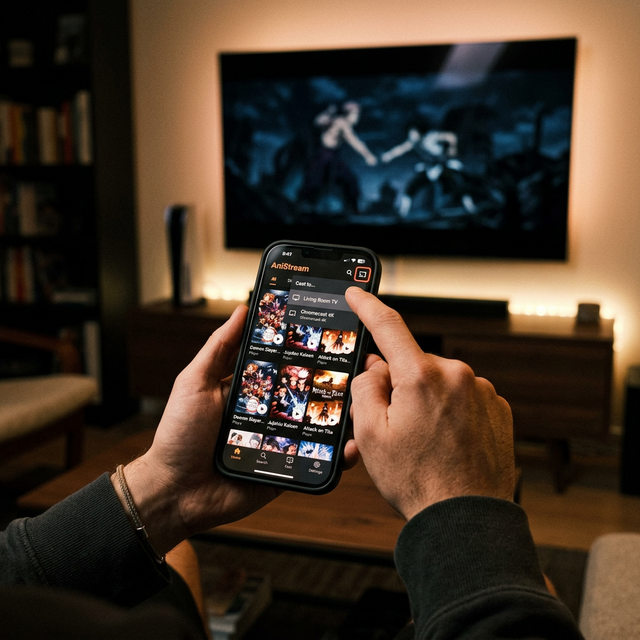
- Locate the Cast Icon: Tap on the anime episode you wish to watch. In the top right corner of the video player, tap the square "Cast" icon.
- Select Your TV: A list of available devices will appear. Select your Vizio SmartCast TV. The episode will immediately begin playing on your big screen.
How to Watch Crunchyroll on Vizio TV via Apple AirPlay
If you are embedded in the Apple ecosystem, Vizio also supports Apple AirPlay 2 natively on most models manufactured after 2018. This is a flawless alternative to Google Cast for iPhone, iPad, and Mac users who frequent our tech guides looking for iOS-specific solutions.
Streaming Seamlessly from Your iPhone or Mac
- Network Check: Confirm your Apple device and Vizio TV share the same Wi-Fi connection.
- Launch Media: Open the Crunchyroll app on your iOS iOS device or the browser on your Mac.
- AirPlay Icon: Tap the AirPlay icon (a rectangle with an upward-pointing triangle) in the iOS media player, or use the Screen Mirroring toggle in your Mac Control Center to mirror your browser directly to the television.
Using a Dedicated Streaming Device (Roku, Firestick, Apple TV)
If you prefer using a physical remote control and a dedicated TV interface over casting from your phone, the best alternative is using an external HDMI streaming stick. Devices like the Roku Streaming Stick 4K, Amazon Fire TV Stick, and Apple TV 4K all have native Crunchyroll applications available in their respective app stores.
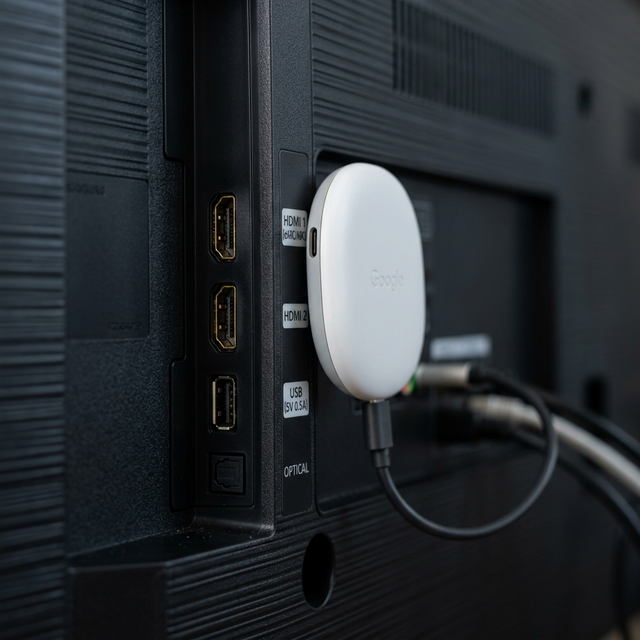
To set this up, simply plug the streaming device into an open HDMI port on the back of your Vizio TV, switch the TV input to that HDMI port, and download Crunchyroll directly onto the external device. For a breakdown of which external media streamer fits your budget best, contact our experts and we will be happy to point you in the right direction!
Conclusion and Final Thoughts
While the lack of a native Vizio OS app might be mildly inconvenient for remote-control purists, casting via Google Chromecast Built-in or Apple AirPlay provides a highly responsive, stutter-free way to watch your favorite anime. By leveraging the smartphone you already own, viewing Crunchyroll on your Vizio TV is achievable in mere seconds.