
Converting a van into a custom camper is one of the most exciting DIY projects you can undertake, but planning the interior layout is critical to making the most of every square inch. In 2026, design and customization apps let you visualize your van interior in 3D, experiment with furniture placement, calculate weight distribution, and create photorealistic renders before starting the actual build. A well-planned layout means fewer costly mistakes, better space utilization, and a conversion that actually fits your lifestyle.
We reviewed 11 apps for designing and customizing van interiors, from professional 3D modeling tools like SketchUp and Planner 5D to van-specific planners like VanLogic that calculate center of gravity. Whether you are planning a weekend camper, a full-time van life home, or a Sprinter adventure rig, these apps cover every stage from initial inspiration to technical build planning. For more van life resources, check our guides on cooking and meal planning apps for van life and navigation apps for finding your next campsite.
Table of Contents
- Canva (Rating 4.8)
- Houzz (Rating 4.7)
- Planner 5D (Rating 4.5)
- Pinterest (Rating 4.3)
- iScape (Rating 4.3)
- MagicPlan (Rating 4.2)
- Room Planner (Rating 4.0)
- SketchUp (Rating 3.8)
- HomeByMe (Rating 3.7)
- VanLogic (Rating 3.5)
- Campa (Rating 3.4)
- Van Design Workflow: From Inspiration to Build Plan
- Tips for Designing Your Van Interior
- Frequently Asked Questions
1. Canva (Rating 4.8)
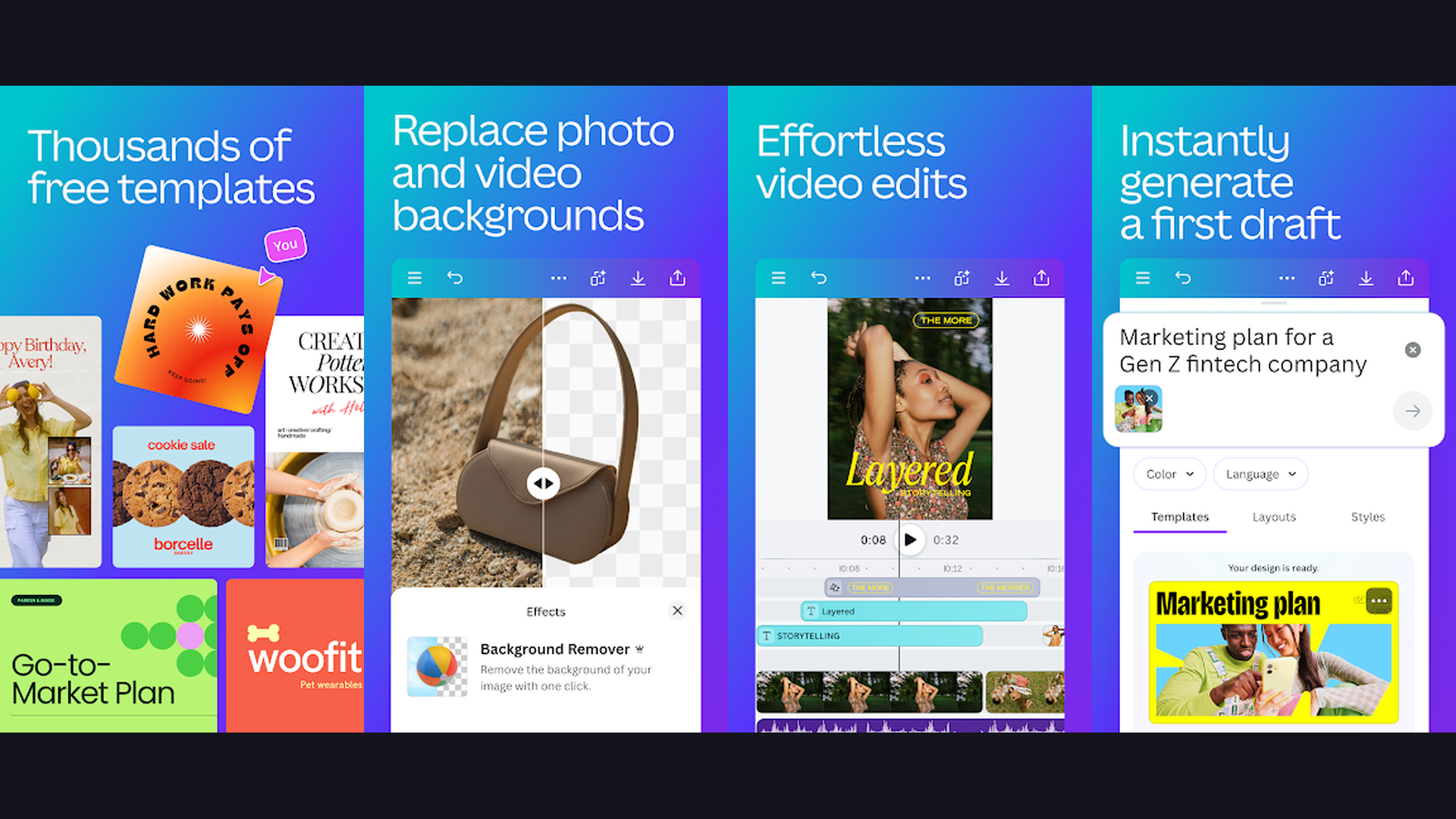
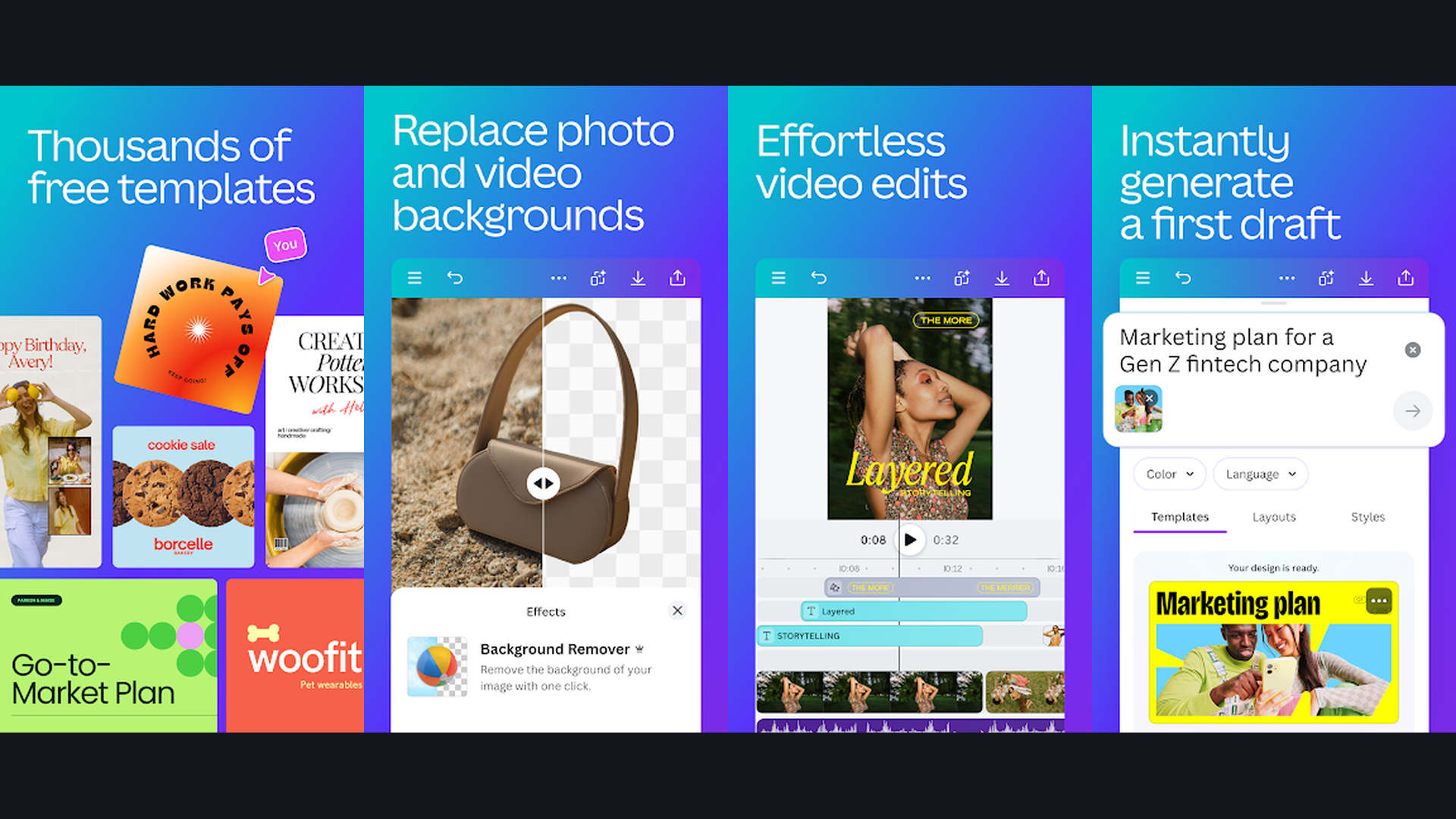
Canva is a versatile graphic design platform perfect for creating van interior mood boards, layout diagrams, and visual plans. While not a dedicated 3D planner, Canva excels at the visual planning stage of any van conversion project. Create detailed mood boards combining color palettes, material swatches, fabric textures, and inspiration photos. Use the whiteboard feature to map out your van layout with shapes, measurement annotations, and labels. Canva provides thousands of templates for presentations that you can adapt into build documentation, wiring diagrams, and parts lists. The "Draw" feature lets you sketch rough floor plans by hand on a tablet. The photo editor processes your van build progress images with professional filters. Export shareable PDFs of your build plans to discuss with fabricators or the van life community. Canva is free with a generous feature set; Pro ($12.99/month) adds extensive stock photos, premium templates, and brand kit features. For van builders who need a visual planning and documentation tool for mood boards, build logs, and social media content about their conversion, Canva is indispensable.


2. Houzz (Rating 4.7)
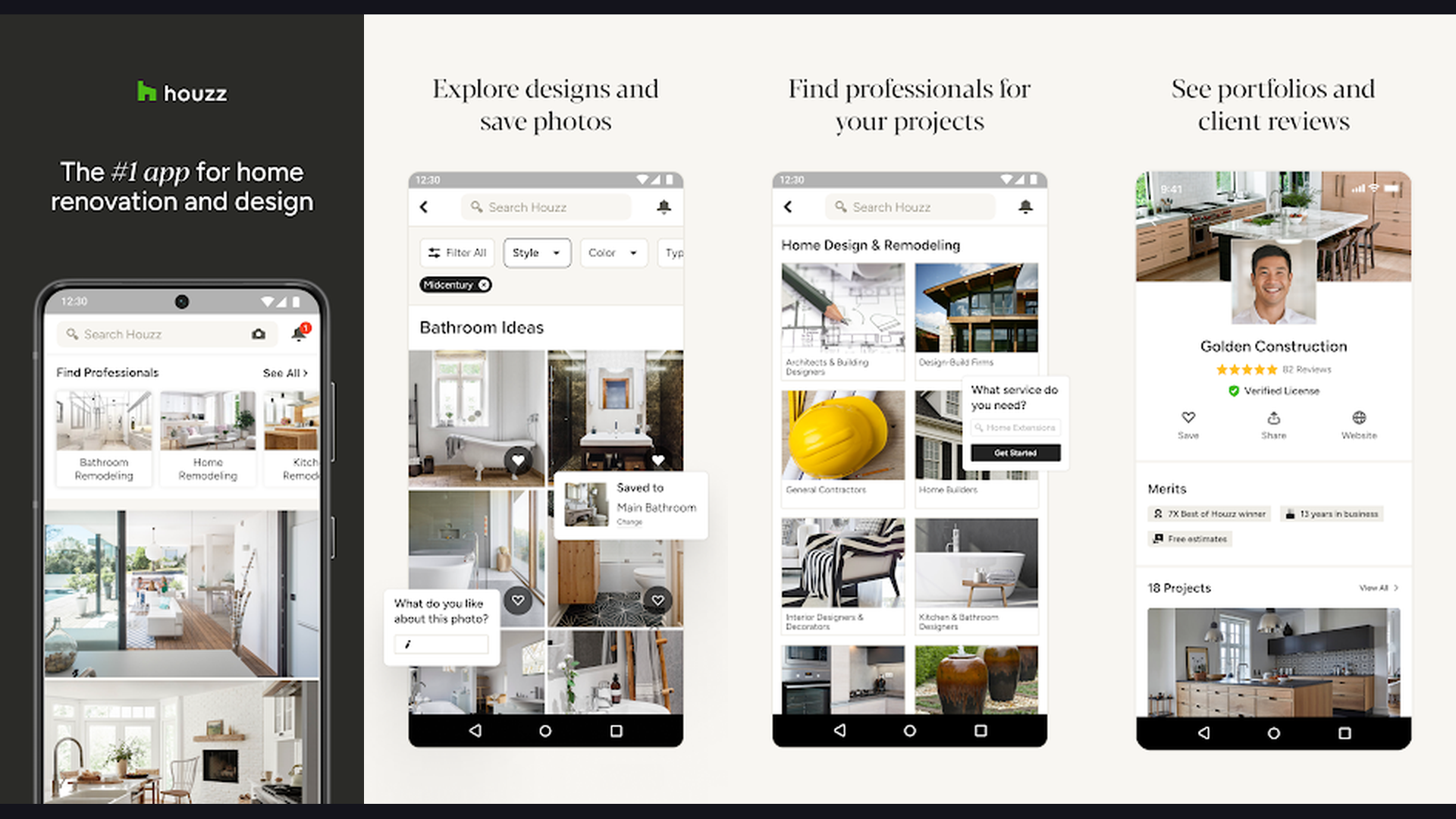
Houzz is the largest home design and renovation platform with millions of interior photos for van conversion inspiration. Search for "tiny house," "small space kitchen," "compact bathroom," and "RV interior" to find a treasure trove of space-efficient design ideas directly applicable to van builds. The "View in My Room" AR feature lets you see how furniture, fixtures, and decor will look in your actual van space using your phone camera. Save photos to Ideabooks organized by room or theme (kitchen galley, sleeping area, storage solutions). Houzz connects you with professionals including carpenters, upholsterers, and custom fabricators who can help with specialized van build tasks. The built-in shopping feature lets you purchase fixtures, lighting, cabinet hardware, and accessories directly from the app. The community forums include discussions about small space design applicable to van life. Houzz is free with optional professional features. For van builders looking for design inspiration from real projects and shopping for fixtures, Houzz provides the largest curated design library. Pair with our guide on van life cooking apps for your galley kitchen planning.
3. Planner 5D (Rating 4.5)
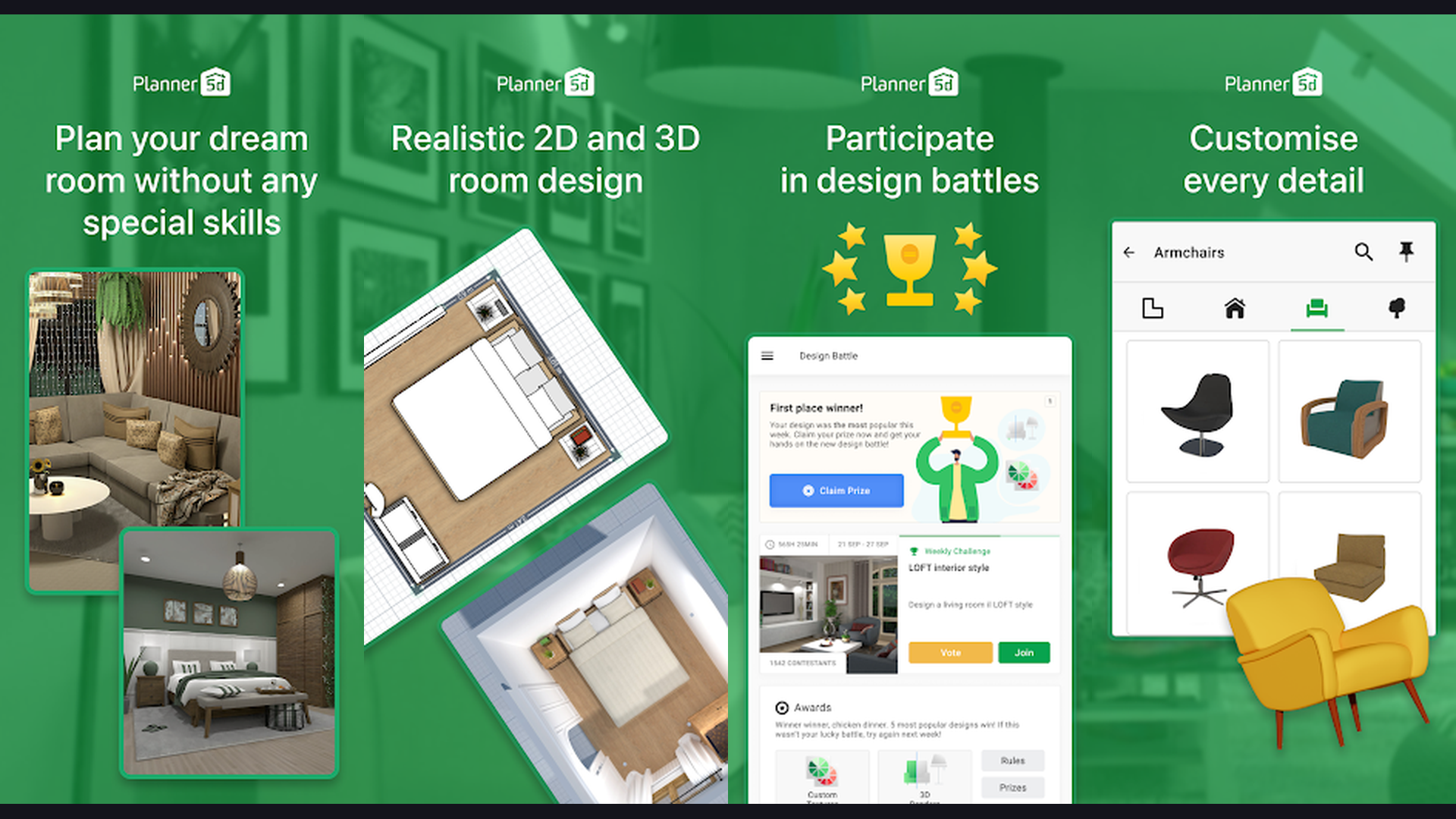
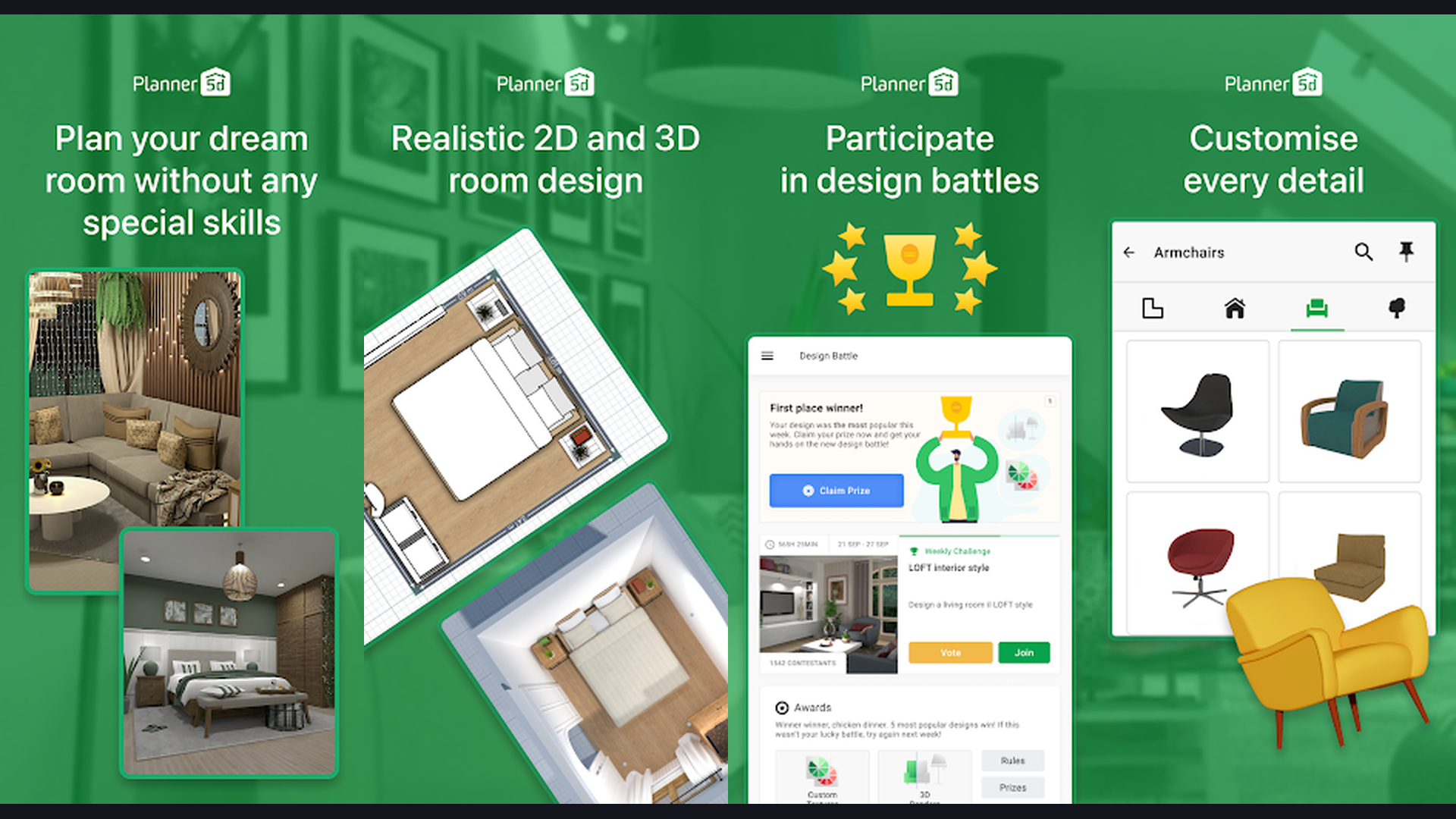
Planner 5D is a powerful 3D interior design tool that van builders can use to create detailed virtual models of their conversion. Start by creating a custom room matching your van dimensions (width, length, ceiling height). Add walls, windows, and doors to replicate your van shell. Then furnish it with the extensive catalog of furniture, appliances, fixtures, and decor items. Planner 5D offers a realistic 3D walkthrough mode so you can virtually "stand inside" your designed van interior and check proportions, sightlines, and overall feel before starting the build. The AI Design feature generates interior suggestions based on your preferences. The snapshot feature creates photorealistic renders of your design for sharing with build partners or the van life community. Custom dimensions for every item ensure accuracy. The free plan includes basic design tools; Premium ($7.99/month) unlocks the full catalog and HD renders. For van converters who want to visualize their complete interior in 3D before cutting a single piece of wood, Planner 5D is the most accessible 3D planning tool on mobile.
4. Pinterest (Rating 4.3)
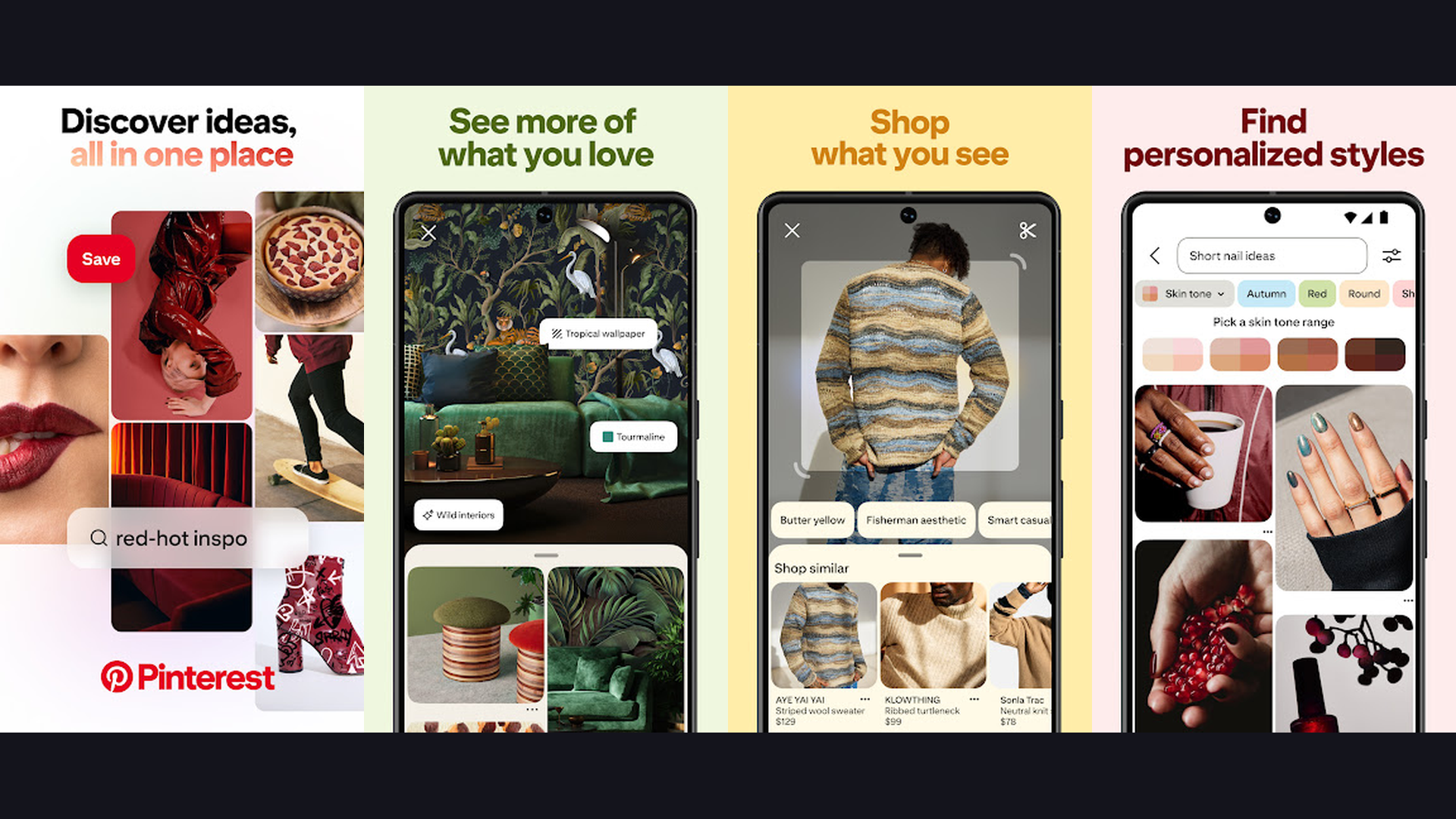
Pinterest is the ultimate visual discovery engine for van build inspiration, layout ideas, and DIY conversion guides. Search "camper van conversion," "van life interior," "sprinter van layout," or "Ford Transit build" to find thousands of curated images, detailed build guides, and step-by-step tutorials from real van builders worldwide. Create boards organized by conversion area: electrical system, water plumbing, insulation, kitchen layout, bed platform, storage, and lighting. Pinterest visual search (tap the camera on any pin) finds similar items and ideas, perfect for finding alternatives to expensive fixtures. Many pins link directly to blog posts with detailed build instructions, material lists, and cost breakdowns. The "Shop" feature finds purchasable products within pins. For color scheme planning, create a palette board grouping wood stains, upholstery fabrics, paint colors, and accent materials. Pinterest is free. For the earliest inspiration and research phase of your van conversion, Pinterest is where every successful van build starts.
5. iScape (Rating 4.3)
iScape is a landscape and outdoor design app that van builders can creatively use for exterior customization and outdoor living space planning. While designed for landscaping, iScape AR capabilities are ideal for planning the area surrounding your parked van: outdoor kitchens, awning setups, portable furniture arrangements, and campsite layouts. Point your camera at your van parked at a campsite and overlay furniture, plants, lighting, and outdoor accessories in augmented reality. Plan where to place your fold-out table, chairs, outdoor shower, and solar panel setup. The 3D visualization helps design your van exterior too: visualize roof rack configurations, exterior storage pod placement, and awning positions. The shopping feature connects to retailers for outdoor furniture and accessories. iScape is free with basic features; Pro ($23.99/month) adds full plant and product libraries. For van lifers who want to design their outdoor living space and exterior setup using AR visualization, iScape brings your campsite layout to life.
6. MagicPlan (Rating 4.2)
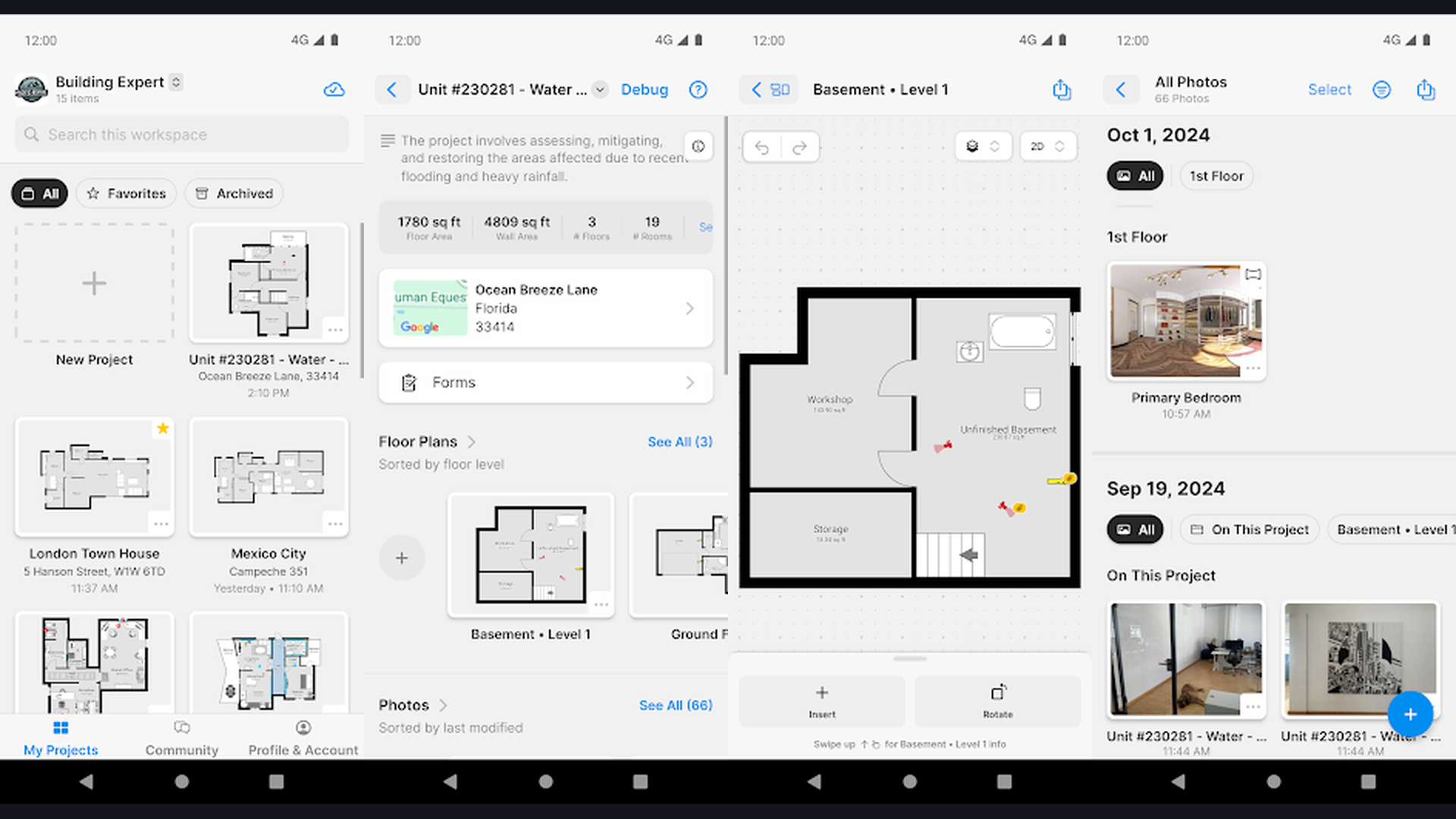
MagicPlan is a floor plan creation app that uses your phone camera and LiDAR to measure and map spaces instantly. For van conversions, MagicPlan scans your empty van interior to create an accurate 2D floor plan with precise measurements. Point your phone at corners and walls, and the app builds the floor plan automatically. This eliminates the tedious manual measuring process and ensures your design starts with accurate dimensions. Once the base plan is created, add furniture, fixtures, appliances, and annotations. Export floor plans as PDF, JPG, or DXF files for sharing with builders or fabricators. The LiDAR scanning feature (on supported iPhones and iPads) creates even more accurate 3D room scans. MagicPlan also generates material estimates and cost calculations for renovation projects. The free plan includes basic room scanning; premium plans start at $9.99/month. For van builders who need precise measurements of their van shell before designing the interior, MagicPlan is the fastest way to digitize your van dimensions and create an accurate starting floor plan.
7. Room Planner (Rating 4.0)
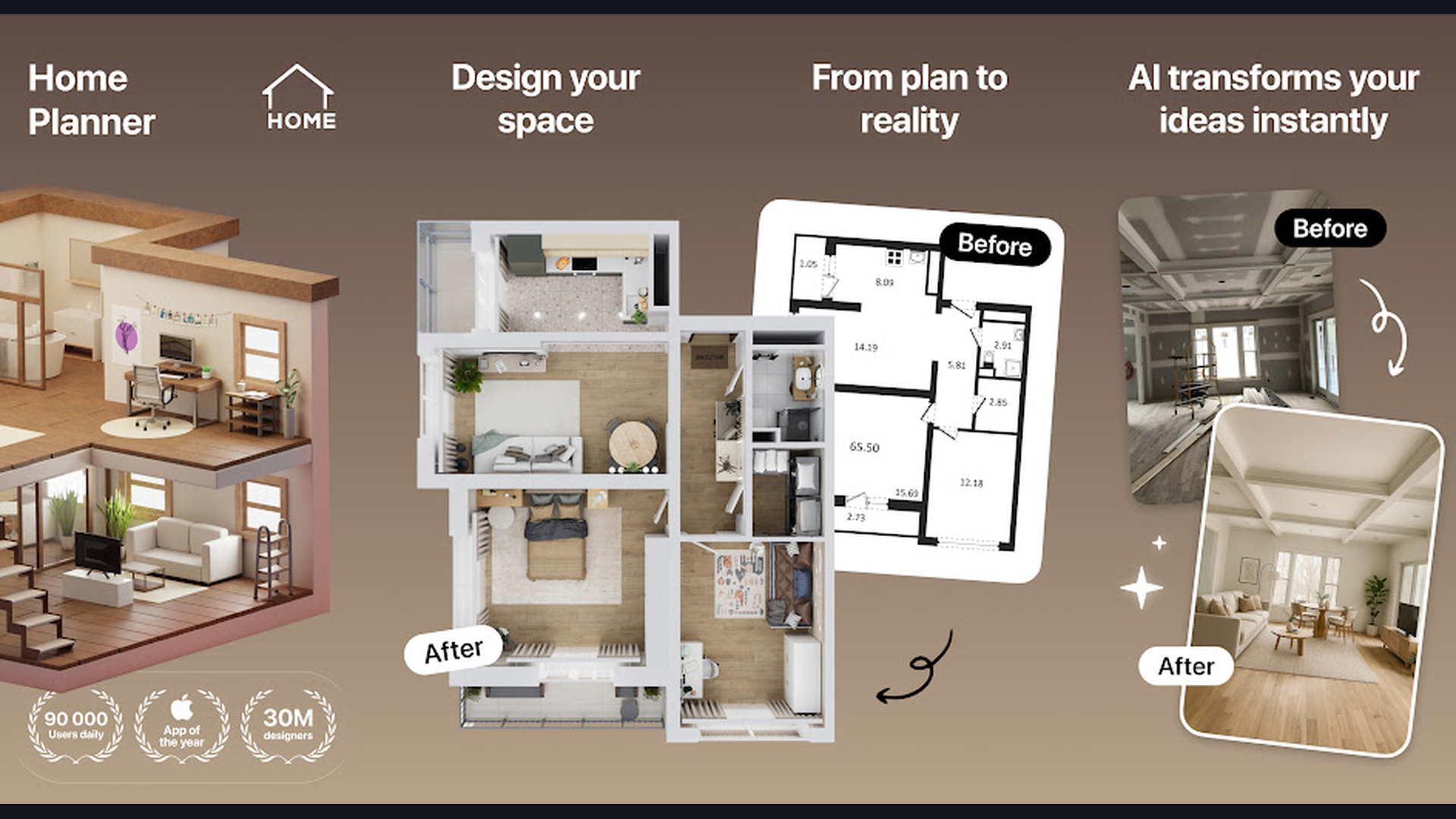
Room Planner is a 3D room design app with AI-powered interior suggestions ideal for compact van conversions. Create rooms with custom dimensions matching your van interior, then experiment with furniture placement in 3D. The AI Interior Design feature generates complete room layouts based on your style preferences, which you can adapt for van-sized spaces. The AR mode lets you place virtual furniture in your actual van using the phone camera, helping verify that pieces will fit before purchasing. The object catalog includes compact furniture, kitchen units, storage solutions, and bathroom fixtures suited for small spaces. Color and material customization lets you try different wood finishes, upholstery fabrics, and wall colors. The "My Projects" section saves multiple design iterations so you can compare layouts. Export renders as images for discussion. Room Planner is free with basic features; Pro ($6.99/week) unlocks all furniture and advanced export. For van converters who want AI-powered compact space design suggestions with AR furniture placement, Room Planner speeds up the layout experimentation process.
8. SketchUp (Rating 3.8)
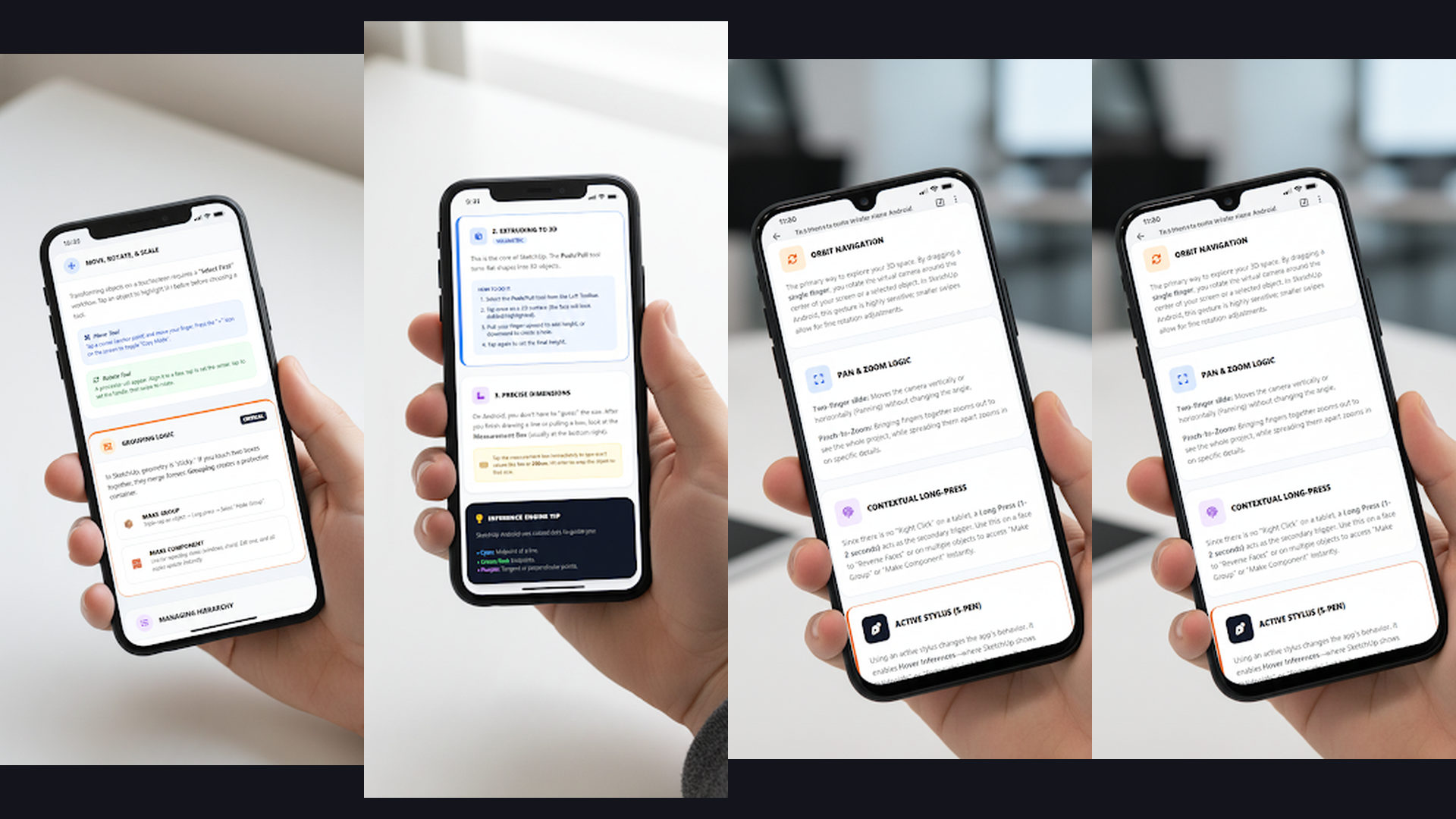
SketchUp is a professional 3D modeling tool used by architects and designers, and a favorite among serious van builders for detailed conversion plans. The mobile app (SketchUp Viewer) lets you view and interact with 3D models created in SketchUp for Web (free) or SketchUp Pro (desktop). Many experienced van converters create detailed 3D models of their entire build in SketchUp, modeling every cabinet, countertop, electrical run, and plumbing line with precise dimensions. The 3D Warehouse contains thousands of free pre-built components including IKEA furniture, Dometic appliances, Maxxfan vents, and other van-specific parts shared by the van life community. Walk through your designed van interior in 3D on your phone while standing in the actual van to verify measurements. SketchUp for Web is free with basic 3D modeling. SketchUp Go ($119/year) adds mobile editing capabilities. For serious van builders who want detailed technical plans with precise joinery, wiring routes, and plumbing layouts, SketchUp is the industry-standard 3D modeling tool.
9. HomeByMe (Rating 3.7)
HomeByMe is a 3D space planning tool by Dassault Systemes that creates photorealistic interior visualizations. While designed for home interiors, HomeByMe excels for van conversions because it allows custom room dimensions, meaning you can model your exact van shell. The editor uses real brand products from furniture manufacturers, providing actual dimensions and costs for items like compact sinks, fold-down tables, and storage units. The photorealistic rendering engine produces stunning visualizations of your designed van interior, complete with lighting, shadows, and material textures. Start with a 2D floor plan, place furniture and fixtures, then switch to 3D walkthrough mode to experience the space. HomeByMe works in a browser with a companion mobile app for viewing designs on the go. The free plan includes 3 project saves and 1 realistic render; Premium ($19.99/month) adds unlimited projects and renders. For van builders who want photorealistic previews of their interior with real brand fixtures and accurate material textures, HomeByMe produces the most visually stunning design visualizations.
10. VanLogic (Rating 3.5)
VanLogic is the only app specifically designed for camper van conversion planning with built-in weight and center of gravity calculations. Unlike generic interior design apps, VanLogic understands that a van is a vehicle where weight distribution directly affects driving safety and fuel efficiency. The 2D editor uses a drag-and-drop interface with pre-built van components: beds, kitchens, water tanks, batteries, fridges, and storage modules. As you add items, VanLogic calculates the total weight based on material density and shows the real-time center of gravity on your layout, helping you avoid dangerous weight imbalances. The extensive material database includes plywood, aluminum, insulation, fabrics, and hardware with accurate weights. Smart stacking places objects inside cabinets for realistic storage planning. Export your layout as an image or PDF for reference during the build. VanLogic is available on Android. For van converters who need a purpose-built planning tool that considers weight distribution and balance, VanLogic is the only app designed specifically for the unique engineering requirements of van conversions.
11. Campa (Rating 3.4)
Campa is a van life companion app for documenting, managing, and showcasing your van build and equipment. Create a detailed "van profile" listing every piece of equipment, modification, and upgrade installed in your vehicle. Track your solar panel specs, battery capacity, water tank size, appliance details, and maintenance schedule all in one place. The build documentation feature creates a visual record of your conversion progress, from empty shell to finished camper. Share your van profile with the Campa community to inspire other builders and get feedback. The equipment management system reminds you of service intervals and replacement dates. If you sell your van, the complete build profile transfers to the new owner, adding resale value. Campa helps you find other van lifers, discover camping spots, and connect with the mobile living community. The app is free with optional premium features. For van lifers who want to document their build, track equipment, and share their rig with the community, Campa is the dedicated van life management platform. For more van life essentials, check our van life cooking and meal planning guide.
Van Design Workflow: From Inspiration to Build Plan
A successful van conversion follows a clear design workflow. Here is the recommended app-by-app process:
- Phase 1 - Inspiration and Research (Pinterest + Houzz): Spend 2-4 weeks collecting inspiration on Pinterest boards and Houzz ideabooks. Study layouts from other van builds, note clever storage solutions, material choices, and space-saving techniques. Save your favorite layouts and organize by area (kitchen, bed, bathroom, electrical).
- Phase 2 - Measure Your Van (MagicPlan): Use MagicPlan to scan your empty van shell and create an accurate floor plan with precise dimensions. This base plan becomes the foundation for all design work. Note window positions, wheel arches, and any structural features that affect layout.
- Phase 3 - Layout Experimentation (Planner 5D or Room Planner): Create a custom room matching your van dimensions in Planner 5D or Room Planner. Experiment with different furniture arrangements in 3D. Try multiple layout configurations: fixed bed vs convertible, side kitchen vs rear kitchen, wet bath vs dry bath. Use the AR feature to verify furniture fits in your actual van.
- Phase 4 - Weight and Balance Check (VanLogic): Transfer your chosen layout to VanLogic and verify that weight distribution is balanced. Adjust heavy items (water tank, batteries, fridge) to maintain a safe center of gravity. Calculate total build weight to stay within your van payload capacity.
- Phase 5 - Detailed Technical Plans (SketchUp): Create precise 3D models of cabinets, countertops, and custom furniture in SketchUp for Web (free). Model joinery details, wiring routes, and plumbing runs. Use dimensions from your SketchUp model for cutting lists at the hardware store.
- Phase 6 - Visual Documentation (Canva + Campa): Document your build progress with Canva presentations and maintain your van profile in Campa. Share your journey with the van life community.
Tips for Designing Your Van Interior
- Measure Twice, Design Three Times - The most common van build mistake is inaccurate measurements. Use MagicPlan or a laser measure for your van shell dimensions. Remember to account for insulation thickness (typically 1-2 inches on each wall) which reduces your usable interior space. Model your layout in at least two different apps to check for dimension errors.
- Prioritize Your Lifestyle Needs - Design around how you actually live, not how van life looks on Instagram. If you cook daily, invest in a larger kitchen. If you work remotely, prioritize a comfortable desk setup. If you mountain bike, plan secure bike storage. A fixed bed saves daily conversion hassle. Map your typical day in the van and design spaces for each activity.
- Plan Electrical and Plumbing Early - Electrical wiring and plumbing are installed before walls and furniture. Design these systems during the planning phase, not after. Include battery bank placement, wire routing, switch locations, outlet positions, water tank location, pump placement, and drain routing in your 3D model. SketchUp is ideal for this level of detail.
- Think About Weight Distribution - A van is a vehicle. Uneven weight distribution causes poor handling, increased tire wear, and dangerous driving conditions. Place heavy items (water tank, battery bank, fridge) low and centered. Use VanLogic to verify your center of gravity before building. Stay below your van manufacturer gross vehicle weight rating (GVWR).
- Maximize Vertical Storage - Van floors are limited. Use walls and ceiling space for overhead cabinets, hanging nets, magnetic spice racks, and pegboard organization systems. Design cabinets with doors that stay shut during driving (use yacht-style latches). Every inch of wall space is a potential storage opportunity. Use Planner 5D or SketchUp to model vertical storage.
- Design for Maintenance Access - Plumbing and electrical systems need occasional maintenance. Design access panels behind walls, under floors, and above ceilings so you can reach pumps, connections, and wiring without dismantling cabinets. This is easily overlooked in 3D models but critical in real life.
- Test Your Layout With Cardboard - Before building with real materials, mock up your designed layout with cardboard boxes in the actual van. Sit in your planned seating, lie on your planned bed, cook in your planned kitchen. This physical prototype catches ergonomic issues that 3D models cannot reveal. Update your digital design based on this testing.
- Join Van Build Communities - The van life community freely shares detailed build plans, material lists, and lessons learned. Instagram, Reddit r/vanlife, and YouTube van build channels are invaluable resources. Use Pinterest to bookmark build guides. Many builders share their SketchUp models for free in 3D Warehouse.
Frequently Asked Questions
What is the best app for designing a van interior?
Planner 5D is the best all-around app for 3D van interior design on mobile, offering custom room dimensions, furniture placement, 3D walkthrough, and photorealistic renders. For weight-aware planning specific to van conversions, VanLogic is the only app with built-in center of gravity calculations. For detailed technical plans, SketchUp (free web version) is the industry standard used by professional van builders.
Can I design a van layout on my phone?
Yes. Planner 5D, Room Planner, and MagicPlan all work fully on Android and iOS phones and tablets. Create custom rooms matching your van dimensions, add furniture in 3D, and use AR to place virtual items in your actual van through the camera. While tablets provide a better experience due to larger screens, all apps in this guide work on smartphones.
Is there a free app specifically for van conversion planning?
VanLogic (Android) is the most van-specific planning app with weight calculations and pre-built van components. However, its interface is simpler than general 3D design tools. For a free 3D design experience, Planner 5D offers a free plan with basic tools, and SketchUp for Web is completely free for 3D modeling. Pinterest is free for unlimited inspiration browsing and van build research.
How do I get accurate measurements of my van interior?
Use MagicPlan to scan your van interior with your phone camera for instant floor plan creation. For even more accuracy, use a laser distance measure (available at any hardware store for $20-$40) and record measurements manually. Remember to measure at multiple heights since van walls curve inward. Account for insulation and wall panel thickness (typically 1-2 inches per side) when designing.
Should I design my van in 2D or 3D?
Start with 2D floor plans (MagicPlan, VanLogic) to establish the basic layout and verify dimensions. Then move to 3D (Planner 5D, SketchUp, Room Planner) to visualize the space, check headroom, verify furniture proportions, and experience the layout from different angles. 3D design catches spatial problems that 2D plans miss, like a cabinet blocking a window or insufficient headroom above a bed platform.
What van models are best for conversion?
Popular choices include the Mercedes Sprinter (largest interior volume), Ford Transit (best value), RAM ProMaster (widest interior floor), and VW Transporter (most compact for city driving). Each model has active online communities sharing build plans and SketchUp models. The right van depends on your budget, travel style, and how much interior space you need.
Final Thoughts
Designing your van interior before building saves thousands of dollars in mistakes and creates a more functional, beautiful living space. Start your journey with Pinterest and Houzz for inspiration, measure your van with MagicPlan, experiment with layouts in Planner 5D or Room Planner, verify weight balance in VanLogic, and create detailed build plans in SketchUp. Use Canva to document your progress and Campa to manage your completed build. The best van conversions are the ones that are thoroughly planned and tested before a single screw goes in. For more van life essentials, explore our guides on cooking and meal planning apps for van life, navigation apps for road trips, video editing apps to document your build, and digital planners to organize your entire project.