Can You Add a Person to Your Cash App Card?
Cash App by Block (formerly Square) is one of the most popular peer-to-peer payment apps in 2026. While Cash App doesn't support adding a traditional "authorized user" to an adult account like a credit card would, it does offer a powerful feature called Sponsored Accounts that allows parents and guardians to add teens (ages 13–17) as authorized users on their Cash App ecosystem, including the Cash Card.
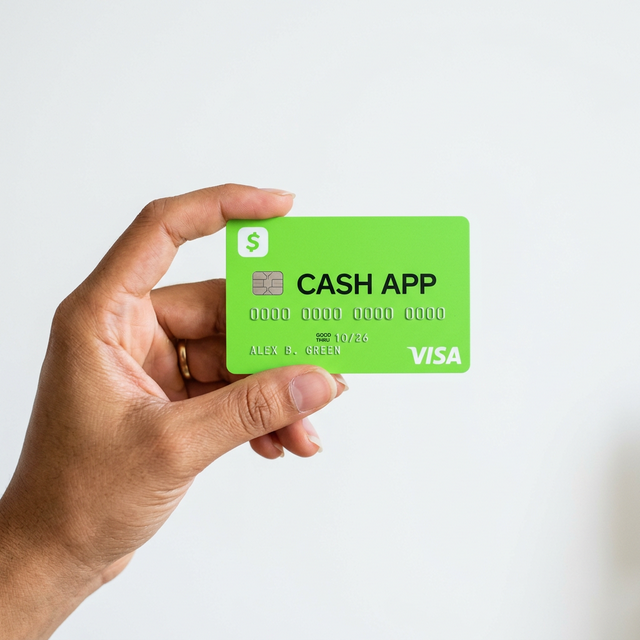
In this comprehensive guide, we'll cover everything you need to know about adding someone to your Cash App Card, including Sponsored Accounts, family features, and alternative methods to share access.
Understanding Cash App Sponsored Accounts
What Are Sponsored Accounts?
Sponsored Accounts are a feature that lets a parent or legal guardian sponsor a teen (13–17 years old) to create their own Cash App account. As the sponsor, you maintain ownership and oversight of the account while the teen gets access to:
- Their own Cash App Card
- Peer-to-peer (P2P) money transfers
- Direct deposit capabilities
- Investing features (with sponsor oversight)
Eligibility Requirements
- Sponsor must be an eligible parent or legal guardian
- Sponsor must have a verified Cash App account
- The sponsored person must be aged 13–17
- Both parties need valid identification
How to Add a Person: Step-by-Step Guide
Step 1: Open Cash App and Navigate to Families
- Open the Cash App on your smartphone.
- Tap your profile photo or icon in the top right corner.
- Select "Families" from the menu.
Step 2: Send an Invitation
- Tap "Invite a teen" or "Add a Family Member".
- Enter the teen's phone number or email address.
- Send the invitation.
Step 3: Teen Accepts and Sets Up Account
- The teen receives the invitation on their device.
- They download Cash App (if not already installed) from Google Play or App Store.
- They create their account using a valid phone number or email.
- They complete basic identity verification.
Step 4: Approve the Sponsored Account
- As the sponsor, check your Activity tab for the approval request.
- Review the teen's account details.
- Tap Approve to activate the sponsored account.
Step 5: Request a Cash Card
- Once approved, the teen can open their Cash App.
- Navigate to the Cash Card tab.
- Tap "Get Cash Card" to request their personalized card.
- The card will be mailed to the registered address within 7–10 business days.
What Can You Control as a Sponsor?
Parental Controls and Monitoring
As the sponsor of a Cash App Family account, you have comprehensive oversight:
- View balances – Monitor the teen's account balance in real time.
- Transaction history – Review all incoming and outgoing transactions.
- Monthly statements – Access detailed monthly spending reports.
- Feature toggles – Enable or disable specific features like P2P transactions, investing, and direct deposits.
- Spending limits – Set daily and weekly spending limits on the Cash Card.
Account Ownership
An important distinction: as the sponsor, you are the legal owner of the sponsored account. The teen is considered an authorized user. This means you're responsible for all activity on the account. When the sponsored person turns 18 and verifies their identity, they become the independent owner.
Alternative Ways to Share Cash App Access
Sending Money Directly
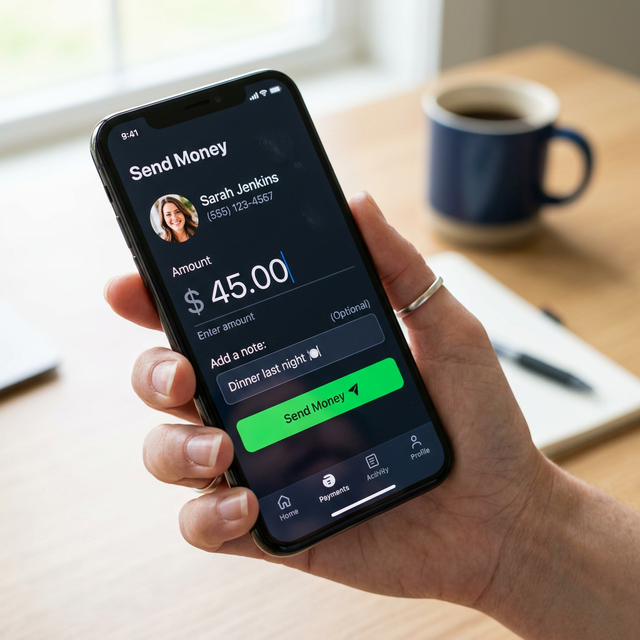
If you simply want to give someone access to funds, the easiest method is sending money directly through Cash App. Every Cash App user has a unique $cashtag that makes receiving money instant and free.
Cash App Card for Adults
Each adult Cash App user can have their own Cash Card linked to their account. If your family member or partner needs a card, they can create their own free Cash App account and request a Cash Card.
Shared Savings (Savings Feature)
Cash App allows you to create savings goals. While not a shared account per se, you can send money to someone's savings goal to help them accumulate funds. For more ways to manage your finances digitally, explore our guide on how to check Easypaisa balance.
Cash App Card Features in 2026
| Feature | Details |
|---|---|
| Card Type | Visa Debit Card |
| Monthly Fee | Free |
| ATM Withdrawals | Free at in-network ATMs; $2.50 fee otherwise |
| Direct Deposit | Up to 2 days early |
| Boosts (Cash Back) | Rotating offers at select merchants |
| Custom Design | Personalize your card with custom designs |
| Contactless Payments | Tap to pay supported |
| Mobile Wallet | Add to Apple Pay, Google Pay, Samsung Pay |
Cash App vs. Other Payment Apps for Families
| Feature | Cash App | Venmo | Zelle | PayPal |
|---|---|---|---|---|
| Teen/Family Accounts | ✅ (13+) | ✅ (13+) | ❌ | ❌ |
| Debit Card | ✅ (Free) | ✅ (Free) | ❌ | ✅ (Fee) |
| Parental Controls | ✅ | ✅ | N/A | N/A |
| Investing | ✅ | ❌ | ❌ | ❌ |
| Direct Deposit | ✅ | ✅ | ❌ | ✅ |
| Instant Transfer | 1.5% fee | 1.75% fee | Free | 1% fee |
Security Tips for Adding People to Cash App
Protect Your Account
- Enable Face ID/Touch ID or a PIN lock on Cash App.
- Use a strong, unique password for your Cash App login.
- Enable two-factor authentication (2FA) for additional security.
- Never share your Cash App PIN or sign-in code with anyone.
Monitor Sponsored Accounts
- Regularly review transaction history for any unauthorized spending.
- Set reasonable daily spending limits.
- Disable features the teen doesn't need (like investing or Bitcoin).
- Communicate openly about responsible spending habits.
For more on mobile security, read our guide on the Zryly.com cybersecurity app. If you're sharing your phone with family, you might also want to learn how to check your Wi-Fi password to set up new devices.
Frequently Asked Questions (FAQ)
Can I add another adult to my Cash App Card?
No, Cash App doesn't support adding authorized adult users to a single account. Each adult needs their own Cash App account and Cash Card. You can easily send money between accounts instead.
What age does a teen need to be for a Sponsored Account?
Teens must be between 13 and 17 years old to be added as a sponsored user on Cash App. After turning 18 and verifying their identity, they gain full independent ownership of their account.
Is there a fee for adding a person?
No, setting up a Sponsored Account and requesting a Cash Card is completely free. Standard Cash App fees apply for instant transfers and out-of-network ATM withdrawals.
Can I remove a sponsored person from my account?
Yes, as the sponsor, you can remove or deactivate a sponsored account at any time through the Families section of your Cash App settings.
Does the sponsored person get their own $cashtag?
Yes, sponsored accounts have their own unique $cashtag, account balance, and Cash Card. They function as independent accounts with sponsor oversight. For other useful mobile apps, check out our list of best apps for teens.