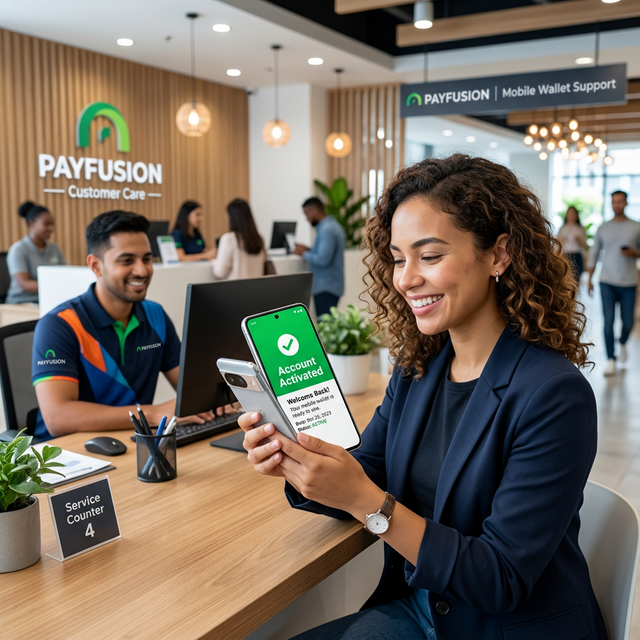
Restoring Your Digital Wallet in 2026
Easypaisa remains a cornerstone of digital finance in Pakistan, but what happens when your account becomes dormant or blocked? Whether it is due to an extended period of inactivity or a scheduled security audit by the State Bank of Pakistan, knowing how to reactivate your Easypaisa account is essential. In 2026, the process is more streamlined than ever, emphasizing biometric security. Much like staying current with the OnePlus 9 All Models PTA Tax in Pakistan, keeping your mobile wallet active is key for a smooth digital life.
An account typically enters a "dormant" state if there has been no financial activity—such as transfers, bill payments, or top-ups—for 90 consecutive days. While frustrating, this is a protective measure to ensure your funds remain secure.
Method 1: Reactivation via the Easypaisa App
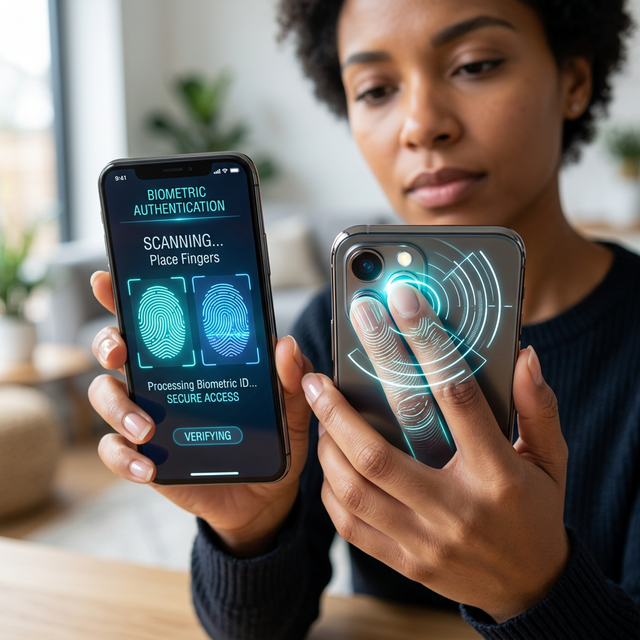
For most users, the quickest path to recovery is the mobile application. In 2026, your smartphone's camera acts as a high-precision scanner for biometric verification, eliminating the need to visit a physical shop for standard reactivations. This matches the convenience of modern software solutions, such as anchor alarm apps designed for boaters, which leverage hardware sensors for security.
- Log in to your 2026-updated Easypaisa app.
- Tap on your profile icon in the top-left corner.
- Select the "Account Upgrade & Verification" or "Reactivate Account" option.
- Follow the on-screen prompts to perform a biometric scan of your fingerprints using your phone's rear camera.
- Provide mandatory identity updates, such as your mother's maiden name or CNIC expiry date, if prompted.
Method 2: In-Person Verification at a Telenor Franchise
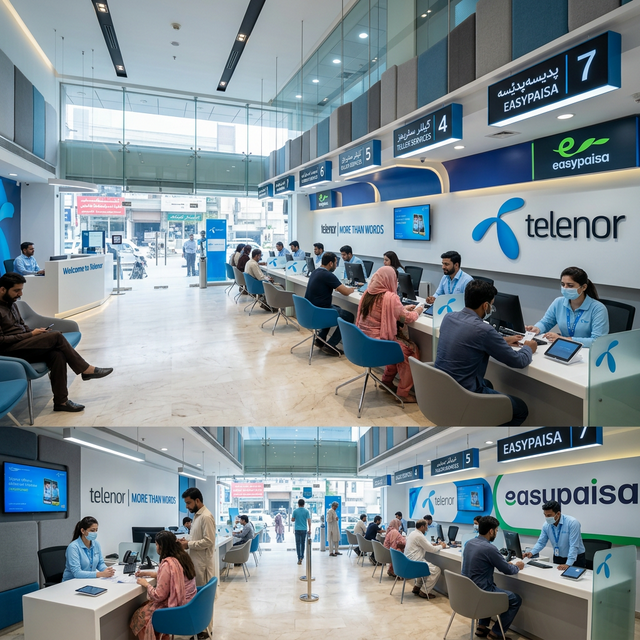
If your account was blocked due to complex ownership issues or if you are using a device with an inadequate camera (unlike the high-end sensors in the Apple iPhone SE 3), a physical visit is your best bet. You can find official Easypaisa retailers or Telenor franchises in every major city.
Bring your original CNIC and your registered mobile phone. The service representative will use a dedicated biometric machine to verify your identity. In 2026, this process typically costs a small service fee of around PKR 200, but it ensures your account is restored to full "Level 1" or "Level 2" status within minutes.
PIN Resets and Dormancy Prevention
Sometimes, a "locked" account is simply a result of too many incorrect PIN attempts. If you've forgotten your PIN,
you can dial *786# or use the "Forgot PIN" feature in the app. Much like managing high-performance
hardware such as the Xiaomi 15, proactive
maintenance of your security codes prevents unexpected lockouts.
To avoid dormancy in the future, ensure you perform at least one small transaction every 60 days. This could be something as simple as a PKR 5 mobile load or transferring funds using the Easypaisa to JazzCash instant transfer method.
Easypaisa Reactivation Comparison (App vs. Franchise)
| Feature | Mobile App Reactivation | Telenor Franchise Visit |
|---|---|---|
| Convenience | High (Do it from home) | Low (Requires travel) |
| Processing Fee | Free / Small Digital Fee | Typically PKR 200 |
| Time Required | Instant (after scan) | 30-60 Minutes |
| Equipment Needed | Modern smartphone camera | Original CNIC |
Frequently Asked Questions (FAQ)
Why is my Easypaisa account dormant?
Accounts are marked as dormant if no financial transactions are recorded for 90 days. This is a security protocol mandated by the State Bank of Pakistan to protect inactive funds.
Can I reactivate my account without my original CNIC?
No. Whether utilizing the app for biometric scanning or visiting a franchise, you must have your 13-digit CNIC details and physical card available for legal verification.
How long does reactivation take in 2026?
Once biometric verification is successful, accounts are usually restored within 15 minutes. However, in some cases, it may take up to 24 hours for all transaction limits to be fully reinstated.
Is there a deadline for biometric verification?
While there is no single "drop-dead" date for all users, specific accounts—especially those receiving government disbursements—must maintain active biometric status to ensure uninterrupted service in 2026.