Forgetting your own mobile number is a common scenario, especially in Pakistan where many users maintain multiple cellular networks for diverse PTA or data bundle benefits. Whether you just purchased a new connection or you are dusting off an old SIM to check its network status, knowing exactly how to check Ufone SIM number in 2026 is a huge time-saver. Fortunately, Ufone provides a few straightforward, completely free USSD codes that instantly flash your own digits on the screen, even if your account balance is exactly zero.
Staying connected and managing your telecom identities correctly is crucial right from the start, similarly to how phone owners must ensure their devices are legitimately registered by checking the Oneplus 13R PTA tax in Pakistan. In this strictly tailored telecom guide, we will break down all the confirmed, functional 2026 methods to retrieve your active Ufone number without wasting any prepaid balance.
Fastest Method: Check Ufone Number Using USSD Code (Free)
The most reliable and direct way to see your Ufone number is by typing a specific Unstructured Supplementary Service Data (USSD) code into your phone's dialer. This method bypasses internet requirements, customer service waiting queues, and the need for account credit.

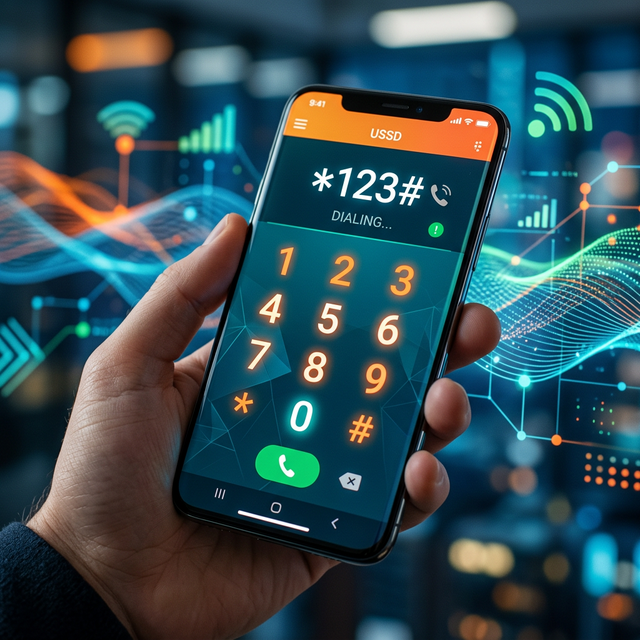
Dialing *780*3#
As of 2026, the universally accepted and widely recommended USSD code for Ufone number checking is *780*3#. Simply open your phone's calling app, ensure your Ufone SIM is selected (if you are utilizing a dual-SIM smartphone), type the code, and press the green call button. Within a few seconds, an interactive USSD notification will pop up on your display showing your complete, 11-digit mobile number starting with 033.
Dialing *1#
Alternatively, the much shorter USSD code *1# continues to function for many localized Ufone subscriber blocks across Pakistan. This swift query operates identically to the longer code. It connects instantly with the central Ufone registry and bounces the active MSISDN (Mobile Station International Subscriber Directory Number) back to your handset display completely free of charge. Having instant network access makes a big difference, especially if you are managing costs around newly imported devices, like the Samsung Galaxy A30 models PTA tax.
Can You Check a Ufone Number via SMS or Without the SIM?
A frequent question among users is whether they can figure out a Ufone number via SMS, or if the SIM card is entirely lost, corrupted, or unreachable inside an older, locked device like certain imported Realme X3 units before paying their PTA taxes.

The SMS to 667 Method
If you have some prepaid balance on the SIM, you can send a blank text message, or type the letters "MNP", and send it to the shortcode 667. This is Pakistan's national database inquiry service. Moments later, you will receive a detailed text message listing the active number, the date the connection was initiated, and the registered owner's CNIC name. Note that this official lookup service usually costs a standard SMS fee (around PKR 2.50 + tax), meaning it will fail if your balance is completely empty.
Checking Without the SIM Inserted
In 2026, privacy regulations mandate strict security over telecom data. Therefore, you cannot remotely check the number of a Ufone SIM if it is not physically inserted into a handset capable of picking up cellular signals. If the SIM is dead, blocked by PTA, or physically destroyed, USSD codes and network-based SMS methods will not operate. Your only recourse would be visiting a verified Ufone customer service franchise in Pakistan with your original CNIC to retrieve the biometric history associated with your identity.
Alternative Free Network Checks
Aside from USSD codes, if you happen to have active WiFi or a secondary data plan active on your dual-SIM phone, the official Ufone 4G mobile app is highly recommended. The moment you launch the app—provided you previously logged in or it auto-authenticates via the SIM network—your mobile number is plastered clearly on the top dashboard header. Similarly, modern Android operating systems usually read the SIM's hard-coded identity directly. Navigating to Settings > About Phone > SIM Status will often reveal the number without requiring any external network ping whatsoever.
Conclusion: The Most Reliable 2026 Approach
Retrieving your Ufone number should never cost you money or cause frustration. By simply keeping the USSD code *780*3# committed to memory, you can always flash your digits instantly on-screen, regardless of your balance status. Remember that strict privacy laws prevent you from pulling this data from another network; the physical Ufone SIM must always be the one initiating the query.
Frequently Asked Questions (FAQ)
What is the code to check Ufone number without balance?
The best free codes in 2026 to check your Ufone number without any account balance are *780*3# and *1#.
Can I check my Ufone number by sending an SMS?
Yes, you can send "MNP" to 667 from your Ufone SIM. However, this method will deduct standard SMS charges and requires you to have available balance.
How can I find my Ufone number if my SIM is inactive?
If the SIM has been inactive for an extended period and does not catch network signals, USSD codes will fail. You must visit an official Ufone franchise with your original CNIC to verify if the number is still registered to your name.