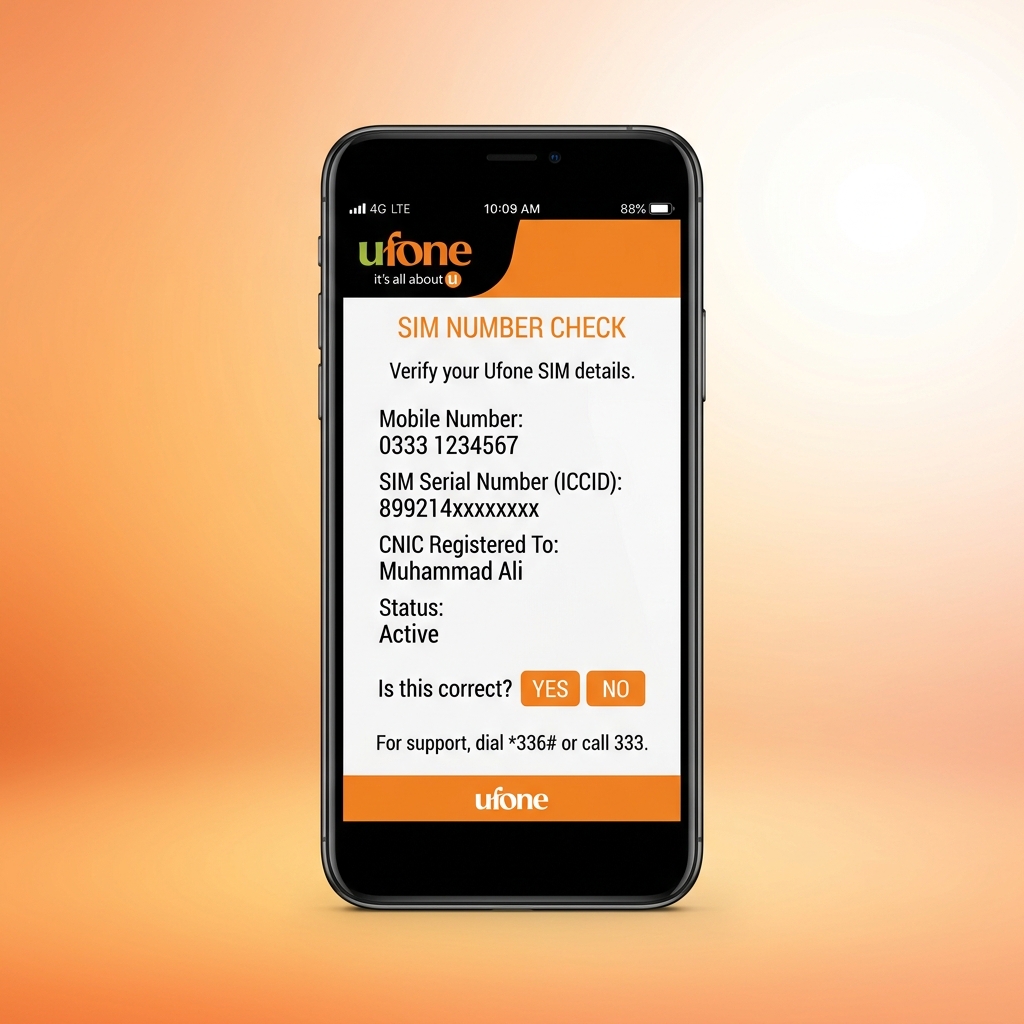
Forgetting your own phone number is more common than most people think, especially when you use multiple SIM cards or have recently purchased a new Ufone connection. Whether you need your number to share with a contact, fill out an online form, or register for a service, knowing how to quickly check your Ufone number is essential. This guide covers every available method to find your Ufone number in 2026.
Method 1: Check Ufone Number Using USSD Code
The fastest and most reliable method to check your Ufone number is by dialing a simple USSD code. This works on every phone type from basic feature phones to the latest smartphones without needing any internet connection.
Step-by-Step Process
Open your phone dialer app. Type *780*3# and press the call button. Within a few seconds, a popup message will appear on your screen displaying your complete 11-digit Ufone mobile number. Note down the number or take a screenshot for future reference. This service is completely free of charge and can be used as many times as needed.
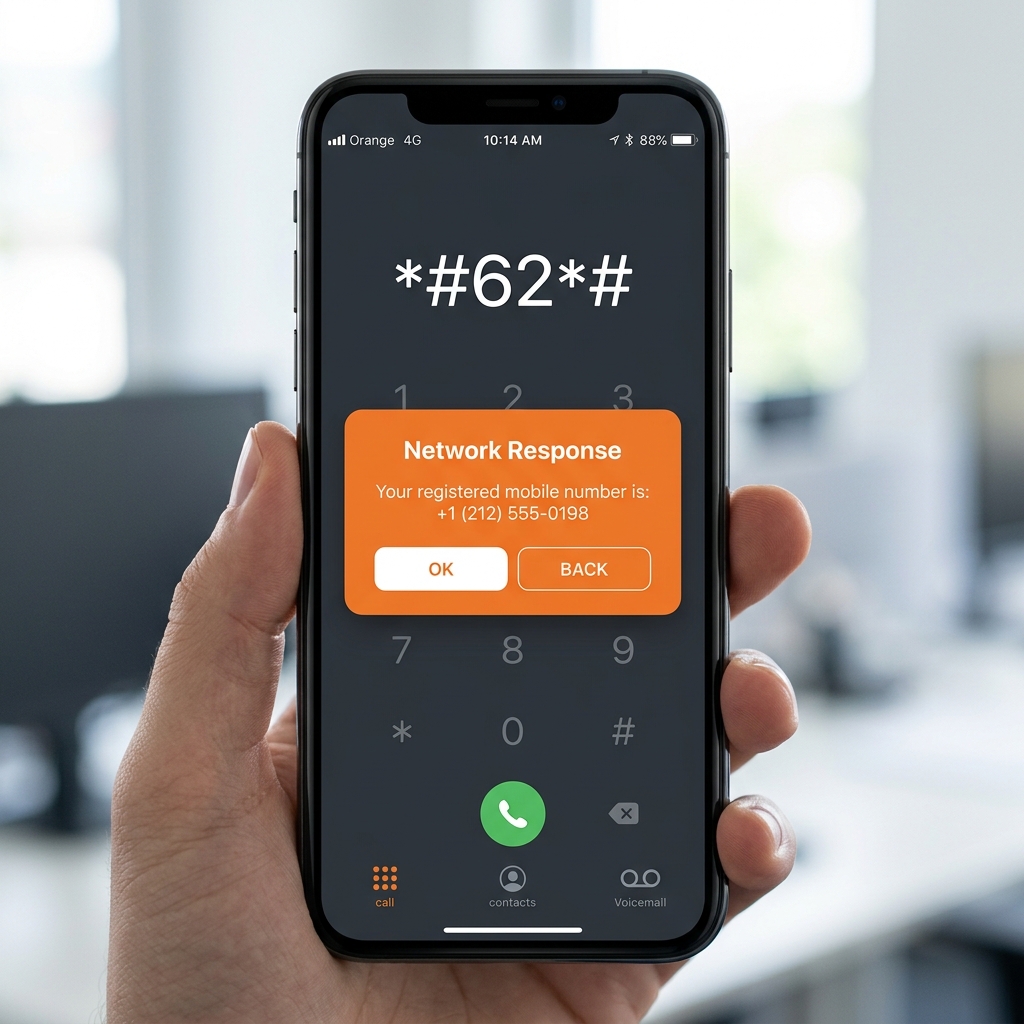
Alternative USSD Code
If the primary code does not work for any reason, you can try dialing *336# as an alternative. This code also connects to the Ufone self-service menu where you can navigate to the account information section to view your registered mobile number. Some users have also reported success with *123# which opens a broader self-care menu with multiple options including number display.
Method 2: Check via SMS
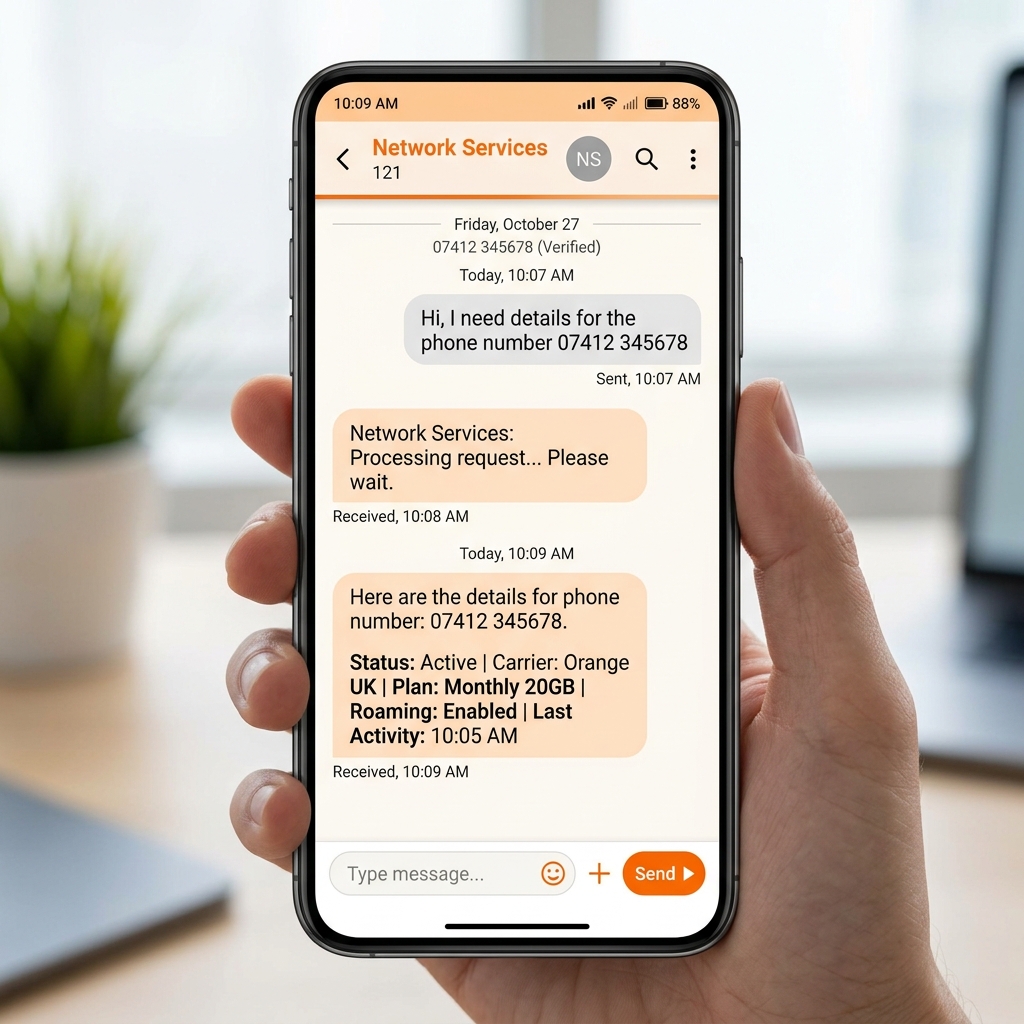
Another simple method involves sending a text message to retrieve your number. Open your messaging app and compose a new SMS. Type MNP in the message body and send it to 667. You will receive an automatic reply containing your Ufone mobile number. This method is particularly useful when the USSD service is temporarily unavailable or when your phone does not support USSD popup messages properly.
Method 3: Check Through the My Ufone App
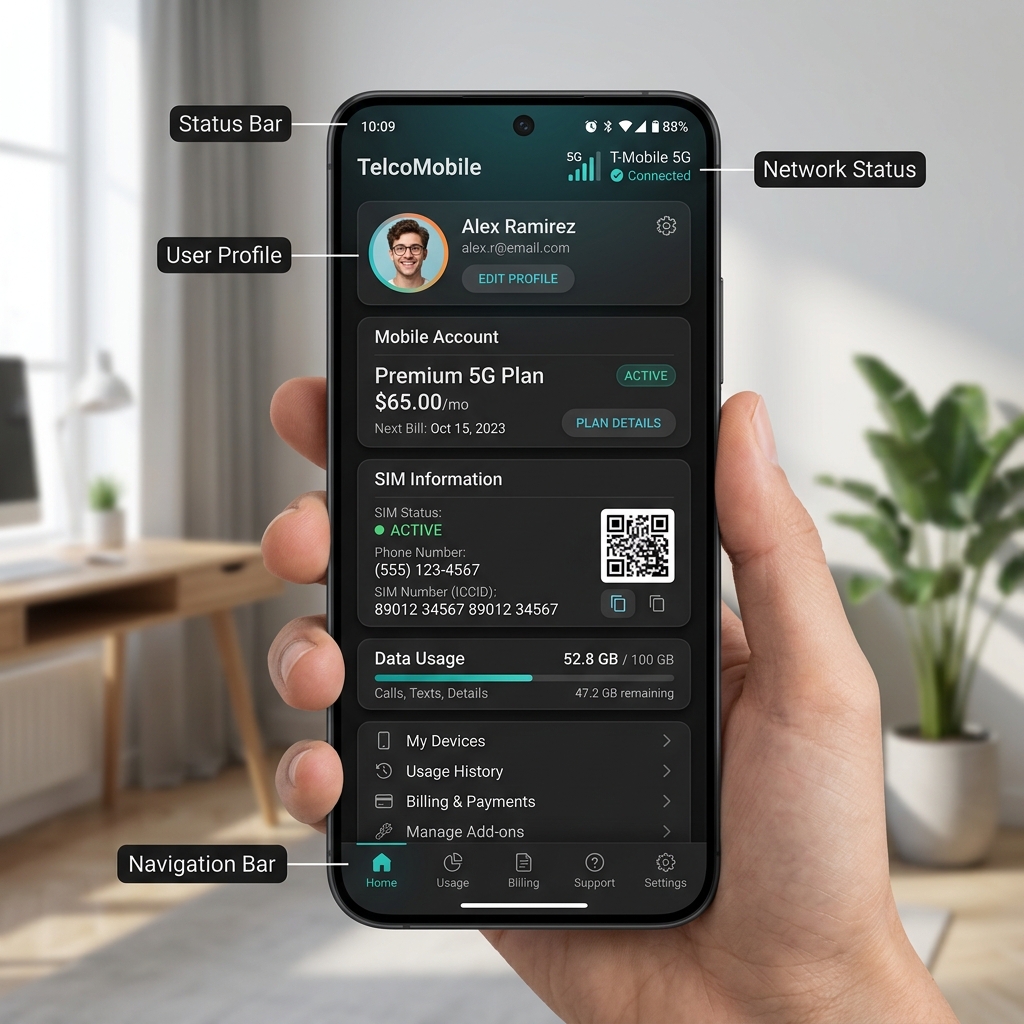
The My Ufone application provides a comprehensive dashboard where you can view all your account details including your registered mobile number.
Using the App
Download the My Ufone app from the Google Play Store or Apple App Store. Open the app and it will automatically detect your Ufone SIM and display your number on the login or home screen. Once logged in, navigate to the "My Account" or "Profile" section where your complete number along with other account details like your current package, remaining balance, and data usage will be visible.
Method 4: Call Another Phone
The simplest low-tech method is to call any other phone number that you have access to. Your Ufone number will appear on the recipient phone screen as the caller ID. This could be a family member phone, a friend device, or even your own second phone. Once the number displays, save it in your contacts for easy access in the future.
Method 5: Check from Phone Settings
Most modern smartphones store the SIM card number in the device settings. On Android phones, go to Settings, then tap "About Phone" followed by "SIM Card Status" or "Phone Identity." Your Ufone number should appear under the "My Phone Number" field. On iPhones, navigate to Settings, then tap "Phone" where your number is displayed at the top of the screen. Note that this method depends on the SIM card having the number programmed into it, which is the case for most Ufone SIMs.
Method 6: Contact Ufone Customer Support
If none of the self-service methods work, you can always reach out to Ufone customer care for assistance. Dial 333 from your Ufone number to connect with the automated helpline. Follow the voice prompts to navigate to the account information section. You can also request to speak with a live customer service representative who can verify your identity and provide your registered number. For calling from a non-Ufone number, use 0333-3100333.
Common Issues and Troubleshooting
If the USSD codes return an error message, ensure that your Ufone SIM is properly inserted and has active service. Restart your phone if the network is not being detected. If the My Ufone app fails to load your number, check your internet connection and make sure you are using the latest version of the application. In rare cases where the SIM number is not programmed into the card, the phone settings method may show "Unknown" and you will need to rely on the USSD or SMS methods instead.
Conclusion
Checking your Ufone number is a quick and effortless task with multiple methods at your disposal. Whether you prefer the instant USSD code approach, the SMS method, the My Ufone app, or simply calling another phone, you can retrieve your number within seconds. Keeping your number saved in your contacts or written down somewhere accessible ensures you never face this situation again.