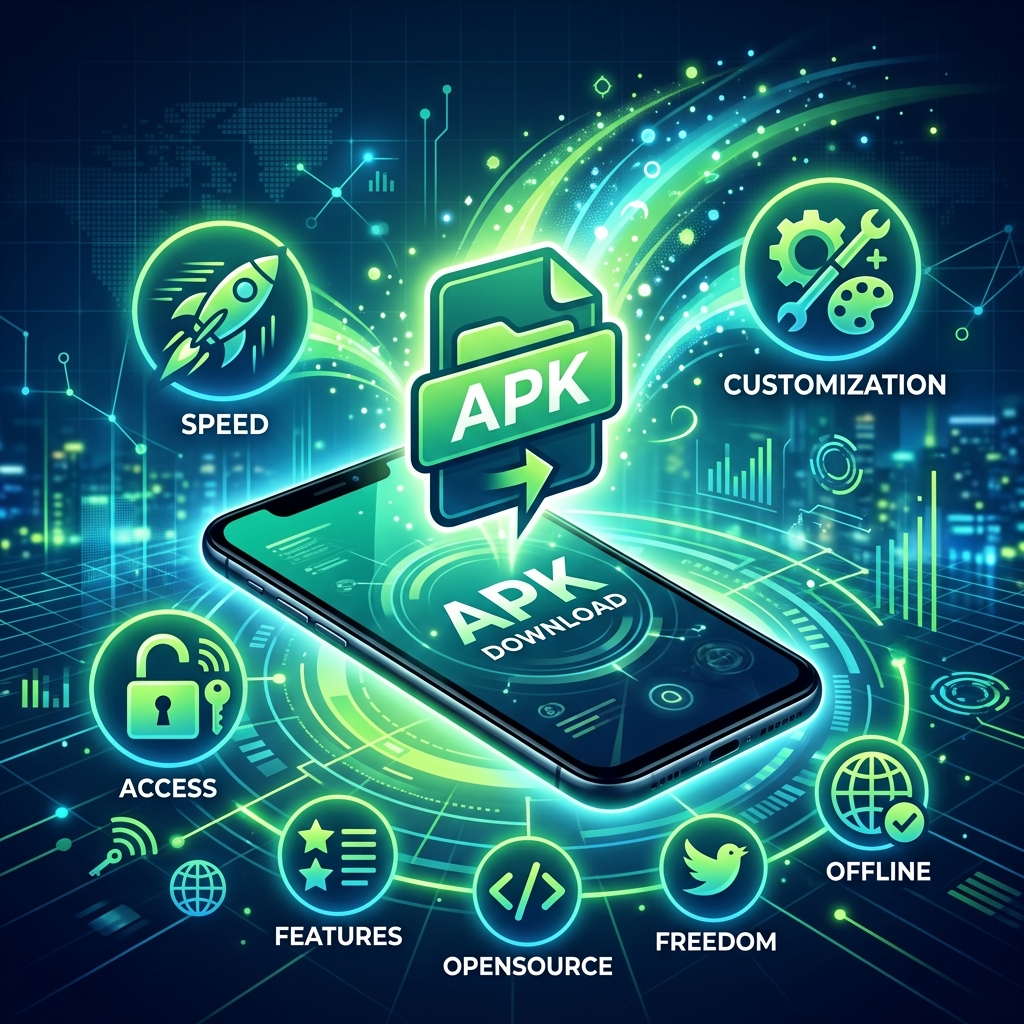
APK files (Android Package Kit) are the standard file format used by the Android operating system to distribute and install mobile applications. While most users download apps exclusively through the Google Play Store, there is a growing community of Android users who prefer downloading and installing APK files directly. This practice, known as sideloading, offers several significant benefits that many smartphone users are not aware of. This guide explores every advantage of using APKs in 2026.
What is an APK File?
An APK file is essentially a compressed archive (similar to a ZIP file) that contains all the code, resources, assets, certificates, and manifest files needed to install an Android application. When you download an app from the Google Play Store, you are actually downloading an APK file that the system installs automatically. The difference with sideloading is that you download the APK file manually from a source outside the Play Store and install it yourself.
Benefit 1: Access Apps Not Available on the Play Store
The Google Play Store has strict content policies and regional restrictions that prevent certain applications from being listed. Some perfectly legitimate and useful apps are unavailable on the Play Store due to policy conflicts, licensing issues, or geographical limitations.
Region-Locked Applications
Many apps are released only in specific countries due to licensing agreements or regulatory requirements. A streaming service available in the United States might not appear in the Play Store for users in Pakistan, the Middle East, or Southeast Asia. By downloading the APK file from a trusted source, users in restricted regions can access these applications and enjoy content that would otherwise be unavailable to them.
Removed or Discontinued Apps
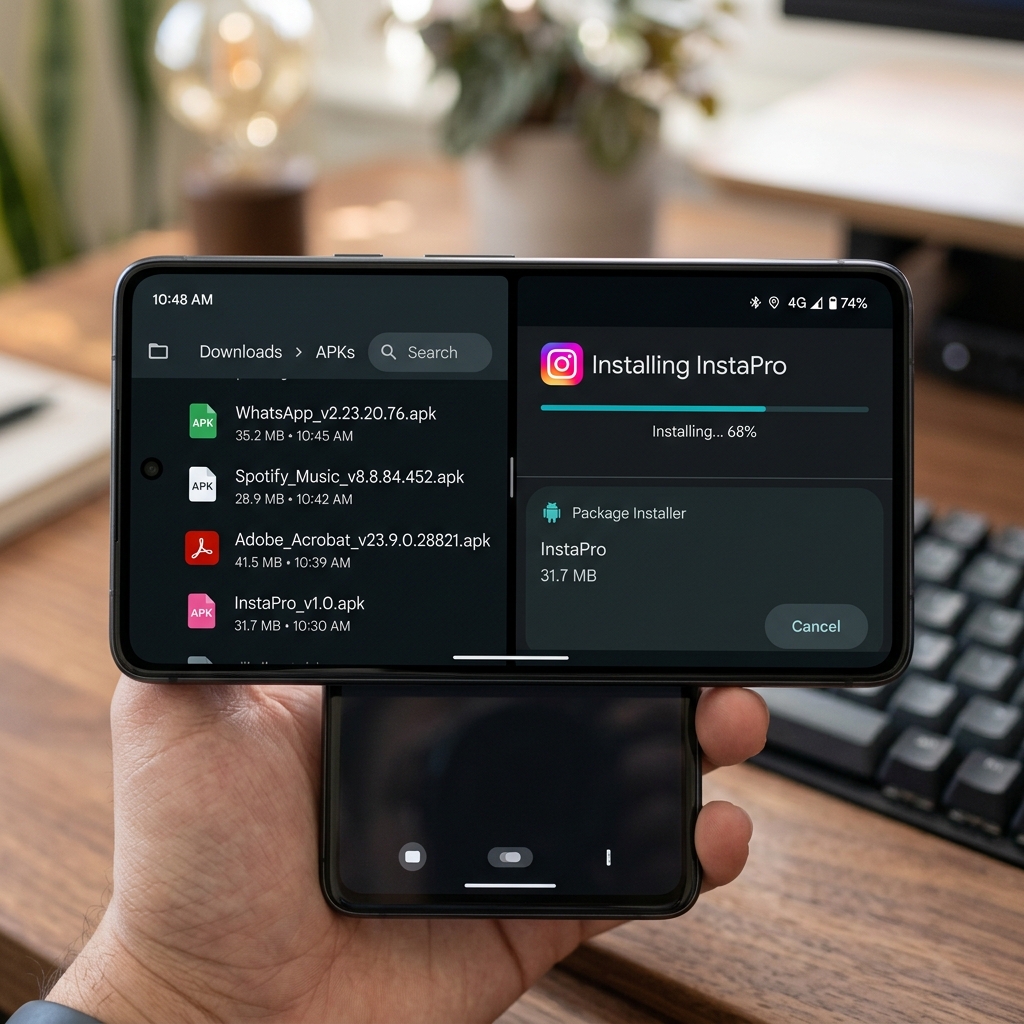
Apps get removed from the Play Store for various reasons including developer decisions, policy changes, or business closures. If you relied on an app that has been delisted, APK files allow you to continue using it by installing the last available version. This is particularly valuable for niche productivity tools, legacy games, and specialized utilities that have no adequate replacement.
Benefit 2: Get Early Access to Updates
App updates on the Google Play Store are rolled out gradually across different regions and device types. This staged rollout means that some users may wait days or even weeks to receive the latest version of their favorite app. APK files let you bypass the waiting period entirely.
Beta and Preview Versions
Developers often release beta versions of their apps through APK files before they reach the stable Play Store release. By installing beta APKs, you can test new features, provide feedback to developers, and enjoy improvements before anyone else. Major apps like WhatsApp, Instagram, and Chrome regularly have beta APKs available for enthusiasts who want to stay on the cutting edge.
Benefit 3: Roll Back to a Previous Version
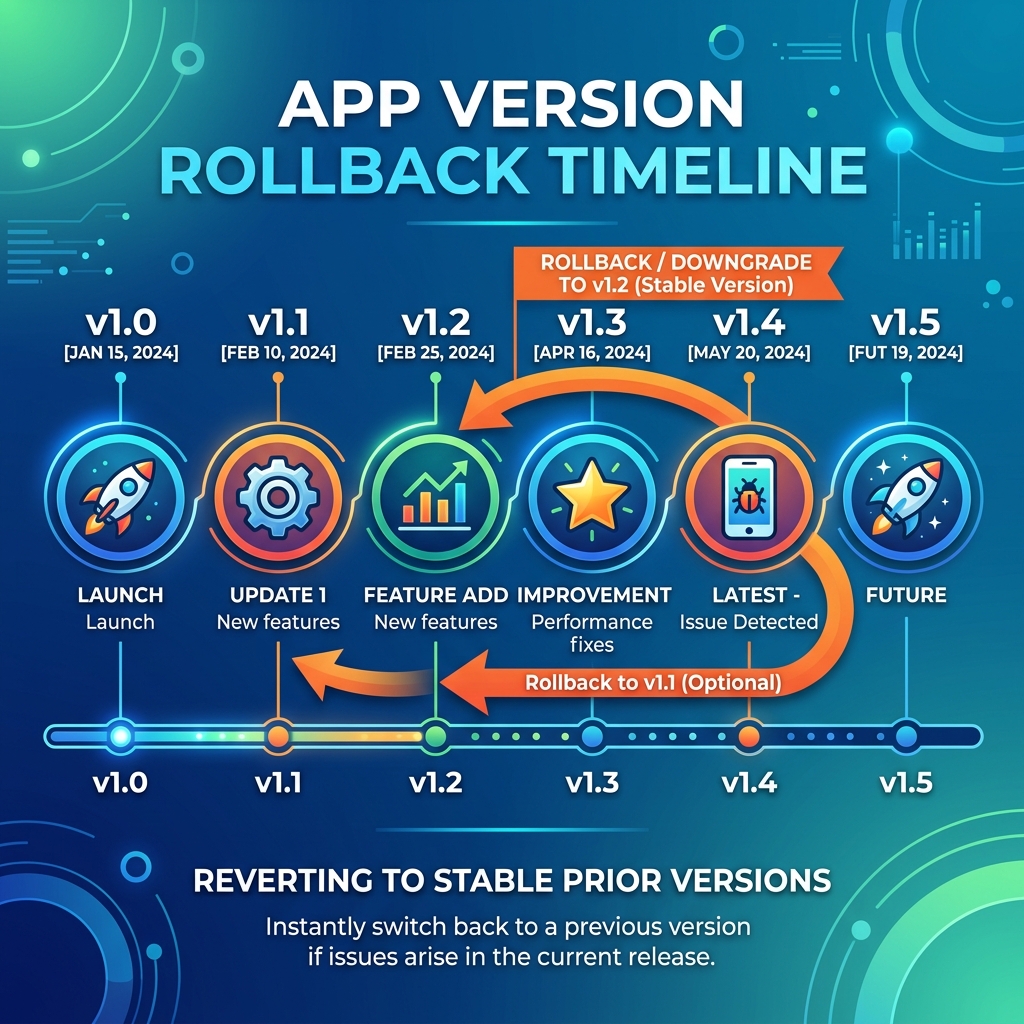
App updates do not always improve the experience. Sometimes a new version introduces bugs, removes features you relied on, changes the user interface in ways you dislike, or causes performance issues on your specific device. APK files give you the power to downgrade to any previous version.
How Version Rollback Works
APK hosting websites archive every version of popular Android apps. If a new update breaks functionality or introduces unwanted changes, you can uninstall the current version and install an older APK that worked perfectly for your needs. This level of control is impossible when relying solely on the Play Store, which only offers the latest version and does not allow downgrades through its interface.
Benefit 4: Save Bandwidth and Storage
Once you download an APK file, you have a permanent copy that can be shared, backed up, or installed on multiple devices without downloading again. This is especially beneficial for users with limited or expensive internet connections.
Offline Installation
APK files can be transferred between devices via Bluetooth, USB cable, or file-sharing apps like ShareIt and Nearby Share without requiring any internet connection. This means you can install applications on devices that have no internet access, share apps with friends and family without consuming mobile data, and keep backup copies of essential apps on your computer or external storage device for emergency reinstallation.
Benefit 5: Freedom from Google Account Requirements
The Google Play Store requires a Google account to download and install applications. Some users prefer not to have a Google account for privacy reasons, or they may use custom Android ROMs that do not include Google services. APK files allow these users to install any Android application without needing a Google account or Google Play Services on their device.
Benefit 6: Access Modified and Optimized Apps
The APK ecosystem includes modified versions of popular applications that offer enhanced functionality not available in the standard Play Store versions. These modifications can include ad-free experiences, unlocked premium features, performance optimizations for specific hardware, and custom themes or interface modifications. While users should exercise caution with modified APKs, many reputable developers create legitimate optimized versions that improve the user experience.
Safety Considerations When Using APKs
While APK files offer numerous benefits, it is crucial to practice safe downloading habits to protect your device from malware and security threats.
Download from Trusted Sources Only
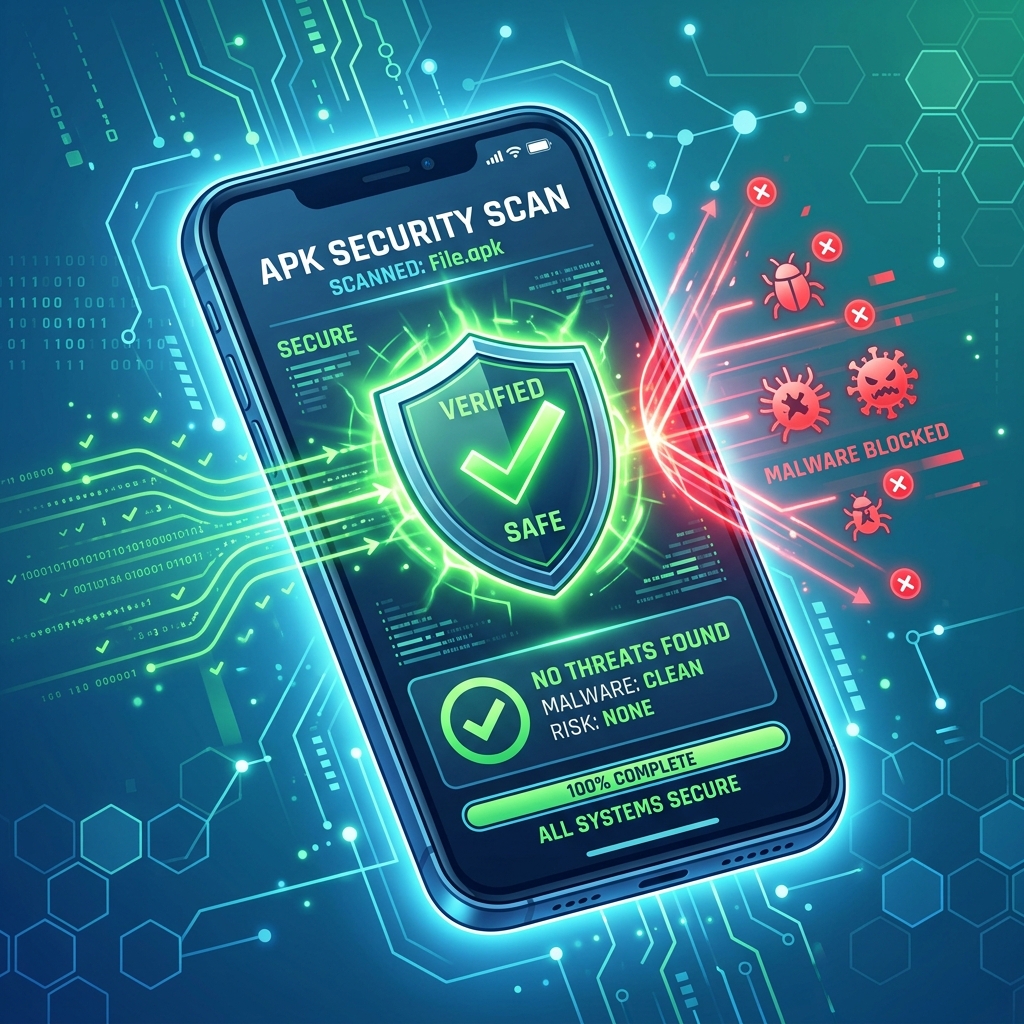
Only download APK files from reputable and well-known sources such as APKMirror, APKPure, and F-Droid. These platforms verify the authenticity of uploaded APKs by checking digital signatures against the original Play Store versions. Avoid downloading APKs from random websites, pop-up advertisements, or suspicious links shared through messaging apps.
Verify APK Signatures
Every legitimate APK is digitally signed by its developer. Before installing a sideloaded APK, you can use tools like APK Signature Verification apps to confirm that the file was signed by the original developer and has not been tampered with. If the signature does not match the known developer certificate, do not install the file.
Use Antivirus Scanning
Before installing any APK file from outside the Play Store, scan it with a reputable mobile antivirus application. Google Play Protect also scans sideloaded applications for known malware, providing an additional layer of protection. Enable Google Play Protect in your device settings to ensure automatic scanning of all installed applications.
How to Install APK Files on Android
To install APK files, first enable the "Install from Unknown Sources" permission. On modern Android versions (8.0 and above), go to Settings > Apps > Special App Access > Install Unknown Apps and grant permission to the specific app you will use to open the APK (usually your file manager or browser). Then simply tap on the downloaded APK file and follow the installation prompts. After installation, you can revoke the unknown sources permission for added security.
Conclusion
Using APK files offers Android users a level of freedom and flexibility that the Play Store alone cannot provide. From accessing region-locked apps and getting early updates to rolling back problematic versions and installing apps offline, the benefits are substantial. By following safe downloading practices and verifying APK authenticity, you can enjoy these advantages while keeping your device secure. The APK ecosystem empowers users to take full control of their Android experience in 2026.