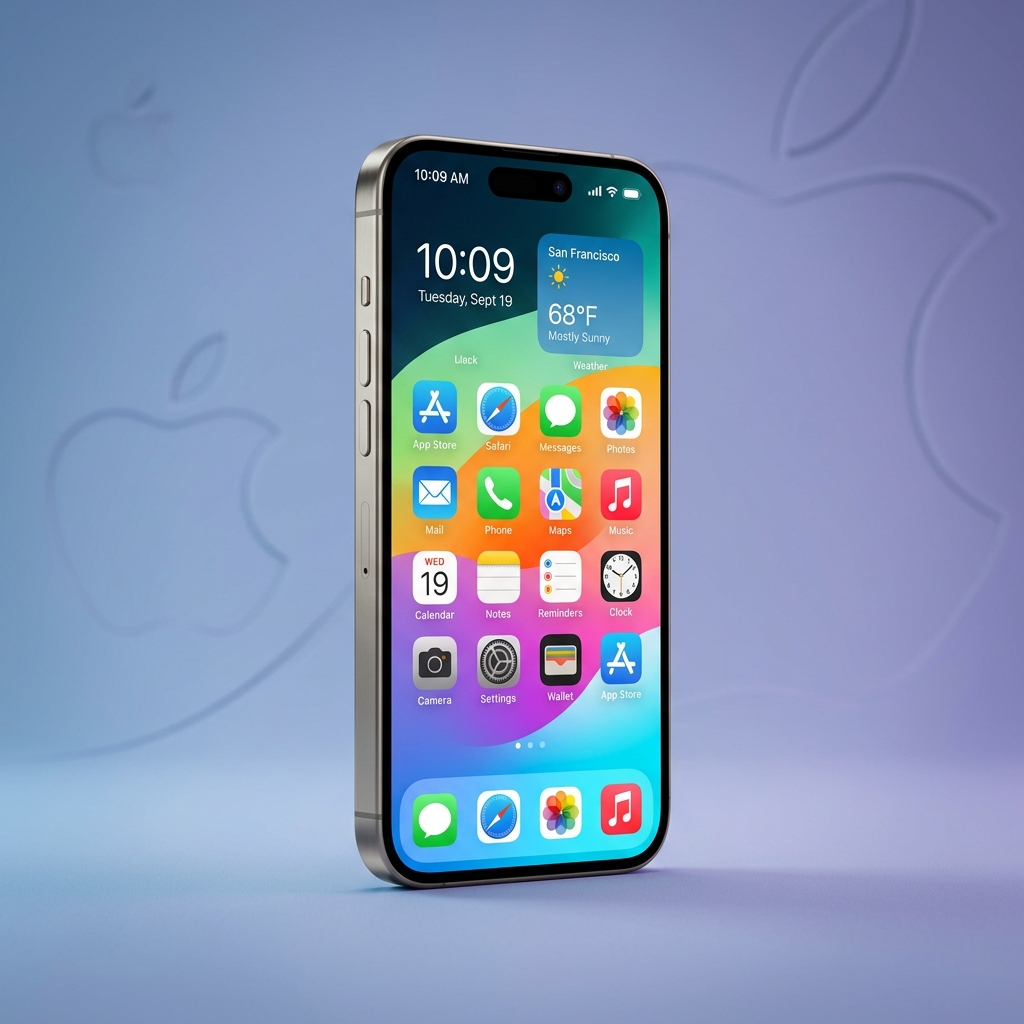
iOS is the proprietary mobile operating system developed by Apple Inc. that powers the iPhone, iPod Touch, and previously the iPad before iPadOS was introduced. Since its original unveiling in January 2007 alongside the first-generation iPhone, iOS has grown into one of the most influential software platforms in the history of computing. This comprehensive introduction covers everything you need to know about iOS in 2026.
The Origin and History of iOS
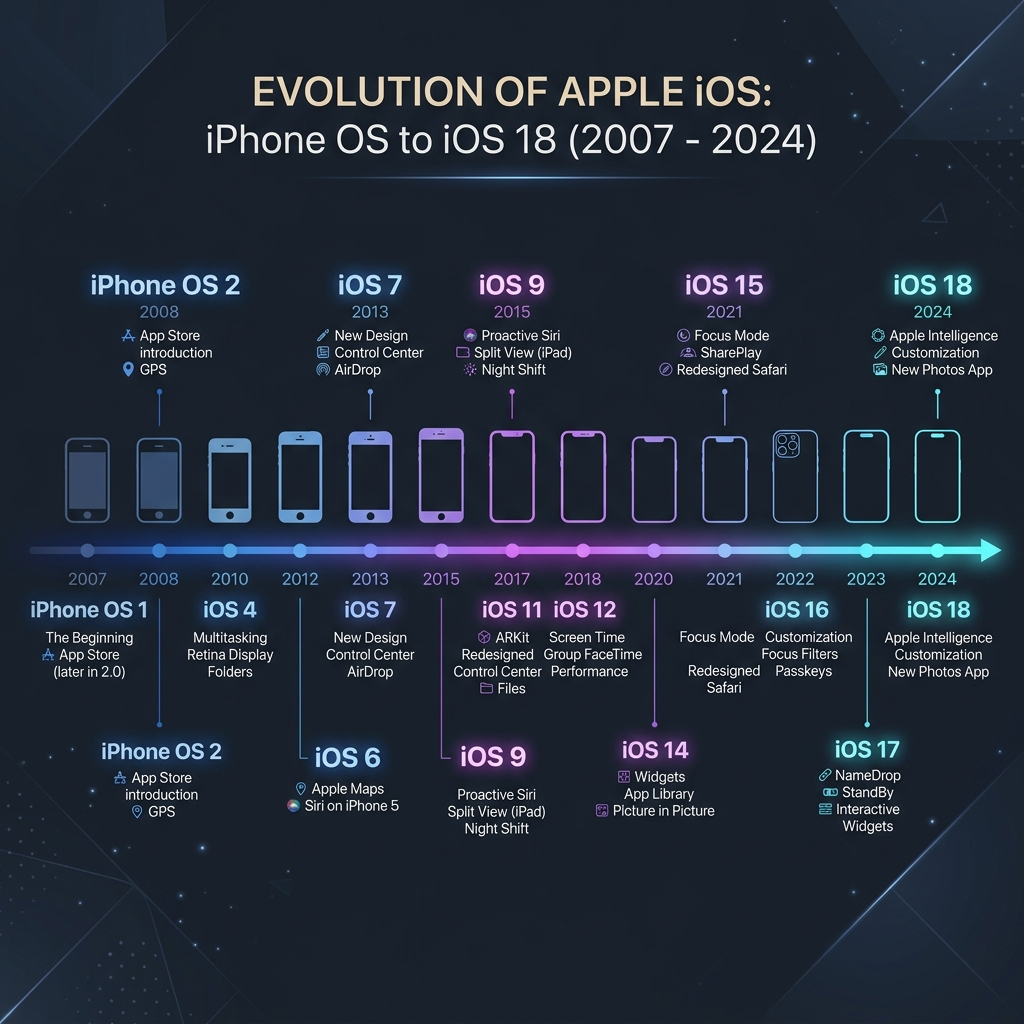
When Steve Jobs took the stage at Macworld Conference in 2007, he introduced a device that would permanently alter the technology landscape. The original operating system was simply called "iPhone OS" and it ran exclusively on the first iPhone. It featured a revolutionary multi-touch interface that eliminated the need for physical keyboards and styluses, setting a new standard for how humans interact with mobile devices.
The Rebranding to iOS
In 2010, Apple officially renamed the platform from "iPhone OS" to "iOS" starting with version 4. This change reflected the broader scope of the operating system, which by then was running on multiple device categories including the iPad and iPod Touch. The shorter name also aligned better with Apple marketing strategy and became instantly recognizable worldwide.
Core Features That Define iOS
iOS is built on a Unix-based foundation derived from macOS (formerly OS X), which itself traces its roots to the NeXTSTEP operating system. This solid architectural base gives iOS exceptional stability, performance, and security characteristics that distinguish it from competing mobile platforms.
User Interface and Design Philosophy
Apple has always prioritized simplicity and elegance in the iOS user interface. The home screen consists of a grid of application icons with smooth animations and intuitive gestures. Over the years, the design has evolved from skeuomorphic elements in early versions to the flat, minimalist aesthetic introduced in iOS 7 under Jony Ive direction. Modern iOS continues this clean design language with added depth through widgets, dynamic wallpapers, and customizable lock screens.
The App Store Ecosystem
Launched in July 2008 with iOS 2, the App Store transformed mobile computing forever. It introduced a centralized marketplace where developers could distribute applications directly to millions of users. By 2026, the App Store hosts millions of applications across categories including productivity, gaming, health, education, and entertainment. The strict review process ensures quality and security standards that users have come to expect.
Security and Privacy on iOS
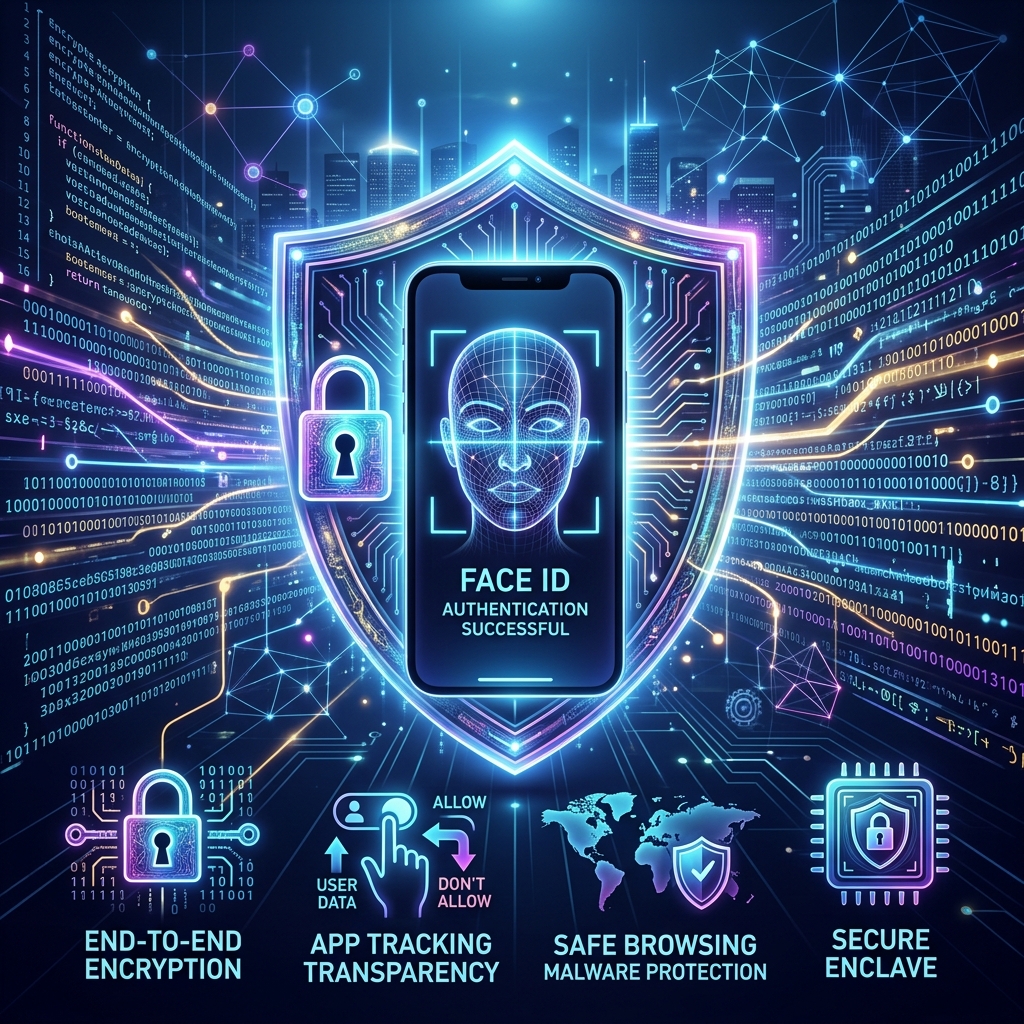
Security has always been a cornerstone of the iOS platform. Apple takes a hardware-plus-software approach to protecting user data, integrating secure enclaves, biometric authentication, and end-to-end encryption directly into the system architecture.
Face ID and Touch ID
Biometric authentication on iOS provides both convenience and robust security. Touch ID, introduced with the iPhone 5s in 2013, uses a fingerprint sensor embedded in the home button. Face ID, launched with the iPhone X in 2017, employs a TrueDepth camera system to create a detailed 3D map of the user face. Both systems encrypt biometric data locally on a dedicated Secure Enclave chip, ensuring that sensitive information never leaves the device.
App Tracking Transparency
Starting with iOS 14.5, Apple introduced App Tracking Transparency (ATT), requiring applications to explicitly request user permission before tracking their activity across other apps and websites. This feature gave users unprecedented control over their digital privacy and significantly impacted the advertising industry by making cross-app tracking opt-in rather than opt-out.
The Apple Ecosystem Integration
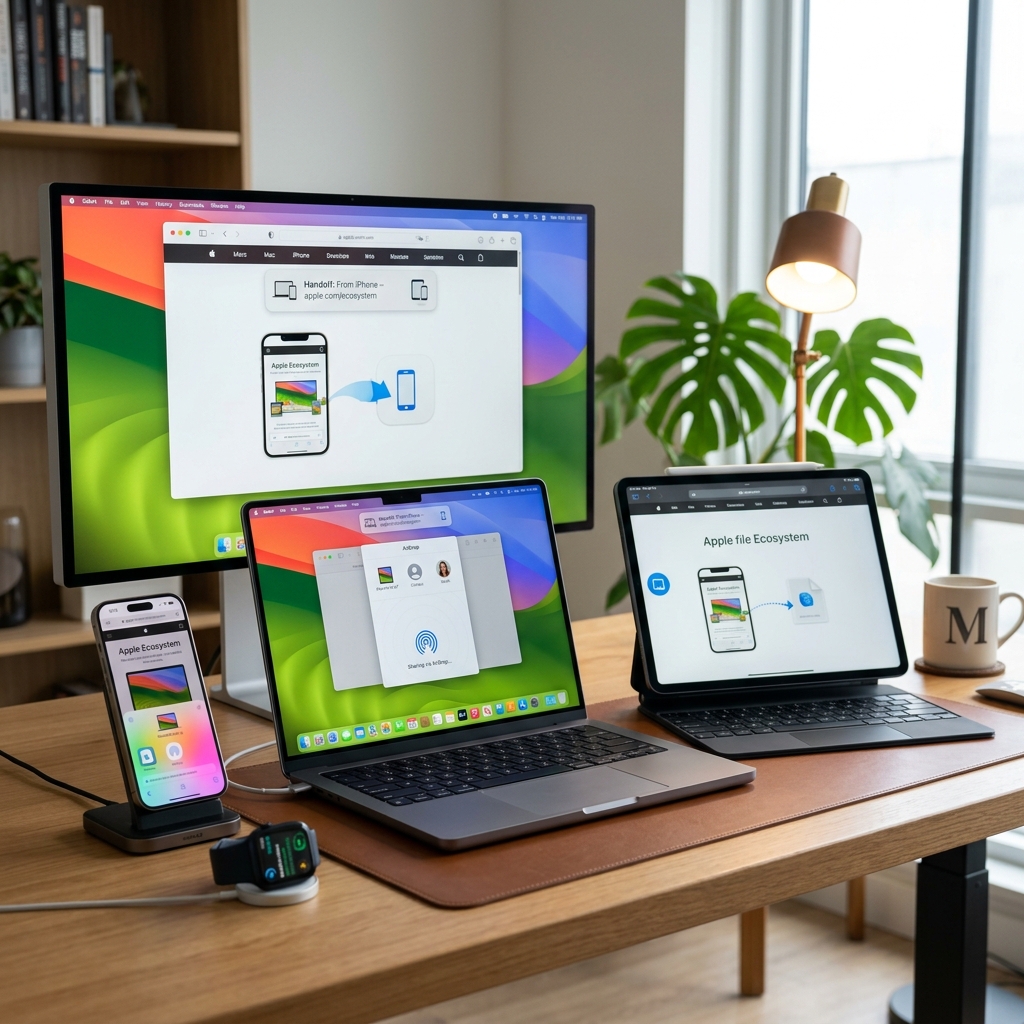
One of the strongest advantages of iOS is its deep integration with the broader Apple ecosystem. Features like Handoff, AirDrop, Universal Clipboard, and Continuity Camera create a seamless experience across iPhone, iPad, Mac, Apple Watch, and Apple TV. Starting a task on one device and completing it on another has become effortless.
iCloud and Data Synchronization
iCloud serves as the backbone of data synchronization across Apple devices. Photos, documents, contacts, calendars, passwords, and app data are automatically kept in sync. iCloud Keychain securely stores credentials, while iCloud Drive provides cloud storage accessible from any Apple device or even a web browser. This tight integration means that switching between devices feels completely natural.
iOS Development and Swift Programming
Apple provides developers with a comprehensive set of tools for building iOS applications. Xcode, the official integrated development environment, includes Interface Builder, simulators, debugging tools, and performance analyzers. In 2014, Apple introduced Swift, a modern programming language designed specifically for Apple platforms. Swift replaced Objective-C as the preferred language for iOS development, offering safer syntax, better performance, and more readable code.
Conclusion
From its humble beginnings as iPhone OS in 2007 to its current state as a mature and feature-rich platform, iOS has consistently pushed the boundaries of what mobile devices can accomplish. Its combination of intuitive design, robust security, powerful performance, and seamless ecosystem integration continues to set the benchmark for mobile operating systems worldwide. Understanding iOS is essential for anyone interested in modern technology, mobile development, or the Apple product lineup.